Do you need a neutral wire to install the Philips Hue Wall Switch Module?
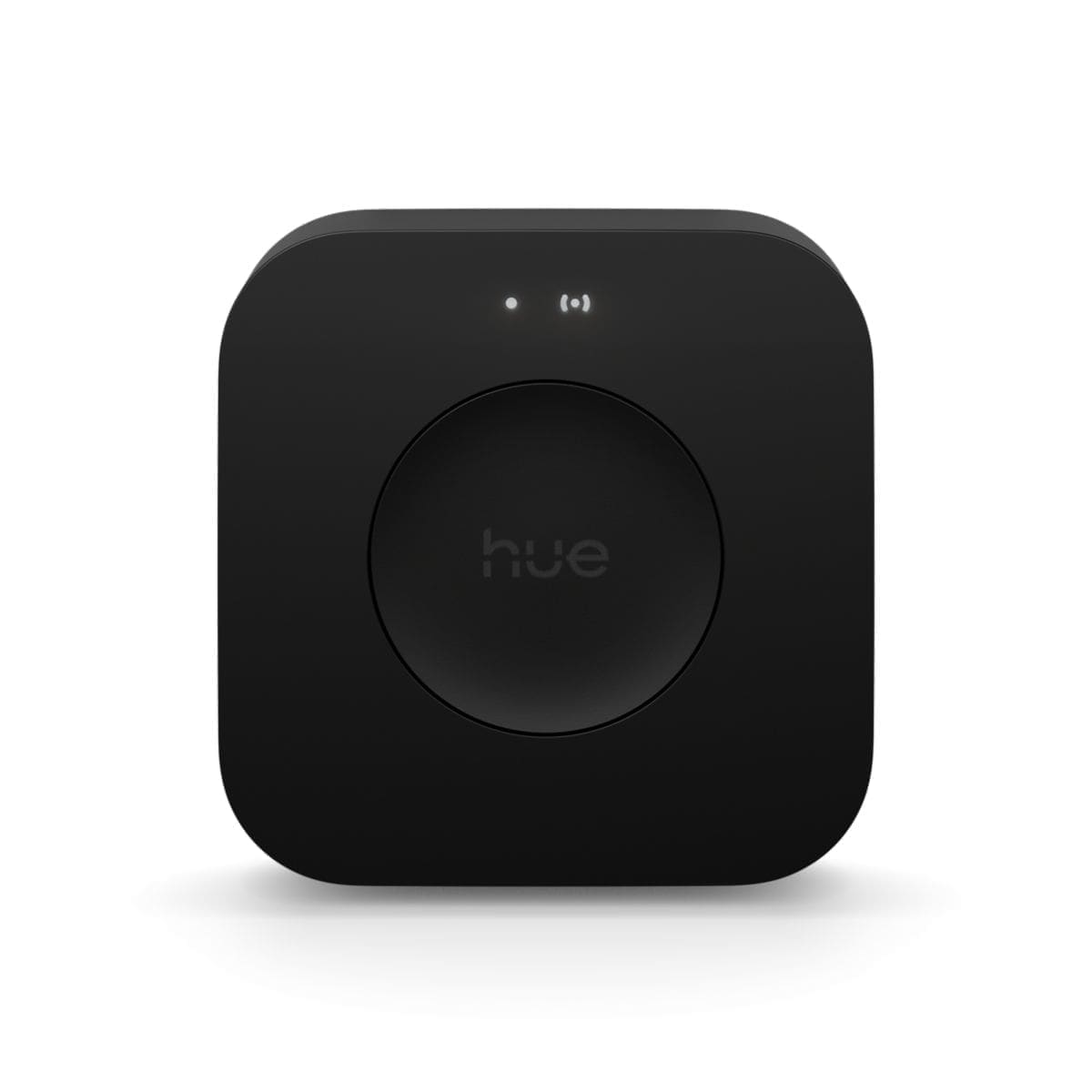
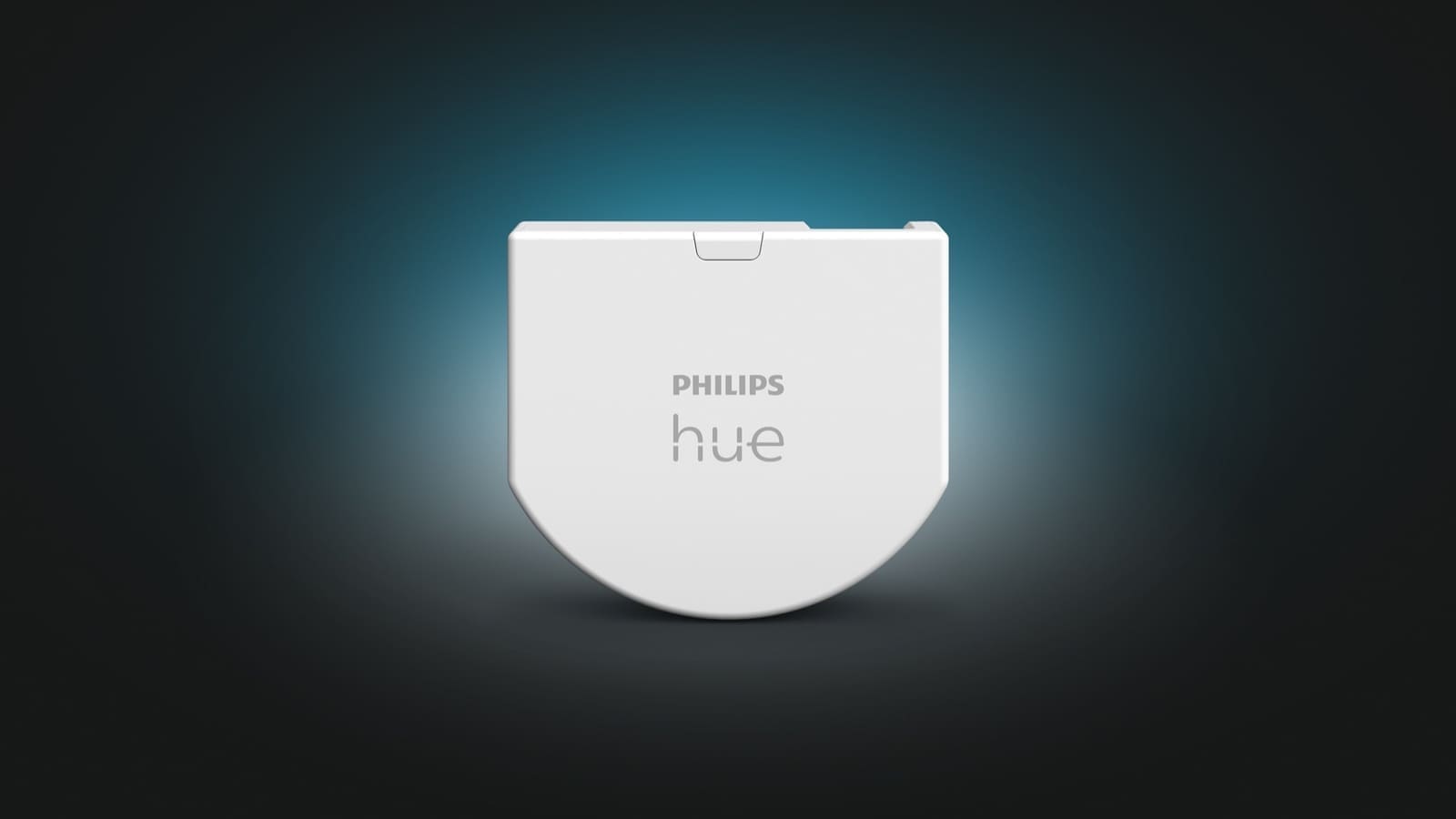
No — that's the entire point of this module. Philips Hue's official installation guide confirms it is "battery powered (no wiring required)" and specifically recommends it for switch boxes without a neutral conductor, where the mains-powered Hue Wall Switch (the on/off or dimmer version) can't be fitted. If your junction box does have a neutral, you have more choice: a wired Hue switch or a third-party option like a no-neutral smart light switch can control mains circuits directly, whereas the module only ever controls Zigbee bulbs that are already live.
What do you need before you start?
- A Philips Hue Bridge, already set up on your network — the module pairs through the Bridge, not directly to bulbs.
- Existing Hue/Zigbee smart bulbs fitted in the relevant fixture, left permanently powered, since the module never switches mains current itself.
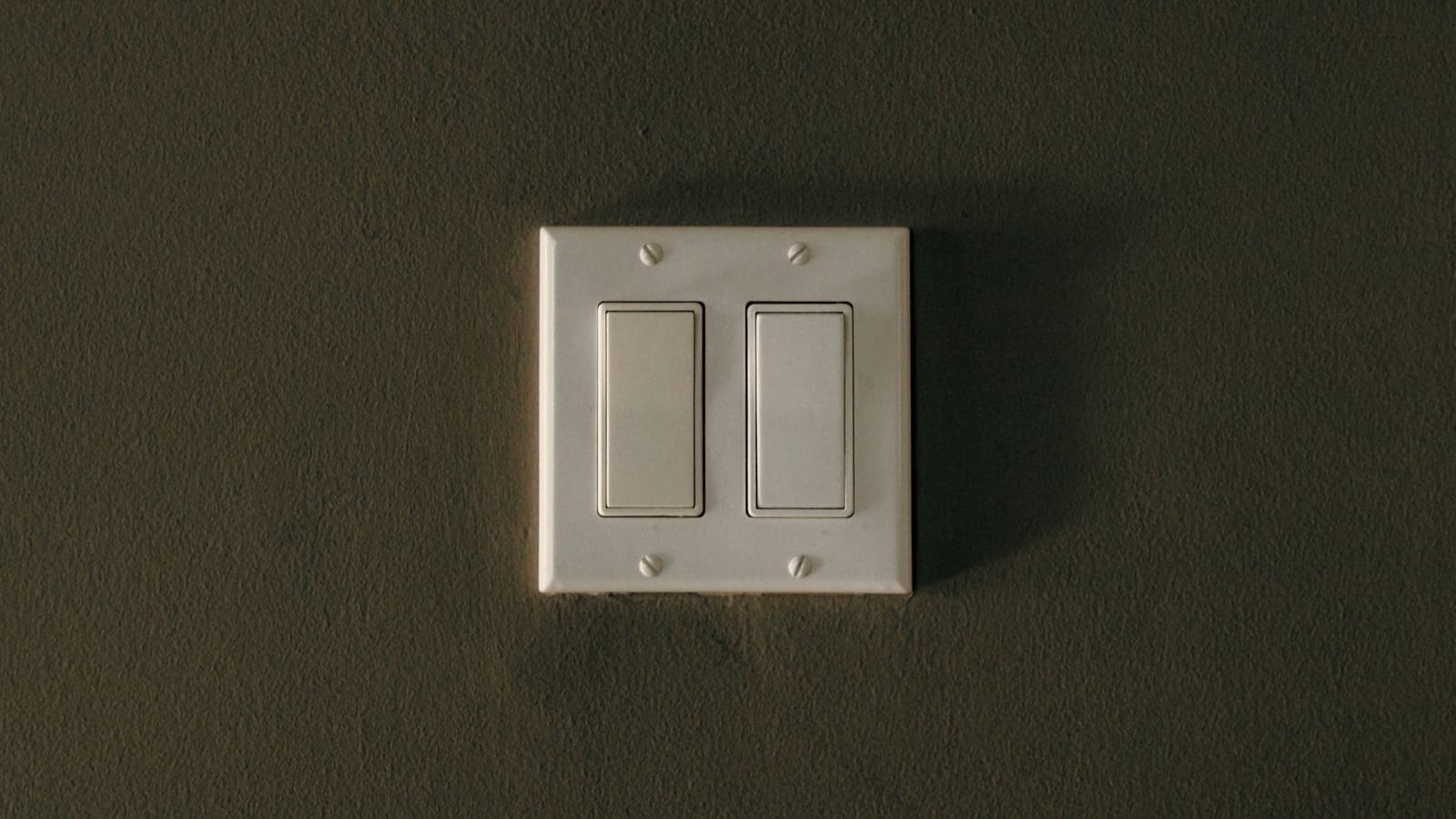
- A compatible switch mechanism — rocker, toggle or push-button. Rotary dimmer switches are not compatible.
- Confidence isolating and working inside a switch box, or a qualified electrician to carry out that part, since UK wiring regulations and Part P may apply.
Step 1: Isolate the circuit at the consumer unit
Philips Hue's guidance sets out a short process, though it still involves working inside a switch box, so UK wiring regulations apply. Isolate the circuit at the consumer unit before removing anything from the switch box.
Step 2: Remove the faceplate and cap the existing switch wires
Remove the existing switch faceplate and use the wire nut/push-in connector supplied in the box to join the existing switch wires together permanently — the module doesn't use them, it just needs the switch itself to stay in the wall as a mechanical rocker or push-button.
Step 3: Fit the module and the new switch plate
Clip the battery-powered module unit into the back box behind the switch and fit the new centrepiece and rocker over it.
Step 4: Restore power and add the module in the Hue app
Restore power and add the module in the Hue app via Settings → Devices → the blue plus icon, or Add devices from the Home tab's three-dot menu.
Step 5: Assign the module and set up button actions
Assign it to the light or room you want it to control, and choose what a single press, double press and long press each do.
Philips Hue's own documentation is explicit that the wiring step should only be carried out by someone competent to do so: "Electrical devices should only be installed and connected by electrically skilled people. Local regulations may prohibit working on electrical wires without a professional." In the UK, that means Part P of the Building Regulations may apply depending on the room, so if you're not confident isolating and capping wiring safely, get a qualified electrician to do the five-minute in-box part while you handle the app setup.
Does it work with rocker or push-button switches?
Yes, both — the module supports rocker, toggle and push-button switch mechanisms, and the Hue app lets you tell it which type is fitted so it interprets presses correctly. Push-button (retractive) switches also support long-press-and-hold for dimming, which a standard rocker switch can't replicate in the same way. One thing it doesn't support is a rotary dimmer switch — those aren't compatible with the module's wiring at all.
| Spec | Detail |
|---|---|
| UK price | £39.99 (single pack) |
| Power | CR2450 battery, no mains wiring, ~5-year battery life |
| Neutral wire needed? | No |
| Hub required | Philips Hue Bridge (mandatory) |
| Compatible switches | Rocker, toggle, push-button (not rotary dimmers) |
| Controls | Existing Hue/Zigbee smart bulbs — does not switch mains current |
Is the Wall Switch Module worth it, or should you buy a smart dimmer instead?
It depends on what's already in the switch box and what you want the switch to do. If there's no neutral and you already have Hue bulbs fitted that you want to keep permanently powered so voice control and automations still work, the module is the pragmatic fix — it's cheaper and far less disruptive than running a new neutral cable. If your box does have a neutral and you'd rather switch mains power directly (so the bulbs can be non-smart, or so the circuit can be fully isolated at the wall), a wired smart dimmer switch is the better fit, since it replaces the switching function itself rather than adding a Zigbee remote alongside it. Either way, you'll need a Hue Bridge already set up before the module will pair.
For most UK renters and anyone with an unmodified 1980s-or-older lighting circuit, the module is the lower-risk choice: it leaves the original wiring capped and untouched behind the plate, so reverting to a standard switch later is trivial.