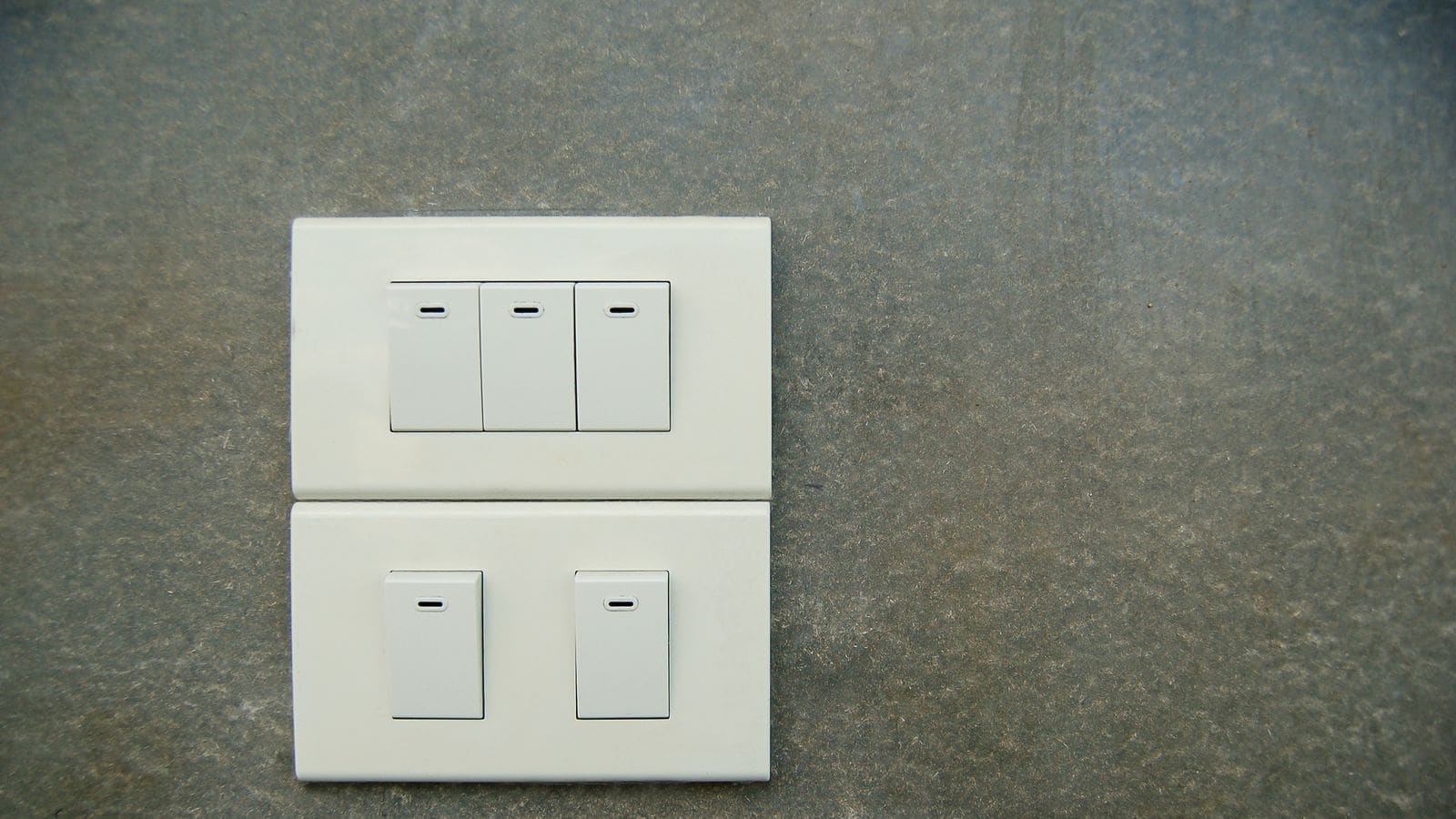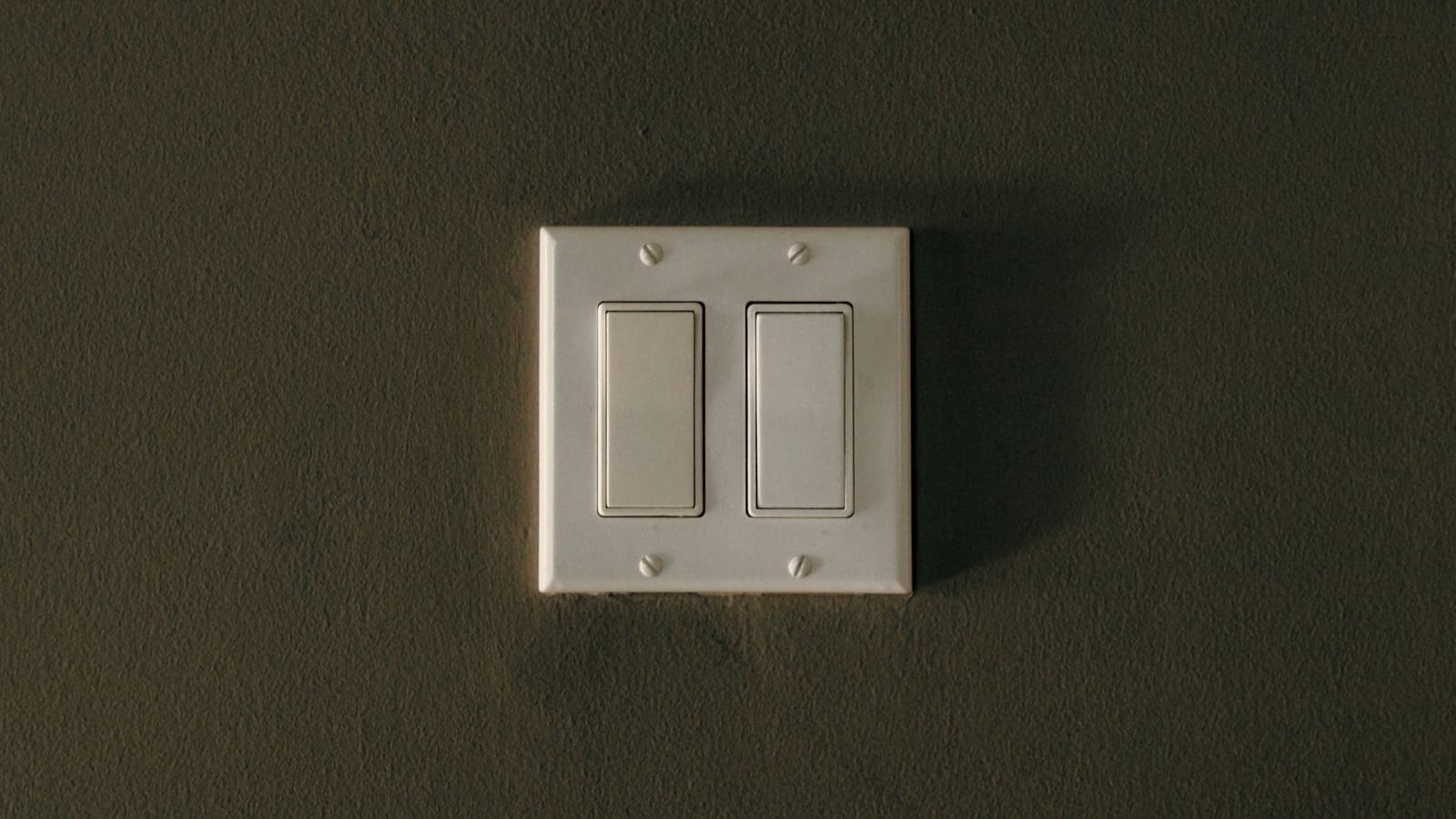
What is a smart switch and how is it different from a smart bulb?
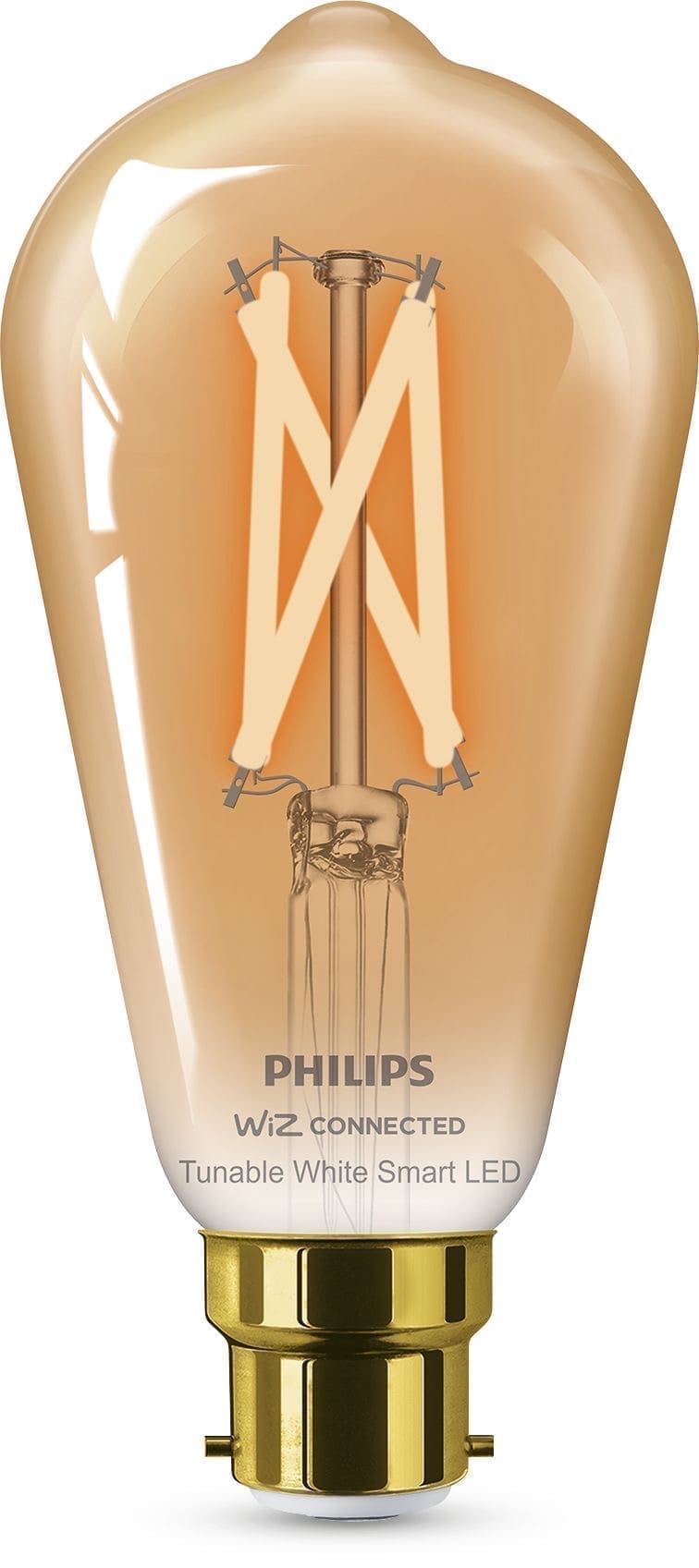
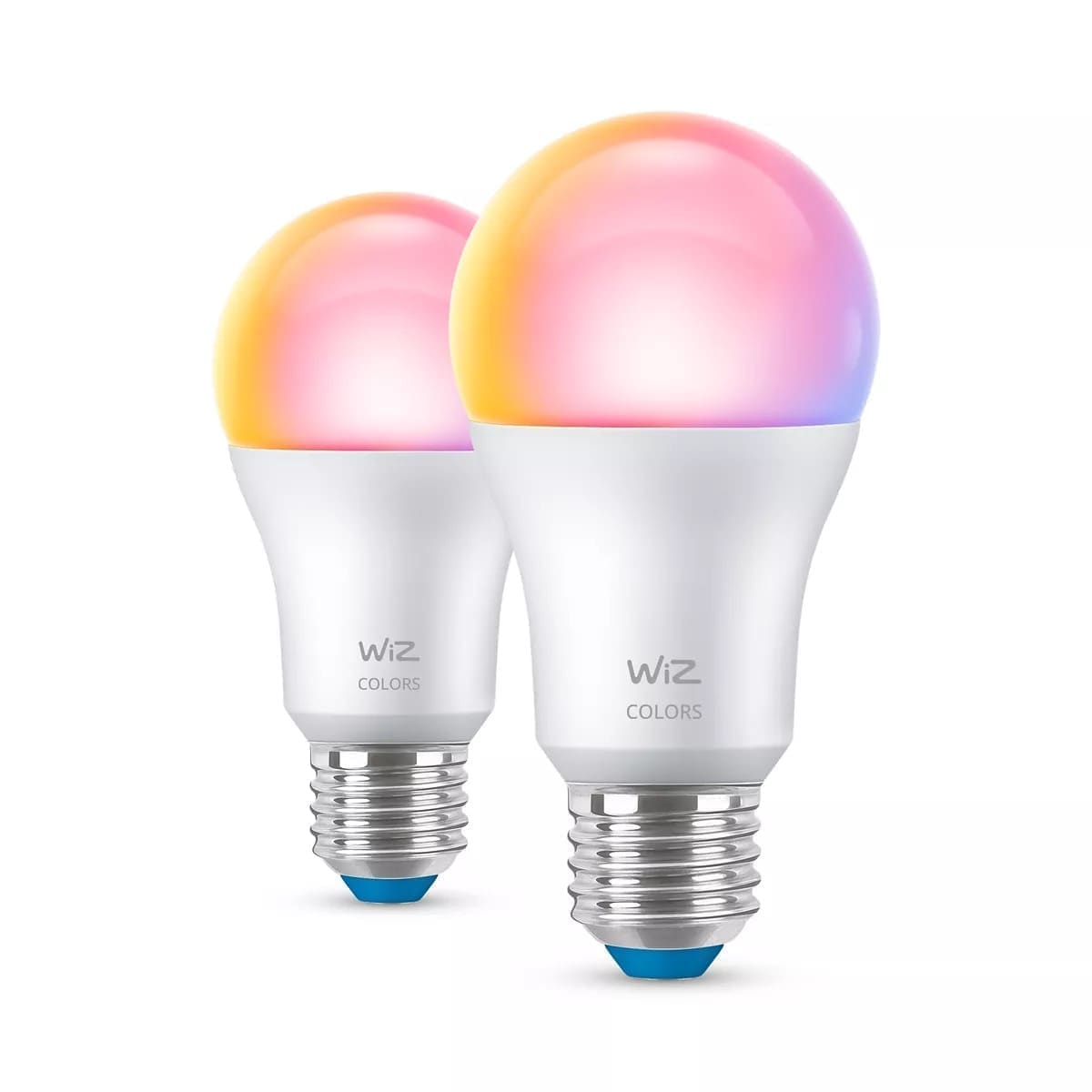
A smart switch replaces the physical switch on your wall, so it controls whatever is wired to that circuit — one bulb, a whole ceiling fitting, or even a non-lighting load like an extractor fan. A smart bulb, by contrast, is the light source itself: you keep the existing wall switch, but must leave it permanently "on" so the bulb never loses power, and the smart features live entirely in the bulb. Smart bulbs are quicker to set up and need no wiring knowledge, but every bulb in a multi-bulb fitting has to be a compatible smart bulb for the room to work properly. A smart switch is a single point of control for a whole circuit and keeps working with ordinary bulbs, which is usually the cheaper option in rooms with several bulbs, such as a kitchen or a room with spotlights.
What types of smart switch are there?
Three broad categories cover most UK products:
- Smart light switches — a direct wall-plate replacement, usually 1–3 gang, that keeps the existing rocker or touch-panel look while adding app and voice control.
- Smart plugs — the least invasive option: no wiring at all, they sit in a standard socket and switch whatever's plugged into them, from a lamp to a fan. See our Meross smart plug review for how one popular model performs in a UK home.
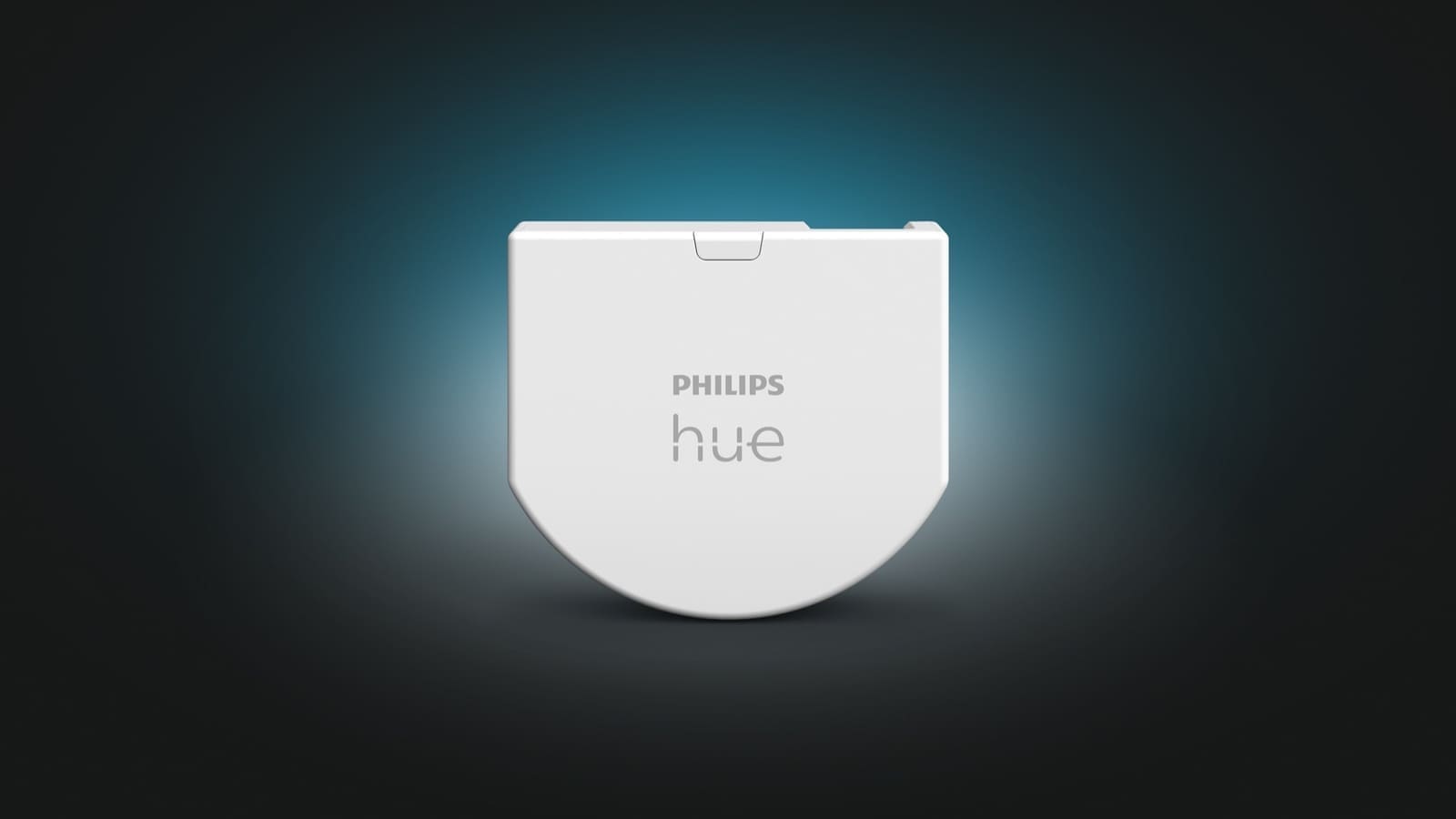
- In-wall relay modules — a small relay fitted inside the switch back box (or behind a socket) that adds smart control while leaving the existing physical switch or a standard-looking faceplate in place. This is the neatest option for period homes where a bulky retrofit switch would look out of place, but it needs enough room in the back box and is best left to an electrician.
Does a smart switch need a neutral wire?
Most mainstream smart switches need a neutral wire to power their internal electronics continuously, and that's the single biggest reason UK installs fail. Homes wired before the 1990s typically used "loop-in" wiring, where the neutral conductor stays up at the ceiling rose and only the live and switched-live wires run down to the switch plate — so there's nothing to connect a standard smart switch's neutral terminal to. You have two ways round this: buy a switch specifically designed to work without a neutral (these usually draw a tiny trickle of power through the bulb circuit, which can cause flickering with some LED bulbs unless you fit a bypass capacitor), or have an electrician run a neutral down to the switch, which is more disruptive but gives you a wider choice of switches afterwards. Our best smart light switches without a neutral wire roundup covers specific models that are built for this exact scenario.
Which wireless protocol should you choose — Wi-Fi, Zigbee, Z-Wave or Matter?
Wi-Fi switches connect straight to your router and need no separate hub, which makes them the simplest to set up, but every switch adds another device to your Wi-Fi network and they depend on your internet connection for remote and voice control. Zigbee and Z-Wave are low-power mesh protocols that route through a hub — commonly a Home Assistant instance with a USB coordinator — and mains-powered devices like switches act as repeaters that extend the mesh, which tends to make a Zigbee or Z-Wave home more reliable at scale than a house full of individual Wi-Fi devices, according to Home Assistant's own ZHA integration documentation. Matter is newer again: rather than a radio protocol, it's a shared application layer that Google, Apple, Amazon and Samsung all support, letting a Matter-certified switch work natively across ecosystems without a manufacturer-specific bridge. If you're building around Home Assistant, our Zigbee vs Wi-Fi comparison and Home Assistant Matter bridge guide go into more depth on picking a protocol for your whole setup, not just switches.
| Protocol | Hub required | Typical cost | Best for |
|---|---|---|---|
| Wi-Fi | No | £ | Small setups, no existing hub |
| Zigbee | Yes (or Home Assistant + coordinator) | ££ | Larger homes wanting a reliable mesh |
| Z-Wave | Yes | £££ | Homes prioritising range and interference resistance |
| Matter | Depends on device (thread border router for some) | ££ | Mixed Apple/Google/Amazon households |
Is it legal to install a smart switch yourself in the UK?
Yes, in most cases — swapping a standard light switch for a like-for-like smart switch, outside a bathroom or other special location, is not notifiable work under Part P of the Building Regulations, according to the Institution of Engineering and Technology (IET). You still need to isolate the circuit at the consumer unit before you start and wire the replacement to BS 7671 standards. Work in a bathroom, or anything that involves new wiring or a new circuit rather than a straight swap, is notifiable and should go through a registered electrician or be signed off by building control. If you're not confident isolating a circuit safely, or your home's wiring is unusual (older cable colours, no earth at the switch, an unfamiliar back box), it's worth paying an electrician for a first fix and learning the layout before attempting further switches yourself.
How much do smart switches cost in the UK?
Budget Wi-Fi smart switches typically start under £20 per gang, Zigbee and Matter switches from established lighting brands usually sit somewhere in the middle, and Z-Wave in-wall switches from brands like Fibaro or Aeotec are the most expensive, often several times the price of an equivalent Wi-Fi switch — prices vary by retailer and specific model, so treat these as a rough guide rather than a fixed figure. On top of the switch itself, budget for a hub if you don't already have one (Zigbee and Z-Wave both need one, whereas Wi-Fi and some Matter devices don't), and factor in electrician time if your wiring needs attention first.
Smart switch vs smart bulb: which should you buy?
Pick a smart switch when a room has multiple bulbs on one circuit, when you want the physical switch to keep working exactly as before for anyone in the household who doesn't use the app, or when you're automating something that isn't a light at all, like an extractor fan or a towel rail. Pick a smart bulb, or a smart plug for anything with its own plug, when you're renting and can't touch the wiring, or when you only need to control a single lamp or fitting and want the absolute simplest setup. Many UK smart homes end up using both — smart switches on ceiling circuits and ceiling fans, smart bulbs or lamps for accent lighting where colour or dimming matters more than a physical switch. If you're setting the rest of your smart home up around a single ecosystem, our Apple HomeKit smart home setup guide shows how switches, plugs and bulbs fit together under one app.
Ceiling fans are one of the trickier retrofit cases, since most wire directly into a ceiling rose rather than a switched socket — see our guide to making a UK ceiling fan smart for the safe ways to add app and voice control.
Buying a replacement bulb rather than a switch? Our light bulb fittings, wattage and smart bulb guide covers E27, B22, GU10 and GU5.3 caps.