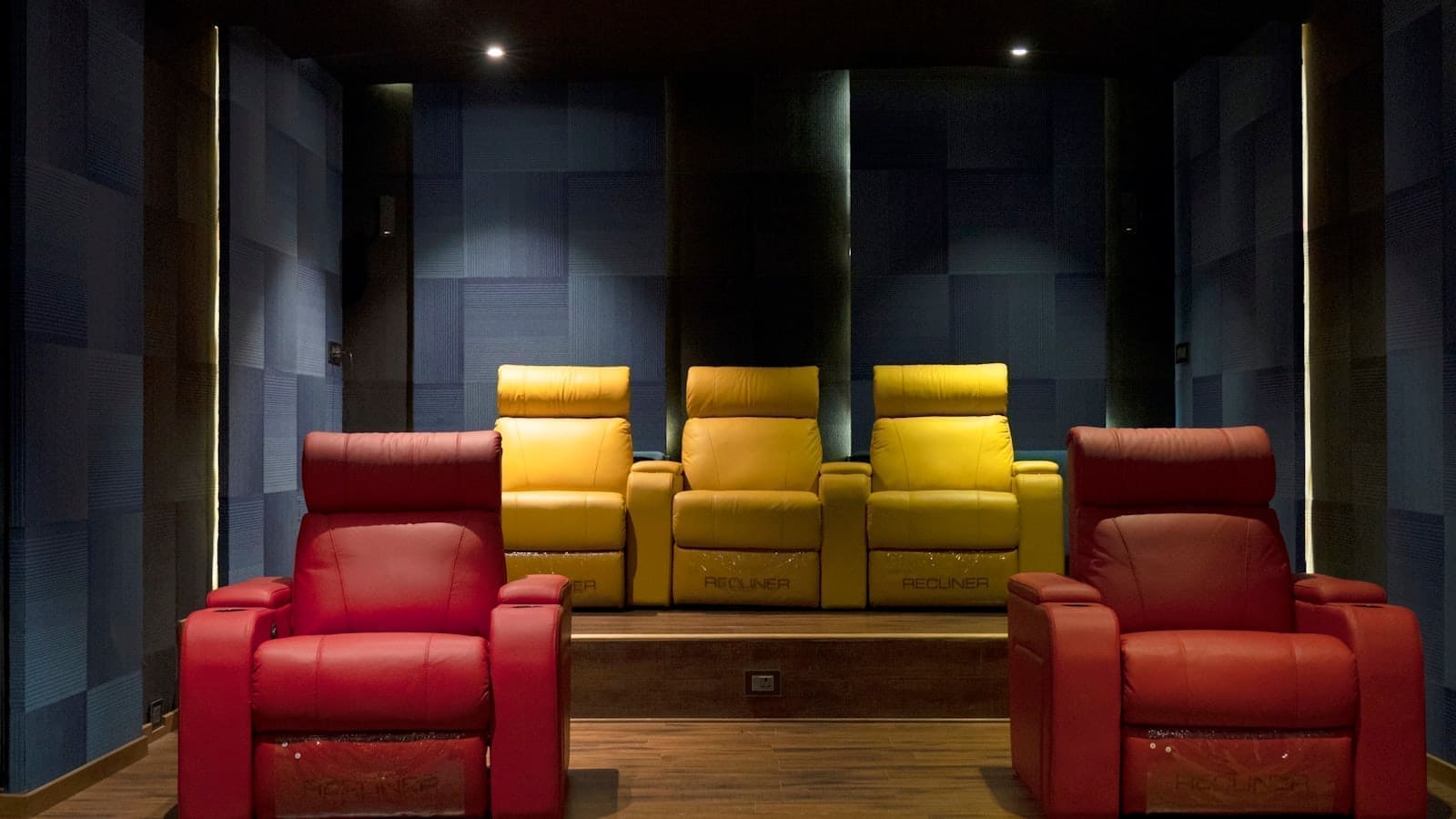
Why lighting matters more in a cinema room
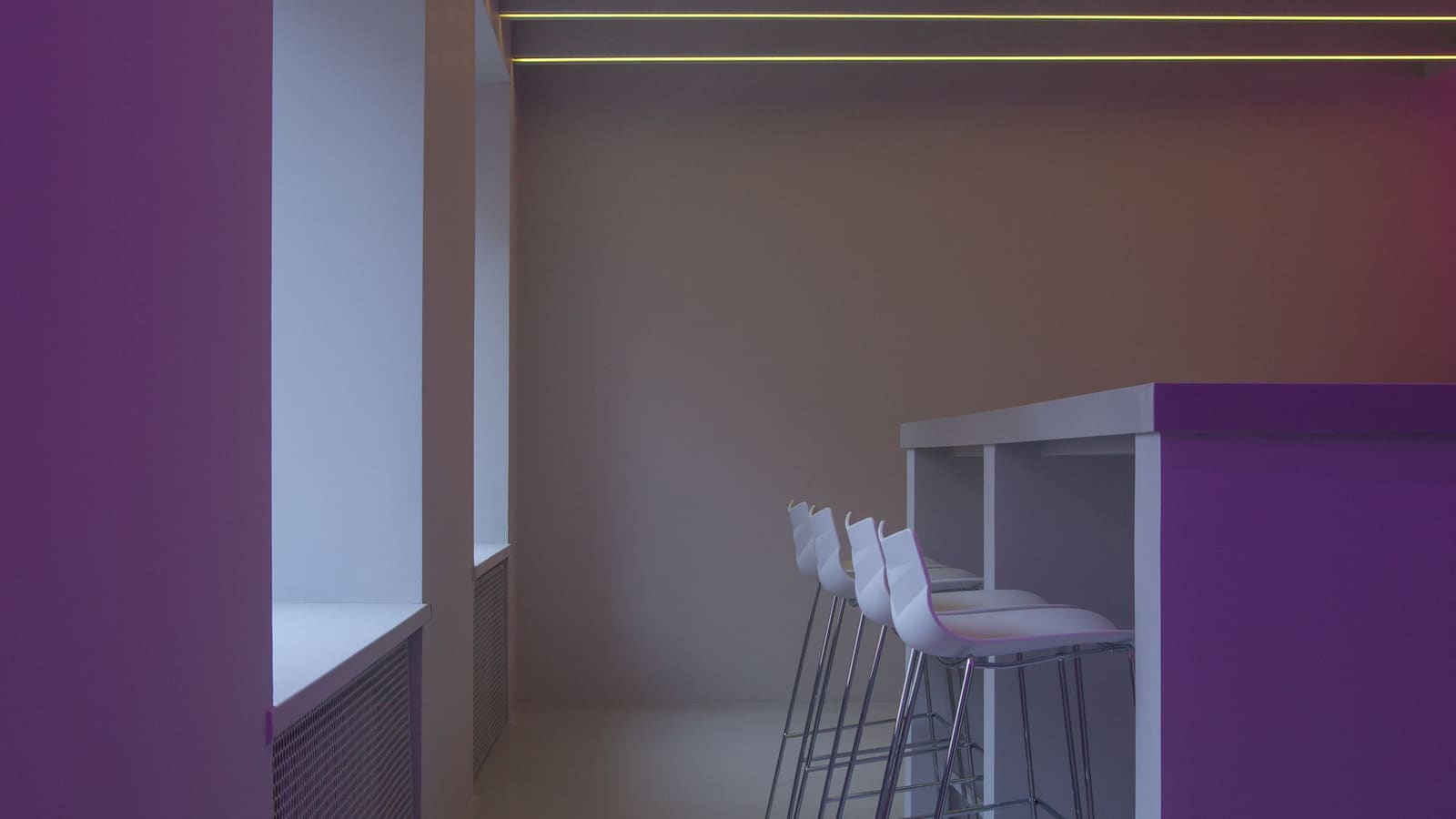
Watching in complete darkness increases eye strain and actually reduces perceived contrast, because your eyes adjust to the darkest parts of the frame rather than the mid-tones — this is the basic idea behind bias lighting, a low, even backlight positioned behind the screen. It's a long-established practice in professional video editing suites and has become a standard part of enthusiast home cinema setups for the same reason: a small amount of light behind the display makes the picture look more contrasty and detailed, not less, while cutting eye fatigue on long viewing sessions.
Layer 1: HDMI sync boxes for screen-matched lighting
An HDMI sync box sits between your source devices (streaming box, games console, Blu-ray player) and the TV or projector, reading the video signal and pushing matching colour and brightness data out to smart lights in real time. The best-known example is the Philips Hue Play HDMI Sync Box 8K, which supports up to four HDMI inputs at up to 8K/60Hz or 4K/120Hz and drives colour-changing Hue lights (lightstrips, Play bars, or bulbs) positioned around the room to extend on-screen colour and motion into the space. It's priced at £299.99 RRP direct from Philips Hue, though it's commonly available for £220–£230 from UK retailers. Our full Philips Hue Sync Box review covers setup and real-world lag in more detail.
Layer 2: TV bias lighting
If a full sync box is more than you need, a camera-based bias lighting kit like Govee's TV Backlight range reads the screen directly with a small camera and drives an LED strip stuck to the back of the TV — no HDMI pass-through box required. Govee's range spans roughly £70 for smaller Lite kits up to over £200 for larger dual-camera Pro models covering bigger screens, and works over Wi-Fi with its own app and Matter support. It's a cheaper, TV-only alternative to a full sync box, though it doesn't extend colour to lights elsewhere in the room the way a Hue Entertainment setup does. See our Govee TV Backlight review for how the two camera-based and HDMI-based approaches actually compare in use.
Layer 3: Ambient and scene lighting for the room
Beyond the screen itself, a cinema room needs low, warm ambient light that doesn't reflect off the screen — typically dimmable smart bulbs or a strip run along a skirting board or shelf, kept well away from direct sightlines to the display. The goal is a scene dim enough to preserve contrast but bright enough to walk to the door or find a drink without pausing the film. For wider guidance on setting up dimmed, zoned scenes rather than a single all-or-nothing light switch, see our smart lighting zones guide for UK homes.
Tying it together in Home Assistant
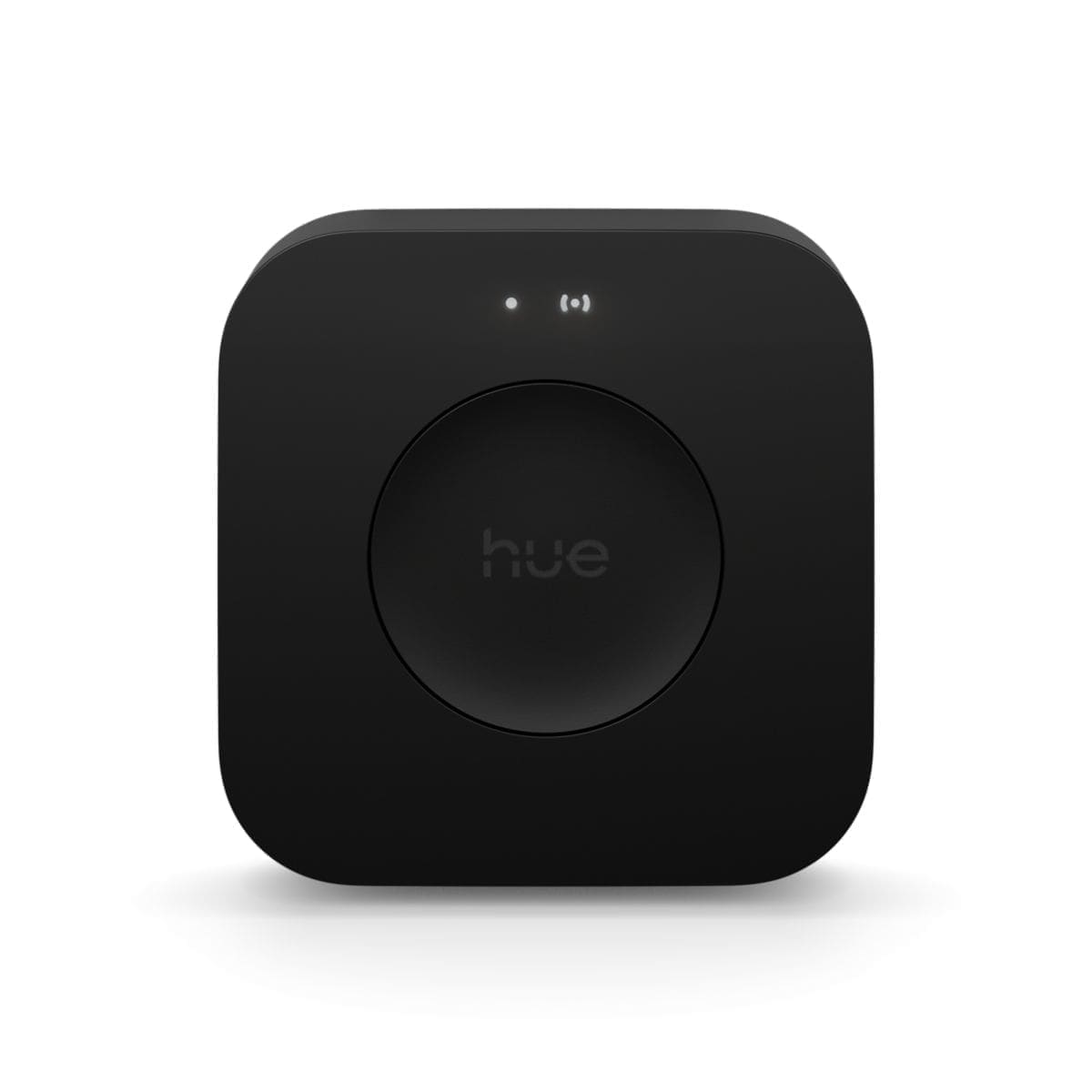
Both the Hue Sync Box and Govee's backlight range integrate with Home Assistant — Hue through the standard Hue Bridge integration (the sync box itself is controlled as an entertainment area, with entities to start/stop syncing and switch input — see our Philips Hue Entertainment Areas setup guide for how to map lights to the room and choose a sync method in the first place), and Govee through its official cloud integration or the community Govee LAN integration for local control. In Home Assistant, the most useful setup is a single scene or script that: dims the room's ambient lights to a preset low level, switches the TV backlight or sync box into film mode, and turns off any lights with direct sightlines to the screen — triggered from one dashboard button or voice command rather than juggling two or three separate apps every time you sit down to watch something.
What to buy for a first cinema lighting setup
- Budget-first: a Govee TV Backlight Lite kit (from around £70) for bias lighting alone, plus a couple of existing dimmable smart bulbs for ambient light.
- Full room sync: a Philips Hue Play HDMI Sync Box (£220–£300) paired with two or more Hue Play light bars or a lightstrip behind the screen, extended into full Hue Entertainment areas around the room.
- Either route: dedicated dimmable ambient lighting kept out of the screen's direct sightline, tied into a single Home Assistant scene for one-tap film mode.