What do you need before you start?
- Home Assistant: any current release. The automations below use the newer
triggers:/actions:YAML keys. - A forecast source: the official Met Office integration (free DataHub account, API key, one location on the free tier) or any other weather integration that supports daily forecasts.
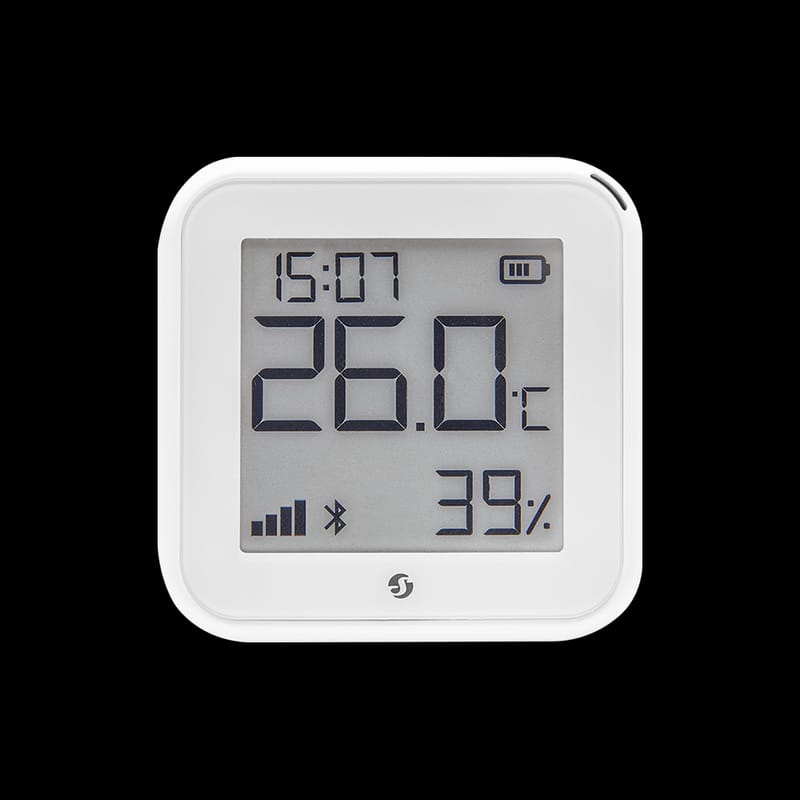
- A temperature sensor in the cold spot: a Zigbee or Thread temperature sensor in the loft, garage, utility room, outhouse or under the kitchen sink on an external wall. Our temperature and humidity sensor roundup covers the options.
- The Companion app: so the alert reaches your phone. See the notifications guide if you have not set it up.
Why does a frost alert matter for pipes?
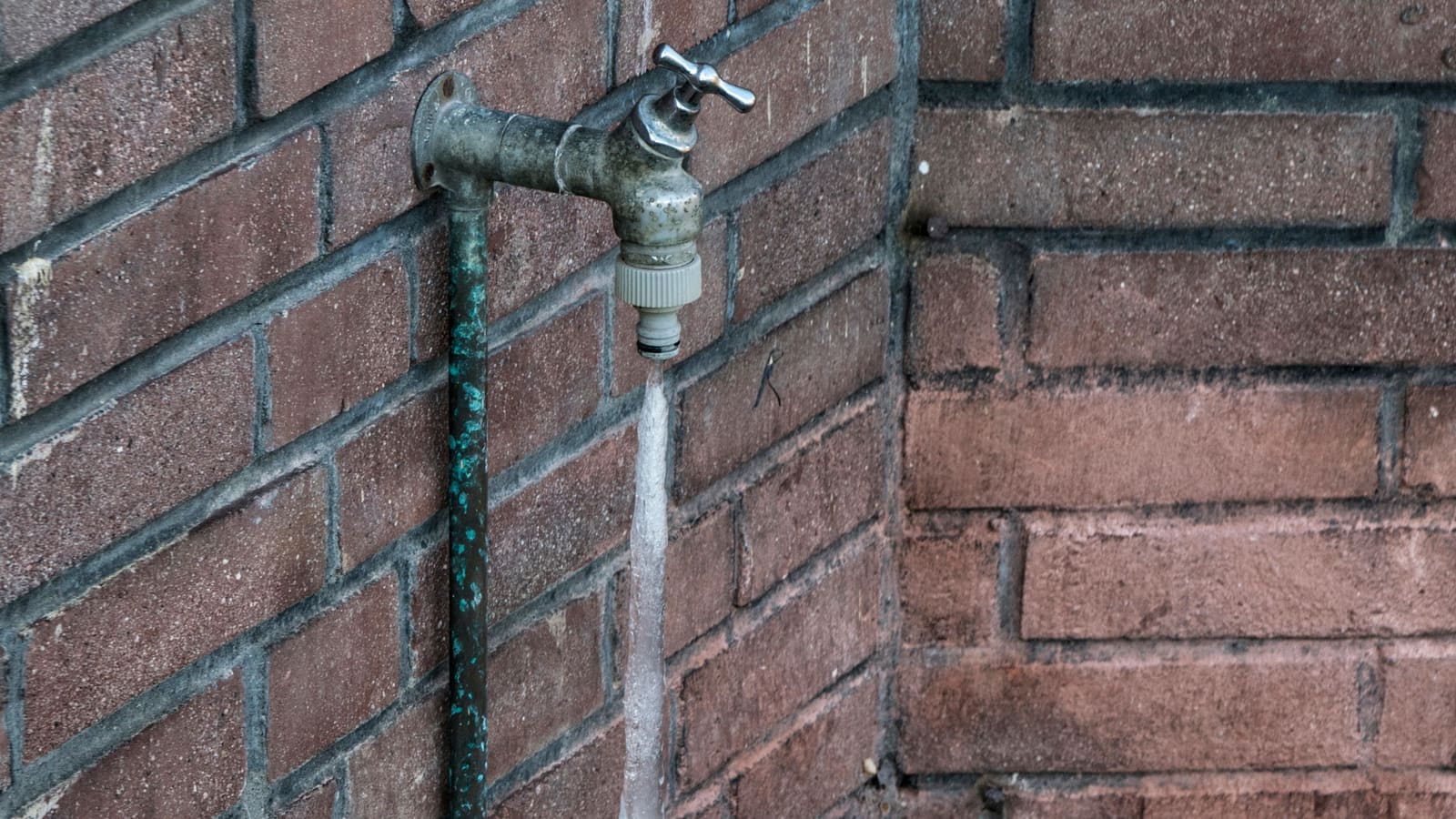
Water companies and plumbing bodies give the same basic advice every winter: keep some heat on and protect exposed pipework. WaterSafe, the UK plumbing approved-contractor scheme, says to keep your heating on at least 14°C overnight and when you are away, to insulate outside taps and pipes in unheated areas with foam insulation, and to know where your stop tap is.
That advice is easy to follow when you are home and awake. It is the nights you are away, or asleep while a cold snap arrives early, that a notification earns its keep. Home Assistant cannot lag a pipe, but it can tell you the temperature is heading for trouble while you can still act.
Step 1: Decide which temperatures you actually care about
Pick three numbers before writing any YAML. The values below are sensible starting points of my own choosing, not official thresholds, so adjust them to your house.
- Forecast trigger: 0°C or below. If the forecast low for tonight is at or under freezing, you want a heads-up in the evening while you can still open the loft hatch or drain an outside tap.
- Cold-spot trigger: below 4°C for 15 minutes. This is the "something is wrong right now" alert. A few degrees above freezing leaves time to act, and the 15-minute delay stops a draughty door opening from firing it.
- Heated-rooms floor: below 14°C while you are away. This mirrors the WaterSafe figure. It catches a boiler that has locked out or a thermostat that was left switched off.
Keep the numbers as separate automations rather than one clever template. When a notification arrives you want to know at a glance which rule fired.
Step 2: Add a weather forecast entity
If you already have a weather entity, skip to Step 3. Otherwise, go to Settings > Devices & services > Add integration and search for Met Office.
The Home Assistant Met Office page explains that you register for a Met Office DataHub account, subscribe to the Site Specific Global Spot dataset, and enter the API key along with a latitude and longitude. The free tier is limited to a single location, which is fine for one house. The integration creates a weather entity with hourly (next three days), twice-daily and daily (next seven days) forecasts, and refreshes every 15 minutes.
Note the entity ID it creates. It is usually something like weather.met_office_your_location, but check Settings > Devices & services > Entities rather than assuming, because the examples below need the exact name.
Step 3: Build the forecast frost warning
To read a forecast, you call the weather.get_forecasts action, which returns the forecast for one or more weather entities into a response variable. The response is keyed by entity ID, and each entity has a forecast list of entries with fields such as datetime, condition and temperature.
Before writing the automation, open Developer tools > Actions, run weather.get_forecasts with type: daily against your entity, and look at what comes back. Check whether the first entry contains a low-temperature field (usually templow) and whether the first entry is today or tonight. Providers differ and I would rather you confirm than trust a copy-pasted template.
alias: "Frost warning: forecast low at or below freezing"
triggers:
  - trigger: time
    at: "21:00:00"
actions:
  - action: weather.get_forecasts
    target:
      entity_id: weather.met_office_home
    data:
      type: daily
    response_variable: daily
  - if:
      - condition: template
        value_template: >
          {{ daily['weather.met_office_home'].forecast[0].templow
             | float(99) <= 0 }}
    then:
      - action: notify.send_message
        target:
          entity_id: notify.my_phone
        data:
          message: >
            Frost forecast tonight: low of
            {{ daily['weather.met_office_home'].forecast[0].templow }}°C.
            Check outside taps and the loft.
mode: single
Replace weather.met_office_home and notify.my_phone with your own entity IDs. The float(99) means a missing value becomes 99, so a failed forecast stays silent rather than throwing a false alarm. If the first daily entry turns out to be the daytime period, change forecast[0] to forecast[1] so the automation reads the right night.
Use notify.send_message pointed at your phone, as the Home Assistant notify documentation recommends for current setups. The older phone-specific notify.mobile_app_* action still works on some installs, and the Companion app documentation lists the extra options such as priority and notification tags.
Step 4: Build the cold-spot alert
This is the one that protects you. It watches a sensor in the loft, garage or utility room and fires when it stays cold.
alias: "Frost alert: cold spot below 4C"
triggers:
  - trigger: numeric_state
    entity_id: sensor.loft_temperature
    below: 4
    for: "00:15:00"
actions:
  - action: notify.send_message
    target:
      entity_id: notify.my_phone
    data:
      message: >
        {{ trigger.to_state.name }} has been under 4°C for 15 minutes
        ({{ trigger.to_state.state }}°C). Pipes nearby could freeze.
mode: single
The numeric state trigger takes below and an optional for, and the Home Assistant documentation notes that entity_id can be a list. That means you can add every cold-spot sensor to one automation, and the trigger.to_state.name in the message tells you which one fired.
Place sensors where water pipes are most exposed: against an external wall, near an outside tap's internal run, in an unheated outhouse, or in the loft close to the cold water tank. A sensor in a warm hallway tells you nothing useful about a pipe in a garage.
Step 5: Add a heated-rooms floor for when you are away
Last, catch the scenario where the whole house goes cold while nobody is in. This one only fires when everyone is out, so it will not nag you on a chilly evening at home.
alias: "Frost alert: house cold while away"
triggers:
  - trigger: numeric_state
    entity_id: sensor.living_room_temperature
    below: 14
    for: "00:30:00"
conditions:
  - condition: state
    entity_id: zone.home
    state: "0"
actions:
  - action: notify.send_message
    target:
      entity_id: notify.my_phone
    data:
      message: >
        The living room has been under 14°C for 30 minutes and nobody is home.
        Check the boiler and heating schedule.
mode: single
The zone.home state is the number of people currently in the zone, so "0" means nobody is home. If you use a different presence method, such as the approach in our presence detection guide, swap the condition for that entity.
I have deliberately made this an alert, not an automatic change to the thermostat. Heating setups vary a lot, from a single zone to per-room radiator valves, and an automation that silently overrides a schedule is hard to debug. If you want Home Assistant to act, the heating control guide shows how to drive a thermostat safely. For longer trips, pair this with the holiday mode guide.
How do you test a frost alert without waiting for winter?
Test each automation by hand. For the forecast warning, use the automation's Run button in the editor: the time trigger is bypassed but the actions run, so you will see whether the template reads a sensible value. If the notification does not arrive, open the trace to see where it stopped.
For the cold-spot alert, go to Developer tools > States, pick the sensor, and set its state to 2 to simulate a cold reading. Fifteen minutes later, the notification should fire. This only changes the stored state until the next real update, and it does not affect the physical device. Remember to wait for the for period, or temporarily set it to a short value while testing and change it back afterwards.
Why is my frost alert not firing?
The sensor shows unavailable: a numeric state trigger cannot fire on an unavailable or unknown state. Add a separate automation that notifies you when a cold-spot sensor has been unavailable for an hour, because a dead battery in a freezing loft is exactly when you want to know.
The forecast template errors: the field name differs between providers. Re-run weather.get_forecasts in Developer tools and copy the exact field names from the response.
It fires every few minutes: the sensor is hovering around the threshold. Lengthen the for time or lower the threshold by a degree, and keep mode: single so duplicate runs do not stack up.
Nothing arrives on the phone: check the notify entity name and that the Companion app is allowed to send notifications in your phone settings.
What should you do after the alert fires?
Know where your stop tap is before you need it, because WaterSafe suggests turning it off if you are leaving the property overnight or longer. Insulate outside taps and exposed pipes with foam lagging. Keep heating at 14°C or above while away. If a pipe does freeze, thaw it gently with a hairdryer on its lowest setting or warm towels, avoid naked flames, and do not switch on a heating system that has been off in order to thaw it.
A frost alert warns about cold. A leak sensor tells you when the cold has already done damage. Our water leak sensor roundup covers the ones that work well with Home Assistant, and together the two close the gap between a freeze and a flood.