Can Home Assistant replace your smoke alarms?
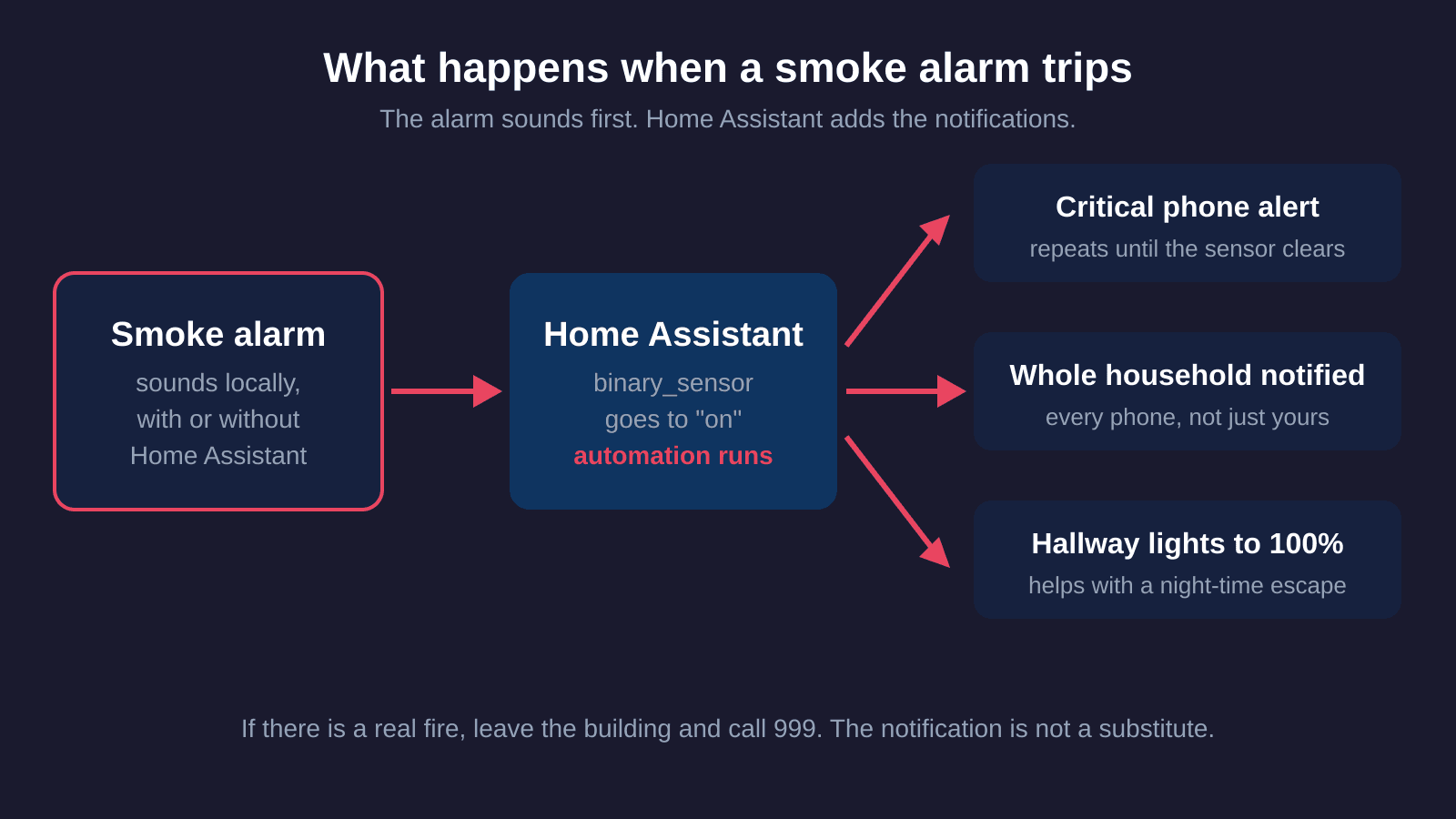
No. Home Assistant should never be the only thing standing between you and a fire. A standalone smoke alarm sounds in the building even if your router, Zigbee network or Home Assistant server is down, and a notification can be delayed, missed or swallowed by a phone setting. Treat the automation as a second warning for when you are out of earshot.
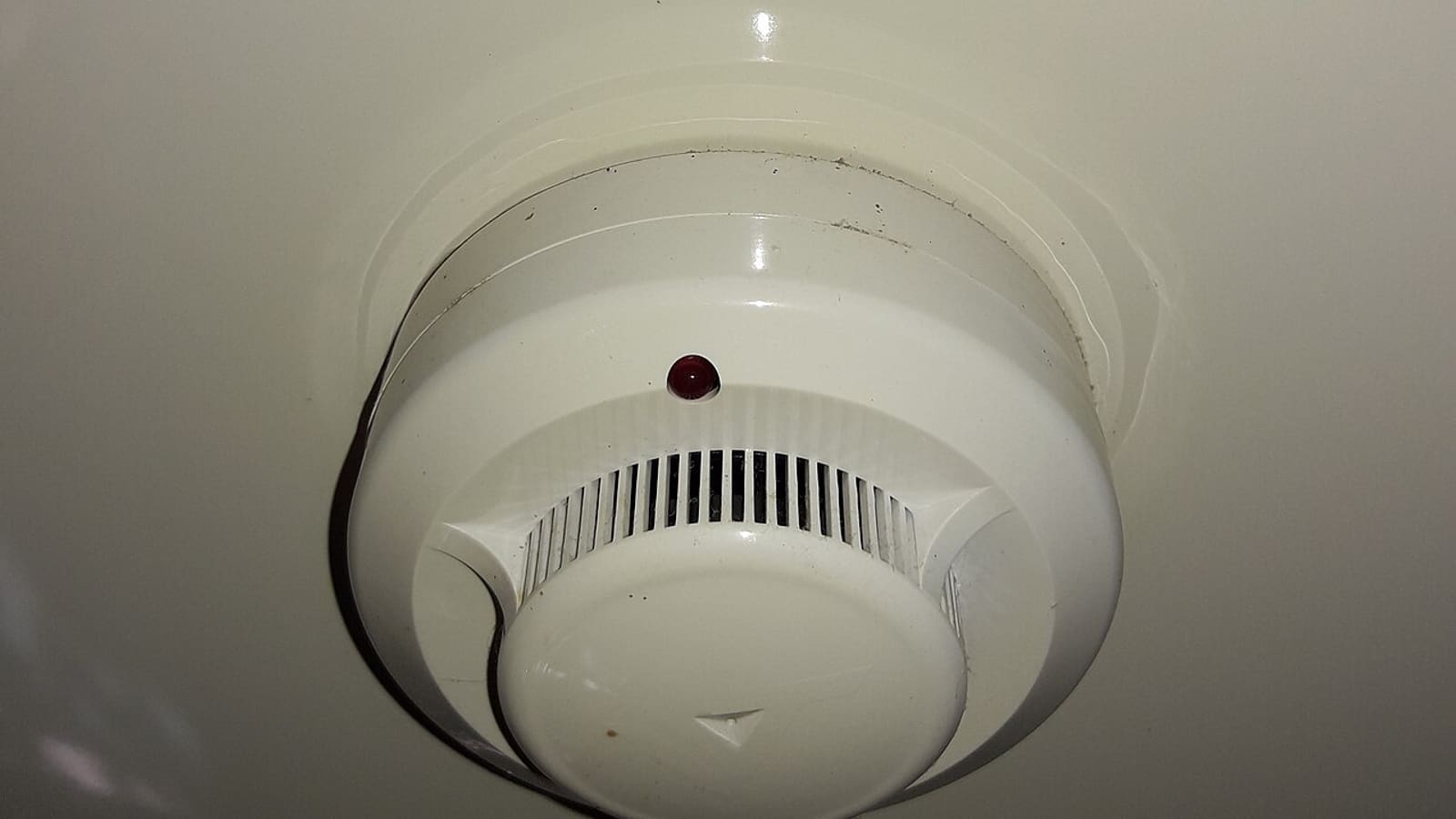
The fire service advice is simple. The Home Office Fire Kills campaign says to fit at least one smoke alarm on every level of your home, ideally on the ceiling in the middle of a room, hallway and landing, and to test them at least monthly. It also notes that some alarms can be interlinked so they all sound together. Smart alerts sit on top of that, never instead of it. If you do not yet have a connected alarm, our best smart smoke detectors roundup covers what to buy for UK homes.
What do you need before you start?
- A smoke alarm Home Assistant can see. That means a Zigbee, Z-Wave or Thread smoke sensor, or a smart alarm with a Home Assistant integration (Bosch Smart Home alarms use the Bosch SHC integration, for example). A Zigbee alarm needs a coordinator; see our Zigbee stick guide.
- The Companion app on each phone that should be alerted, which provides the
notify.mobile_app_<phone>action. The mobile app guide walks through setup. - Your entity ID. Find it under Settings → Devices & services → Entities. The examples use
binary_sensor.hallway_smoke; swap in your own. - Optional: a CO alarm with the same kind of integration, and lights in your hallway or landing.
Step 1: Check what the alarm reports
Open Developer tools → States and search for your alarm. According to the Home Assistant binary sensor documentation, the smoke device class shows whether smoke is detected: on means Detected and off means Clear. The carbon_monoxide class works the same way, and so does gas.
Now press the alarm's test button and watch the state. Many alarms report the test as a real detection, which is exactly what you want for a safe end-to-end test; some do not, in which case you will need the manufacturer's test method or a controlled test with an approved smoke spray. If the state never changes, fix the pairing first, because nothing else in this guide will work. Do not set light to paper or burn anything indoors to test an alarm.
Step 2: Create a basic alert automation
Go to Settings → Automations & scenes → Create automation, switch to YAML from the three-dot menu and paste this. There is no for delay: a smoke alarm has already done its own filtering, so Home Assistant should act at once.
alias: Smoke alarm alert
mode: single
triggers:
  - trigger: state
    entity_id: binary_sensor.hallway_smoke
    to: "on"
actions:
  - action: notify.mobile_app_your_phone
    data:
      title: "Smoke alarm triggered"
      message: "{{ trigger.to_state.name }} is detecting smoke."
      data:
        tag: smoke-alarm
Save it and run the test from Step 1. A normal banner is not good enough yet, which is the next step. The automations guide explains triggers and modes if any of this is unfamiliar.
Step 3: Make the notification impossible to miss
A default notification can sit unseen on a muted phone. The Companion app documentation explains the override. On iOS, a critical notification plays a sound even when Do Not Disturb is on or the iPhone is muted. On Android, ttl: 0, priority: high and channel: alarm_stream make it arrive immediately and play on the alarm volume.
For an iPhone, replace the action in Step 2 with:
  - action: notify.mobile_app_your_iphone
    data:
      title: "Smoke alarm triggered"
      message: "{{ trigger.to_state.name }} is detecting smoke."
      data:
        tag: smoke-alarm
        push:
          sound:
            name: default
            critical: 1
            volume: 1.0
For an Android phone:
  - action: notify.mobile_app_your_android
    data:
      title: "Smoke alarm triggered"
      message: "{{ trigger.to_state.name }} is detecting smoke."
      data:
        tag: smoke-alarm
        ttl: 0
        priority: high
        channel: alarm_stream
One caveat from the same documentation: on Android these settings do not override Do Not Disturb by default. If a household member sleeps with Do Not Disturb on, they need to allow the app's alarm channel through in the phone's notification settings, then you should test it with the phone silenced. If your household has both kinds of phone, use one action per device. See the notifications guide for more on channels and critical alerts.
Step 4: Alert the whole household and repeat until it clears
An alert that reaches only your phone is useless when you are out and the rest of the household is home. List every phone that should be told, and repeat the message while the alarm is still triggered. The loop below stops after ten rounds so a stuck sensor cannot run forever:
actions:
  - repeat:
      while:
        - condition: state
          entity_id: binary_sensor.hallway_smoke
          state: "on"
        - condition: template
          value_template: "{{ repeat.index <= 10 }}"
      sequence:
        - action: notify.mobile_app_your_iphone
          data:
            title: "SMOKE ALARM"
            message: "Hallway smoke alarm is still active. If you are home, leave and call 999."
            data:
              tag: smoke-alarm
              push:
                sound:
                  name: default
                  critical: 1
        - action: notify.mobile_app_partner_android
          data:
            title: "SMOKE ALARM"
            message: "Hallway smoke alarm is still active. If you are home, leave and call 999."
            data:
              tag: smoke-alarm
              ttl: 0
              priority: high
              channel: alarm_stream
        - delay: "00:01:00"
Because every message reuses the tag, each repeat replaces the previous one rather than stacking dozens of notifications. Set the delay to something short; one minute is a reasonable compromise between persistent and unbearable.
Step 5: Turn the lights on for the escape route
If the alarm goes off at night, lit stairs and landings help everyone move. Add this action before the repeat block, targeting an area rather than individual bulbs so new lights are included automatically:
  - action: light.turn_on
    target:
      area_id:
        - hallway
        - landing
    data:
      brightness_pct: 100
Area IDs are the lowercase names you gave your areas in Home Assistant. This is an addition only. Do not automate locks or heating shut-offs from a smoke alarm unless you have thought through what happens when a sensor is wrong, because a false alarm that locks or unlocks a door is a bigger problem than a noisy phone.
Step 6: Add a CO alarm and a clear message
Carbon monoxide needs the same treatment, with different wording. Duplicate the automation, point it at your carbon_monoxide binary sensor, and change the message to say that people should get into fresh air. If your alarm exposes a clear state, add a second trigger with to: "off" and a plain, non-critical message such as "Hallway smoke alarm has cleared". Knowing that it stopped, and when, is useful if you are on your way home. Keep the critical alerts for the "on" state only.
Step 7: Make sure a dead alarm does not fail silently
The worst failure is the one you never see: a flat battery or a dropped Zigbee link. Add a second automation that tells you when the alarm stops reporting:
alias: Smoke alarm offline
triggers:
  - trigger: state
    entity_id: binary_sensor.hallway_smoke
    to: "unavailable"
    for: "02:00:00"
actions:
  - action: notify.mobile_app_your_phone
    data:
      title: "Smoke alarm offline"
      message: "{{ trigger.to_state.name }} has been unavailable for two hours. Check it."
Then add a monthly reminder to test the alarms physically, because Fire Kills advises testing at least monthly and a test also checks the sensor, power and battery:
alias: Monthly smoke alarm test reminder
triggers:
  - trigger: time
    at: "19:00:00"
conditions:
  - condition: template
    value_template: "{{ now().day == 1 }}"
actions:
  - action: notify.mobile_app_your_phone
    data:
      title: "Test the smoke alarms"
      message: "Press the test button on every alarm and confirm the alert arrives."
If your alarm has a battery sensor, our low battery alerts guide covers a single automation for every battery in the house. Remember too that the Fire Kills campaign says a sealed ten-year alarm must be replaced as a whole unit every ten years, and an alarm can wear out sooner if it is triggered often or gathers dust, so check any expiry date printed on it.
Why does my smoke alarm alert fire when I cook?
Because the alarm is in the wrong place or the wrong type. Fire Kills advises keeping standard smoke alarms out of kitchens and bathrooms, where steam and cooking smoke set them off, and says a heat alarm is a better fit for a kitchen. Move the alarm into the hallway, or swap it for a heat alarm and point the automation at that. Avoid the temptation to add a long delay, which only slows down the genuine alert.
Common problems and fixes
The test never reaches Home Assistant: the alarm may not report its test button, or it has dropped off the network. Check the entity state in Developer tools, re-pair if needed, and use the manufacturer's test method.
The alert arrives but makes no sound: on iOS, allow critical alerts for the Companion app when prompted; on Android, check the alarm channel is allowed through Do Not Disturb. Then retest with the phone silenced.
Only one phone gets the alert: each phone needs its own notify.mobile_app_ action. Add one per person, or create a notification group.
It fires but the repeat never stops: the cap of ten rounds ends it anyway, but check the sensor returns to off after the smoke clears.
Nothing happens during a power cut or network outage: that is expected. The alarm itself will still sound, which is why Home Assistant is the second layer. Our power cut alert guide covers detecting an outage.
Related kitchen safety: our Home Assistant oven left on alert guide warns you when an oven runs too long or is on in an empty house.