
Why does an unattended oven matter?
London Fire Brigade says that an unattended pan holding food can catch fire even without oil in it, and advises turning the heat off if you have to leave the room or the house. It also lists pans boiling dry and cooking left unattended as common causes of kitchen fires. An automation cannot replace that habit, but it catches the moment you forget.
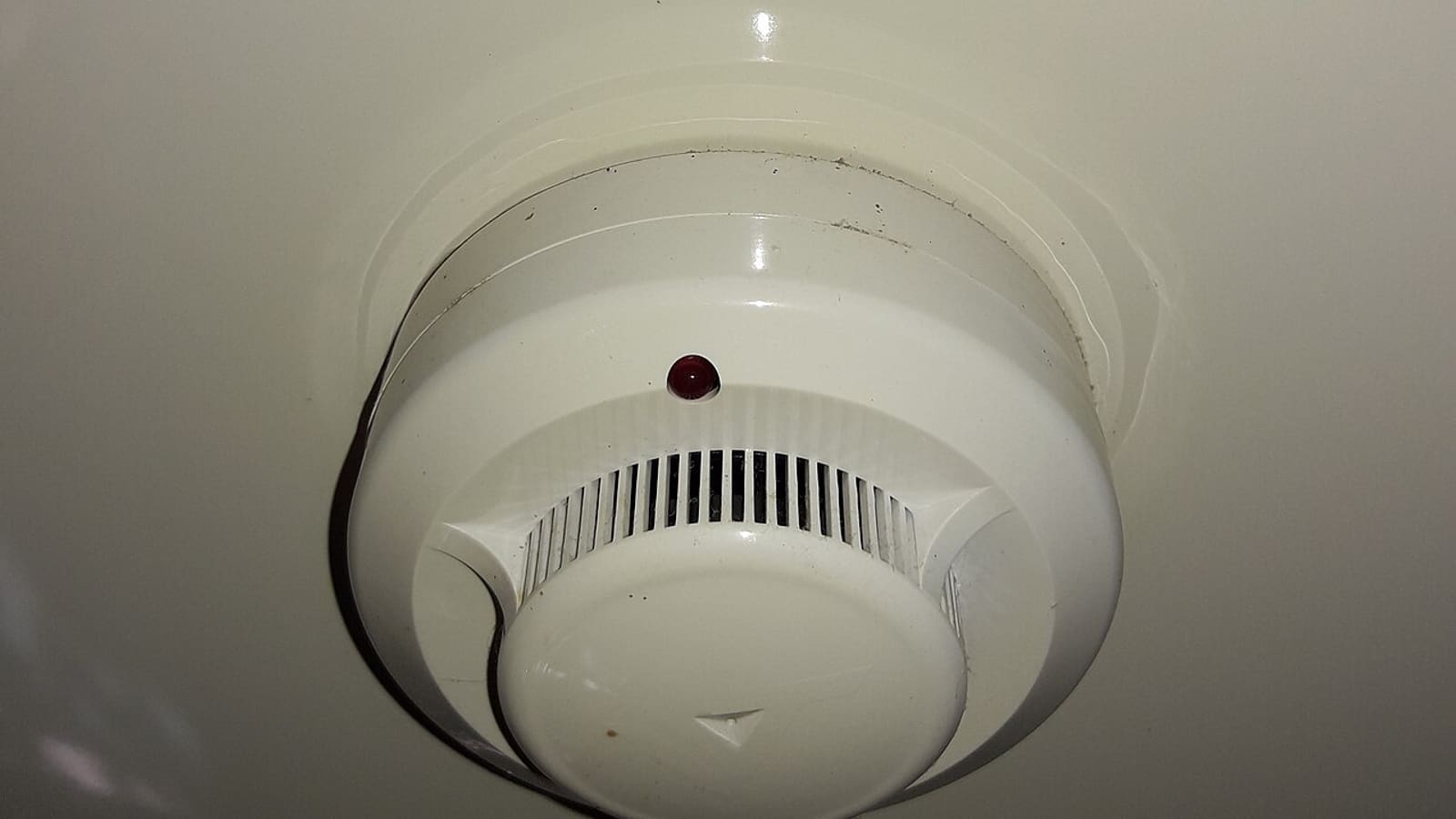
Treat everything here as a second line of defence. A working smoke alarm is the first, and our smoke alarm alert guide shows how to get its warning to your phone. Never rely on Home Assistant alone for fire safety.
What can Home Assistant see about your oven?
It depends entirely on the oven. There are three realistic routes, and you only need one:
| Route | What Home Assistant gets | Good for | Catch |
|---|---|---|---|
| Connected oven (Home Connect) | Power switch, operation state, door state, finish time while a program runs | Ovens from supported brands | Uses the cloud API and a developer account |
| Power monitor on the oven's supply | Live watts, so "on" means drawing power | Almost any electric oven or hob | Needs a safe installation, often by an electrician |
| Nearby sensors (temperature, smoke, presence) | Indirect signs: a hot kitchen, smoke, nobody home | Gas hobs and ovens with no smart features | Cannot tell you what is switched on |
Connected ovens
The Home Assistant Home Connect integration lists ovens and cooktops among its supported appliances. For an oven it provides a power switch, an operation state sensor, a door state sensor, a remote control binary sensor and, while a program runs, a finish time sensor. Support depends on the appliance and on API permissions, and the integration talks to the cloud API, so you register a Home Connect developer application and enter its client ID and secret in Home Assistant.
Power monitoring
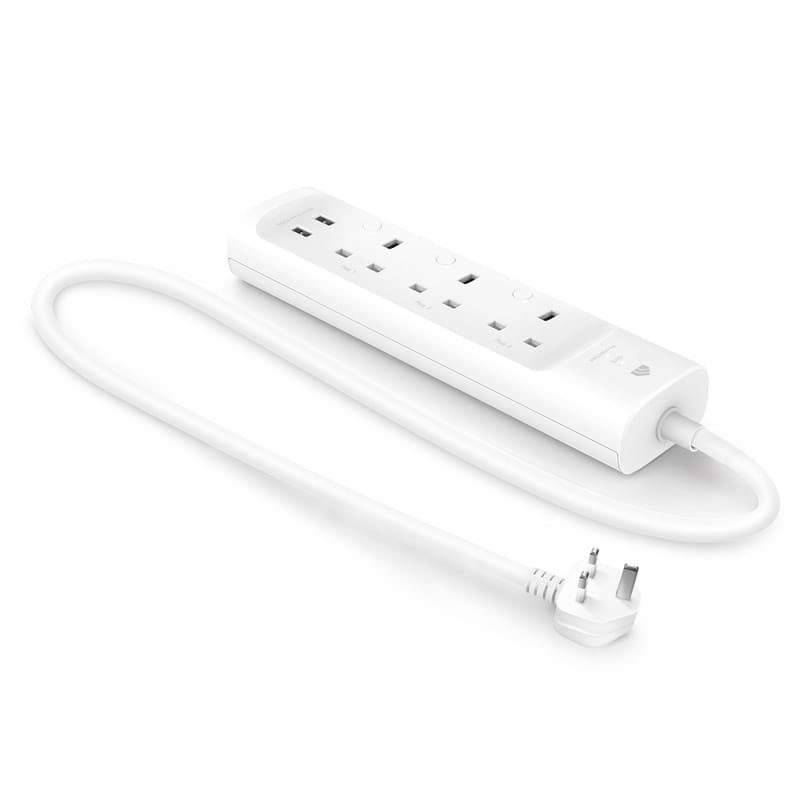
If your oven is not connected, measuring how much electricity it draws is the most reliable "is it on" signal. A freestanding electric cooker is normally wired to its own circuit rather than a socket, so a plug-in smart plug is usually not an option and you should not improvise one. A clip-on current monitor fitted at the consumer unit by a qualified electrician is the usual approach. Shelly devices communicate directly with Home Assistant over the local network, so the cloud is not needed. Our energy monitoring guide covers the hardware options, and best smart plugs is useful for plug-in appliances such as a slow cooker or air fryer.
Gas hobs
A gas hob draws no measurable power, so there is nothing to read. Use the third route: a kitchen temperature sensor, a smoke or heat alarm, and presence detection. Do not fit anything to gas pipework yourself.
What do you need before you start?
- An oven entity or a power sensor. Find it under Settings → Devices & services → Entities. The examples use
sensor.oven_powerfor watts; swap in your own. - The Companion app on each phone that should be alerted, which provides the
notify.mobile_app_<phone>action. The mobile app guide explains setup. - A person entity for each household member, for the "nobody home" check. See our presence detection guide.
Step 1: Learn your oven's normal power draw
Run the oven at a typical temperature for ten minutes and watch the sensor in Developer tools → States. A heating element cycles, so the reading rises and falls as the thermostat switches it on and off. Note the idle reading with the oven off, then the highest and lowest readings during cooking.
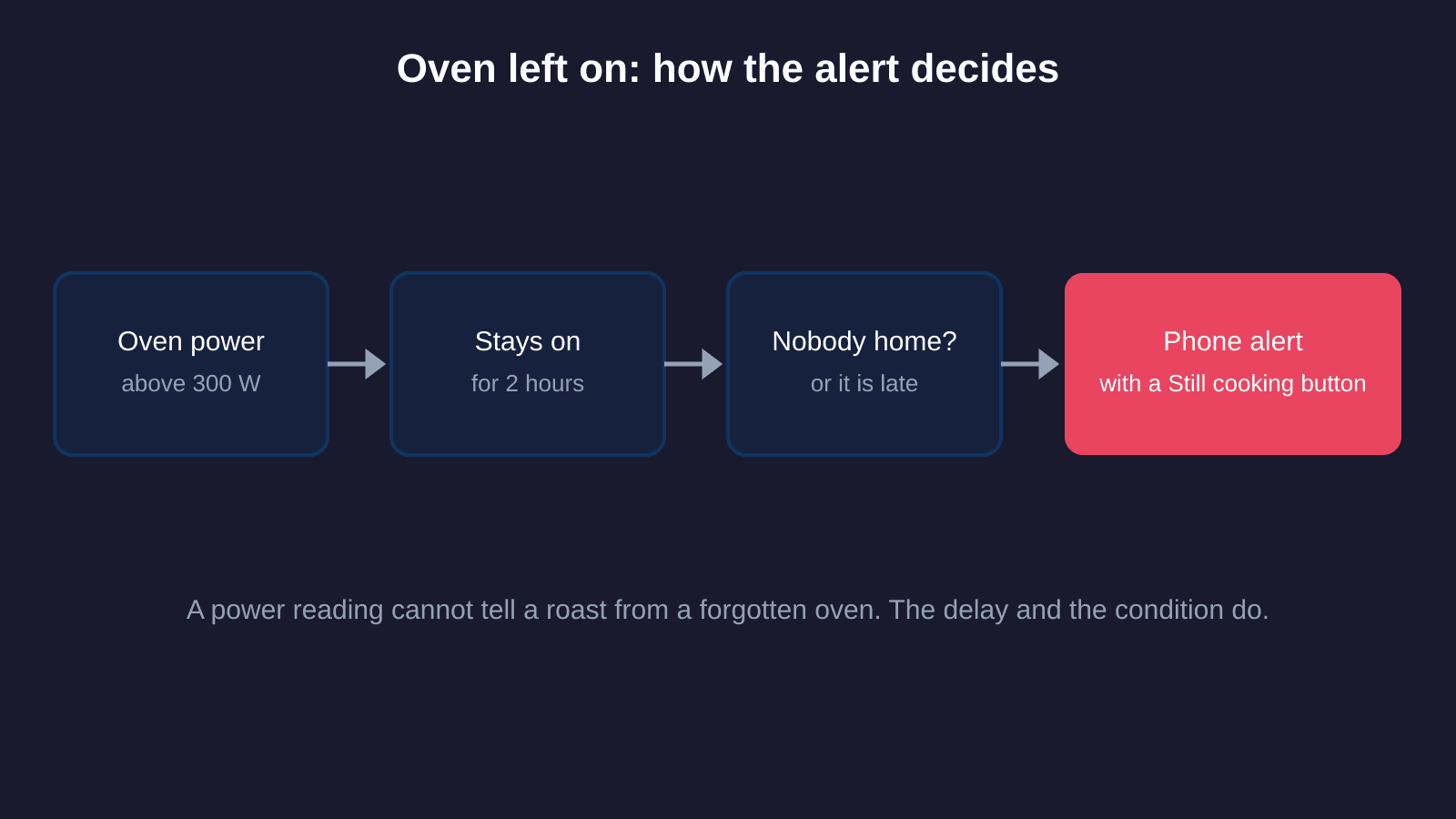
Pick a threshold comfortably above idle and below the lowest "on" reading you see, for example 300 W. Treat this as a number to measure on your own appliance, not a recommendation: ovens vary widely. If the reading drops to near zero between element cycles, the delay in Step 2 absorbs it.
Step 2: Create the basic "left on" alert
A numeric state trigger fires when the value crosses your threshold, and adding a for duration means it only fires if the value stays across it for that long. For a power reading that cycles, a better approach is to trigger on the oven being on with a template, so brief dips do not reset the timer. This version uses a template binary sensor, created under Settings → Devices & services → Helpers:
template:
  - binary_sensor:
      - name: "Oven in use"
        state: >
          {{ states('sensor.oven_power') | float(0) > 300 }}
        delay_off:
          minutes: 5
The delay_off keeps the sensor on through the element's off-cycles, so it only turns off when the oven has genuinely stopped drawing power for five minutes. Now the automation:
alias: Oven left on
triggers:
  - trigger: state
    entity_id: binary_sensor.oven_in_use
    to: "on"
    for:
      hours: 2
actions:
  - action: notify.mobile_app_your_phone
    data:
      title: "Oven still on"
      message: "The oven has been running for two hours."
      data:
        tag: oven-left-on
If you use a connected oven instead, trigger on its operation state or power switch in the same way and skip the template sensor. Two hours is a starting point: a Sunday roast legitimately runs that long, so see Step 4.
Step 3: Add a "still cooking" button
An alert you cannot answer gets ignored. The Companion app documentation says you add an actions list under data, each with an action identifier and a title, and the app fires a mobile_app_notification_action event when you tap one. Use that to snooze the alert for an hour when you really are still cooking:
actions:
  - variables:
      action_snooze: "{{ 'OVEN_OK_' ~ context.id }}"
  - action: notify.mobile_app_your_phone
    data:
      title: "Oven still on"
      message: "The oven has been running for two hours."
      data:
        tag: oven-left-on
        actions:
          - action: "{{ action_snooze }}"
            title: "Still cooking"
  - wait_for_trigger:
      - trigger: event
        event_type: mobile_app_notification_action
        event_data:
          action: "{{ action_snooze }}"
    timeout:
      hours: 1
    continue_on_timeout: true
  - if:
      - condition: state
        entity_id: binary_sensor.oven_in_use
        state: "on"
    then:
      - action: notify.mobile_app_your_phone
        data:
          title: "Oven STILL on"
          message: "It is still running. Please check it."
          data:
            tag: oven-left-on
            ttl: 0
            priority: high
Tapping the button ends the wait early; ignoring it after an hour sends a firmer second alert if the oven is still running. Building the identifier from context.id stops one run reacting to another's button, and the timeout stops the script waiting forever.
Notice that this automation does not switch the oven off. That is deliberate: remotely switching a heating appliance on or off is a safety decision,, and a remote command can fail or surprise whoever is standing at the oven.
Step 4: Make the alert smarter with context
The same two hours means different things at different times. Add a second, faster automation for the dangerous case: the oven is on and nobody is home.
alias: Oven on, nobody home
triggers:
  - trigger: state
    entity_id: binary_sensor.oven_in_use
    to: "on"
    for:
      minutes: 20
conditions:
  - condition: not
    conditions:
      - condition: state
        entity_id: person.you
        state: "home"
actions:
  - action: notify.mobile_app_your_phone
    data:
      title: "Oven on and you are out"
      message: "The oven has been on for 20 minutes and nobody is home."
      data:
        tag: oven-away
        priority: high
If several people live in the house, replace the state condition with a check across each person entity so the alert only fires when all of them are away. You can also add a late-night rule using a time condition: an oven still drawing power at 1am is almost never intentional.
Step 5: Test it without cooking anything
Do not test by leaving a real oven on for hours. Instead, temporarily set the for duration to one minute and the threshold just above idle, run the oven briefly, and check both alerts arrive. For the "nobody home" version, set the person entity to away through Developer tools → States (the change is temporary and resets on the next real update). Then put the real values back. Our notifications guide covers testing the delivery side.
Common problems and fixes
The alert fires during a long, legitimate bake: raise the duration or use the Still cooking button. If you routinely slow-cook, add a condition so the alert skips when the kitchen light is on and you are home.
The alert never fires: check the binary sensor actually turns on in Developer tools → States when the oven heats. If the power sensor reads zero, the monitor is not measuring that circuit.
The timer keeps resetting: the element is cycling below your threshold. Lower the threshold slightly or lengthen delay_off.
Home Connect entities are missing: the integration documentation says some appliances do not report data while turned off, so entities may only appear once the oven is on.
Notifications do not arrive: check the phone's battery optimisation settings for the Companion app, and test the notify action directly from Developer tools → Actions.
What should you build next?
Pair this with the fridge and freezer door alert for the rest of the kitchen, and the check on an elderly parent guide if the oven belongs to a relative who lives alone. A power-cut alert is also worth having: see our power-cut guide.
For a last check before bed, fold the kitchen checks into a goodnight routine that runs once and warns you about anything still on or open.