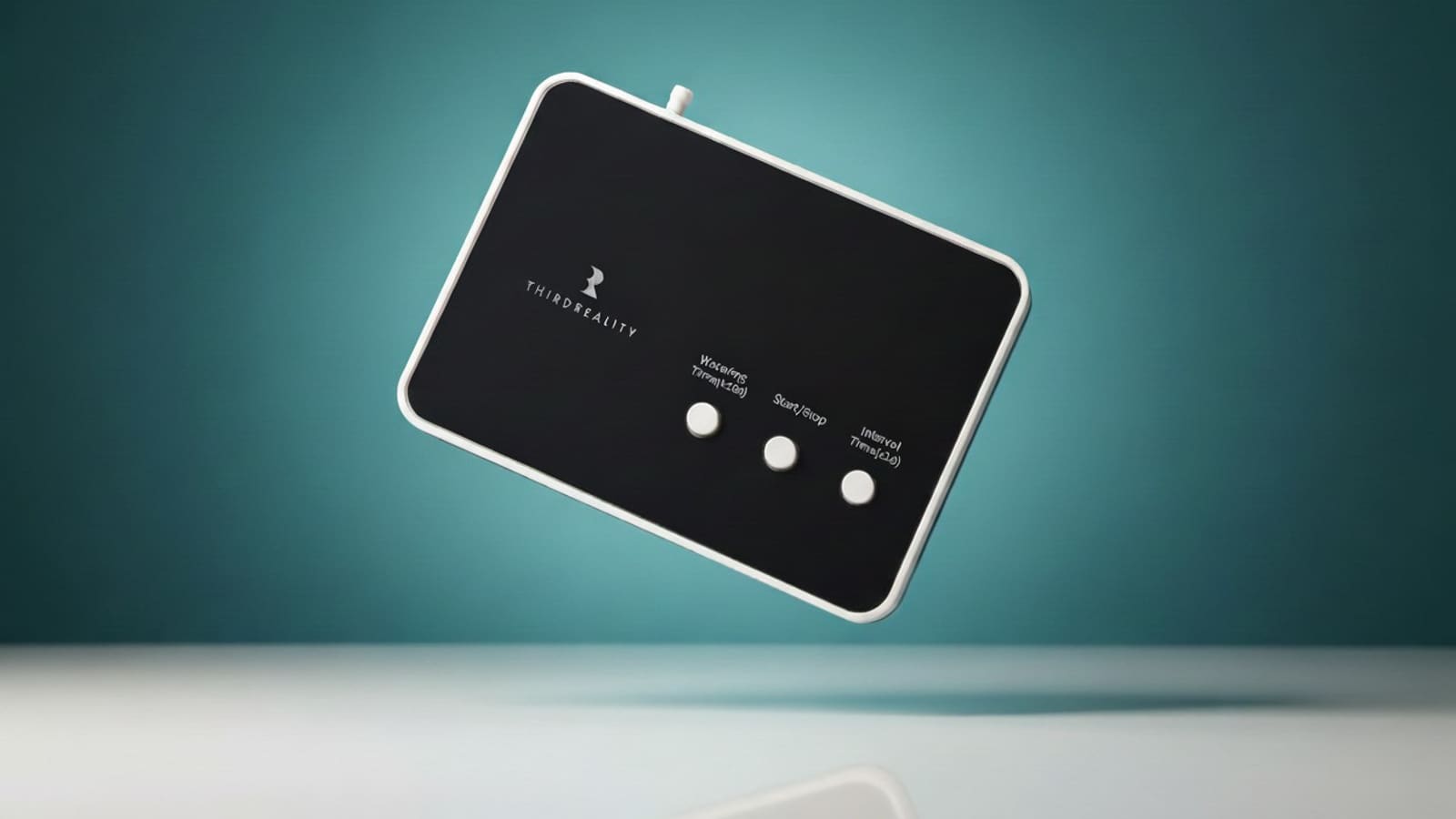
Setting up the Smart Watering Kit Pro
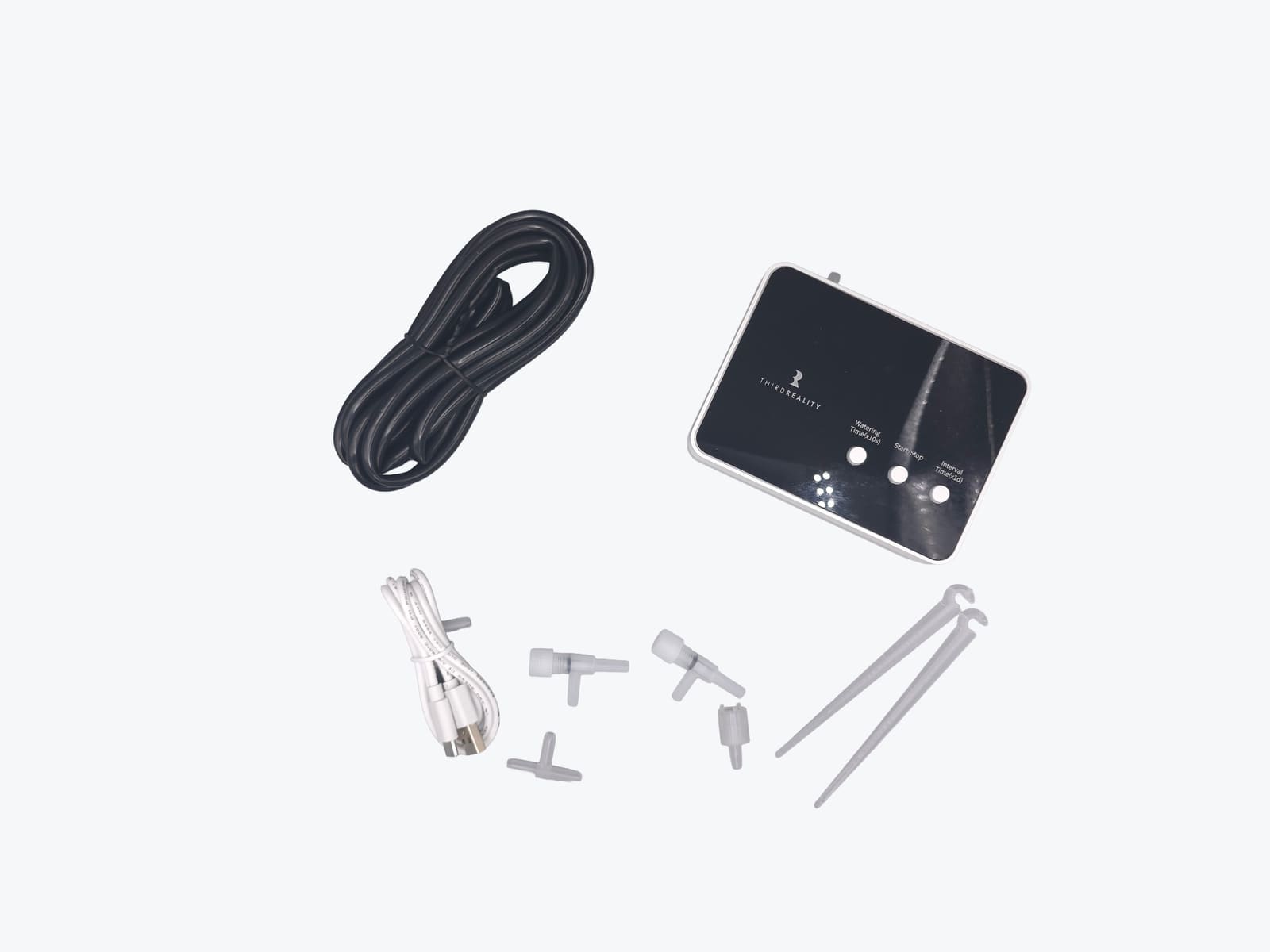
The box holds the valve/pump unit, several metres of clear tubing, drip stakes, T-joint splitters, tube holders and inline filters — enough to split one water source across a handful of pots rather than just one.
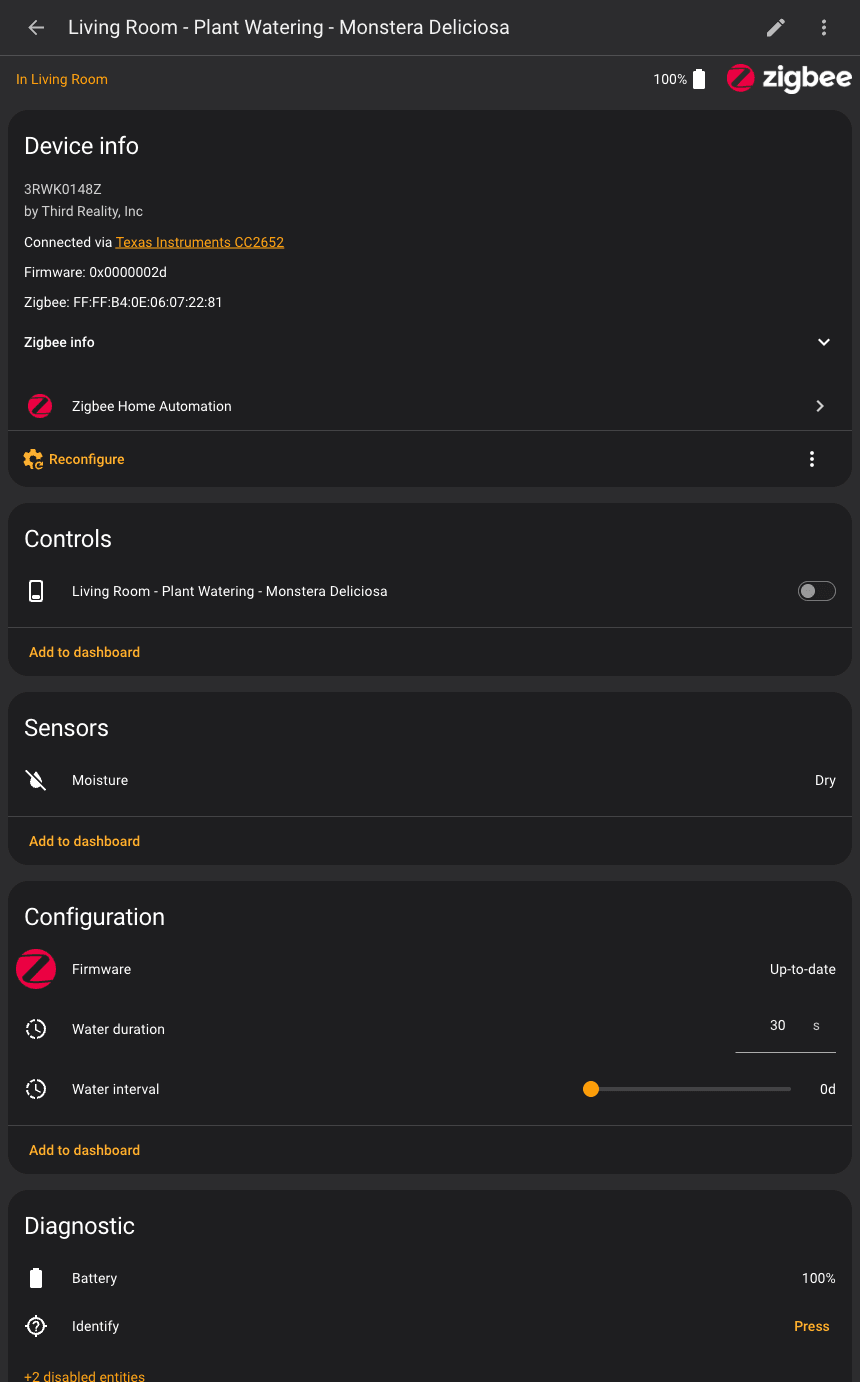
Physical setup is plumbing, not wiring: cut the tube to length, push a dripper stake into the pot, connect the other end to a water reservoir or a mains adaptor kit, and pair the unit to a Zigbee hub — it showed up instantly on ZHA as a standard Zigbee device with no custom quirks needed. Once paired, four entities appear: the on/off switch that is the valve itself, two number helpers for water duration and watering interval, and a basic moisture binary sensor built into the unit.
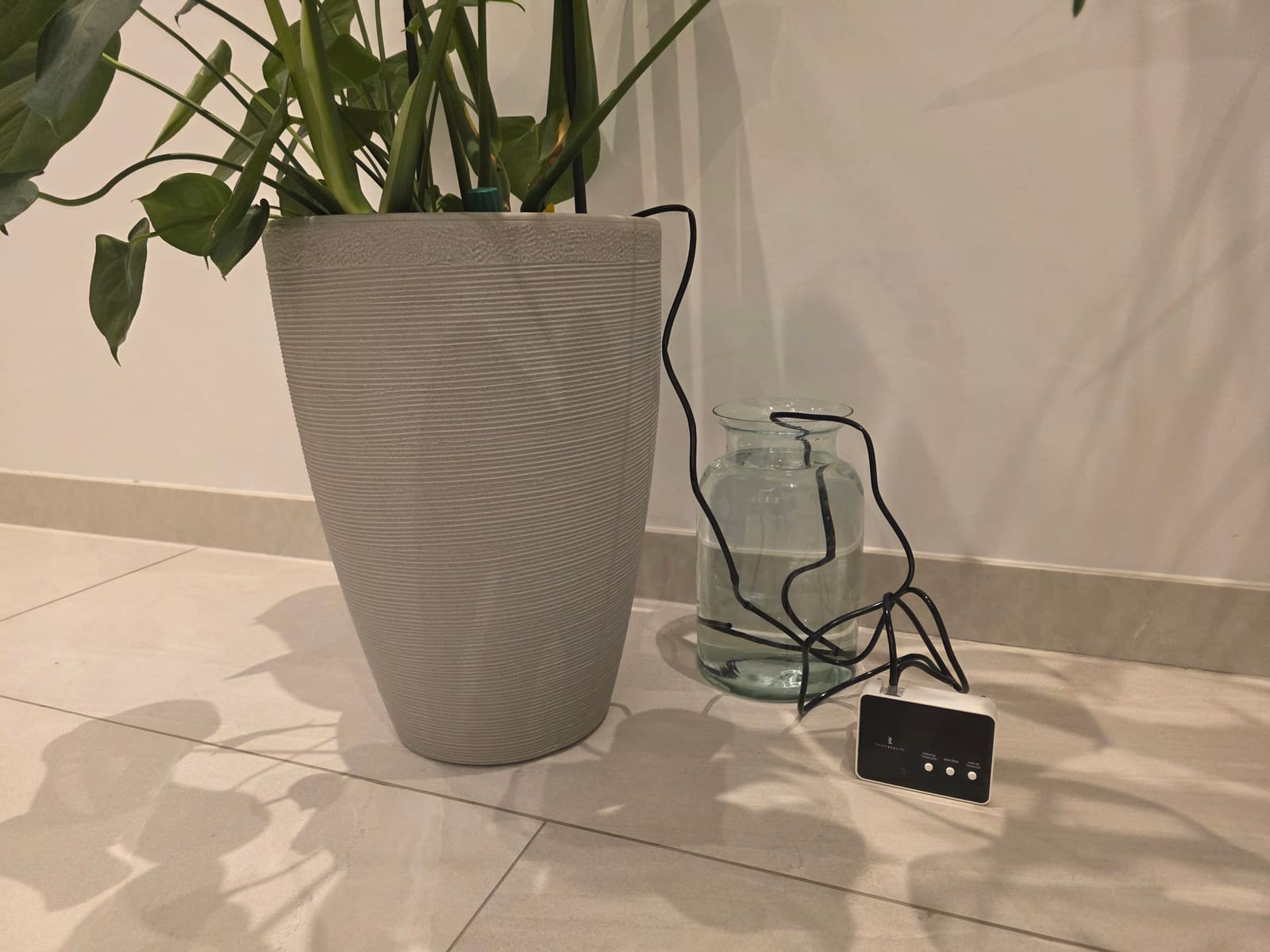
Day to day, the unit itself is forgettable — it sits by the pot and does nothing visible until it's told to. The only manual step is refilling whatever reservoir feeds the tubing; the electronics don't know or care where the water comes from, only how long the valve stays open.
Does the Third Reality Smart Watering Kit Pro work with Home Assistant?
Yes — it works locally over Zigbee with no cloud dependency, exposing a switch, two number configuration entities and a moisture sensor that a Home Assistant automation can read and drive directly. Paired via ZHA, the four entities followed the naming pattern switch.<area>_plant_watering_<plant_name> for the valve, number.<area>_plant_watering_<plant_name>_water_duration for how many seconds it runs per cycle, number.<area>_plant_watering_<plant_name>_water_interval for its own onboard schedule, and binary_sensor.<area>_plant_watering_<plant_name>_moisture for a basic wet/dry reading, plus diagnostic entities for battery and firmware.
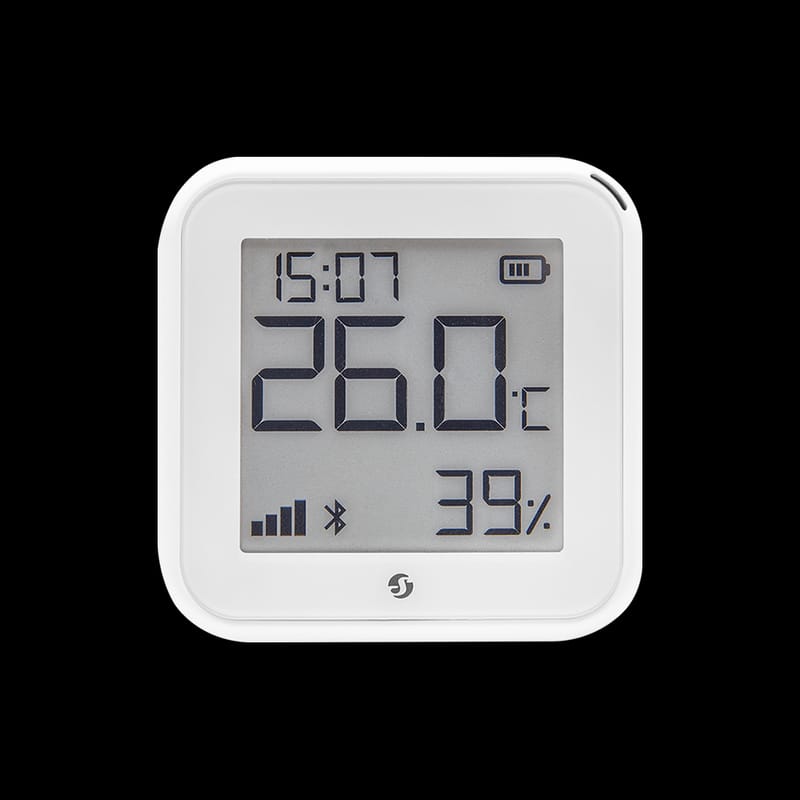
Because the built-in moisture sensor is only wet/dry, not a percentage, real proportional watering needs a second device — a standalone Third Reality plant monitor works well — feeding a percentage into the automation. The tested automation runs three times a day and scales the watering duration to how dry the soil actually is: below 15% moisture waters for 45 seconds, 15–24% for 30 seconds, 25–34% for 15 seconds, and 35% and above does nothing. These tiers are starting points rather than calibrated doses — pot size, soil type and the pump's own flow rate all change how many seconds equal how many millilitres, so the sensible approach is to watch the first few cycles and adjust the thresholds.
Every watering action explicitly turns the valve back off after the calculated duration plus a five-second buffer, rather than trusting the device's own internal timer alone — a stuck-open Zigbee valve is a real flooding risk onto a windowsill or nearby electronics, so Home Assistant commanding an explicit shutoff is cheap insurance. The core pattern — set a number helper, turn a switch on, delay, turn the switch off — is reusable well beyond plant watering for anything that needs to run an actuator for a calculated number of seconds.
alias: "Plant Care - Watering & Temperature"
description: >-
  3x daily (9am, 2pm, 7pm) check. If soil moisture is low, runs the auto-watering valve
  for a duration scaled to how dry the soil is (with a safety auto-shutoff). Separately
  announces on Alexa and sends a phone notification if the room temperature is outside
  the ideal range, since the valve cannot fix that.
triggers:
  - trigger: time
    at: "09:00:00"
  - trigger: time
    at: "14:00:00"
  - trigger: time
    at: "19:00:00"
conditions: []
actions:
  - variables:
      moisture: "{{ states('sensor.YOUR_PLANT_MONITOR_moisture') | float(0) }}"
      temperature: "{{ states('sensor.YOUR_PLANT_MONITOR_temperature') | float(0) }}"
      water_seconds: >-
        {% set m = states('sensor.YOUR_PLANT_MONITOR_moisture') | float(0) %}
        {% if m < 15 %}45{% elif m < 25 %}30{% elif m < 35 %}15{% else %}0{% endif %}
      needs_water: "{{ water_seconds | int(0) > 0 }}"
      temp_bad: >-
        {{ states('sensor.YOUR_PLANT_MONITOR_temperature') | float(0) < 18
           or states('sensor.YOUR_PLANT_MONITOR_temperature') | float(0) > 27 }}

  # Water it, if needed
  - if:
      - condition: template
        value_template: "{{ needs_water }}"
    then:
      - action: number.set_value
        target:
          entity_id: number.YOUR_WATERING_UNIT_water_duration
        data:
          value: "{{ water_seconds }}"
      - action: switch.turn_on
        target:
          entity_id: switch.YOUR_WATERING_UNIT
      - delay:
          seconds: "{{ water_seconds | int(0) + 5 }}"
      - action: switch.turn_off
        target:
          entity_id: switch.YOUR_WATERING_UNIT

  # Separately, complain about temperature (nothing here can fix that)
  - if:
      - condition: template
        value_template: "{{ temp_bad }}"
    then:
      - variables:
          message: >-
            {{ 'The room temperature is ' ~ temperature ~ ' degrees, which is '
               ~ ('too cold' if temperature | float < 18 else 'too hot') ~ ' for this plant.' }}
      - action: media_player.play_media
        target:
          entity_id: media_player.YOUR_ALEXA_GROUP
        data:
          media_content_id: "{{ message }}"
          media_content_type: "tts"
      - action: notify.YOUR_MOBILE_APP_SERVICE
        data:
          title: "Plant care reminder"
          message: "{{ message }}"
mode: single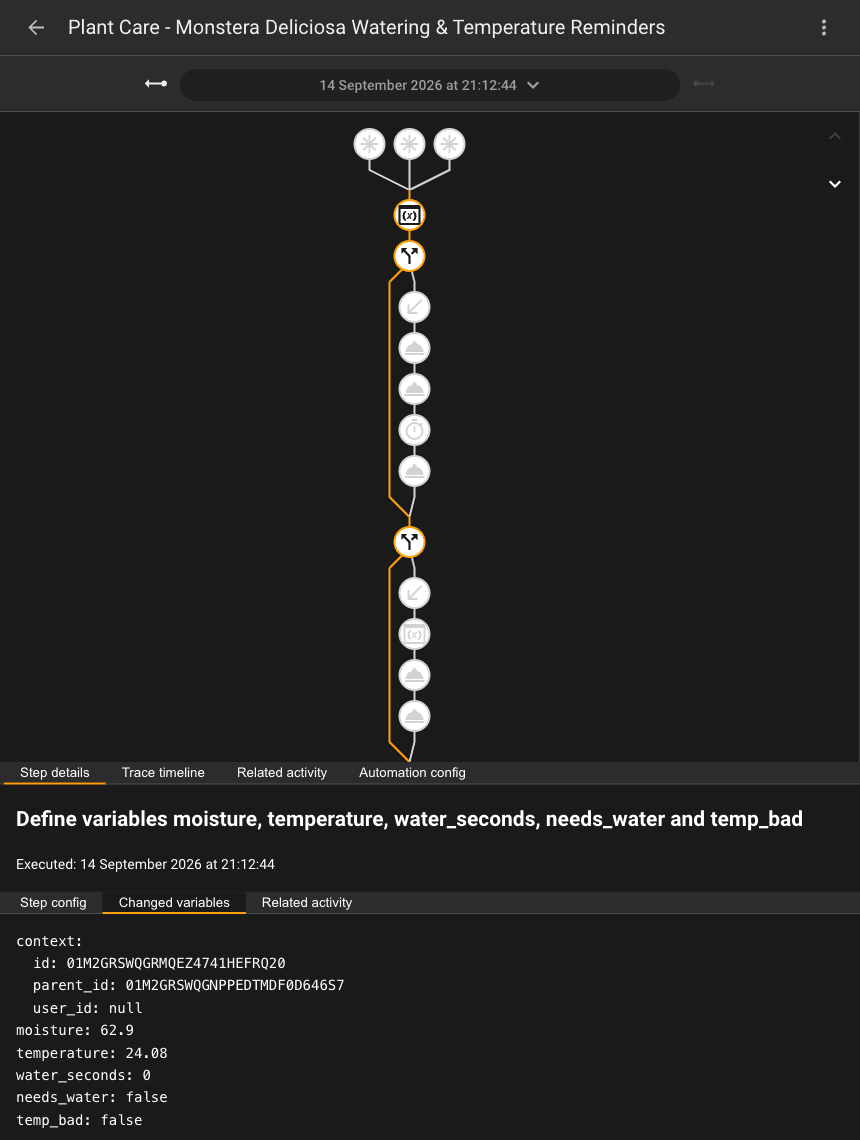
The logic was checked two ways rather than just trusted: a manual "Run actions" pass while the plant was healthy confirmed via the trace's changed-variables view that water_seconds came out at 0 and needs_water was false, and the moisture-to-duration tiers were independently re-verified in Developer Tools → Template against a spread of hypothetical readings (5%, 14%, 20%, 30%, 34%, 40%) to confirm the 45/30/15/0-second breakpoints behaved as designed.
The gotcha worth flagging clearly: the device has its own onboard water_interval schedule — a separate timer, in days, that will water the plant on its own even if Home Assistant never touches it. Leave that set to anything other than 0 while also running an HA automation and the plant can get watered twice, once by each schedule. Set water_interval to 0 to disable the onboard timer entirely and let Home Assistant own the schedule — an easy trap to walk into otherwise. For background on ZHA versus the Zigbee2MQTT alternative this device also works with, see our ZHA vs Zigbee2MQTT comparison, and if you don't already have a Zigbee coordinator, our best Zigbee hub picks cover what to buy first.
How does it compare to other smart watering systems?
Aqara Smart Water Valve/irrigation controllers lean on the same Zigbee/local-hub approach and integrate similarly cleanly with Home Assistant, but Aqara's watering hardware skews towards outdoor tap timers rather than small indoor drip kits.
Netro Pixie/Sprite is Wi-Fi and app-first, with built-in weather-aware scheduling — genuinely convenient out of the box, but cloud-dependent, so it's a weaker pick if local control and Home Assistant automation are the point.
Rachio and Gardena smart water control are both aimed at outdoor sprinkler/hose-timer setups rather than potted indoor plants, and neither has a native Home Assistant integration as tight as this kit's Zigbee entities.
Who should buy the Third Reality Smart Watering Kit Pro?
It suits anyone already running Home Assistant with a Zigbee coordinator who wants indoor potted plants watered on a real condition — soil moisture — rather than a fixed calendar date, and who is comfortable writing (or copying) one YAML automation to get there. It's a poor fit if you want a watering system that's smart out of the box with zero setup: the device's own onboard interval is only a basic day-count timer, and the genuinely useful proportional dosing only appears once it's paired with a separate moisture sensor and an automation.
Verdict
The Third Reality Smart Watering Kit Pro earns its place for a Home Assistant household: it's a properly local Zigbee device with the entities needed to build real moisture-driven automation, not just a dumb valve on a timer, and the anti-backflow valve plus an HA-side shutoff make it a sensibly safe thing to leave unattended. The one caveat to plan around from day one is the onboard water_interval — set it to zero if Home Assistant is doing the scheduling, or expect your plant to get watered twice.
Watering a garden rather than a few pots? Our best smart irrigation controller UK roundup compares hose-tap valves from Gardena, SONOFF and Eve, plus Rain Bird for buried sprinkler systems.