Why do Zigbee devices go offline after a coordinator update?
Because Home Assistant no longer reaches the coordinator, not because your bulbs and sensors forgot the network. From most to least likely:
- The gateway changed connection mode: After SMLIGHT firmware v2.8.7 in May 2025, users on the Home Assistant Community forum reported the device had flipped from LAN to USB mode, so nothing answered over the network.
- Protocol mismatch: A coordinator firmware built on EZSP version 18 was reported in December 2025 to leave ZHA seeing no devices, because ZHA's radio library did not yet support that protocol version.
- A changed IP address or port: A restart during the update can hand the gateway a new DHCP lease, so the integration is knocking on the wrong door.
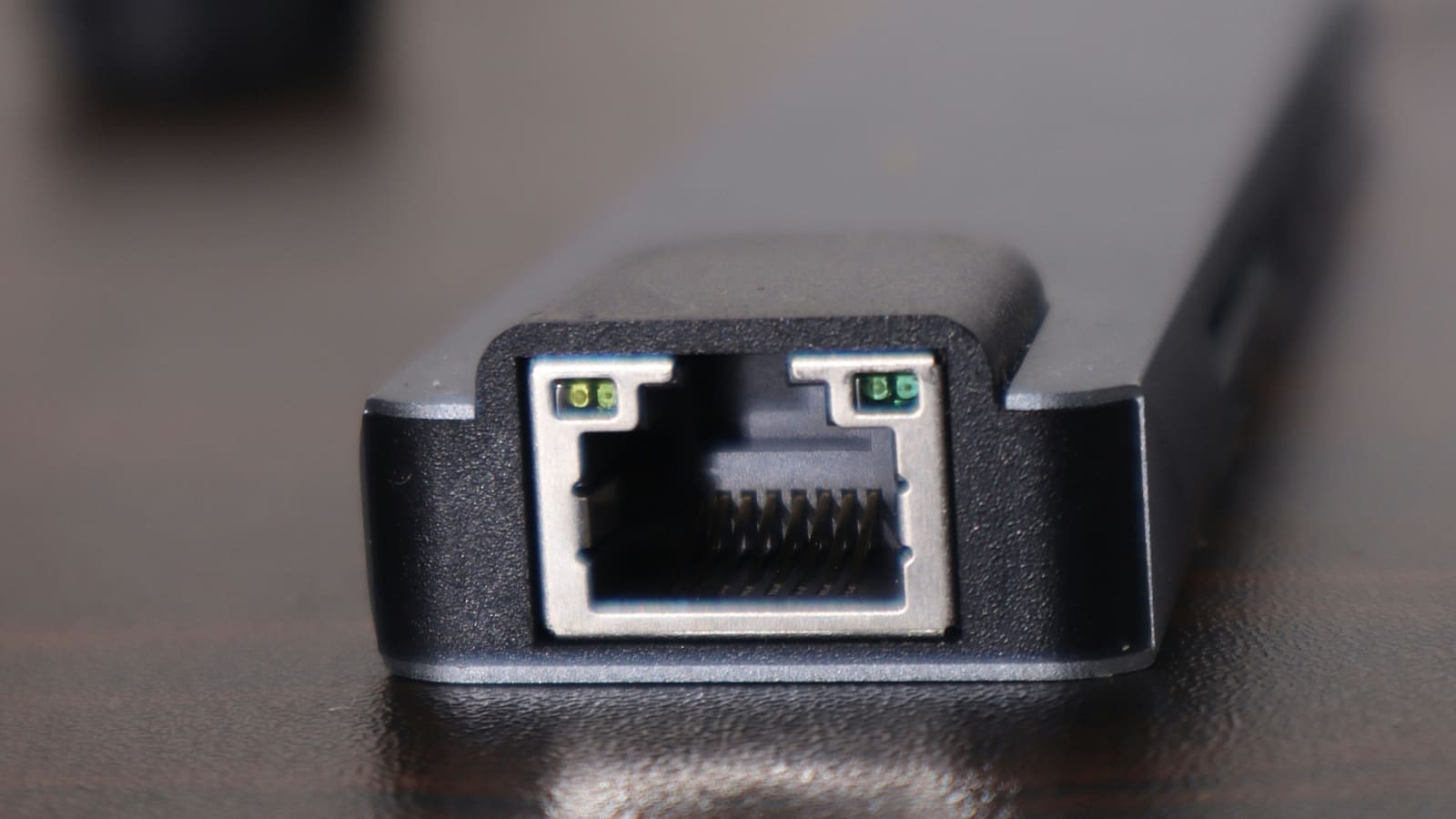
- A faulty Ethernet port or cable: Some users in the same forum thread traced the problem to a defective port that only showed up after the reboot, and switched to Wi-Fi mode instead.
Fix 1: Check the gateway's connection mode
Open the gateway's own web page, using its IP address from your router's device list, and check the mode setting on the main or settings page. If it says USB and you connect over your network, switch it back to LAN (Ethernet) and let the device restart.
If the web interface is out of reach, the SLZB-06 series has a physical button that cycles between modes with short presses, according to the forum reports. Check your model's manual before pressing anything. How to tell it worked: in Home Assistant, go to Settings, then Devices & services, and your Zigbee integration stops showing a failed-to-set-up error, and mains-powered devices report state within a few minutes.
Fix 2: Confirm the IP address and port haven't changed
If the mode is right, look at the address. Compare the gateway's current IP with the one stored in your integration. Reserve a fixed address for the gateway in your router so a reboot can never move it; the steps are in the home network VLAN guide if you use segmented networks.
Then reconfigure the integration with the correct address. In ZHA this is done through the integration's Configure option, and in Zigbee2MQTT it is the serial port setting in your configuration file. How to tell it worked: the integration loads without an error and the device list populates.
Does ZHA support the new coordinator firmware?
Not always on day one. A Home Assistant Core issue opened on 31 December 2025 described an SLZB-06M on firmware revision 20251204 where ZHA could not see any Zigbee devices, with SMLIGHT support attributing it to EZSP version 18. The issue was closed with a reference to pull request zigpy/bellows#705, which points to a fix in the underlying zigpy bellows library rather than in Home Assistant itself.
So if the mode and address are right and you're still stuck, update Home Assistant to the latest release, which pulls in newer library versions. The ZHA guide explains how ZHA depends on these radio libraries. How to tell it worked: after updating and restarting, ZHA lists your devices again.
Fix 3: Roll the coordinator firmware back
Downgrading is the last resort, not the first. In the v2.8.7 thread the reported downgrade path was reverting to v2.7.1 with SMLIGHT's firmware updater, and the poster noted it needed devices re-paired and was not recommended when the mode switch was enough.
Before you touch firmware, take a full Home Assistant backup; the backup and restore guide covers it. Also check the vendor's release notes for whether a downgrade is supported for your model, because flashing unofficial firmware voids the warranty according to SMLIGHT's manual. How to tell it worked: the network comes up and devices respond without re-pairing; if you had to re-pair, treat the downgrade as a rebuild.
What if some devices reconnect and others don't?
Battery devices report only when they wake, so give sleepy sensors up to a day before declaring them lost. Mains-powered devices are routers, and the mesh rebuilds around them, so restore those first. If a device still won't return after a day, press its pairing button once to trigger a rejoin before resorting to a full re-pair.
How do you stop this happening again?
- Back up first: a Home Assistant backup takes a minute and includes your Zigbee network database when using ZHA.
- Do not update the same day a firmware lands: read the vendor's changelog and the Home Assistant community forum before flashing.
- Reserve the gateway's IP: a DHCP reservation removes one whole failure class.
- Note your settings: screenshot the gateway's mode and network settings before updating so you can compare afterwards.
- Consider USB for stability: a stick plugged in through a short extension lead has no Ethernet or mode setting to break; see the Zigbee stick guide.
When should you consider a different route?
If you keep hitting integration incompatibilities on each firmware release, compare the two main Zigbee stacks in Zigbee2MQTT vs ZHA. Zigbee2MQTT has its own adapter support list and update cadence, which can suit people who prefer to control exactly when their radio firmware moves.
Quick reference: which symptom points to which fix?
| Symptom | Most likely cause | Try |
|---|---|---|
| Integration shows failed to set up right after update | Mode changed to USB | Fix 1 |
| Gateway web page reachable, integration cannot connect | New IP or port | Fix 2 |
| Integration loads but zero devices listed | Protocol mismatch (e.g. EZSP 18) | Update Home Assistant, then Fix 3 |
| Gateway web page unreachable over Ethernet | Faulty port or cable | Try Wi-Fi mode |