What do you need before you start?
- A floor plan or rough sketch of your home, marking where you want a wired point (router location, TV, office desk, garden camera hub) or where Wi-Fi currently drops out.
- Your existing router/ISP hardware — most installers and mesh kits work alongside it rather than replacing it outright.
- A budget ceiling — decide this before getting quotes, since cabling quotes can vary by 3–4x for the same job depending on access and finish.
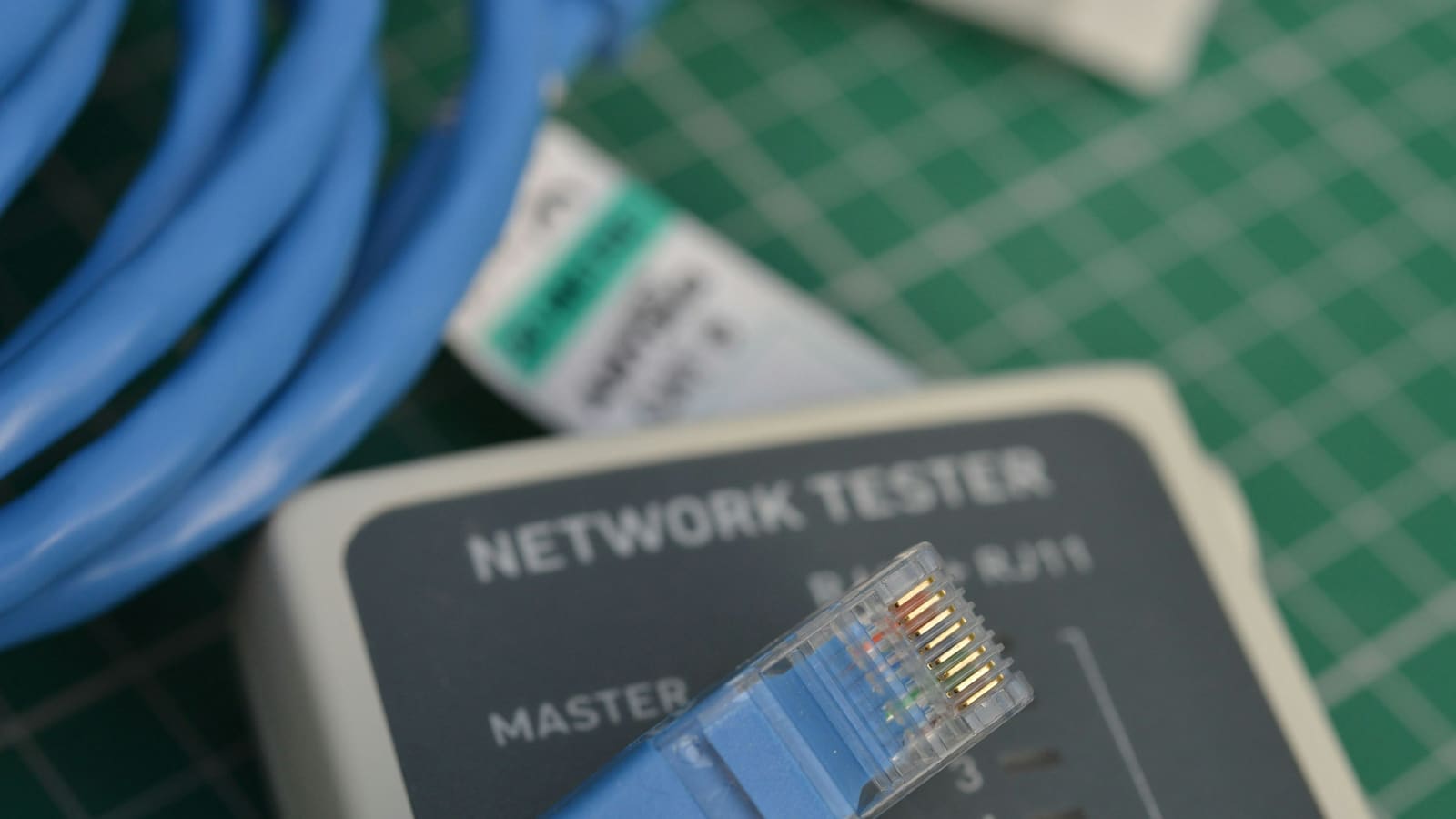
- For DIY cabling: a cable tester, a punch-down tool or crimper, and either premade patch leads or bulk cable plus RJ45/keystone connectors.
- For DIY mesh Wi-Fi: just the kit itself and the manufacturer's app — no tools needed.
Step 1: Work out how many data points you actually need
Count the fixed devices that benefit most from a wired connection rather than Wi-Fi: your main TV/streaming box, a games console, a desktop PC or NAS, a Home Assistant server, and any PoE security cameras or access points. Most three-to-four-bedroom UK homes end up specifying four to six data points — a router/comms cabinet location plus one point in each of the rooms above. Every point you add to a professional quote adds cost, so this list is what keeps the job's price under control. If your only goal is better Wi-Fi coverage rather than a specific wired device, skip ahead to Step 3 — you may not need cabling at all.
| Job size | Typical UK cost (supplied & fitted) | What's included |
|---|---|---|
| 1–2 points, easy access | £100–£300 | Cable run, faceplate, basic termination |
| 4–6 points, whole-house | £500–£1,200 | Patch panel, wall cabinet, testing/certification |
| Difficult run (solid wall, no loft access) | £150–£300+ per point | Extra labour for chasing/routing |
| DIY mesh Wi-Fi kit (3-node) | £100–£700 | Hardware only, self-installed, no cabling |
Step 2: Price up professional cabling installation
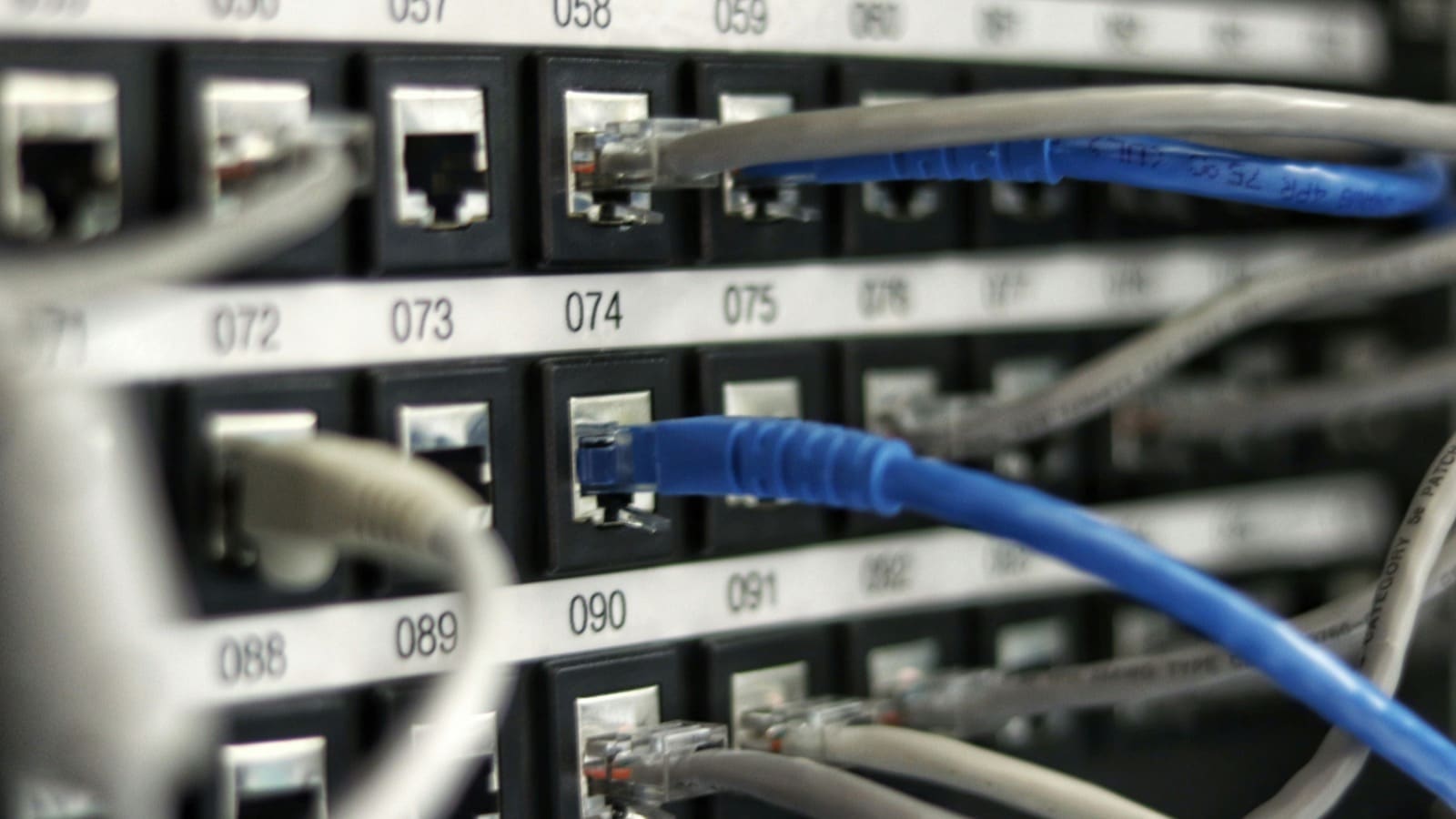
UK network cabling installers typically charge £60–£150 per Cat6 data point supplied and installed on a straightforward job with good loft or underfloor access, rising to £150–£300+ per point for difficult runs — long distances, solid walls, no loft access, or listed-building restrictions. Cheaper per-point quotes of £35–£100 do exist from general electricians rather than specialist data cabling firms, but they're more common for very short, simple runs and tend to rise once you add patch panel termination and testing. On top of the per-point labour, budget for materials: a 24-port patch panel runs £25–£70, a wall-mounted network cabinet £80–£200 (or £250–£700+ for a floor-standing rack), cable itself around £0.40–£0.80 per metre, containment such as trunking or tray £3–£15 per metre if cable can't be hidden in voids, and certification/testing £5–£20 per point if you want the job signed off. A typical five-point whole-house rewire, supplied and fitted, lands around £500–£1,200 in total once patch panel, cabinet and testing are included — small jobs of one or two points can cost proportionally more per point, while larger jobs (8+ points) usually bring the per-point price down.
Do electricians or specialist cablers charge different day rates for this work?
Yes — general domestic electricians in the UK charge £45–£65 an hour on average (£250–£400 a day), rising to £65–£90 an hour in London and £55–£75 an hour in the South East, against £40–£60 an hour in the Midlands and North. Most general electricians will run and terminate ethernet cable as an add-on to other electrical work at these standard rates. Specialist data cabling contractors more often quote per point rather than by the hour, which usually works out cheaper for a dedicated networking job because they're not re-quoting general electrical call-out rates for low-voltage cable work. If you're already having an electrician in for other work, ask for a combined quote — running Cat6 alongside power cabling in the same walls saves a second call-out and often shaves a few pounds off each point.
Step 3: Price up a DIY mesh Wi-Fi self-install as the alternative
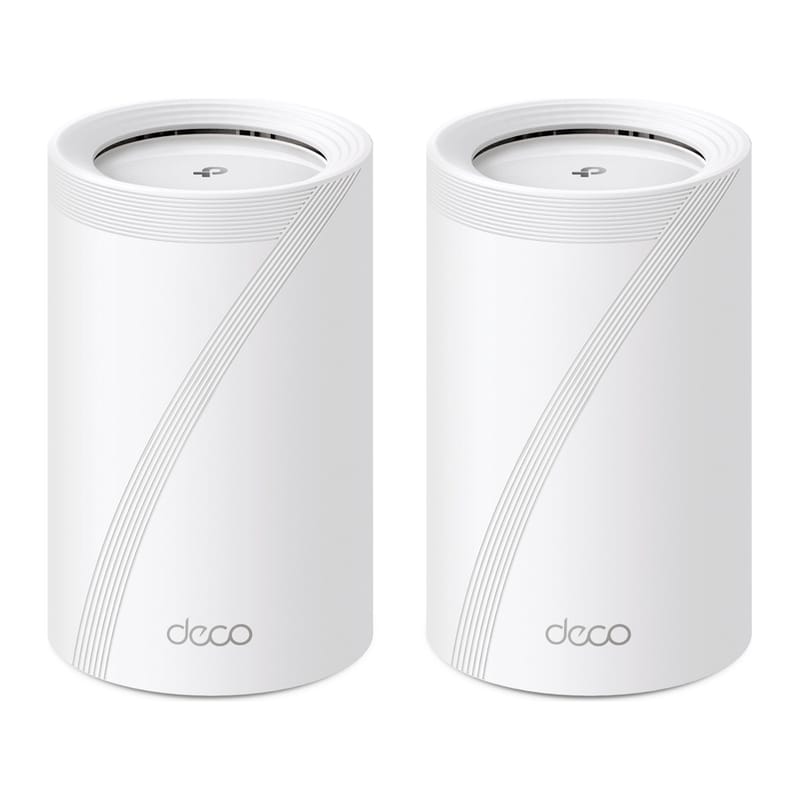
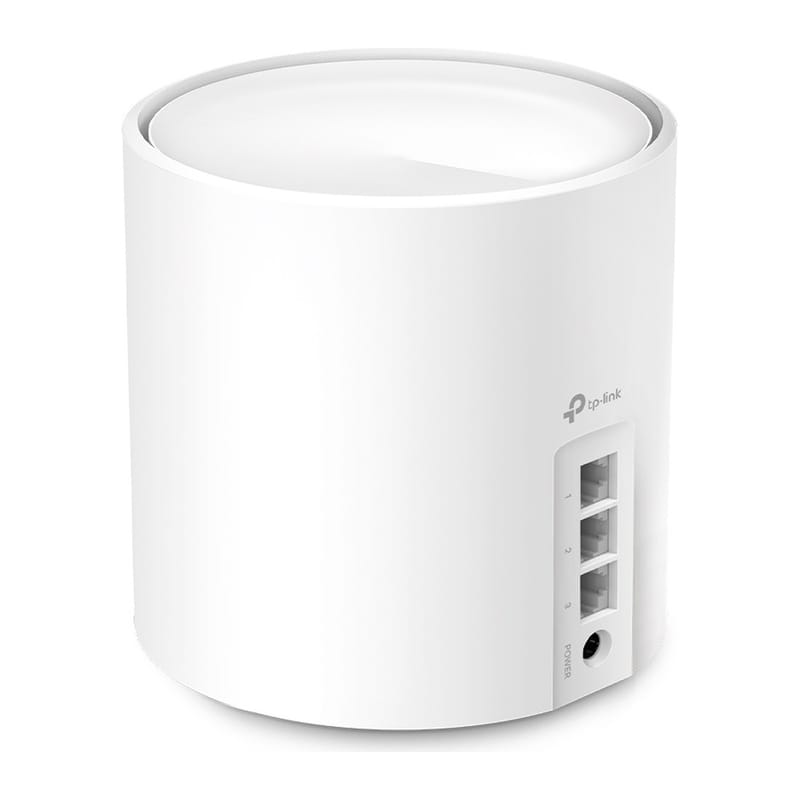
If your real problem is patchy Wi-Fi rather than a specific device that needs a wired port, a self-install mesh kit is usually far cheaper than cabling. Budget three-node kits like the TP-Link Deco M4 start around £100, mid-range Wi-Fi 6/6E kits such as the TP-Link Deco X50 3-pack run £200–£250, and premium mesh systems (Eero Pro 7, ASUS ZenWiFi) run £350–£700 for a three-pack. Our guide to the best mesh Wi-Fi systems in the UK covers which tier suits which house size. Setup is app-guided and typically takes under an hour with no tools or wall access required — for most homes chasing dead spots, this is the cheaper and faster fix.
Step 4: Decide between DIY cabling and paying an installer
If you're comfortable running cable yourself, materials for a five-point DIY job — bulk Cat6 cable, keystone jacks, faceplates, a basic patch panel, and a cable tester/punch-down tool you'll reuse — typically comes to £150–£350 total, against £500–£1,200 for the same job professionally fitted. That gap is the labour, wall-chasing and certification you're paying for. DIY cabling makes sense if you have loft/underfloor access, are comfortable working with a punch-down tool, and don't need a certified, tested installation. Paying a professional makes sense if walls need to be chased and made good, you want testing and certification for a resale-relevant install, or the run is long or complex enough that a botched termination means redoing the whole job rather than just one point. A middle ground worth pricing separately: some installers will supply and terminate a patch panel and cabinet professionally while you run the cable yourself through accessible voids, which can shave 30–40% off a full-service quote since the labour-intensive chasing work is removed.
Step 5: Test, certify and patch the network in
Whichever route you take, don't skip testing. A basic cable tester (£15–£40 to buy, or included in a professional quote's £5–£20-per-point testing fee) checks each of the eight wires in a Cat6 termination is in the right pin position and making a solid connection — this catches the single most common DIY fault, a miswired pin order, before you've plastered over the point. Once each run tests clean, patch it into the patch panel or switch, label both ends of the cable (a £5 label maker pays for itself the first time you need to trace a fault), and only then close up any walls or flooring you've opened. If you've paid for a professional install, ask for the test results or a certificate as part of the job — it's standard practice for a data cabling contractor and worth having if you ever sell the house.
What are the most common home network installation problems and fixes?
Quotes vary wildly between installers for the same job: get at least three quotes and check whether they include patch panel termination and testing, not just the raw cable run — a low quote that excludes these will cost more once you add them back.
Mesh Wi-Fi doesn't fix a dead zone in a detached outbuilding or garden office: mesh nodes still need a wireless or wired backhaul link to the rest of the system; beyond about 15–20 metres through walls, a single Cat6 run to a wired access point is usually more reliable than adding more mesh nodes.
DIY-terminated cable tests as faulty: the most common cause is a miswired pin order at the RJ45 or keystone jack — recheck against the standard TIA/EIA-568B colour order before assuming the cable itself is at fault.
What should you do next after installing your home network?
Once cabling or mesh Wi-Fi is in place, segment IoT and smart home devices onto their own network with our IoT VLAN setup guide for Home Assistant, or work through the full home network setup guide for router and switch recommendations. If you're weighing up mesh kits specifically, our best mesh Wi-Fi systems UK guide compares current Wi-Fi 6/6E and 7 options across budget, mid-range and premium tiers, and our home network VLAN guide walks through separating IoT traffic from your main devices once everything's wired or connected.
One thing worth planning for even if you're only cabling one or two points now: pulling extra 'spare' runs while walls are open costs very little extra in materials at the per-point labour rate you're already paying, and saves a second call-out later if you add a Home Assistant server, a PoE camera, or a second access point down the line.