Why local Zigbee control matters for Home Assistant
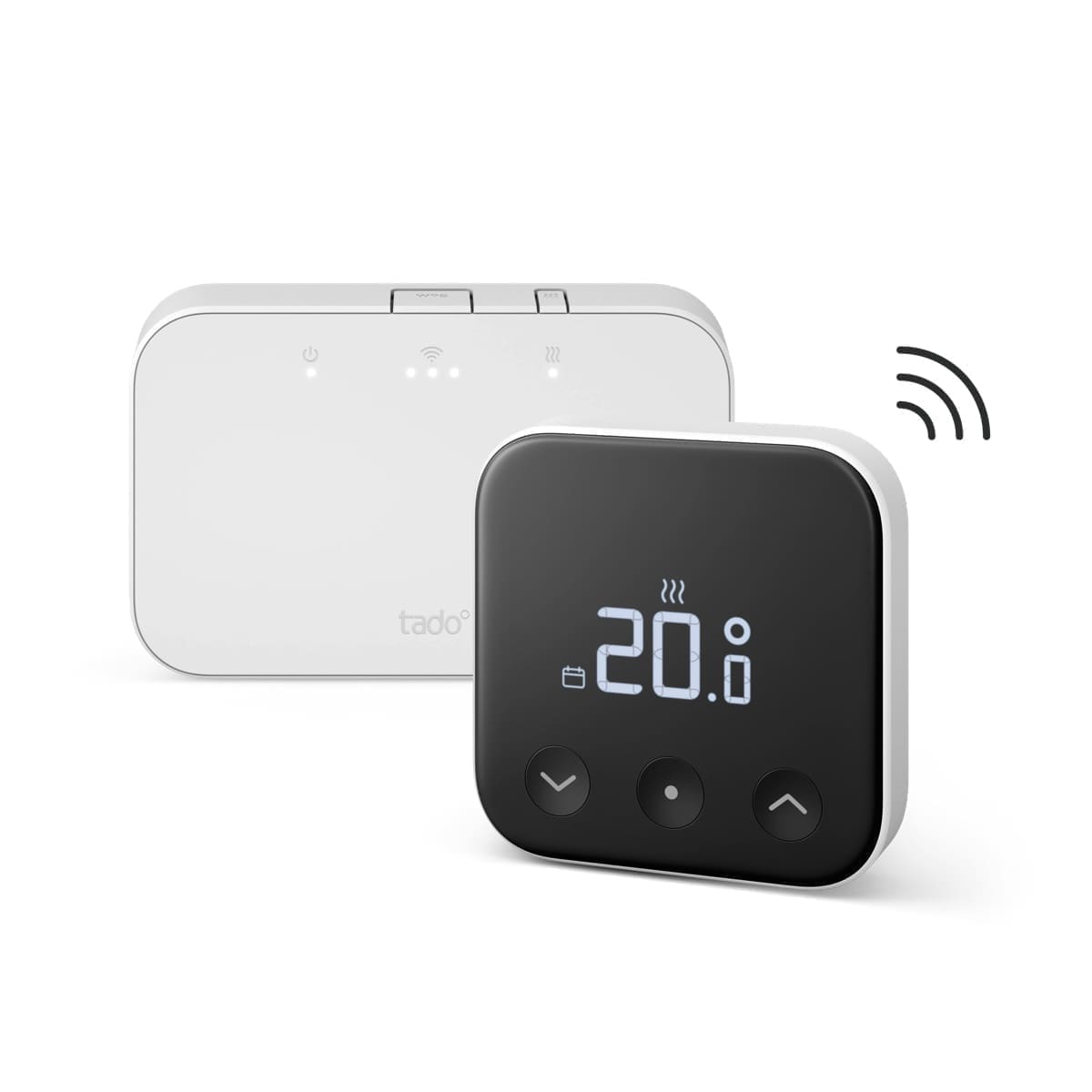
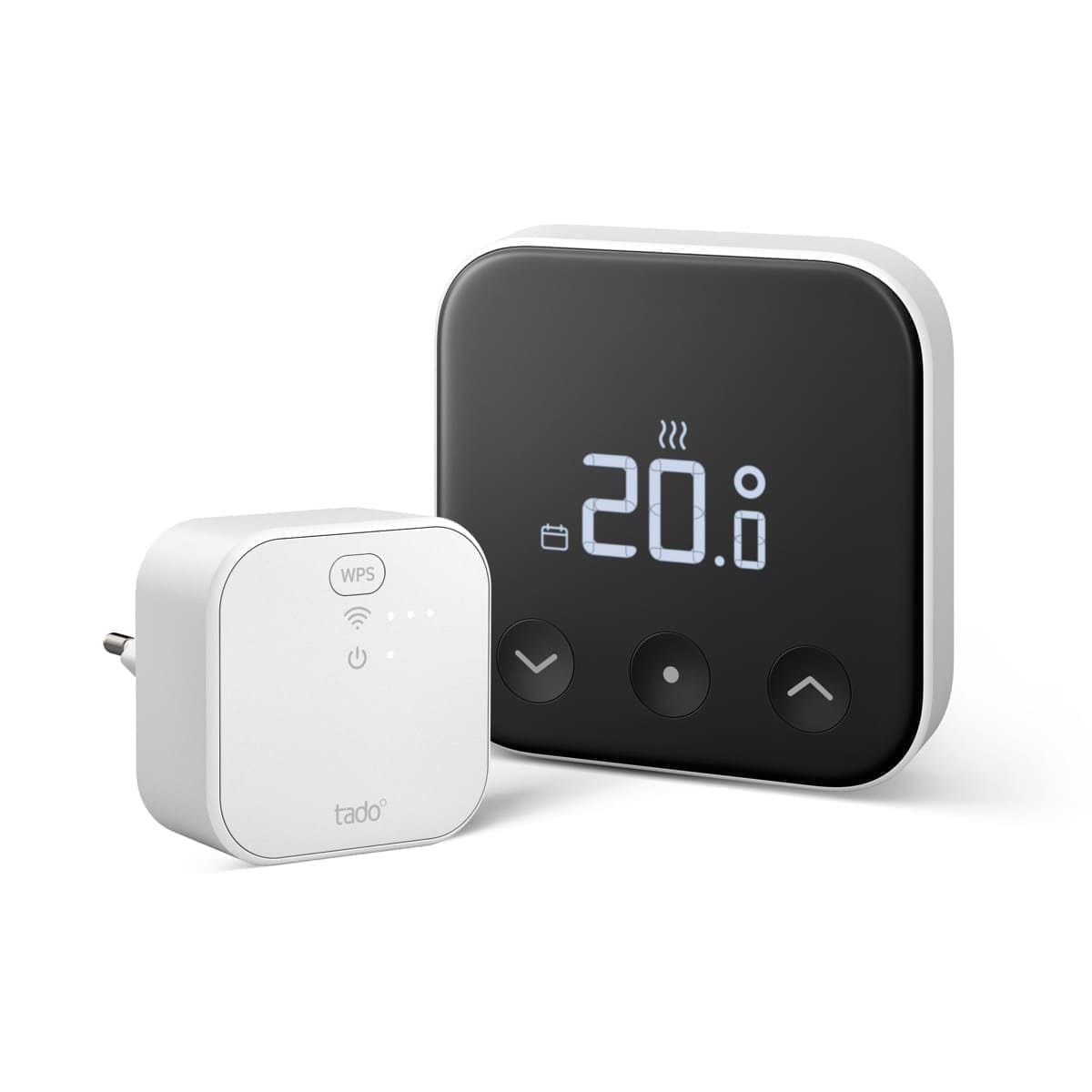
Cloud-based ecosystems like tado° and Hive route every command through the manufacturer's servers, which means automations can lag or fail entirely if that service has an outage — and scheduling logic mostly lives in their app, not in Home Assistant. A Zigbee TRV paired directly to your Zigbee coordinator, by contrast, is controlled entirely on your local network. Our existing best smart radiator valves UK guide covers the mainstream cloud-first options in more depth if that trade-off suits you better; this guide is specifically for the local-first Zigbee route.
What to check before buying a Zigbee TRV
- Confirmed ZHA or Zigbee2MQTT support. Check the device's entry on the Zigbee2MQTT supported devices list or the Home Assistant community ZHA device compatibility threads before buying — Zigbee TRVs vary in how completely their features (boost mode, child lock, external temperature sensor input) are exposed once paired locally, and a few models have had open compatibility issues.
- Valve thread size. UK radiators mostly use the M30x1.5 valve thread, but always check your existing TRV body before ordering — some European models ship with adapters, others don't.
- Battery type and life. Most Zigbee TRVs run on 2x AA batteries lasting roughly 6–12 months depending on how often the valve motor cycles.
- Whether you need a Zigbee coordinator already. These valves pair to your existing Zigbee network (a coordinator stick running ZHA/Zigbee2MQTT, or a Zigbee hub like an Aqara or SkyConnect dongle) — you don't need the manufacturer's own gateway.
Best Zigbee radiator valves for Home Assistant
Sonoff TRVZB — best value
The Sonoff TRVZB is a Zigbee 3.0 thermostatic radiator valve that typically sells for around £20–£25 in the UK. It has a dedicated, actively maintained page on Zigbee2MQTT confirming full local control — target temperature, current temperature, valve position, child lock and away mode are all exposed as entities. Home Assistant community threads also confirm it pairs cleanly under ZHA. At this price it's the cheapest reliable way to get local per-radiator control across a whole house.
Danfoss Ally — best build quality
Danfoss's Ally range is Zigbee 3.0 certified and aimed more at the trade/installer market, with a single valve costing roughly £55–£90 depending on retailer. It has a stronger valve motor and a more precise temperature sensor than most budget TRVs, and Home Assistant users have documented working ZHA and Zigbee2MQTT setups in the community forums, though initial pairing can be fiddlier than the Sonoff. Danfoss also sells an optional room sensor and boiler relay if you want to extend a single Ally valve into open-window detection or basic boiler control.
Aqara Radiator Thermostat E1 — widest ecosystem support
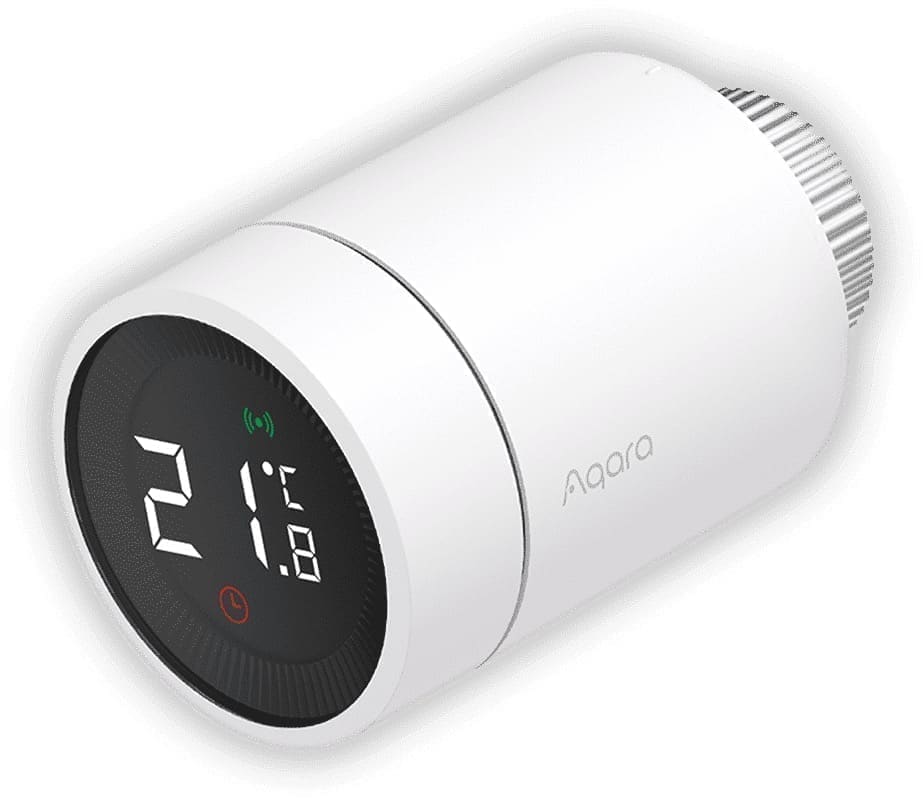
The Aqara E1 costs around £50–£55 and is Zigbee-based, working well through Zigbee2MQTT and also supporting Apple Home and Aqara's own app if you want a mixed setup. Be aware that some users have reported specific ZHA compatibility issues with certain firmware versions — check current Home Assistant community and GitHub reports for your exact valve batch before buying if you're committed to ZHA specifically rather than Zigbee2MQTT.
NodOn TRV-4-1-00 — cheapest hub-free option
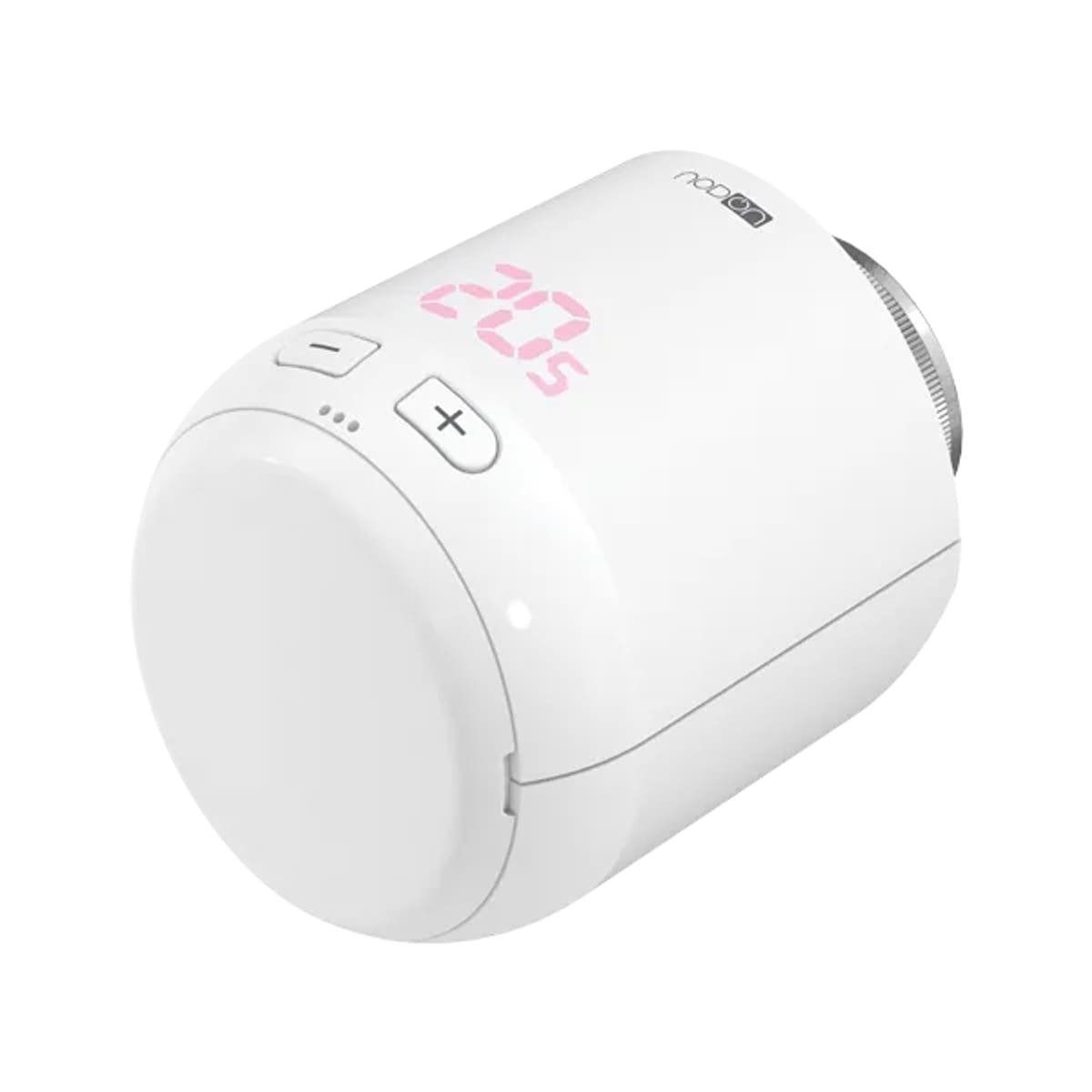
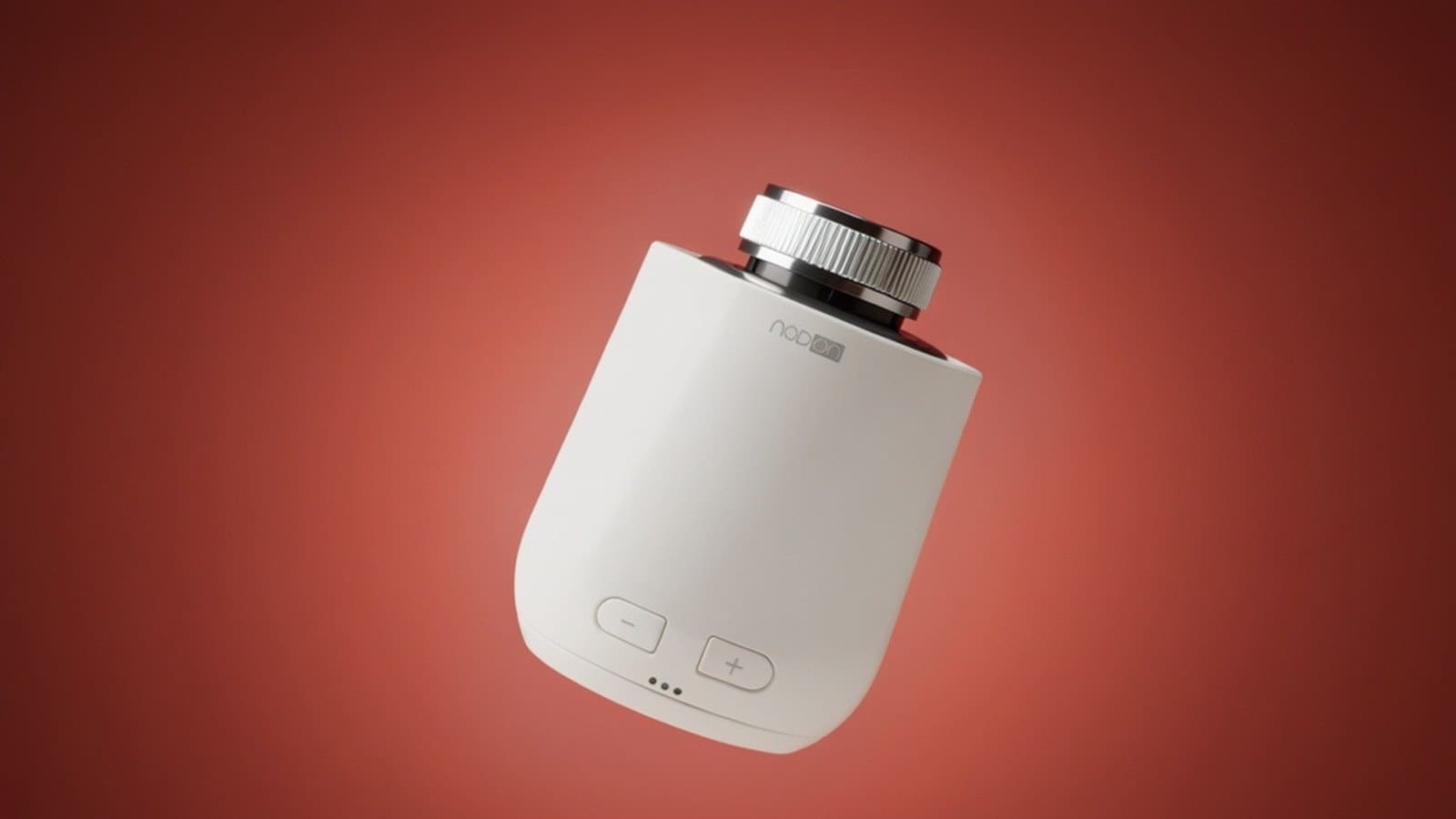
The NodOn TRV-4-1-00 is a French-made Zigbee 3.0 valve that typically costs around £35–£45 and needs no app or subscription at all — every feature is exposed once it's paired to ZHA or Zigbee2MQTT. In our hands-on review, it paired to ZHA in seconds and exposed a full climate entity plus configurable min/max setpoint limits and a local temperature offset, though its on-device display is a basic icon-and-digit segment readout rather than a polished touchscreen. A solid pick if you want the cheapest fully local option and don't need a companion app.
Where the cloud-first options still make sense
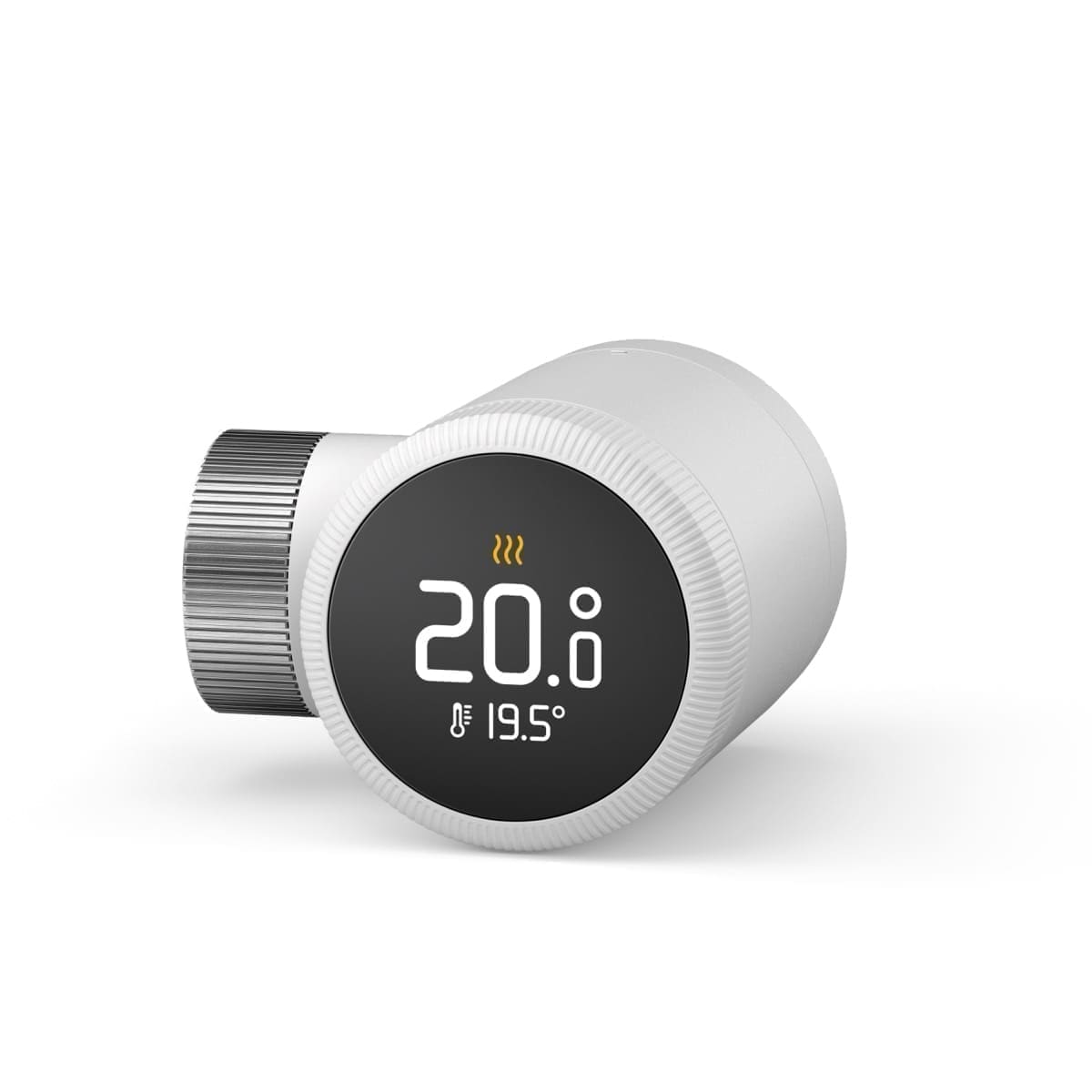
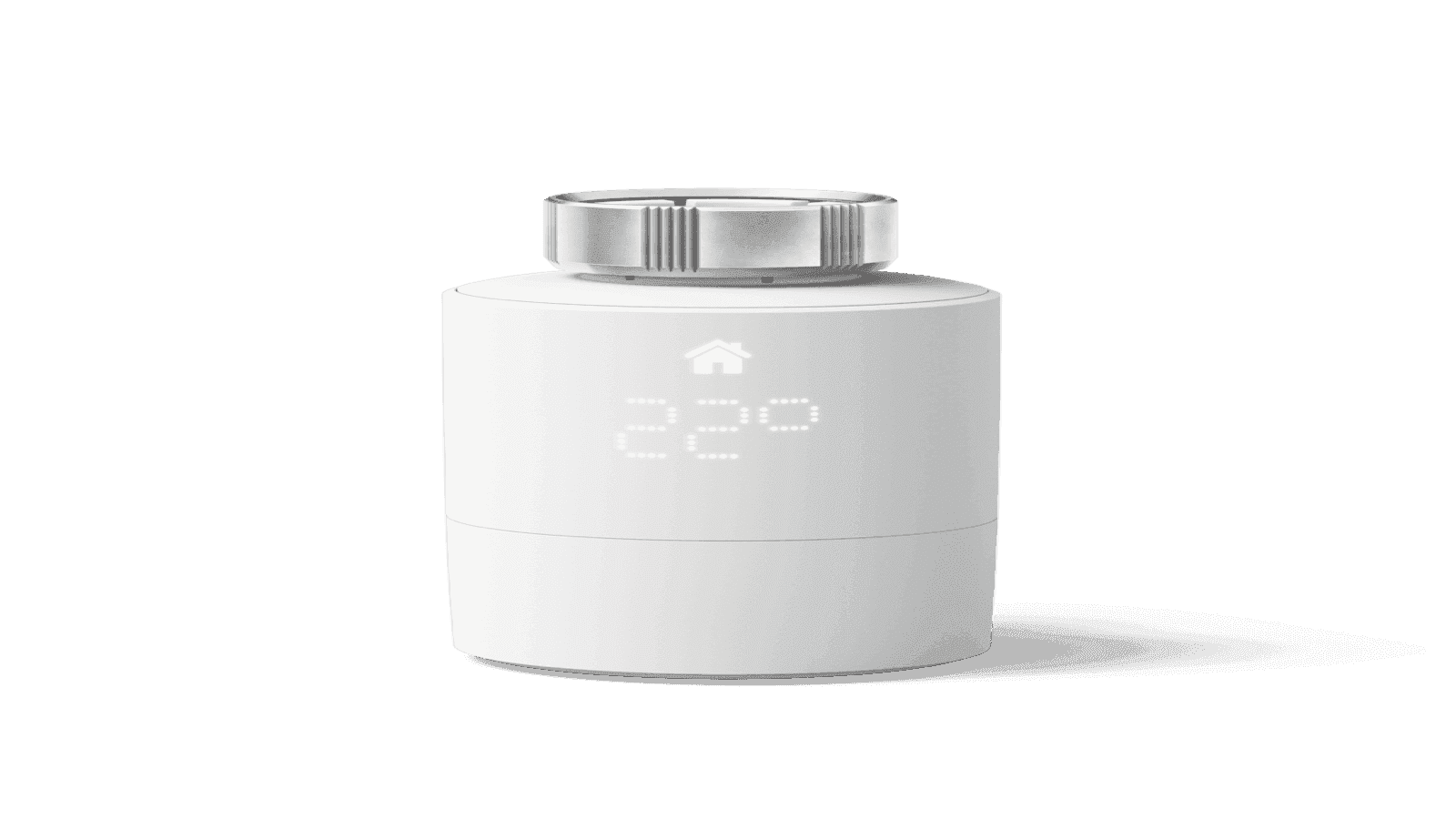
If you want weather-compensated scheduling, geofencing, or a single polished app that also controls a smart thermostat for the same heating zone, tado°, Hive and Drayton Wiser remain reasonable choices — all three have working Home Assistant integrations too, they just route through the manufacturer's cloud rather than talking Zigbee locally. Our tado Smart Radiator Valve review covers that experience in detail, and our broader smart heating zones guide explains how to combine room-by-room TRVs with zone-level scheduling regardless of which ecosystem you pick.
Setting up a Zigbee TRV in Home Assistant
Put the coordinator into pairing mode from the ZHA or Zigbee2MQTT integration page, then follow the valve's own pairing sequence (usually holding the physical button for several seconds until the display flashes). Once paired, the valve exposes a climate entity for target temperature alongside separate sensors for battery level and, on most models, valve position — these can be added to a Lovelace thermostat card or used directly in heating automations without needing the manufacturer's app at all.