
What does a thermostatic radiator valve actually do?
A TRV opens and closes the flow of hot water into a radiator to hold the room at roughly the temperature set on its dial, rather than just turning the radiator fully on or off. Inside the valve head is a wax or liquid-filled capsule that expands as the surrounding air warms up. As it expands, it pushes a pin down into the valve body, gradually restricting water flow; as the room cools, the capsule contracts and the pin retracts, letting more hot water through. There's no wiring or power involved — it's a purely mechanical, self-regulating device, which is why manual TRVs have been standard fitment in UK homes since the 1970s and don't need batteries or an internet connection to work.
What do the numbers on a radiator valve mean?
The numbers on a standard TRV dial are a relative scale, not a direct room-temperature readout in °C, and the exact figure at each setting varies by manufacturer and room. As a rough guide used across most UK TRV brands: 0 shuts the valve fully (frost protection may still trip below ~5°C on some models), 1 targets around 10°C, 2 around 15°C, 3 around 20°C — the usual setting for a living room — 4 around 25°C, and 5 leaves the valve fully open with no temperature limiting at all. British Gas's own consumer guide uses this same 1–5 mapping. Because insulation, radiator size and how much direct sun a room gets all affect the real result, treat the numbers as a starting point and adjust by a notch after a day or two rather than assuming "3" means exactly 20°C in every room.
Manual valve vs thermostatic valve vs smart valve — what's the difference?
The three valve types sit on a scale from "no automation" to "fully scheduled":
| Type | How it controls temperature | Typical cost (valve only) | Best for |
|---|---|---|---|
| Manual valve | Fully open or closed by hand; no temperature sensing | £10–£25 | Lockshield (return) side of every radiator; rooms you rarely need to fine-tune, like a utility cupboard |
| Thermostatic (TRV) | Wax capsule throttles flow to hold a dialled-in target, adjusted by hand | £15–£40 | Most bedrooms and living rooms — the standard UK default |
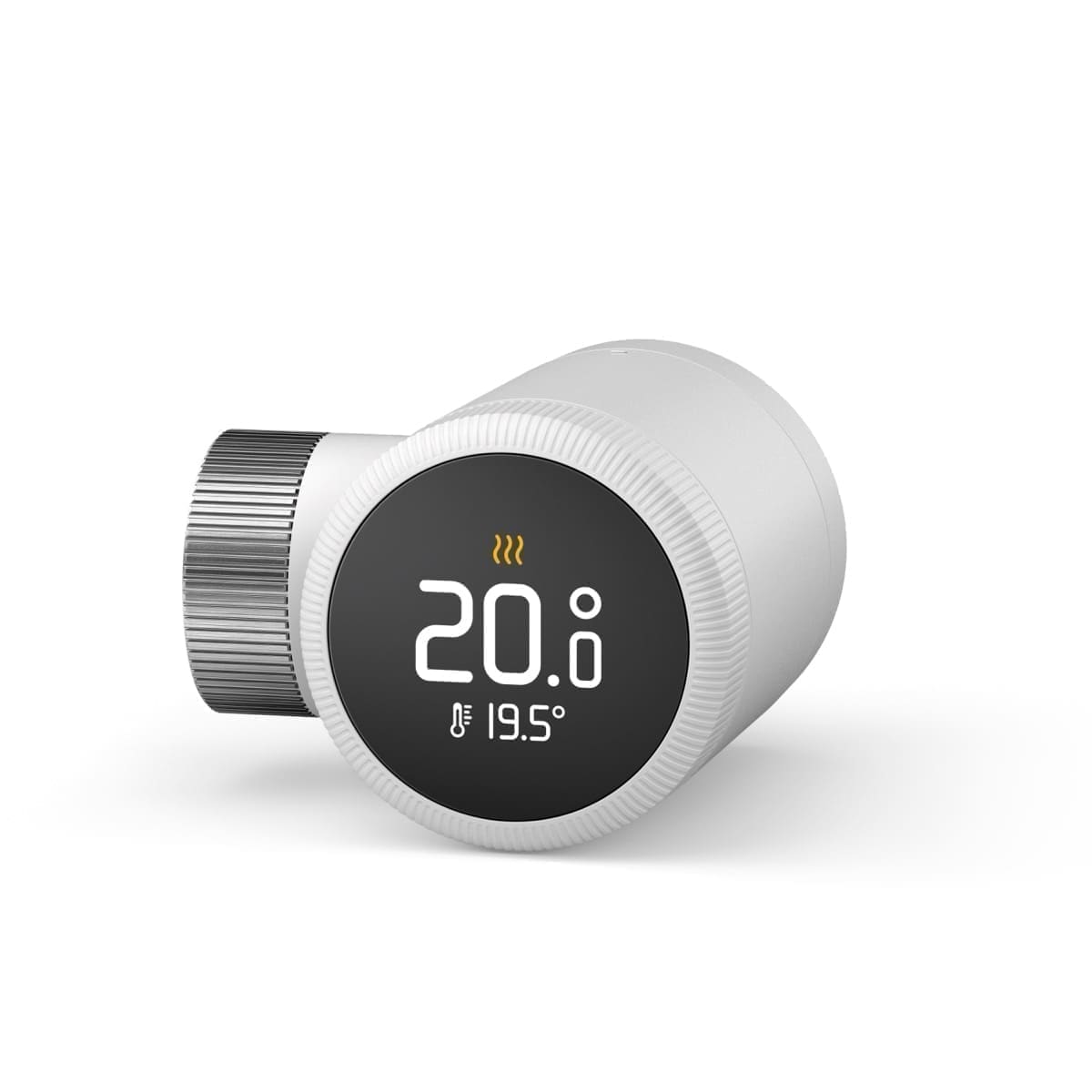
| Smart TRV | Motorised actuator driven by an app or automation platform (Zigbee, Wi-Fi or a hub), following schedules and room sensors | £30–£70 per valve | Rooms with different usage patterns through the day — home offices, spare rooms, homes wanting room-by-room heating schedules |
A manual valve is the right choice for the lockshield side of the pair — it's set once by a heating engineer to balance flow across the system and then left alone. A standard TRV is the sensible default for the flow side of most radiators. Smart valves add scheduling, remote control and per-room automation on top of what a TRV already does, at extra cost in money and battery upkeep (most run 1–2 AA batteries for 6–24 months).
Which smart radiator valve brand should I choose?
The five brands UK homeowners most often compare are tado°, Drayton Wiser, Hive, Danfoss Ally and Aqara. The real differences are the hub each needs, whether there's a subscription, and how cleanly it plugs into Home Assistant. Prices move around, so check current listings before buying.
| Brand / valve | Connection | Hub needed? | Subscription | Home Assistant |
|---|---|---|---|---|
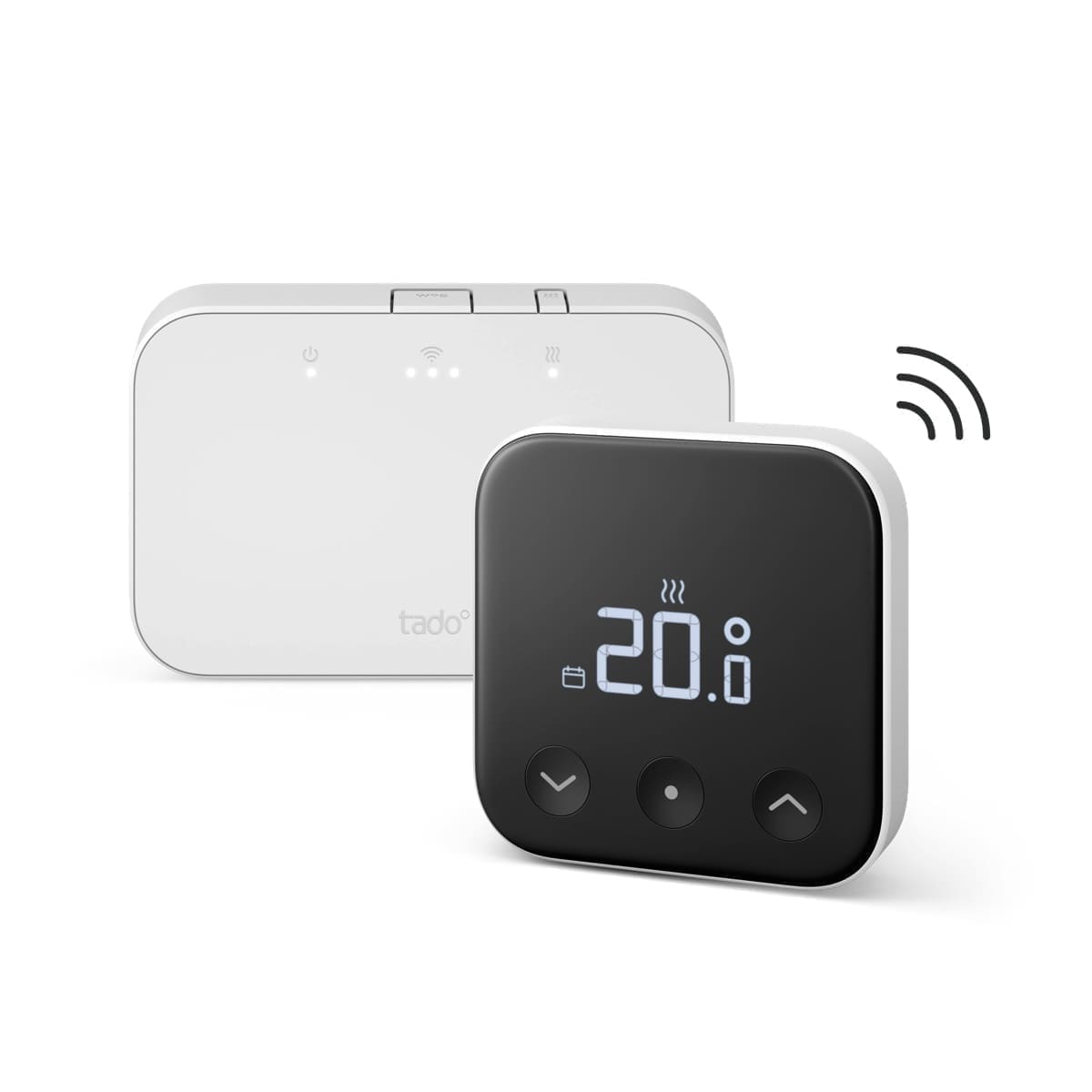
| tado° Smart Radiator Thermostat (V3+ and X) | V3+ uses tado's Internet Bridge; the X uses Thread/Matter | Bridge for V3+; Thread border router for the X | Core control is free; Auto-Assist geofencing is optional and paid | Built-in tado integration (cloud-based) |
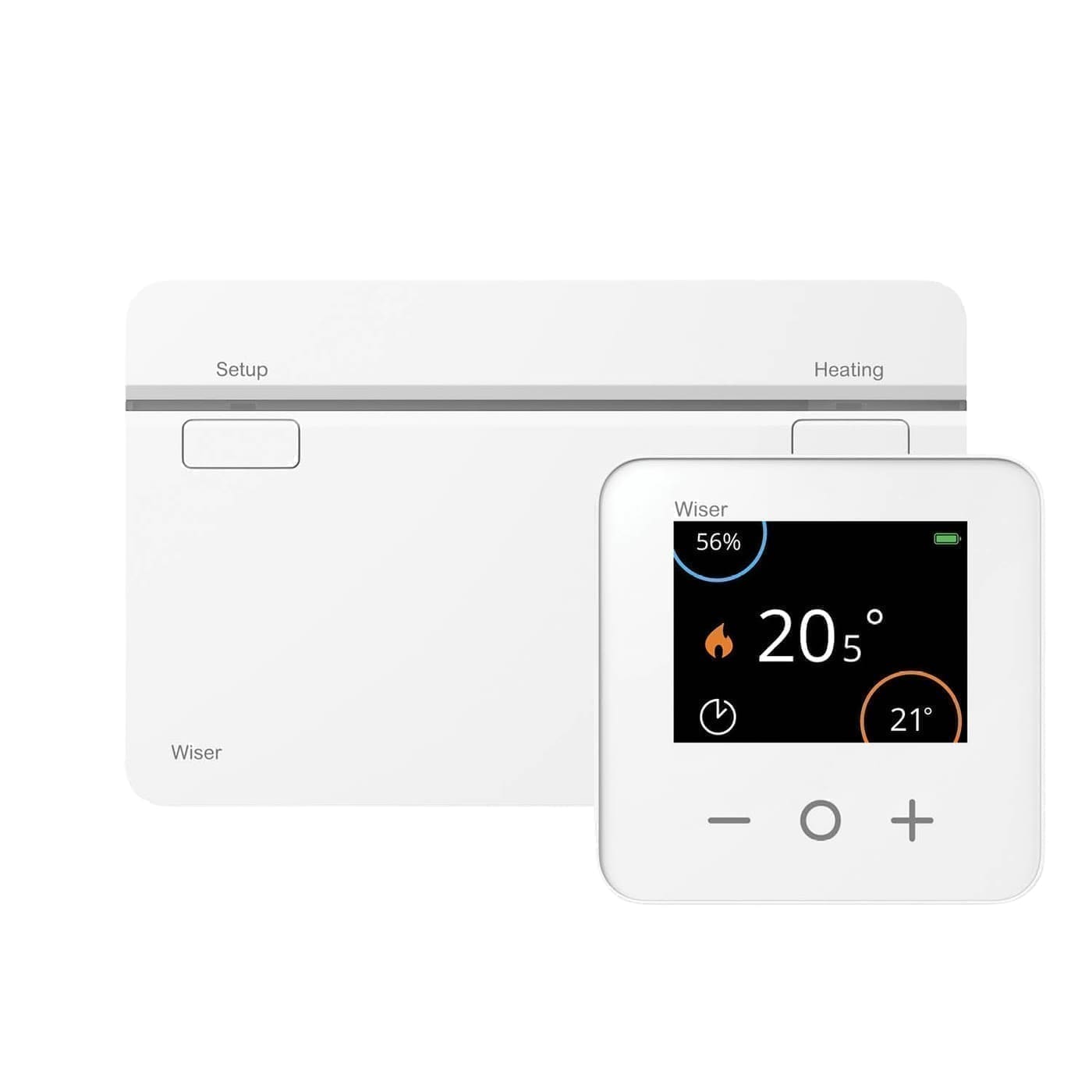
| Drayton Wiser Radiator Thermostat | Zigbee via the Wiser Heat Hub | Yes, Wiser Heat Hub | None | Community integration (HACS), not built in |
| Hive Radiator Valve | Zigbee via the Hive Hub | Yes, Hive Hub | None for core features | Built-in Hive integration (cloud-based) |
| Danfoss Ally Radiator Thermostat | Zigbee | Any Zigbee coordinator | None | Local control via ZHA or Zigbee2MQTT |
| Aqara Radiator Thermostat E1 | Zigbee | Aqara hub or any Zigbee coordinator | None | Local control via ZHA or Zigbee2MQTT |
If you already run a Zigbee network for Home Assistant, Danfoss Ally and Aqara valves are the simplest and keep everything local, with no manufacturer cloud in the loop. tado° and Hive suit households that want a polished app and a self-contained system first, with Home Assistant as a bonus. Drayton Wiser tends to be cheapest per room once you're fitting four or more valves, but its Home Assistant support comes from a community integration rather than the core project. For a full ranked comparison see our best smart radiator valves UK round-up and our tado smart radiator valve review.
How much does it cost to fit new radiator valves?
Fitting a pair of manual TRVs in the UK typically runs to a few hundred pounds in parts and labour once every radiator in the house is covered — Energy Saving Trust figures put the combined cost of adding a programmer, room thermostat and TRVs throughout a typical home at around £370, alongside potential bill savings of roughly £100 a year in Great Britain (£110 in Northern Ireland) from using those controls properly, though savings depend on your existing setup and how the controls are used. Fitting a single replacement valve without draining the whole system is a smaller, often DIY-able job, but replacing a valve on a pressurised or hard-to-isolate system is best left to a Gas Safe or plumbing professional, particularly on older homes where the pipework or valve tails may not match modern fittings.
Does a smart radiator valve need a hub, or does it connect directly?
Most smart radiator valves need either a manufacturer hub or a Zigbee coordinator to talk to the internet and to your automation platform — very few connect to home Wi-Fi directly, because Wi-Fi radios drain a battery-powered valve far faster than a low-power Zigbee radio. Brands like tado° and Hive ship their own hub that plugs into your router; Zigbee valves from brands such as SONOFF, Aqara, Tuya or NodOn — see our hands-on NodOn TRV-4-1-00 review — instead pair with any Zigbee coordinator, which can be a dedicated USB stick running through Home Assistant's ZHA integration or Zigbee2MQTT. Whichever route you take, check the valve's connection thread size before buying: M30×1.5mm is by far the most common radiator valve connection across UK and European radiators, but some older systems use Danfoss RA/RAV or Drayton-specific fittings that need an adapter, so measure or check your existing valve before ordering a smart replacement.
How do I set up a smart radiator valve in Home Assistant?
Once a smart TRV is paired to a Zigbee coordinator or its hub is added as a Home Assistant integration, it appears as a climate entity with a target-temperature control, just like a smart thermostat. From there you can build automations that lower a bedroom's target overnight, boost a home office an hour before a video call, or tie multiple valves together into heating zones so unoccupied rooms stay on a lower setback than rooms in use. For a full rundown of picking hardware, see our guide to the best smart radiator valves for Home Assistant, or the wider best smart radiator valves round-up if you're comparing app-only options too.
Do radiator valves actually save money?
TRVs save money by stopping rooms being heated past the temperature you've actually asked for, rather than letting the boiler keep pushing hot water round a radiator that's already warm enough. Industry body BEAMA estimates an average heating-cost saving of around 18% from fitting TRVs throughout a home, though the real figure depends heavily on how well-insulated the property already is and whether the valves are set sensibly rather than left on maximum. The saving comes on top of, not instead of, a working room thermostat and boiler timer — TRVs manage room-by-room balance, while the thermostat and timer control when and how long the system runs overall.