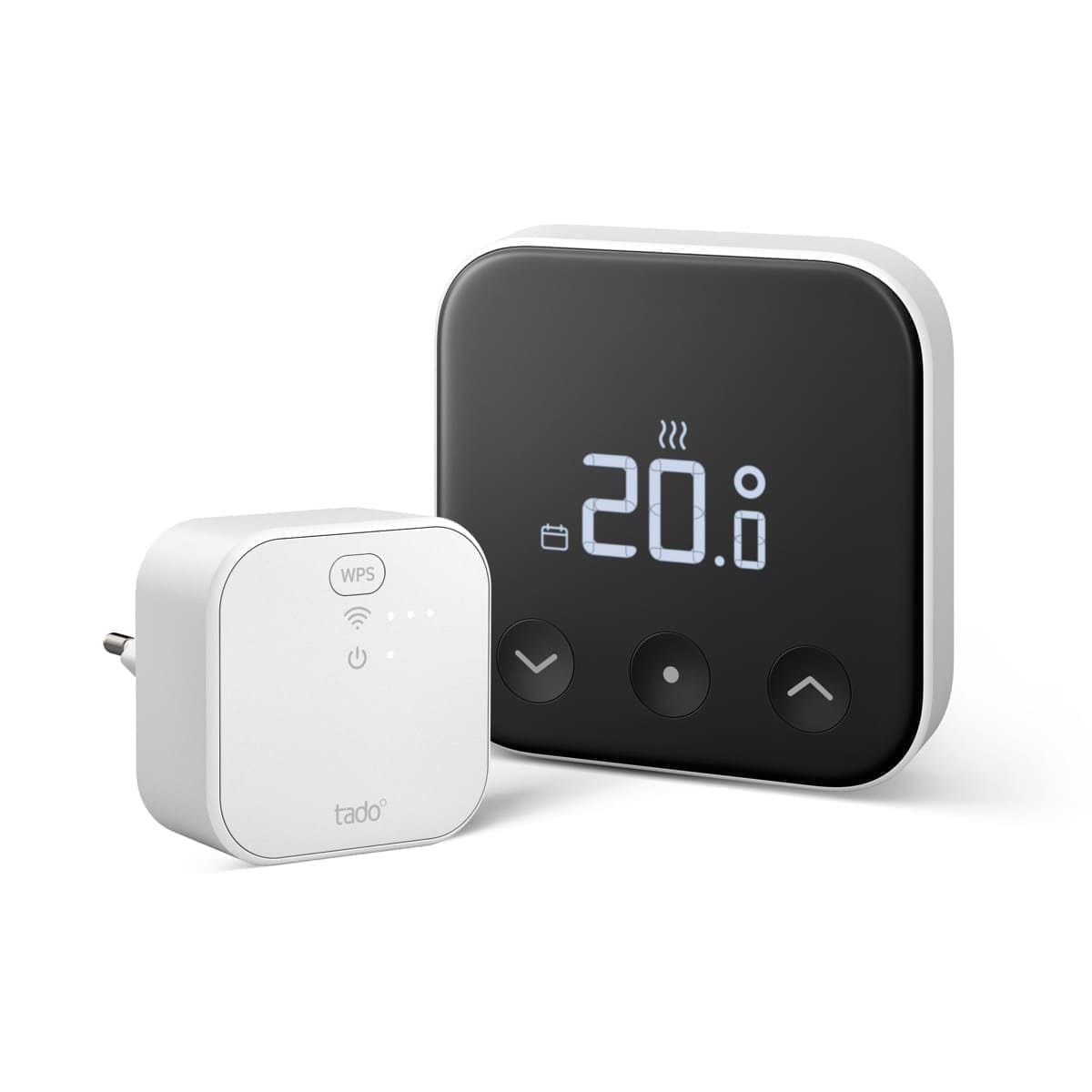
Design and Display
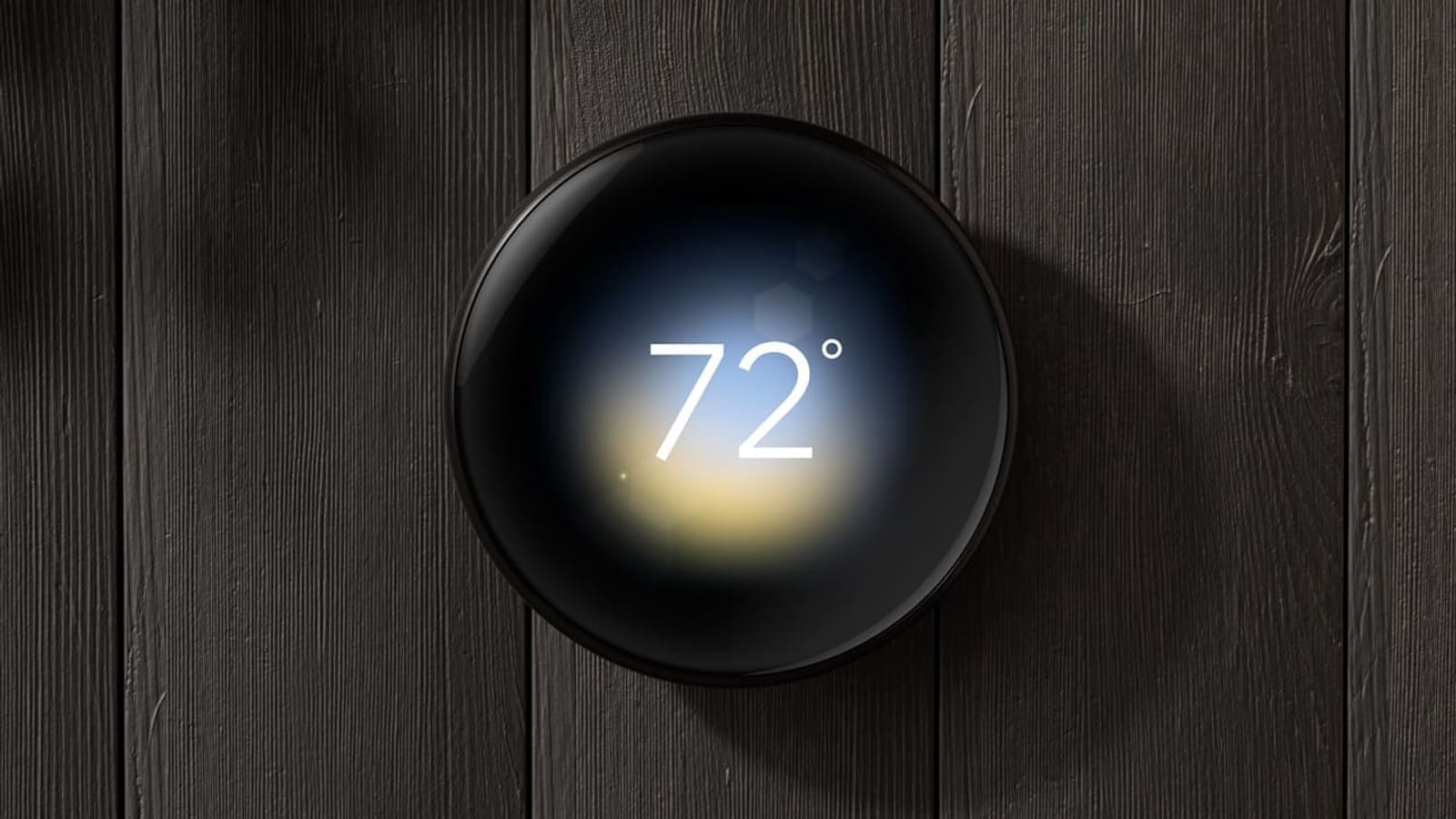
The frosted display is the Thermostat E's most distinctive feature. Rather than the mirrored, high-gloss finish of the Nest Learning Thermostat, the E uses a soft, matte polymer casing that blends into a white wall far more unobtrusively. The round, 24 mm display glows clearly when you approach — showing the current temperature, target temperature, and heating status — then dims back to near-invisibility when you walk away.
Dimensions are 13.5 cm × 13.5 cm × 3.85 cm and the unit weighs around 375 g including the wall plate. It is only available in frosted white, so those who want a metallic or black finish will need to look at the Nest Learning Thermostat instead. The overall effect is clean and understated — it reads as a stylish fixture rather than a piece of consumer electronics.
Key Features
Auto-Schedule and Learning
The Thermostat E learns your heating preferences automatically. During the first week of use, it records the temperatures you set and when you set them. After a few days, it builds a schedule on your behalf — adjusting heating patterns as your routines change over time. Auto-Schedule is enabled by default and can be overridden or supplemented with manual schedules at any time through the Nest app or the thermostat's ring control.
The Nest Leaf
The Leaf symbol appears on screen when you select an energy-efficient temperature. It is a simple nudge mechanism: if you push the temperature a degree lower than your usual preference, the Leaf appears to confirm you are saving energy. Over time, combined with Auto-Schedule, the Thermostat E can meaningfully reduce heating bills by avoiding unnecessary warmth in unoccupied rooms and eliminating the habit of over-heating to compensate for a slow boiler.
Home and Away Assist
The Thermostat E uses the occupancy sensor alongside your phone's location (if enabled in the app) to detect when the house is empty. When no one is home, it drops to an Eco temperature — typically around 7–10°C — rather than following the normal schedule. When it detects your return, it begins warming to your preferred temperature before you walk through the door. This is one of the most practically useful features for anyone with an irregular schedule.
OpenTherm Boiler Support
OpenTherm compatibility sets the Nest Thermostat E apart from most on/off smart thermostats. A traditional thermostat simply switches your boiler on and off like a light switch. An OpenTherm thermostat communicates with a compatible boiler using a two-wire digital protocol, telling the boiler exactly how hard to fire rather than simply on or off. The result is that the boiler modulates — running at a lower flame and maintaining a lower flow temperature, which is far more efficient than short, intense bursts of heat.
Google's support documentation confirms the Thermostat E and the 3rd-generation Nest Learning Thermostat are the two Nest models that support OpenTherm. When paired with an OpenTherm-enabled condensing boiler, the Thermostat E's True Radiant feature can further optimise efficiency by learning how quickly your home warms up and starting the boiler earlier to avoid the need for high-intensity firing.
If your boiler uses a standard on/off switching protocol rather than OpenTherm, the Thermostat E still works — it simply loses the modulation benefit and operates as a sophisticated relay switch. Check for the OpenTherm logo on your boiler's front panel or refer to the manufacturer's documentation. You can also use Google's online compatibility checker before purchasing.
UK Boiler and System Compatibility
The Nest Thermostat E is compatible with a wide range of UK heating systems, including:
- Combi boilers (the most common setup in UK homes)
- System and heat-only boilers with a hot water cylinder
- Condensing boilers with on/off or OpenTherm control
- Air-source and ground-source heat pumps
- Hydronic (wet) underfloor heating systems
- Domestic hot water tanks (with a cylinder thermostat)
It is not compatible with high-current electric systems exceeding 3 A, such as direct electric radiators or electric underfloor heating mats. Proprietary manufacturer protocols that do not use standard OpenTherm or volt-free switching are also incompatible. If you are unsure, Google's compatibility checker or a Gas Safe engineer can confirm before purchase.
Installation: What's Involved
The Nest Thermostat E uses a two-part installation — the thermostat itself and the Heat Link E. The Heat Link E is a small wired unit that connects directly to your boiler or heating system in place of your existing thermostat receiver. The thermostat then communicates wirelessly with the Heat Link E, which means it is not hardwired to the heating system and can be positioned anywhere in the home with adequate Wi-Fi and Bluetooth signal.
What's included in the box: the thermostat, Heat Link E, power adaptor, trim plate, terminal blocks, mounting screws, wire labels, and two AA lithium batteries for the thermostat.
DIY installation is possible for those comfortable with low-voltage electrical work, but Google recommends using a Nest Pro installer — particularly if your system involves OpenTherm wiring (the OT1 and OT2 terminals on the Heat Link E), a complex multi-zone setup, or if you are not certain of your boiler's compatibility. Professional installation by a Gas Safe / Nest Pro installer typically adds £100–£150 to the cost, bringing the total to around £300–£350 supplied and fitted. For a full breakdown of typical costs, see our Nest installation cost guide.
App, Voice Control, and Connectivity
The Thermostat E connects via 802.11b/g/n Wi-Fi (2.4 GHz) and Bluetooth Low Energy. Once paired with the Google Home or Nest app, you can adjust temperature, view energy history, set Eco temperatures, and manage schedules from anywhere with a phone signal. The app is clean and intuitive — considerably simpler than the more cluttered interfaces on some competitor products.
Voice control works with Google Assistant and Amazon Alexa out of the box. Apple HomeKit is not natively supported, which is a meaningful gap if you are already embedded in the Apple Home ecosystem. For HomeKit users, the Hive vs tado comparison covers two alternatives that do support HomeKit.
Home Assistant Integration
Integrating the Nest Thermostat E with Home Assistant requires a HACS custom integration. The official Google Nest integration in Home Assistant uses Google's Smart Device Management (SDM) API, which requires a Google Cloud project, OAuth configuration, and a one-time $5 (approximately £4) developer fee. However, European Nest E thermostats cannot use this official integration due to regional API restrictions.
The recommended route for UK users is the Nest Legacy HACS integration (available at github.com/tronikos/nest_legacy), which supports both Google and legacy Nest accounts with no developer fees required. Once installed via HACS, it exposes temperature, target temperature, HVAC mode, and Home/Away status as entities in Home Assistant, enabling full automation through standard HA tools.
Nest Thermostat E vs Nest Learning Thermostat (3rd Gen)
The Thermostat E and the 3rd-generation Nest Learning Thermostat are the two Nest models designed for UK homes. The key differences are:
- Display: The E has a frosted matte display; the Learning Thermostat has a high-gloss mirrored stainless steel surround with a sharper, higher-resolution screen.
- Price: The Thermostat E is the more affordable option; the Learning Thermostat typically costs around £20–£30 more.
- Features: Both support Auto-Schedule, OpenTherm, Leaf, and Home/Away Assist. The Learning Thermostat adds Farsight (displaying the time or weather when you're across the room) and a metal build.
- Multi-zone: Both can be configured for multi-zone systems using multiple Heat Links, though this requires professional installation and additional hardware.
For most UK homes, the feature difference is minimal and the Thermostat E's understated design is arguably the better fit for a typical British interior. Those who want the premium aesthetic or the Farsight feature should consider the Nest Learning Thermostat review before deciding. If you're comparing across the full Nest range, our Nest Thermostat 4th gen review covers Google's latest US model, which is not compatible with UK heating systems.
Energy Savings and Running Costs
Google's own data suggests Nest thermostat users save an average of 10–12% on heating bills, based on studies in US homes. UK-specific independent data is less readily available, but the combination of Home/Away Assist, Auto-Schedule, and OpenTherm modulation creates three distinct levers for reducing gas consumption. The Leaf feature provides behavioural nudges that encourage lower set-point temperatures, which can be as effective as any automated feature in the long term.
Whether the thermostat pays for itself depends on your baseline — if you are replacing a basic manual programmer, the savings potential is highest. If you already have a relatively efficient zone-controlled system, the incremental gain will be smaller.
Verdict
The Nest Thermostat E remains a strong choice for UK homeowners in 2026, despite Google no longer actively launching new Nest products in Europe. The device continues to receive software updates, the Nest and Google Home apps remain functional, and the hardware itself is reliable and well-built. The frosted display ages gracefully, the learning features genuinely work, and OpenTherm support places it in a relatively small group of smart thermostats that can meaningfully improve boiler efficiency rather than just automating an on/off switch.
The main limitations are the absence of Apple HomeKit support, the regional API restrictions that complicate Home Assistant integration, and Google's uncertain long-term commitment to the UK market. If either of those concerns is a dealbreaker, tado and Hive are the most comparable alternatives with stronger UK market presence.
For the majority of UK homes with a standard combi or system boiler, the Nest Thermostat E delivers a premium smart heating experience at a reasonable price point. It earns a firm recommendation for anyone already in the Google or Nest ecosystem, and is a credible first smart thermostat for those upgrading from a manual programmer.