Why the schedule matters more than the thermostat
The Energy Saving Trust is clear that a timer or programmer is what lets you match heating to when you actually need it — switching off automatically when nobody's home or overnight rather than running a fixed clock-hours pattern regardless of occupancy. Its general guidance is to have the heating come on around half an hour before you get up, and switch off around half an hour before you go to bed, on the basis that an average home takes roughly that long to heat up and to cool down again. That's a starting point, not a rule — the right lead time depends on how well insulated your home is and how quickly your particular system responds.
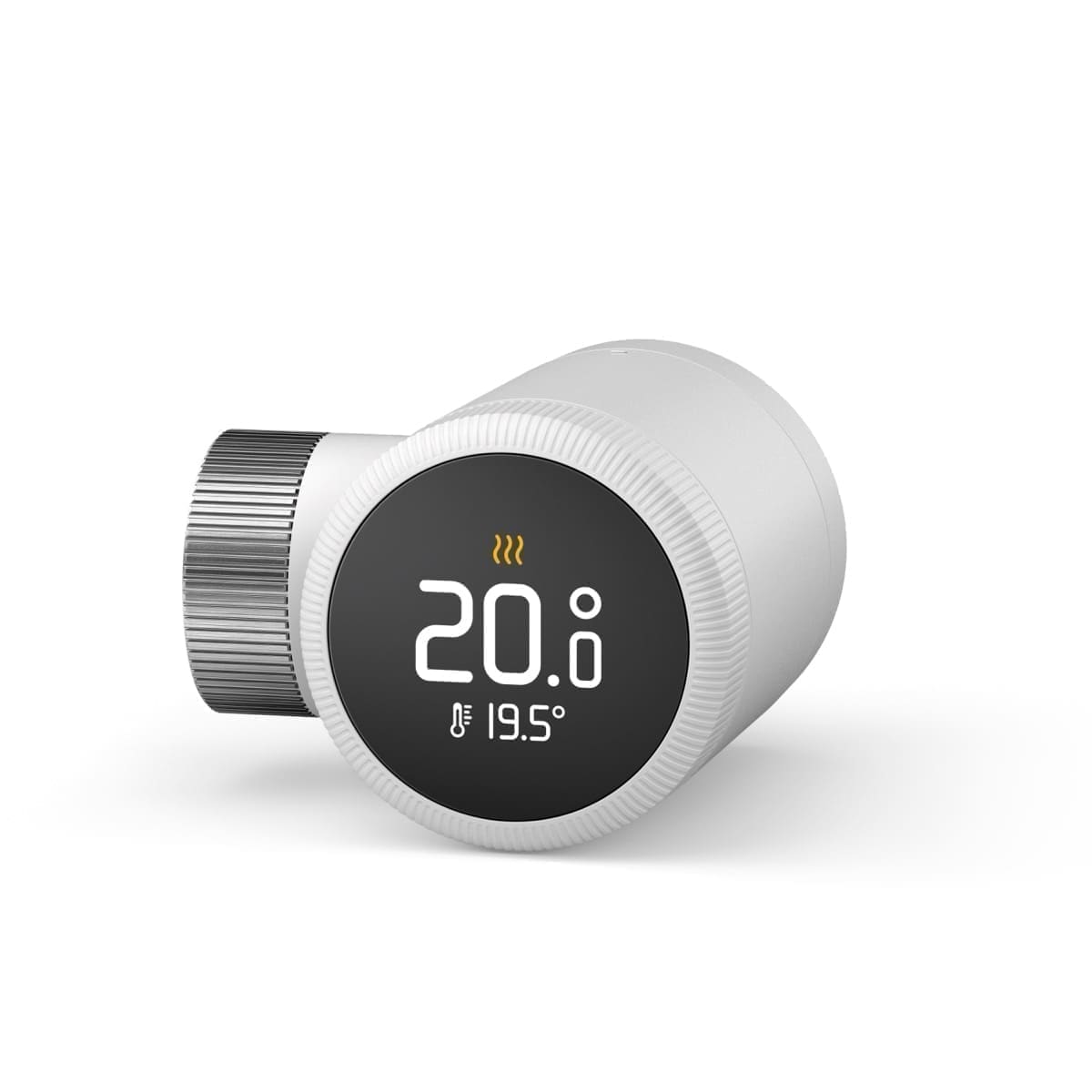
The Energy Saving Trust also notes that turning your thermostat down by just 1°C — for example from 22°C to 21°C — can save a meaningful amount over a year, and that fitting a programmer, thermostat and thermostatic radiator valves together (rather than any one in isolation) is what delivers the bulk of the saving on a typical bill. A smart thermostat replaces the programmer and room thermostat in that combination; the schedule is what actually puts the temperature-and-timing part of the strategy into practice, and TRVs on individual radiators still matter for room-by-room control alongside it. See our guide on whether smart heating is worth it in the UK for a fuller breakdown of where the savings actually come from.
Building a basic weekday/weekend schedule
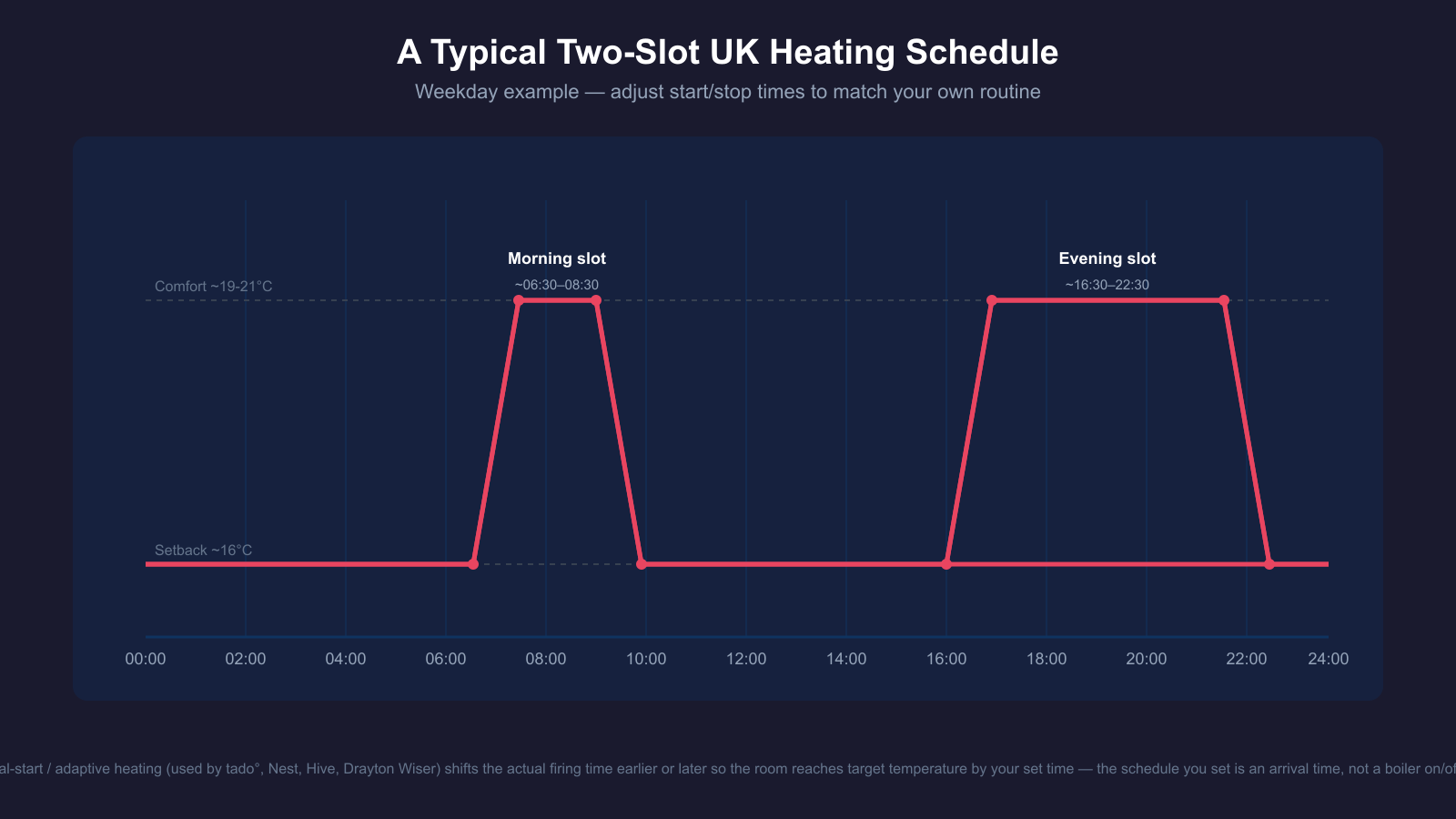
Most UK smart thermostat apps default to a two-slot weekday pattern — heat in the morning before people leave for work or school, off (or turned down) during the day, heat again in the evening, off before bed — with a separate, usually simpler, weekend pattern. As a starting structure:
- Morning slot: start around 30 minutes before the first person needs to be up and dressed; end once everyone's left the house.
- Daytime: drop to a lower "setback" temperature (commonly around 16–18°C) rather than switching off completely — reheating a cold house from scratch every evening is harder on the system than holding a lower baseline.
- Evening slot: start in time to be warm for when people are home and settled, end around 30 minutes before the household goes to bed.
- Weekend: usually a single longer daytime block rather than two separate slots, since more people are home for more of the day.
Hive's app supports up to six time slots a day (three "on" and three "off"), which is enough to add a short midday top-up if someone works from home some days, or to build entirely different patterns for each day of the week rather than a single weekday template. tado° similarly lets you choose an identical weekly schedule, a separate weekday/weekend split, or a fully individual schedule per day, depending on how consistent your household's routine actually is.
How "optimal start" and adaptive heating actually work
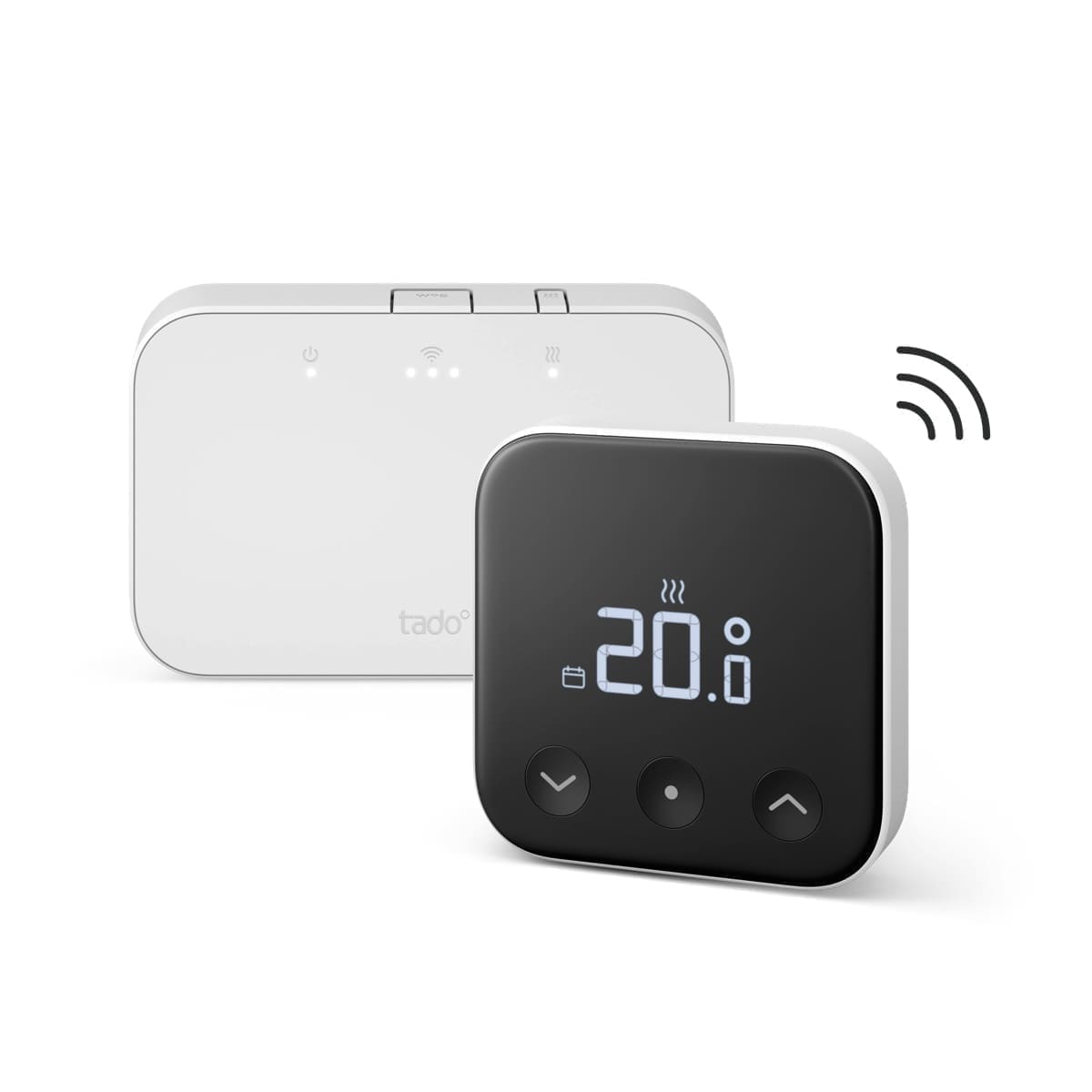
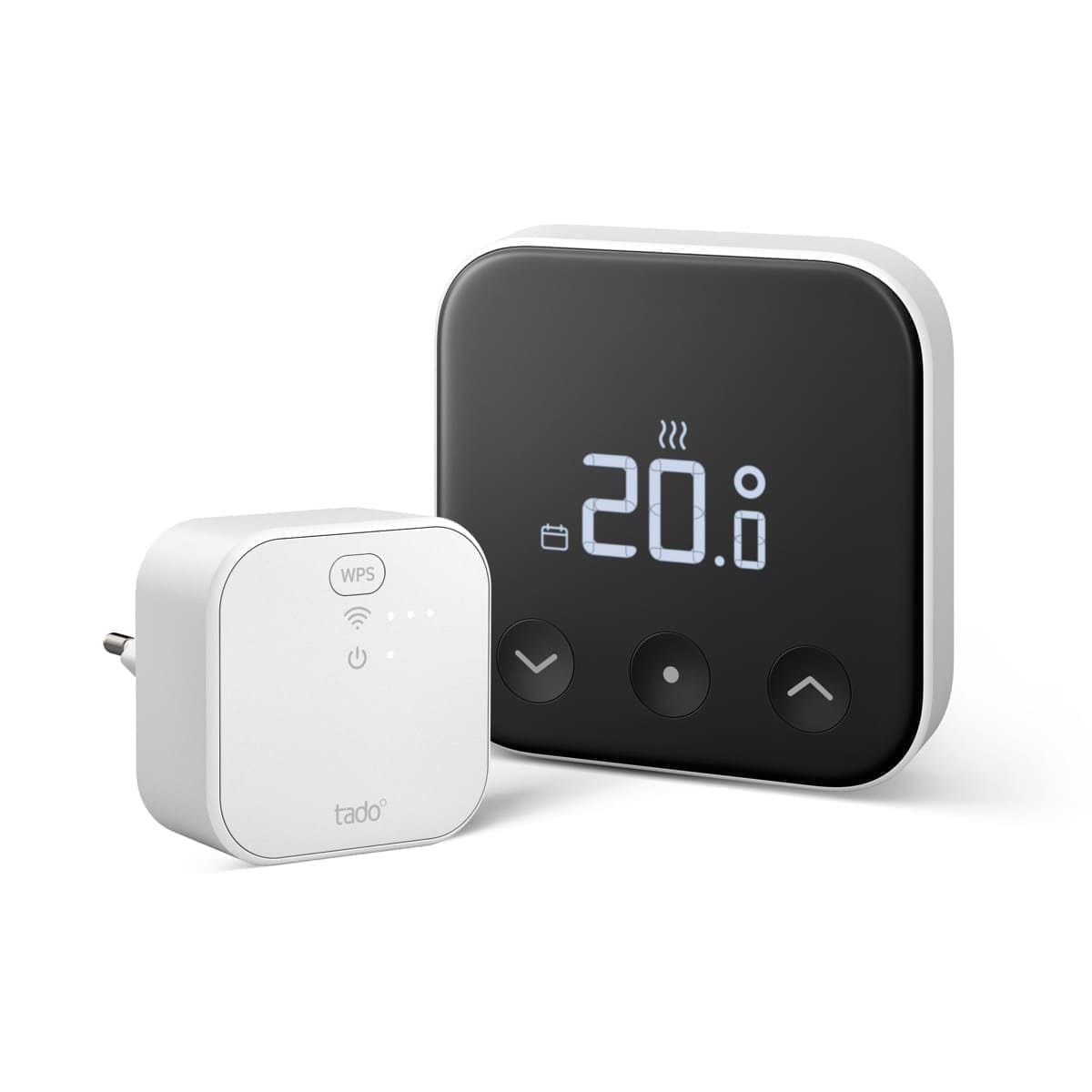
The time you set on a modern smart thermostat's schedule is usually not the time the heating actually switches on — it's the time you want to be warm by. tado°'s system, for example, calculates the time it needs to start heating so the target temperature in your Smart Schedule is reached by the time you asked for, using local weather data and how quickly your home has previously heated up. Its "Preheat Before Arrival" auto-assist feature does the same calculation for a geofenced arrival rather than a clock time, with a choice of Eco, Balance or Comfort preheating levels that trade a slightly later start against how warm the house is the moment you walk in.
Google's Nest Learning Thermostat takes a different route to a similar end: rather than a fixed schedule you edit directly, its Auto-Schedule feature watches the temperatures you set manually over the first one to two weeks and builds a schedule from that pattern itself, then keeps adjusting as your habits change. Its True Radiant feature learns how long your particular heating system takes to reach a set temperature and starts early enough to hit it, rather than firing at the literal scheduled time and drifting late. Lead time matters even more with underfloor heating, where the slab or screed can take hours to change temperature — see our best underfloor heating thermostats UK guide for models built around that slower response. The practical upshot across these systems is the same: don't assume the number on the schedule is the boiler's on/off time — treat it as the temperature-and-time target and let the thermostat work out the lead time.
Geofencing and away detection: when it's worth using
Geofencing uses your phone's location to switch a home between an "occupied" schedule and an "away" setback automatically, rather than relying purely on a fixed clock schedule. tado° enables geofencing by default for every time block in a schedule and layers Auto-Assist's preheat calculation on top of it, though this only works reliably if every household member's phone has location permissions and Wi-Fi scanning enabled in the tado° app — tado°'s own documentation flags that Android devices in particular need "Allow all the time" location access and background Wi-Fi scanning switched on, or geofencing will miss departures and arrivals. Its documentation also notes that if anyone in the household manually overrides the system to Home or Away mode, automatic geofencing and preheat are both suspended until it's put back to schedule.
Geofencing earns its keep most clearly in households with an irregular routine — shift workers, people who travel, homes where "normal" hours vary week to week — because a fixed clock schedule can't adapt to that on its own. In a household with a genuinely predictable nine-to-five pattern, a well-tuned clock schedule with optimal start will often get you most of the way there without the battery drain and occasional false-away readings that come with relying on phone location in the background.
Multi-zone scheduling
Once you move beyond a single thermostat controlling the whole house, scheduling shifts from one timeline to several overlapping ones. Drayton Wiser's system, for instance, supports up to 16 zones — a Heat Hub coordinating the boiler alongside individual smart radiator thermostats — and lets you build a separate schedule for each zone through the Wiser app, so a spare room or rarely used dining room can run a much lower setback than the living areas without affecting the rest of the house. The same logic applies to any multi-zone smart heating setup, including a room-by-room build using Home Assistant: see our guide to Home Assistant heating control for a DIY, zone-by-zone approach, and our smart heating zones setup guide for how to plan zones before you buy hardware.
The trade-off with more zones is more schedules to maintain — it's easy to set up five carefully tuned room schedules on installation day and never revisit them as routines change. Most apps, including Hive and Wiser, include a "copy schedule to other days" shortcut specifically because building each day and each zone from scratch is the main reason schedules get abandoned after the first few weeks.
Common scheduling mistakes
Leaving the factory default schedule in place. Out-of-the-box schedules are generic templates, not tuned to your household's actual routine — the first thing worth doing after installing any smart thermostat is rebuilding the schedule around when people are genuinely home.
Switching the heating fully off rather than setting back. Reheating a house from cold generally takes longer and can draw more continuously than holding a lower baseline temperature through the day, particularly in a poorly insulated home — a modest setback is usually the better default than an outright off period.
Fighting the schedule with manual overrides. Constantly boosting the temperature manually, on both tado° and Wiser, can suspend the automatic scheduling logic (and geofencing, on tado°) until the override is cleared — if you find yourself boosting most days, that's a signal the schedule itself needs adjusting, not that the override should become the new normal.
Ignoring individual room needs in a multi-zone home. A single whole-house schedule wastes the main advantage of a zoned system — for comparisons of specific multi-zone hardware, see our Hive vs tado° comparison and our Drayton Wiser review.
Never revisiting the schedule after clocks change or routines shift. A schedule built for summer daylight hours or a since-changed work pattern quietly drifts out of sync with the household — it's worth a five-minute review each time the clocks change or a routine genuinely shifts.
Getting started
Start with the basic two-slot weekday structure above, set a modest daytime setback rather than switching off, and let optimal-start or adaptive heating features do the fine-tuning of the actual firing time. Add geofencing only if your routine is genuinely irregular enough to need it, and if you're running more than one zone, build each zone's schedule separately rather than applying one house-wide pattern. Review it after the first few weeks — most smart thermostat apps show a heating history or usage report that makes it obvious if a slot is starting too early, running too long, or barely being used at all.
The same scheduling logic scales down to individual comfort devices too — a smart electric blanket or an ordinary one on a smart plug can be scheduled to pre-warm the bed shortly before your evening heating slot ends, rather than running all night. Our smart electric blanket guide covers which models genuinely support app scheduling and the safety limits worth knowing before automating one.