Smart Home Assistant

Kasa EC70 and EC71 Vulnerabilities: What Owners Should Do

SepehrBy Sepehr· 14 October 2026· Updated 14 October 2026· 3 min read
✓ Independent — no paid placements✓ UK-tested in real homes✓ Cited sources
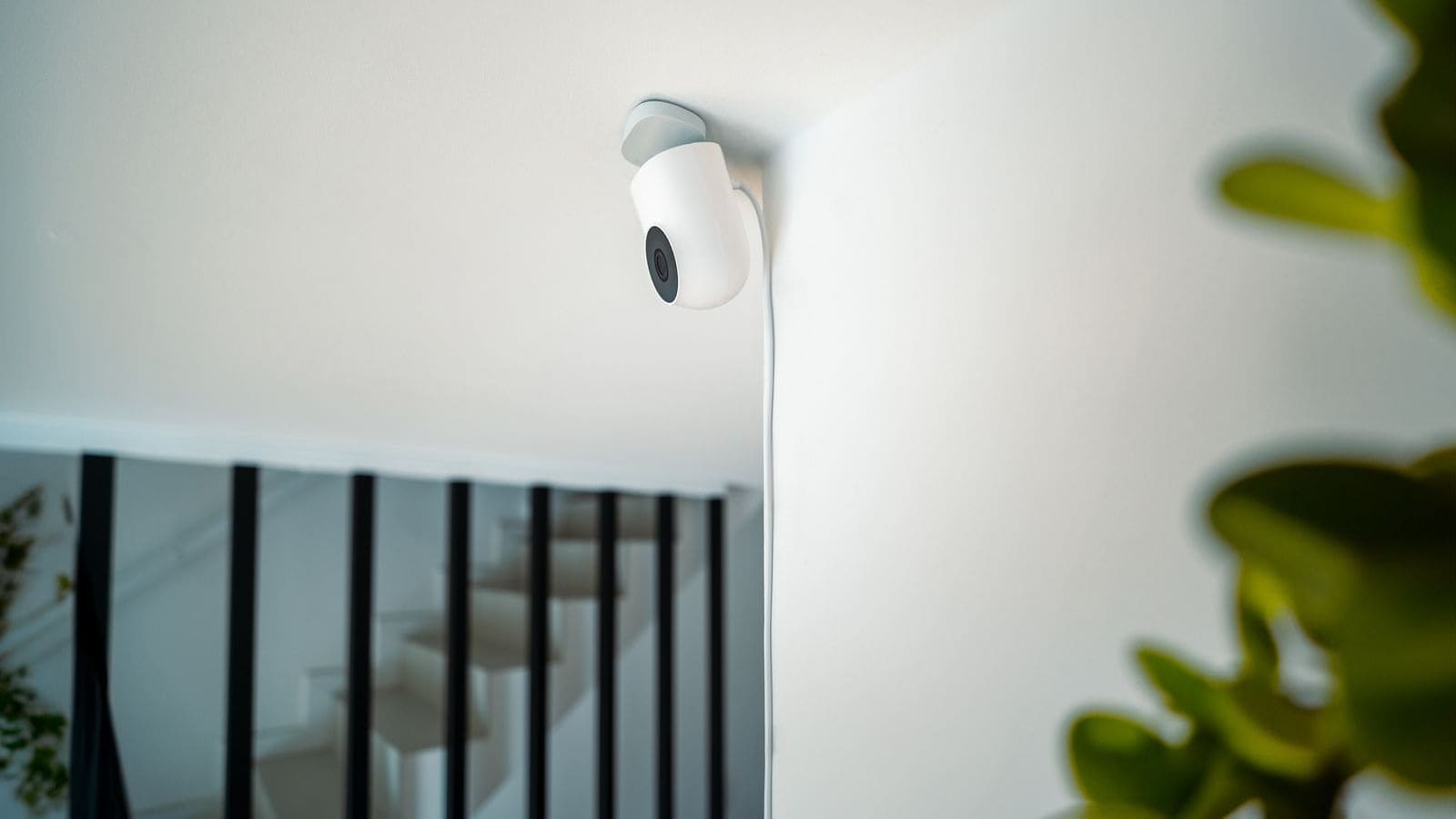
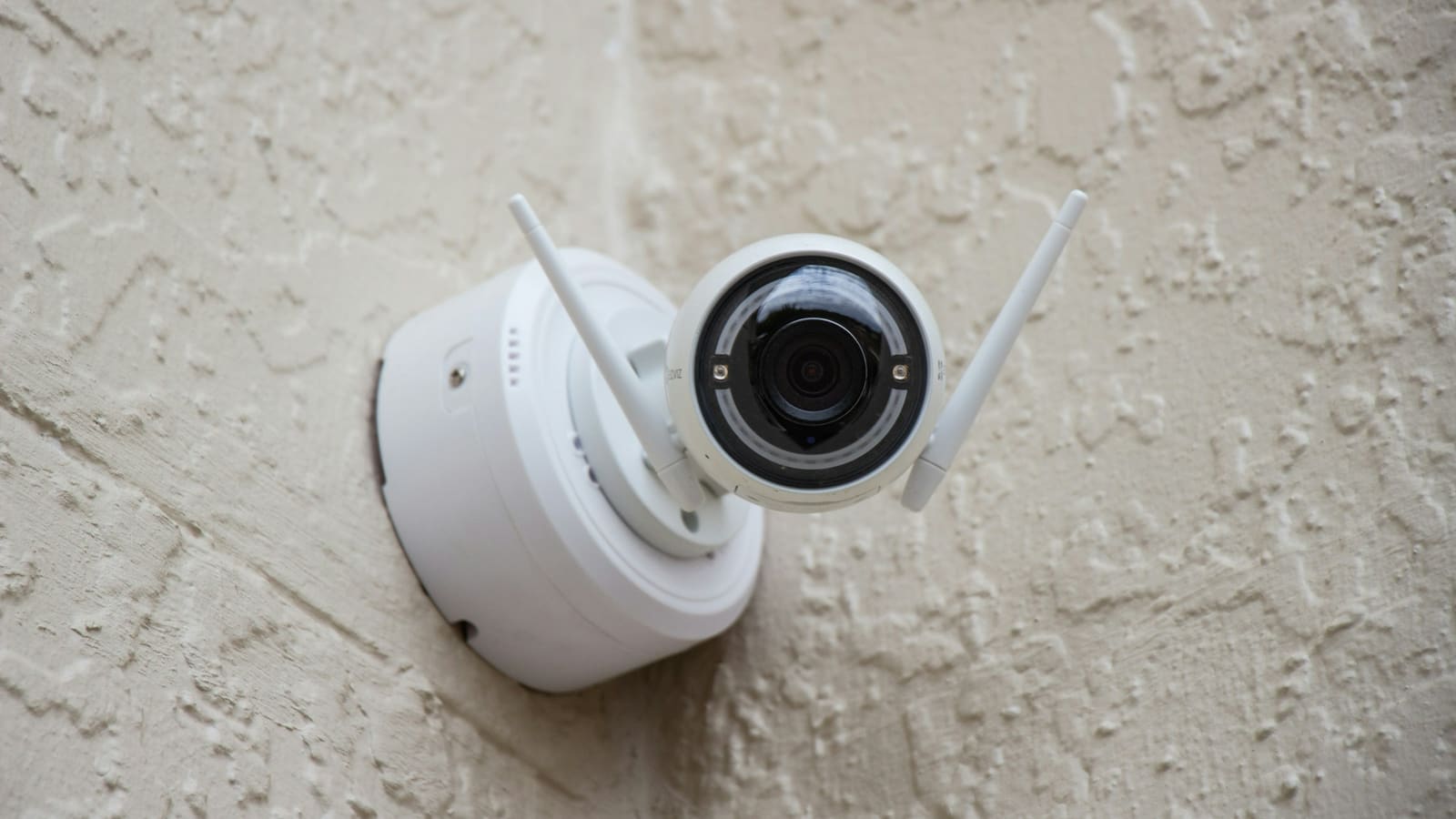
White security camera mounted high on a plain wall, angled down towards the room below.

Key takeaways

  • TP-Link's advisory covers two flaws in the Kasa EC70 v4 and EC71 v4 cameras: CVE-2026-9770 (CVSS 8.6) and CVE-2026-13230 (CVSS 5.3).
  • CVE-2026-9770 is a hardcoded cryptographic key that could enable man-in-the-middle attacks on the camera's web management interface.
  • Both flaws need an attacker on your local network, so neither is exploitable directly from the internet.
  • TP-Link's fixed builds are 2.4.0 Build 20260520 and 2.4.1 Build 20260621, and it also recommends updating the Kasa app.
  • Home Assistant's TP-Link integration supports Tapo cameras only, so Kasa EC70 and EC71 owners must patch through the Kasa app.
On this page[tap to expand]

The Kasa EC70 and EC71 vulnerabilities are two flaws in version 4 of TP-Link's Kasa indoor cameras: a hardcoded encryption key (CVE-2026-9770, CVSS 8.6) and a location leak (CVE-2026-13230, CVSS 5.3). Both need local-network access, and TP-Link has issued fixed firmware.

What has changed for the Kasa EC70 and EC71?

TP-Link's security advisory, last updated on 15 July 2026, covers two information-disclosure problems in the Kasa EC70 v4 and Kasa EC71 v4 cameras. Retailer listings describe the EC71 as an indoor pan/tilt camera and the EC70 as a mini dome camera, both recording to microSD, though TP-Link notes that models and hardware versions vary by region.

CVEFlawCVSS v4.0What an attacker needs
CVE-2026-9770Hardcoded cryptographic key in the system image8.6 (High)Access to the same local network
CVE-2026-13230Geolocation data exposed in the local discovery response5.3 (Medium)Access to the same local network, no login

The hardcoded key could let someone on your network compromise the confidentiality of traffic to the camera's web management interface. TP-Link says this could enable man-in-the-middle attacks and theft of administrative credentials. The second flaw lets a device on the same network pull the camera's geolocation data without authenticating, and TP-Link rates its impact as confidentiality-only.

TP-Link lists two fixed builds: 2.4.0 Build 20260520 rel.4191 and 2.4.1 Build 20260621 rel.76536. Its advisory table is hard to read, so check which build your own unit is offered rather than assuming one number applies to every region.

Are the Kasa EC70 and EC71 vulnerabilities exploitable over the internet?

No. Both flaws are rated for attackers on the same local network, so neither is a remote, internet-facing hole. That still matters in a smart home, because a compromised smart plug, a guest on your Wi-Fi or a cracked Wi-Fi password is enough to put an attacker on that network. The camera's own microphone and video feed are exactly what you do not want a stranger probing.

Why does this matter for Home Assistant users?

It matters mainly if you run a Kasa EC70 or EC71 alongside Home Assistant on the same network, because Home Assistant does not integrate these cameras. The official TP-Link integration documentation says only Tapo cameras, doorbells and chimes are currently supported, and it lists no Kasa camera models. If you have one, it is probably running on the Kasa app and cloud, or via a community workaround, rather than a supported local integration.

That makes patching the only real control you have. You cannot lean on Home Assistant to hide or segment the device, so update the firmware and keep it off any network segment that holds sensitive devices. Our home network security guide explains how to put cameras and other IoT devices on a separate network, and the Deco BE11000 router flaw is a reminder that the other TP-Link kit on your network needs the same attention.

How do you update a Kasa EC70 or EC71?

Update the camera firmware from TP-Link's support pages for the EC70 or EC71 v4 and update the Kasa app on your phone, which are the two actions TP-Link recommends. Check the hardware version printed on the camera first, since the advisory only covers version 4 units. If the app offers no update, download the build from your region's TP-Link support page and compare its version number against the fixed builds above.

  1. Open the Kasa app and update it to the latest version from your app store.
  2. Open the camera's settings and look for a firmware update option, then install it.
  3. Confirm the firmware version is at least 2.4.0 Build 20260520 or newer.
  4. Change the camera account password if you reused it anywhere else.

Should you keep using a Kasa camera or switch?

You do not need to replace the camera: TP-Link has shipped firmware, not a recall, and a patched unit is not at risk from these two flaws. Switch only if you want Home Assistant control, because Tapo cameras are supported by the official integration. Our TP-Link Tapo camera review covers two models that work with it, and the best smart CCTV system guide compares wider options.

What we don't know yet

We could not confirm whether the EC70 and EC71 v4 are sold in the UK, or which of the two fixed builds applies to each model. TP-Link has also not said whether either flaw was exploited. Treat this as a precaution for anyone who already owns one, not an emergency.
Buy the picks in this guide

Recommended for Smart Security

See all devices →

Frequently asked questions

Are the Kasa EC70 and EC71 safe to keep using after these vulnerabilities?
Yes, once they are updated. TP-Link has released fixed firmware, builds 2.4.0 Build 20260520 and 2.4.1 Build 20260621, for the Kasa EC70 v4 and EC71 v4, and chose a firmware fix rather than a recall. Both flaws, CVE-2026-9770 and CVE-2026-13230, require an attacker to already be on your local network, so an unpatched camera is not exposed directly to the internet. The caveat is that a compromised smart device or a shared Wi-Fi network is enough to reach the camera, and the hardcoded-key flaw is rated 8.6 out of 10. Update the firmware and the Kasa app, change the camera password if you reused it, and consider moving cameras onto a separate IoT network so a problem elsewhere cannot reach them.
Does Home Assistant work with the Kasa EC70 and EC71 cameras?
Not through the official integration. Home Assistant's TP-Link documentation states that only Tapo cameras, doorbells and chimes are currently supported, and it lists no Kasa camera models. Some owners have pulled a stream with community workarounds, but those are unsupported and results vary, so do not count on them. That is the main reason these vulnerabilities matter for Home Assistant users: you cannot manage the camera's security from within Home Assistant, and updating means using the Kasa app and TP-Link's firmware downloads. If you want a camera that Home Assistant supports locally, TP-Link's Tapo range such as the C100 and C210 is the documented route, though some Tapo firmware needs the Third-Party Compatibility setting switched on before it will connect.

Sources

Sources verified 2026-10-14

  1. TP-Link — Security Advisory: Kasa EC70 and EC71 Information Disclosure (CVE-2026-9770 and CVE-2026-13230)
  2. Home Assistant — TP-Link Smart Home integration
›How we researched this

Claims in this article are checked against primary sources — manufacturer specifications, official documentation, Which? research, Ofgem guidance, or gov.uk — rather than forum threads or video reviews. Where the author has direct hands-on experience with a product (most Home Assistant, Zigbee, and home-networking gear is running in his own homelab), that is stated explicitly in the text.

For categories outside that personal setup — such as boilers, heat pumps, and other areas that are traditionally a heating engineer's domain — verdicts are built from cross-referenced manufacturer data, published lab results, and vetted expert and owner reviews rather than a claim of personal hands-on testing. See the editorial policy for the full methodology.

Sepehr

Written by

Sepehr

10+ years hands-on with Home Assistant & networking · Research-backed elsewhere · No brand deals

Smart home specialist with 10+ years running a self-hosted Home Assistant setup — Zigbee2MQTT, Frigate NVR, and local-first automations. Independent coverage for UK homes, no brand deals.

LinkedIn →

Citing this page? Please use a dofollow link back to the original article — it helps us keep the data on this page accurate and up to date.

Related reading