Can a Ring doorbell record 24/7?
No. Ring doorbells are designed to record short clips when motion or a button press triggers them, and Ring's cloud sits in the middle of everything you watch. The popular ring-mqtt project, which bridges Ring into Home Assistant, spells it out: it does not turn Ring video doorbells and cameras into 24x7 continuous streaming CCTV cameras, and it lists lost alerts, drained batteries and possible overheating as side effects of trying.
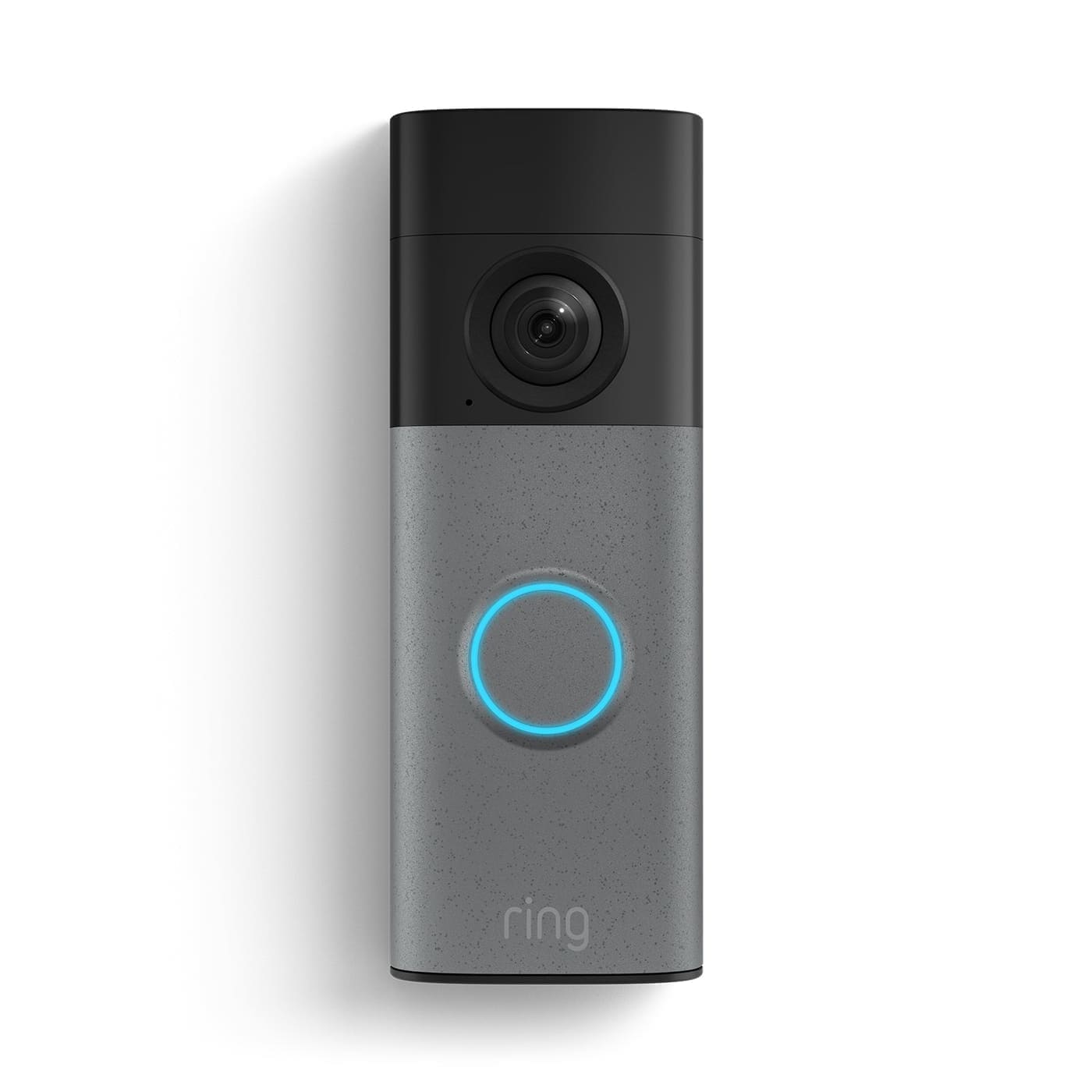
That matches what we saw. Our old Ring only ever gave Home Assistant a snapshot of the front door, never a stream you could feed to Frigate and record all day.
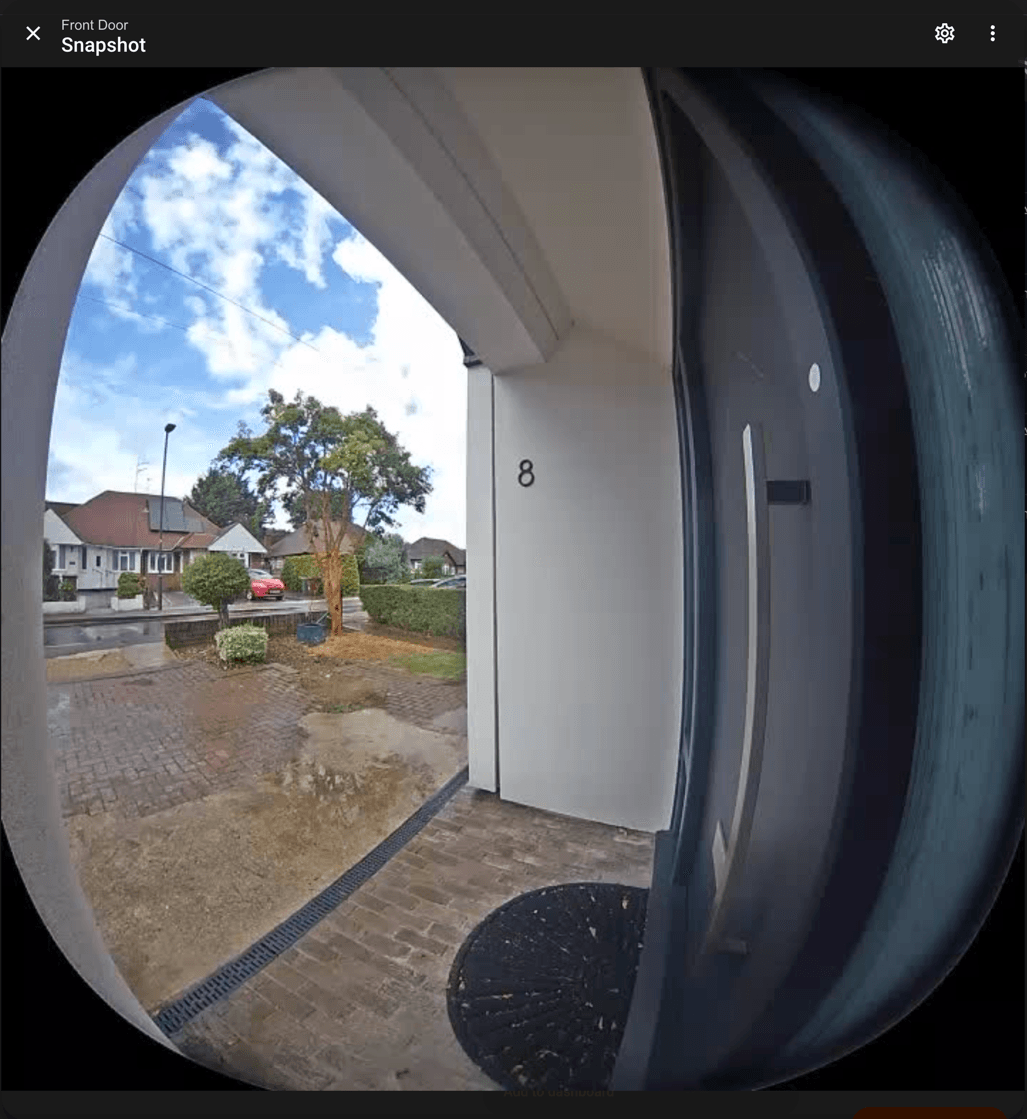
If continuous recording matters to you, the answer is to stop fighting Ring's design and buy a doorbell built for it. Our Ring Protect cost breakdown also shows what you save by skipping the subscription, and our no-subscription doorbell round-up lists the other options.
What was the Reolink doorbell like to install and live with?
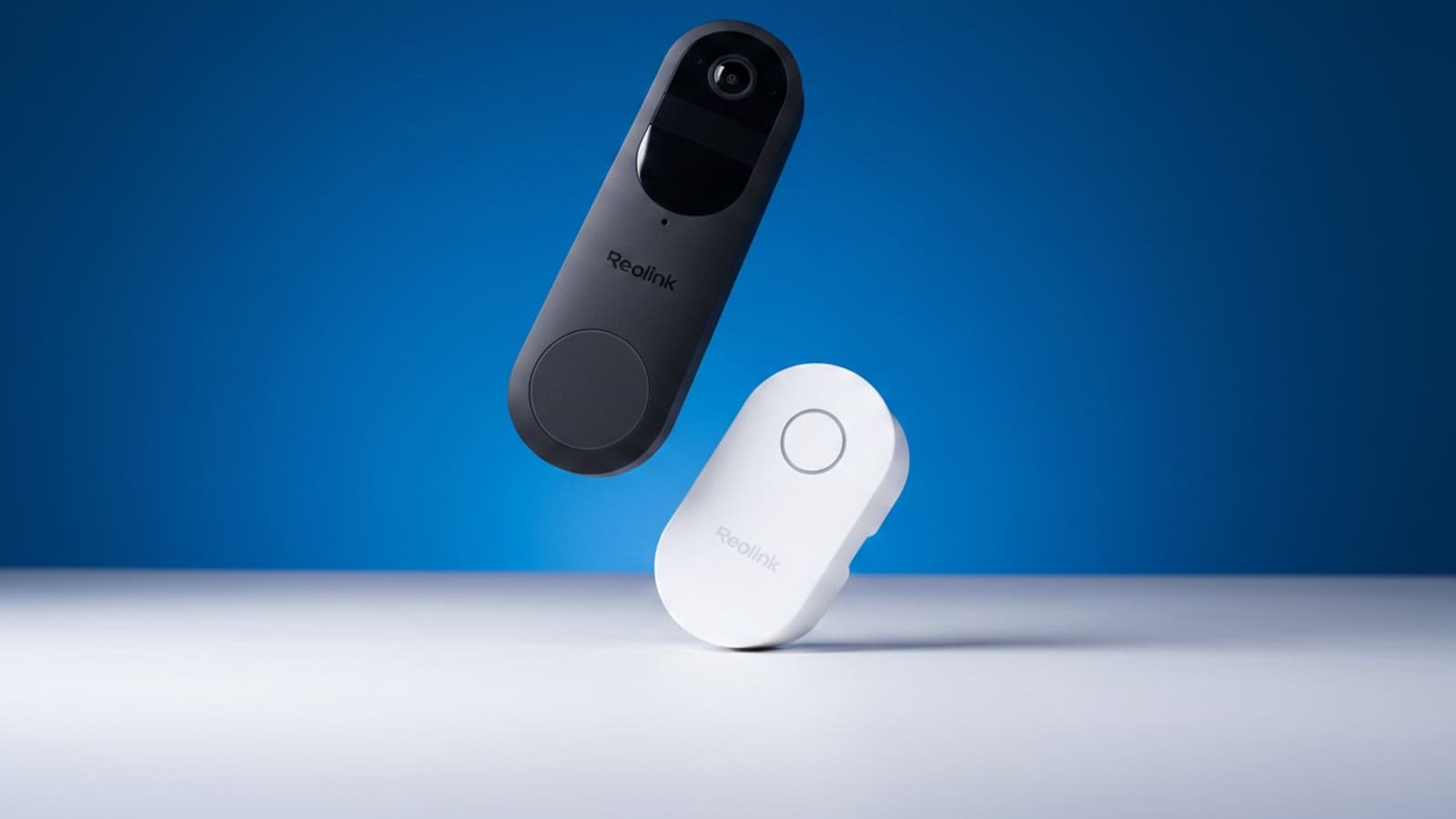
It was a straightforward DIY job with no professional help. We swapped it in for the old Ring on the same wall, and the Reolink's slim black body looks and feels more premium than we expected at this price.
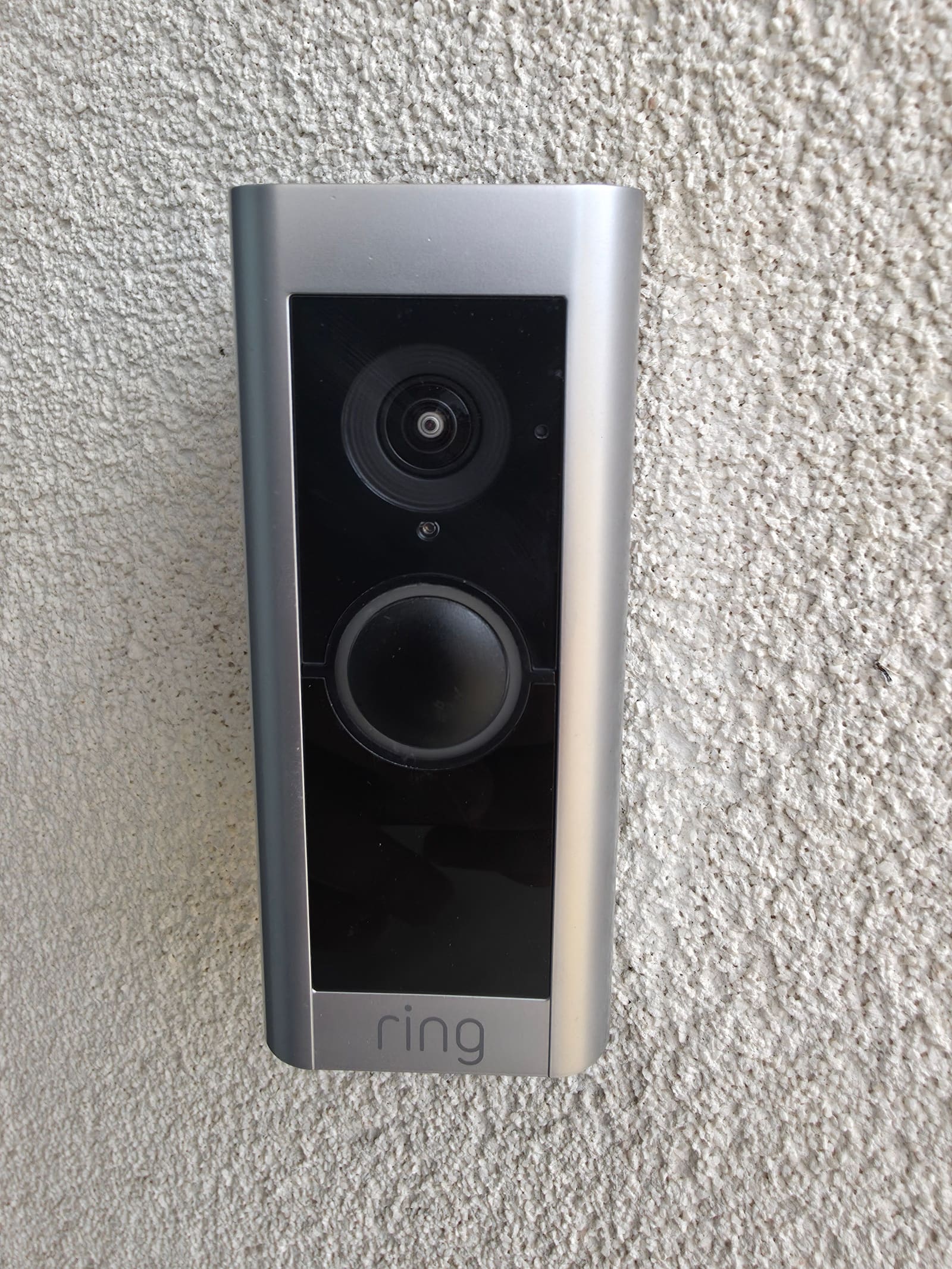
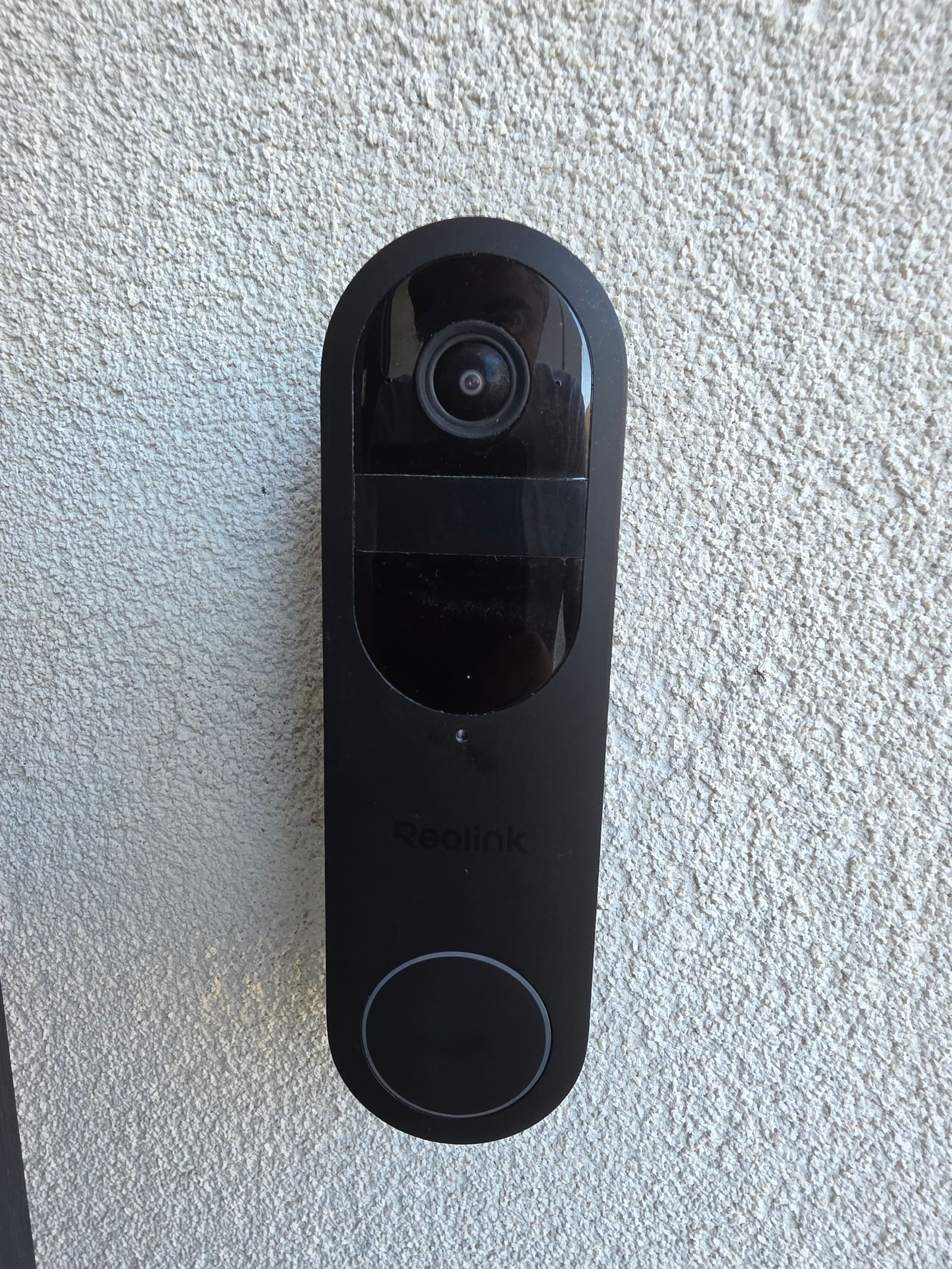
We ran it on battery for a week without trouble, and the battery held up well. Picture quality is very good, with a tall square frame that shows the step as well as the visitor. Two-way voice has a slight lag, which is normal for a Wi-Fi doorbell. For more on the model itself, see our Reolink Video Doorbell (2nd Gen) overview.
For always-on recording we then wired it to a 24V DC supply from the two low-voltage wires at the wall, which is inside Reolink's 16–24V AC/DC range for Wired Power Mode. Reolink's FAQ says that supply must be connected before you switch modes in the app, or the switch fails.
How good was Reolink's support when Wired Power Mode failed?
Exceptional, and it is the best vendor support we have had on a review unit. Settings > Power showed "Failed to load" whenever the mains supply was connected, so we couldn't reach Wired Power Mode, the feature this whole review hinges on. We reported it on 31 August.
- Fast confirmation: Reolink replied within a day and confirmed it was a known firmware issue, rather than blaming our wiring. They also answered our questions about 24V DC supplies, including that there are no special requirements for ripple or noise.
- Engineers on our unit: Reolink's R&D team ran a remote debugging session on our actual doorbell, pulling live server logs while it reconnected.
- A hotfix, built for us: Their engineers worked late into the night and pushed a targeted hotfix firmware straight to our device. Within about two days of starting the session, we tapped Update Device in the Reolink app and Wired Power Mode loaded as described.
Most brands would have told us to wait for the next public firmware. Reolink fixed our unit in days and kept us updated at every step, which is the kind of support that makes us comfortable recommending a product despite a rough first week. Reolink did ask us to hold this review until the fix landed, and we agreed; they have had no input on what we wrote.
Two limits are worth knowing before you buy. Reolink's FAQ says continuous recording is not available when the doorbell is connected to a Home Hub or NVR, and that 24/7 recording is a Wired Power Mode feature only. In practice, wired and standalone means 24/7 footage on the microSD card; hub or NVR means motion events only.
Does the Reolink doorbell work with Home Assistant?
Not for us. We could not connect this doorbell to Home Assistant's Reolink integration, so we can't tell you how its entities behave.
Here is what we hit. After setup, the doorbell still answered a ping but silently dropped connections on the ports we scanned, including 80, 443 and 554, so there was nothing for Home Assistant or an RTSP client to talk to. The Static IP toggle in the app also did nothing. Reolink's reply was that Home Assistant support for this model relies on the Home Hub, and that battery devices don't support a manual static IP. We did not test it with a Home Hub.
The documentation is less clear-cut than that reply. Reolink's FAQ for this doorbell says Home Assistant works "with specific requirements" and that ONVIF/RTSP is supported in Wired Power Mode on app version 4.62 or above. Home Assistant's own Reolink integration page says battery-powered Reolink cameras work with the help of a Home Hub or NVR, and advises against setting a static IP on the camera itself. Set a DHCP reservation in your router instead.
The catch for Frigate users is the trade-off above: put the doorbell behind a Home Hub for Home Assistant, and you lose continuous recording. If a full Frigate setup is the goal, read our Frigate NVR guide first and treat this doorbell as unproven for it.
How does it compare with the alternatives?
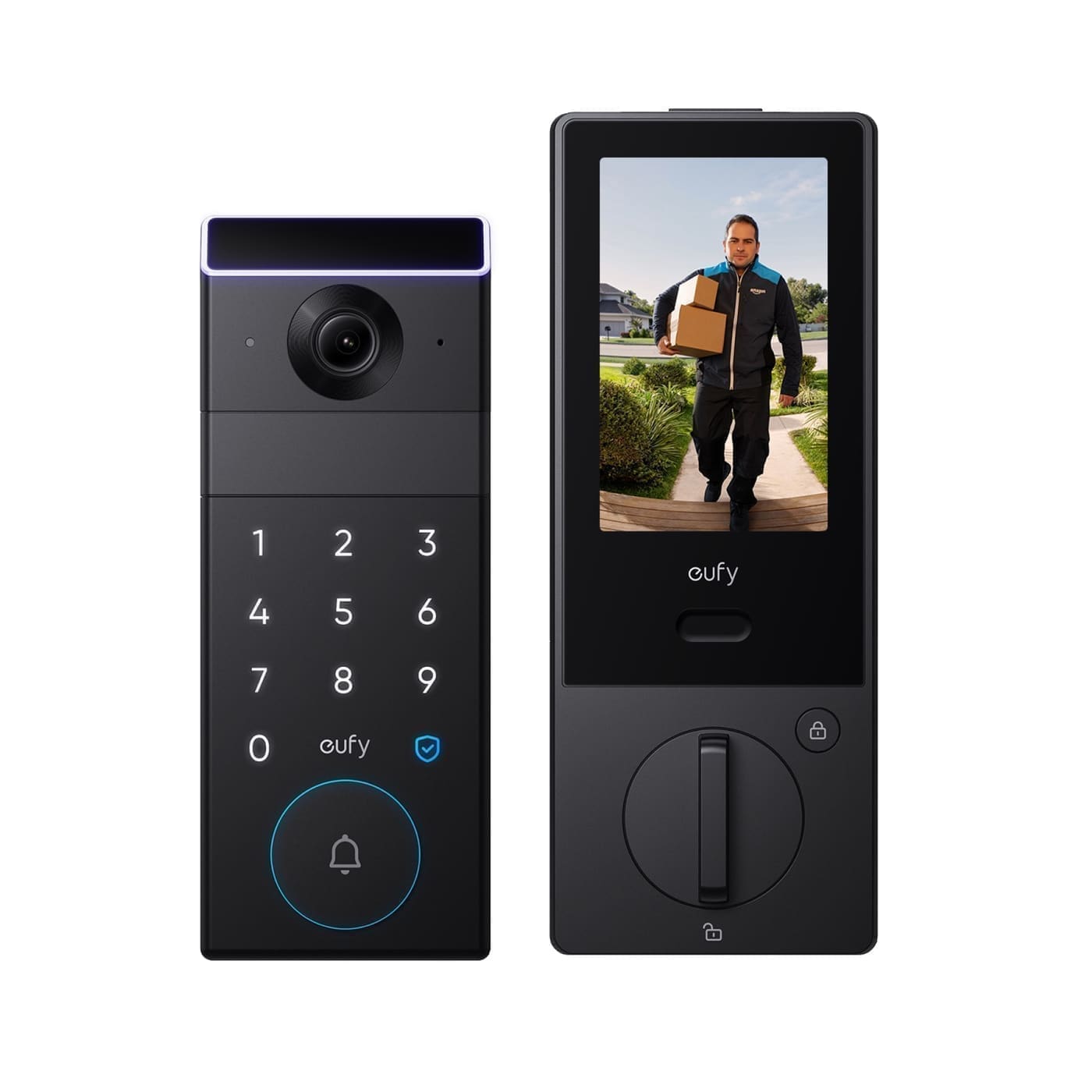
If you want a doorbell that behaves as a proper always-on camera in Home Assistant, Reolink's wired doorbells (PoE and wired Wi-Fi) are the more obvious route. We haven't tested them, so check their current Home Assistant notes before buying. If you only want a subscription-free doorbell for alerts, the eufy E340 stores clips locally, though it relies on a community Home Assistant integration. If you are staying with Ring, our Ring camera guide covers the range, and for AI alerts on any camera see our Home Assistant AI doorbell guide.
Who should buy the Reolink Battery Video Doorbell (2nd Gen)?
Buy it if you have low-voltage doorbell wiring and want a subscription-free doorbell that records continuously to microSD, or if you want a battery doorbell that you can later wire for always-on use. Skip it for now if Home Assistant and Frigate are the reason you are buying, because we couldn't get that working and the hub route costs you continuous recording.
Verdict
The Reolink Battery Video Doorbell (2nd Gen) does what Ring cannot: with Wired Power Mode it records 24/7 with no subscription, and it feels like a better-built, better-looking doorbell than the one it replaced, and Reolink's support went well beyond what we expect from a vendor. Our one caveat is Home Assistant. We couldn't connect it, and the vendor's answer, a Home Hub, comes with its own trade-offs, so buy it for standalone recording and not for smart-home integration.