What types of security camera can you buy in the UK?
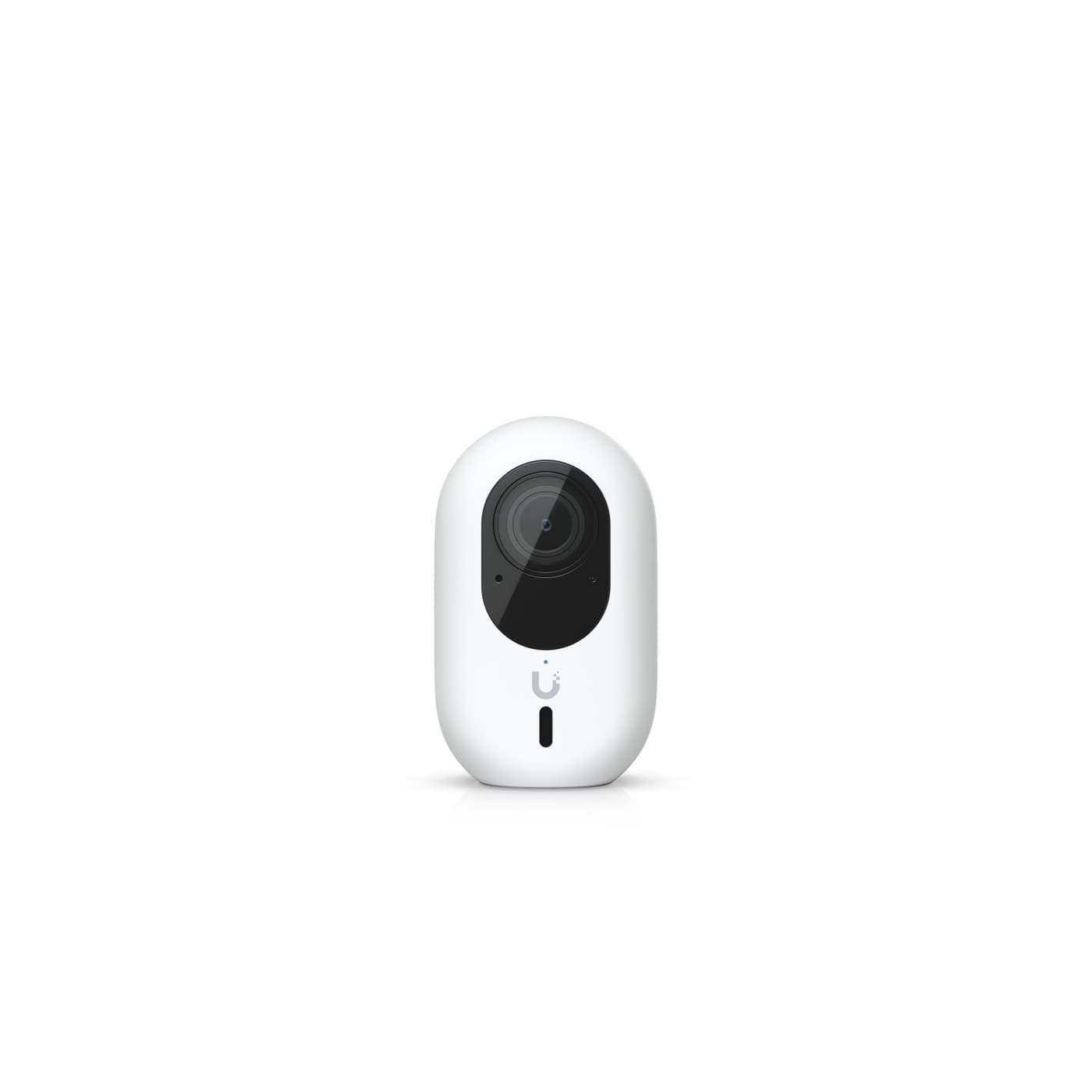
UK security cameras split into four power formats, and the format you choose affects both installation effort and long-term reliability. Battery-powered (wire-free) cameras run on a rechargeable lithium-ion pack and can be mounted almost anywhere, but they need recharging every few months depending on how much motion they detect. Plug-in wireless cameras connect over Wi-Fi for the video feed but need a nearby mains socket, giving continuous power without a wired data connection. Wired cameras take both power and data over a cable back to a hub or router, which means constant, reliable operation but a harder install. Power over Ethernet (PoE) cameras — often paired with a network video recorder (NVR) — carry power and data down a single Ethernet cable, which is the format most favoured for permanent, always-on multi-camera setups because there's no Wi-Fi congestion and no batteries to manage. For a deeper look at outdoor-specific options and a placement walkthrough, see our security camera placement guide and our best wired security camera systems round-up.
| Power type | Install effort | Reliability | Best for |
|---|---|---|---|
| Battery (wire-free) | Low — no cables | Needs periodic recharging | Sheds, gates, temporary spots |
| Plug-in wireless | Low-medium — needs a socket | Continuous power, Wi-Fi dependent | Porches, hallways, most homes |
| Wired (data + power cable) | Medium-high — cable run required | High | Permanent front door/driveway cameras |
| PoE (single Ethernet cable + NVR) | High — cabling and NVR setup | Highest | Multi-camera whole-property systems |
Do you need local storage or a cloud subscription?
You need local storage if you want to avoid recurring fees, and cloud storage if you want off-site backup and remote access baked in without managing hardware yourself. A microSD card or local NVR keeps footage on hardware you own, with no monthly cost and no dependence on your broadband staying up — but if a thief takes the camera or the card is damaged, that footage is gone. A cloud subscription typically costs a few pounds a month per camera, and in return you get off-site copies that survive a stolen camera, plus smart search and multi-device access. Many UK buyers now run a hybrid approach: local storage for full-time recording, with a camera that also offers a free cloud tier for short motion clips as backup. If avoiding subscriptions altogether is the priority, our best video doorbell no subscription guide covers doorbell-specific picks that store locally by default.
Is it legal to point a security camera at my neighbour's garden in the UK?
No — UK guidance is clear that you should point cameras only at your own property and avoid capturing a neighbour's garden, windows, or a shared driveway wherever possible. Once a camera captures identifiable images beyond your property boundary, the domestic exemption that normally covers home CCTV no longer applies, and UK GDPR and the Data Protection Act 2018 kick in — meaning you become a data controller with obligations to respond to subject access requests and justify why the footage is needed. The Information Commissioner's Office (ICO) recommends telling neighbours before installing a camera that might catch their property, using clearly visible signage, angling the lens away from shared or public areas where possible, and switching off audio recording unless there's a specific justified need, since audio is treated as more privacy-invasive than video alone. None of this stops you covering your own front door, driveway, or garden — it only becomes a legal issue when the lens reaches beyond your boundary.
What resolution and night vision do you actually need?
For most UK homes, 2K (roughly 1440p) is the practical sweet spot — sharp enough to read a number plate or face at a reasonable distance without the storage and bandwidth overhead of 4K. Resolution alone doesn't determine night-time image quality: a camera's low-light performance depends more on sensor size and lens aperture than pixel count, so a well-specified 1080p camera can actually outperform a poorly-specified 4K one after dark. There are two main night vision approaches — traditional infrared (IR), which gives a black-and-white image using invisible infrared light, and colour night vision, which uses a small spotlight or a larger sensor to keep colour after dark at the cost of drawing more attention (and more battery, on wire-free models). If number-plate or face detail at range matters most — for example covering a long driveway — prioritise a camera with a larger sensor and a longer infrared or spotlight range over one that simply advertises a higher megapixel count.
Can UK security cameras work with Home Assistant?
Yes — most IP-based security cameras that support ONVIF or expose an RTSP video stream can be added to Home Assistant, either directly through the built-in ONVIF integration or via the Frigate add-on for local AI object detection. The ONVIF integration lets Home Assistant discover Profile S-conformant cameras on your local network and exposes live streaming, motion sensors, and (on supported models) pan-tilt-zoom controls as entities you can use in automations. For a more capable setup, Frigate runs as a Home Assistant add-on and performs local AI detection on the camera feed, so automations can trigger on "person" or "vehicle" rather than blanket motion — and because everything processes on your own hardware, no video frames leave your network. Cheap cloud-only cameras from brands that don't publish an ONVIF or RTSP feed generally can't be added this way, so if local integration matters, check a model's spec sheet for RTSP support before buying. Our Frigate NVR with Home Assistant setup guide covers the full configuration process step by step.
How do the main UK security camera brands compare?
The table below compares the brands most UK buyers shortlist on the factors that decide the purchase: how footage is stored, whether you'll pay a subscription, and how easily the camera plugs into Home Assistant. Specifications and plan pricing change often, so check the retailer listing before you buy.
| Brand | Typical power type | Storage | Subscription | Home Assistant | Best for |
|---|---|---|---|---|---|
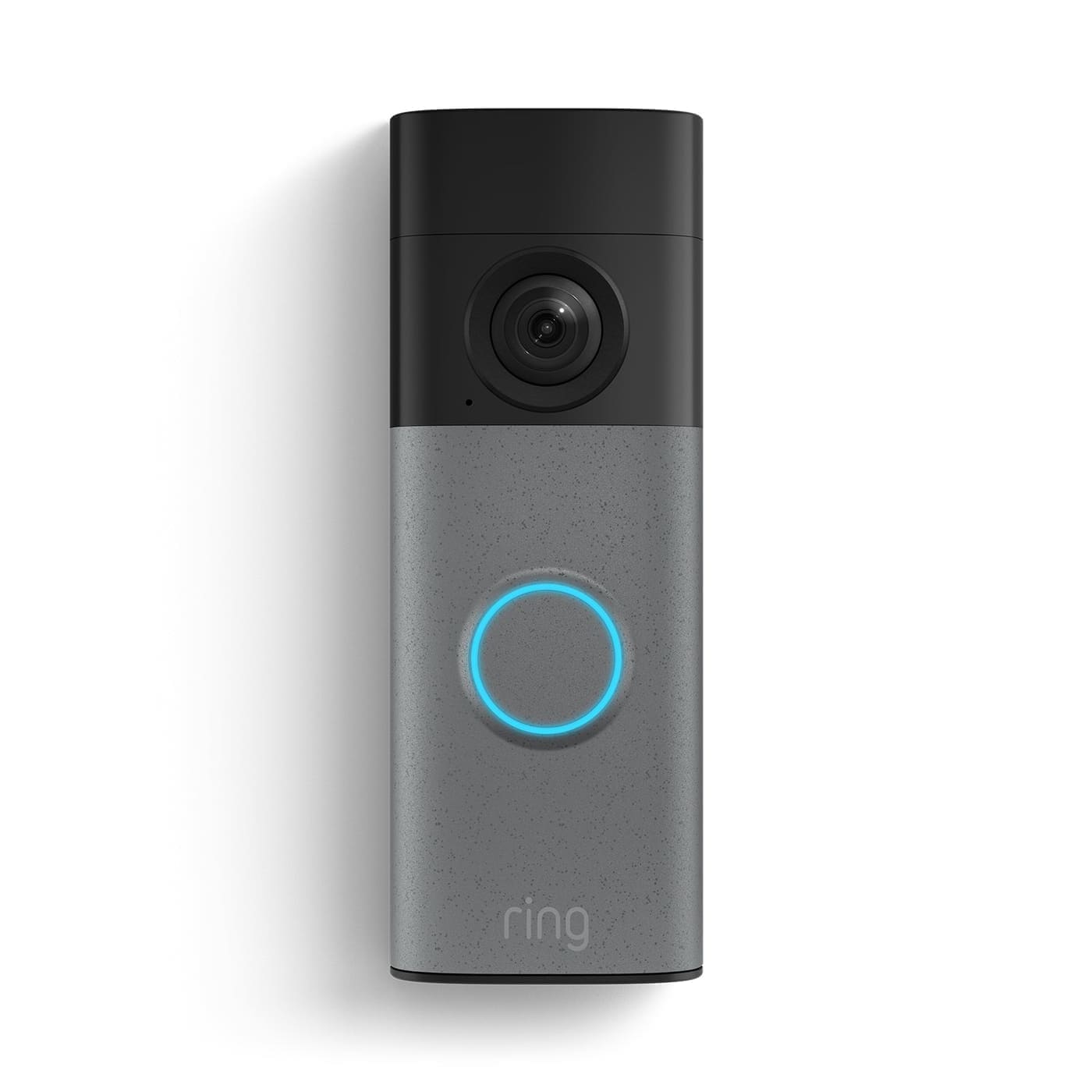
| Ring | Battery, plug-in, wired | Cloud (Ring Protect) | Needed for video history | Limited — cloud-based, no native RTSP | Alexa households, doorbell plus cameras |
| Arlo | Battery, plug-in | Cloud, some local via hub | Plans for full features | Unofficial integrations only | Wire-free outdoor coverage |
| Eufy | Battery, plug-in, wired | Local (microSD or HomeBase) | Optional | Community integrations, some RTSP | Avoiding subscriptions |
| Reolink | PoE, Wi-Fi, battery | Local (microSD or NVR) | None required | Native integration, RTSP and ONVIF | Wired and PoE systems with Home Assistant |
| Annke | PoE (with NVR) | Local NVR | None required | RTSP and ONVIF | Multi-camera whole-property setups |
| TP-Link Tapo | Plug-in, battery | Local (microSD) or cloud | Optional | ONVIF and RTSP on most models | Low-cost indoor and porch cameras |
How much should you spend on security cameras?
Budget (single camera, roughly under £50): basic 1080p or 2K plug-in cameras, usually with microSD recording. Fine for a hallway or porch, but expect weaker night vision and less reliable app software. Mid-range (roughly £50–£150 per camera): 2K weatherproof cameras with colour night vision, person detection and either local storage or a cheap cloud plan. This is where most UK homes should aim. Premium (£150+ per camera, or a full PoE kit): 4K sensors, larger low-light sensors, and NVR-based systems that record 24/7 without subscription fees. Budget for the ongoing cost as well as the purchase price: a cloud plan of a few pounds a month per camera can exceed the price of the camera within a couple of years. Prices vary by retailer.
What should you check before you buy a security camera?
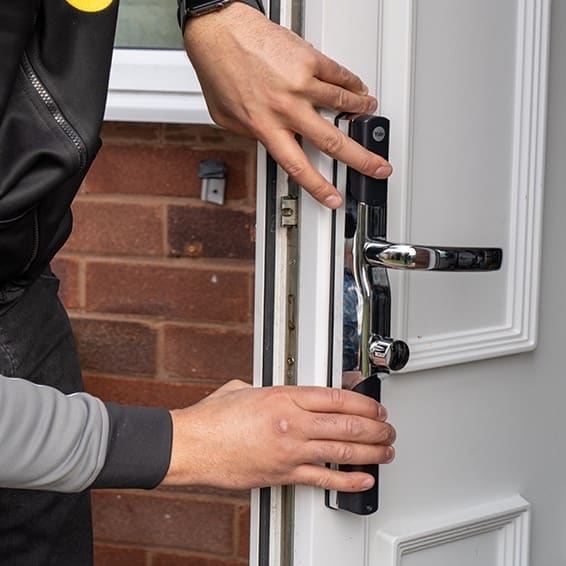
Before adding to basket, confirm five things: the power format suits the mounting spot (a socket or cable route exists), the storage option matches your subscription tolerance, the weatherproof rating is at least IP65 for anything outdoors, the camera offers RTSP or ONVIF if you want Home Assistant control, and the app is still supported by the manufacturer. Cameras that lose cloud support can stop working entirely, so local-first models age better. For installation costs, see our security camera installation cost guide.
Which security camera brands are worth considering?
Ring, Arlo, and Eufy remain the three most widely stocked brands in the UK, each with a different trade-off: Ring integrates tightly with Alexa and has the broadest doorbell/camera range but leans on a paid Ring Protect plan for full history; Arlo offers strong wire-free battery cameras with flexible plan tiers; and Eufy is the strongest option for local-storage-first buyers who want to avoid subscriptions entirely. For PoE and NVR-based whole-property systems, Reolink and Annke are common choices among UK buyers who want a wired, subscription-free setup from the outset. See our dedicated reviews of Arlo security cameras and Eufy security cameras for model-by-model detail. EZVIZ is also worth watching after its IFA 2026 announcement of a triple-lens 90f camera series and a local edge-AI home station, though UK pricing wasn't confirmed at launch.