


What to Look for in a UK Z-Wave Device
EU/UK 868.42 MHz certification. Z-Wave hardware is region-locked at the radio level. US-spec devices run on 908.42 MHz and are illegal to operate in the UK — always confirm the listing states EU or UK frequency before buying, especially on eBay or from US-facing retailers.
S2 security. Every device below supports the S2 framework (AES-128 encrypted pairing), which Z-Wave JS in Home Assistant handles natively during inclusion. Older S0-only devices still work but negotiate weaker security.
Mains-powered vs battery. Plugs, relays and dimmer modules are mains-powered and act as mesh repeaters, strengthening range for battery devices elsewhere in the house. Locks and sensors are usually battery-powered and rely on those repeaters to reach the controller reliably — it's worth installing a couple of mains-powered Z-Wave devices before adding battery ones on the far side of the house.
Local control. Everything here integrates through Home Assistant's built-in Z-Wave JS integration, which runs entirely on your own server — no cloud account, no subscription.
The Best Z-Wave Devices for Home Assistant in the UK
1. Best Z-Wave controller: Aeotec Z-Stick 7
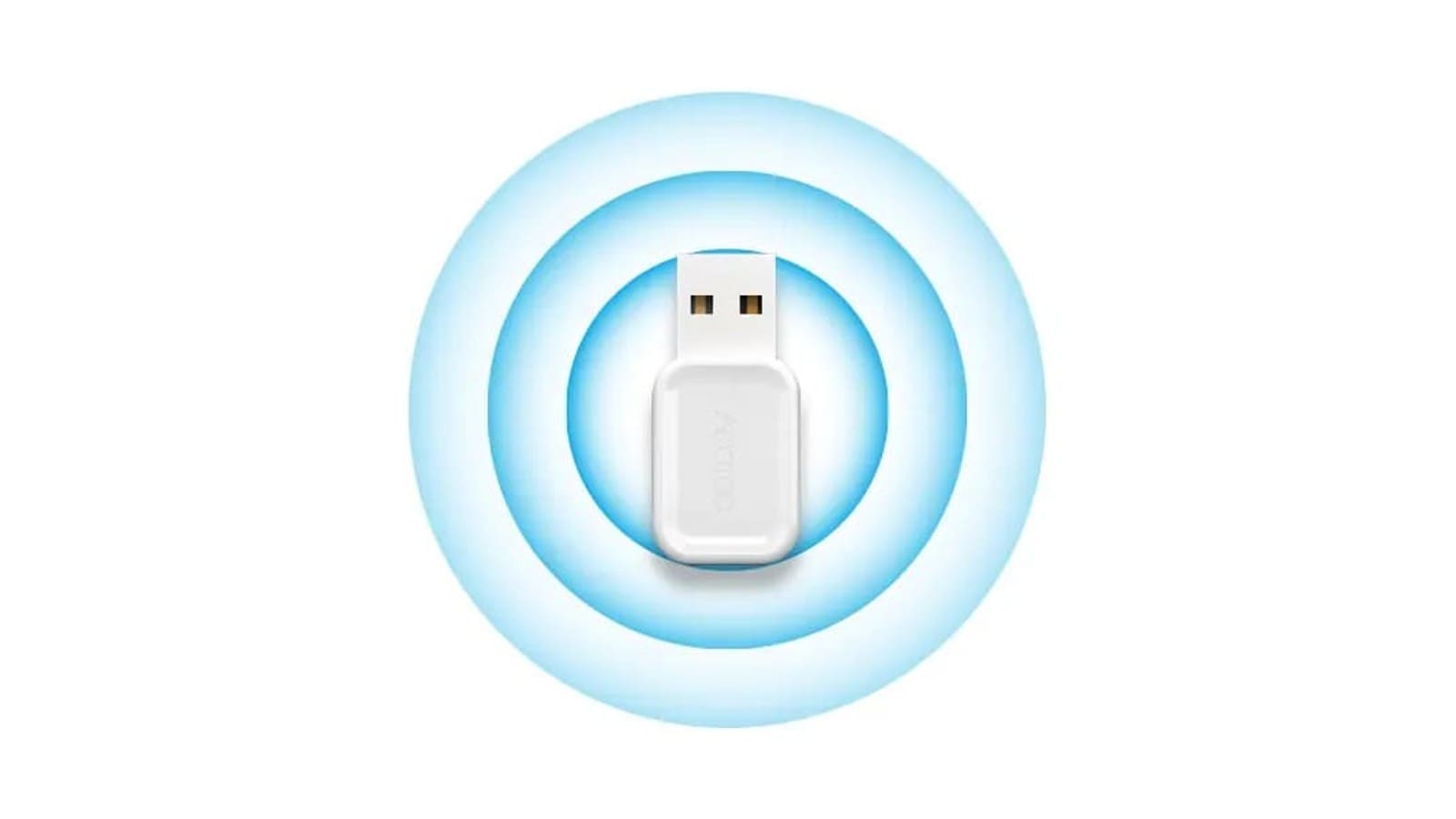
The Z-Stick 7 (model ZWA010) is the default recommendation for a UK Z-Wave network: a Silicon Labs 700-series, Z-Wave Plus V2-certified controller that plugs flush into a Home Assistant server with no drivers needed on Linux. It's EU/UK 868.42 MHz, supports S2 and SmartStart pairing, and at 37 x 17 x 8.5mm it disappears into a USB port. Typical UK price is around £44 on Amazon UK (prices vary by retailer).
If you want Z-Wave Long Range for a shed or outbuilding, or simply prefer buying the officially maintained option, the Home Assistant Connect ZWA-2 (around £51 from The Pi Hut) is the newer 800-series alternative — it runs standard mesh and Long Range simultaneously and auto-configures to the UK/EU region, at the cost of needing shelf space for its separated antenna base rather than sitting flush in a port. Both appear in our hubs & dongles finder alongside Zigbee coordinators if you're running both protocols.
2. Best Z-Wave smart lock: Danalock V3
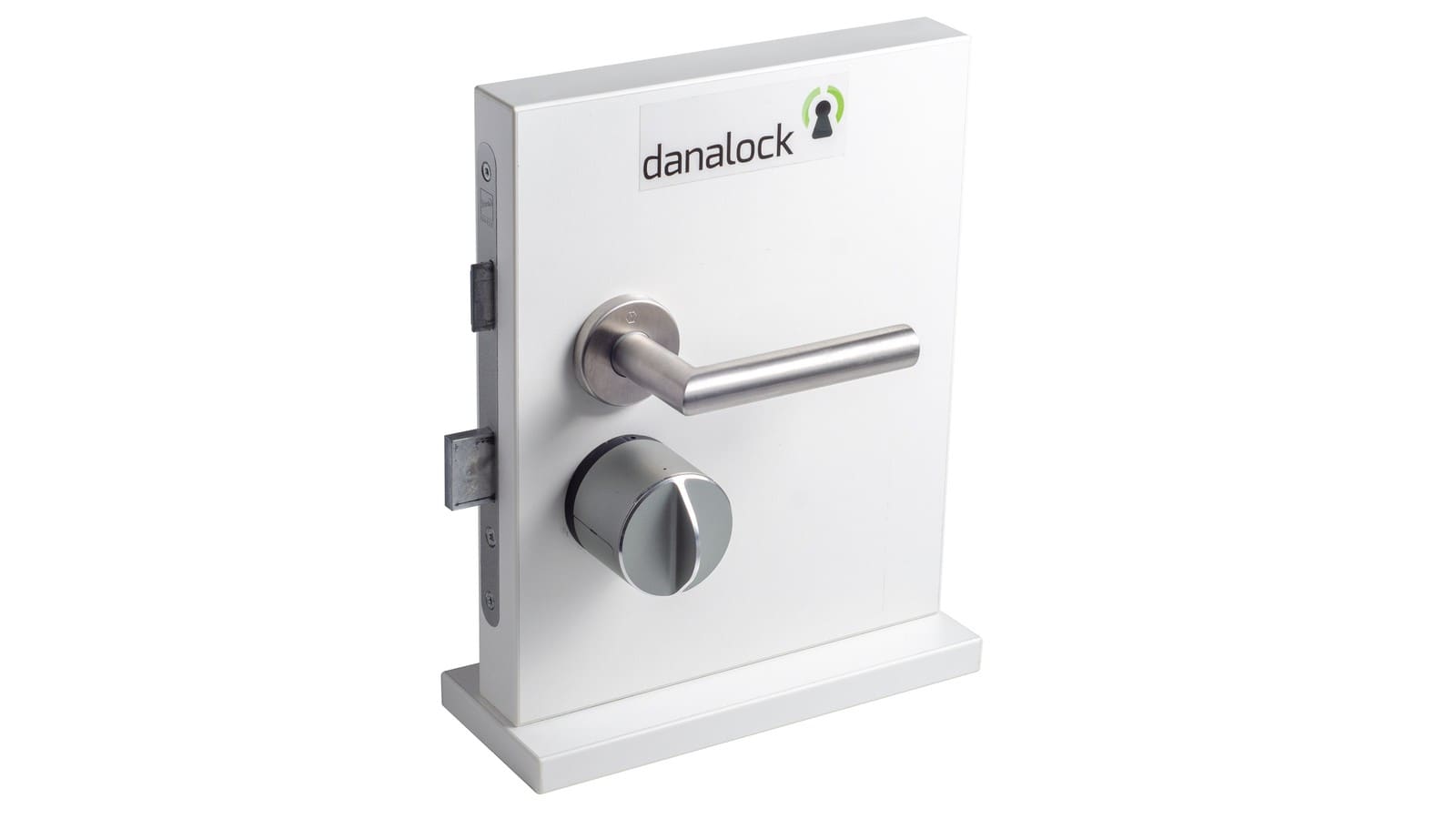
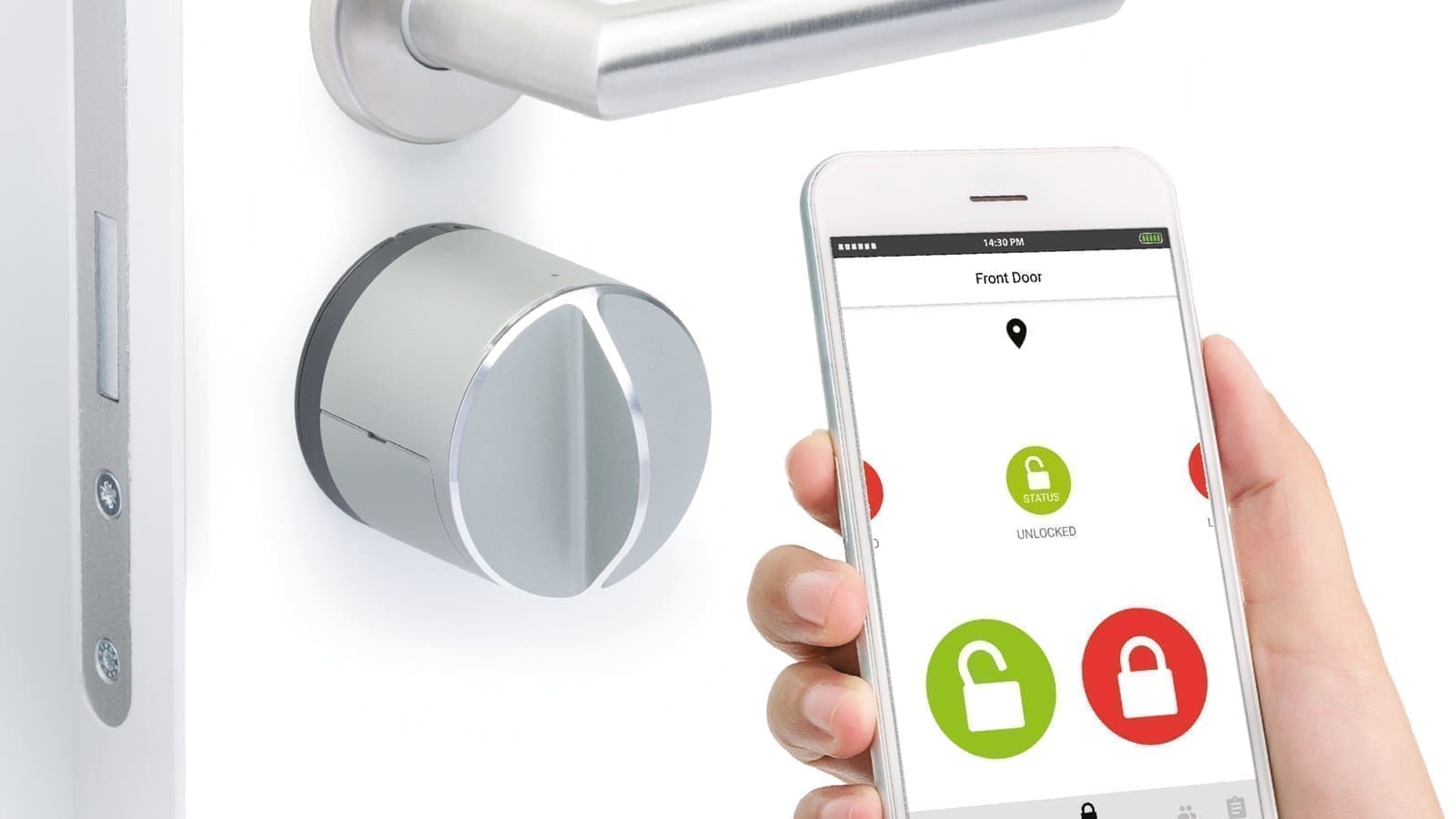
UK doors overwhelmingly use euro-profile cylinders rather than the US deadbolts most Z-Wave locks are built for, which narrows the field considerably. The Danalock V3 (Danish manufacturer, now part of SALTO) is the one built specifically for that format: it retrofits over your existing euro cylinder, motorises the thumb-turn, and is available with a Z-Wave communication module alongside its Bluetooth core — Home Assistant users on the Z-Wave JS forum thread report standard lock/unlock and battery entities working via the zwave_js integration.
Danalock's official EU/UK price for the Bluetooth + Z-Wave version is €199 direct from danalock.com — worth noting because UK stock has been genuinely patchy: at the time of writing, Keyprint (Danalock's UK distributor) and several major UK retailers show it out of stock or on backorder, so check current availability before planning around it, or order direct from Denmark. It's still the most credible Z-Wave-native option for a UK front door; see our wider smart locks finder for Zigbee and Matter alternatives if stock is a blocker.
3. Best Z-Wave multi-sensor: Aeotec MultiSensor 6
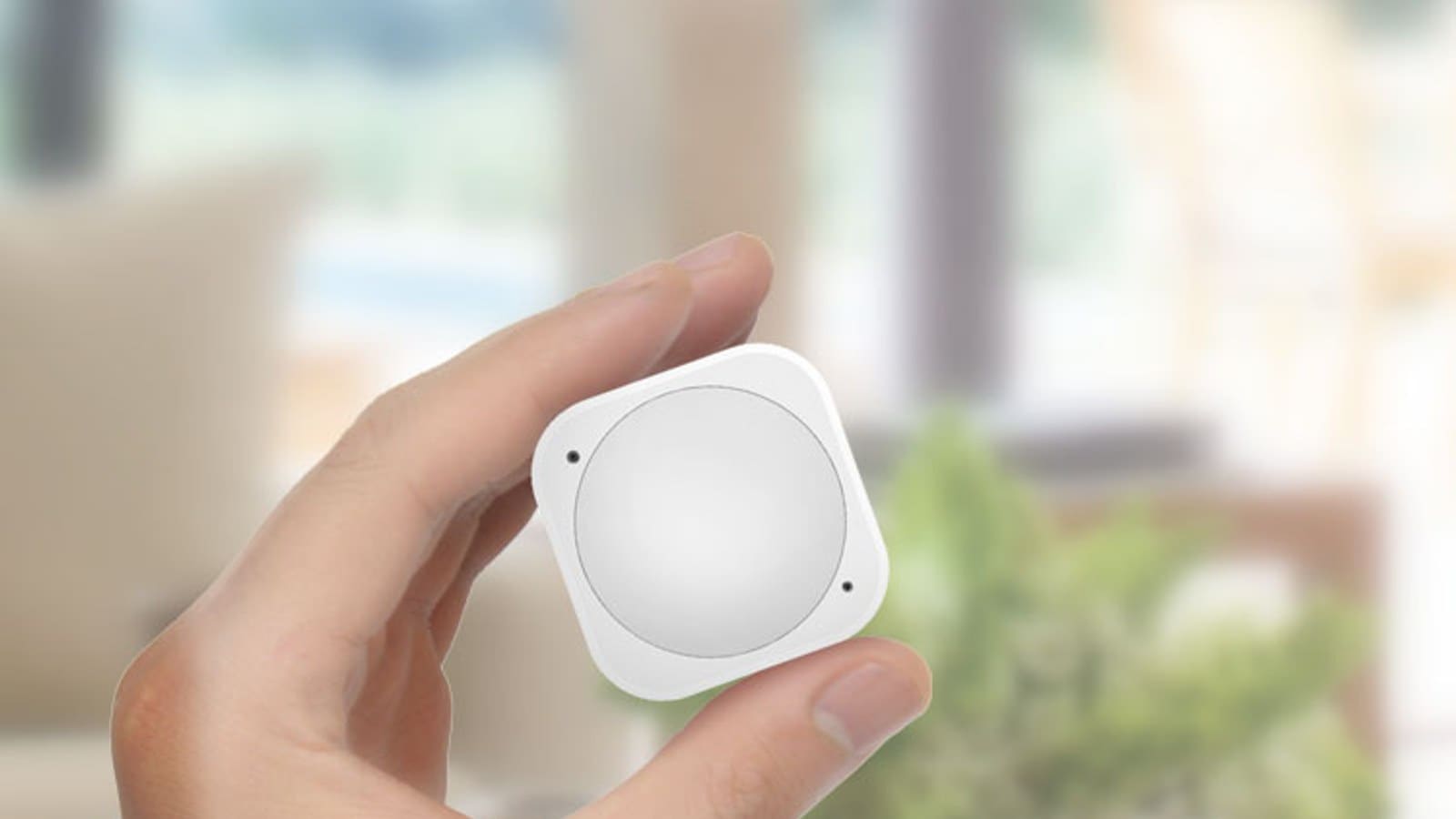
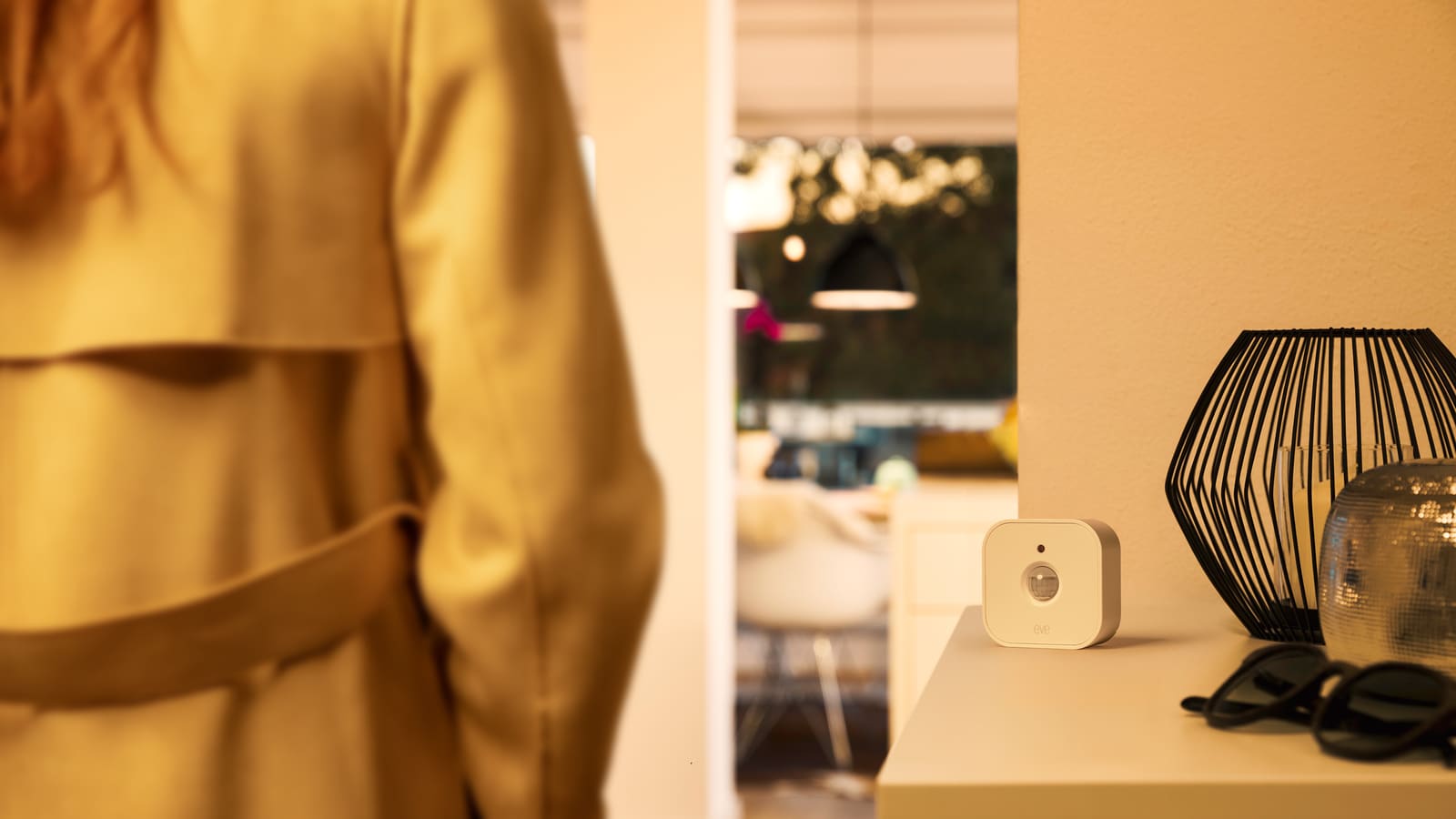
The MultiSensor 6 packs six sensors — motion, temperature, humidity, luminance, UV and vibration — into a single unit roughly the size of a large door handle rosette, according to Aeotec's product page. It runs on two CR123A batteries rated for up to two years, or can be USB-powered if mounted somewhere with power nearby, and doubles as a wall- or ceiling-mount unit with an optional recessor kit for a flush finish. For Home Assistant, that's six entities from one Z-Wave inclusion — useful for a hallway or landing where you want motion-triggered lighting plus an ambient temperature reading without cluttering the mesh with separate devices.
UK stock has thinned as Aeotec has pushed newer MultiSensor 7 hardware, so treat the price as variable and check Amazon UK or Vesternet for current availability before buying — expect to pay in the region of £50–£65 when in stock.
4. Best Z-Wave smart plug: Fibaro Wall Plug UK
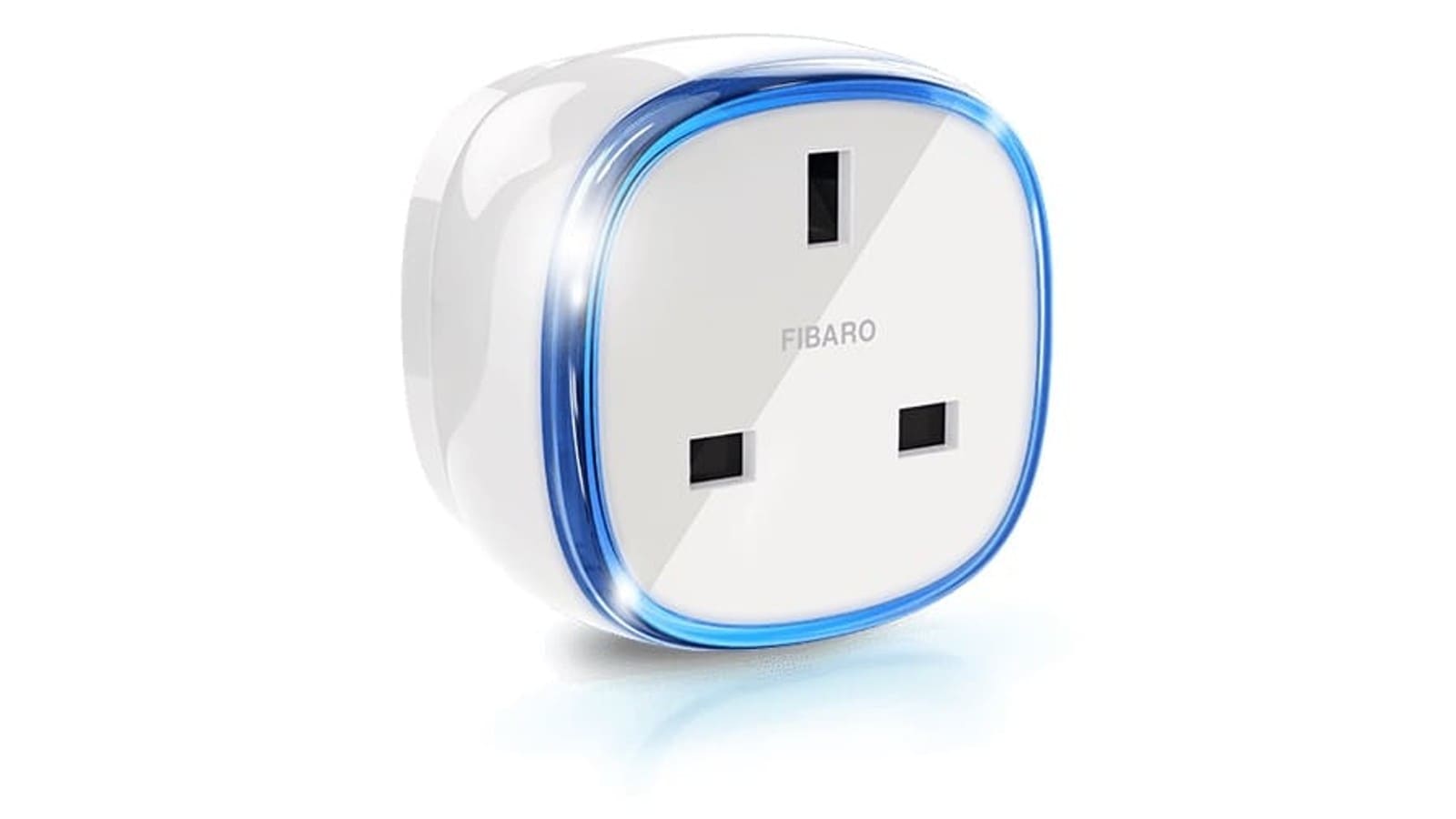
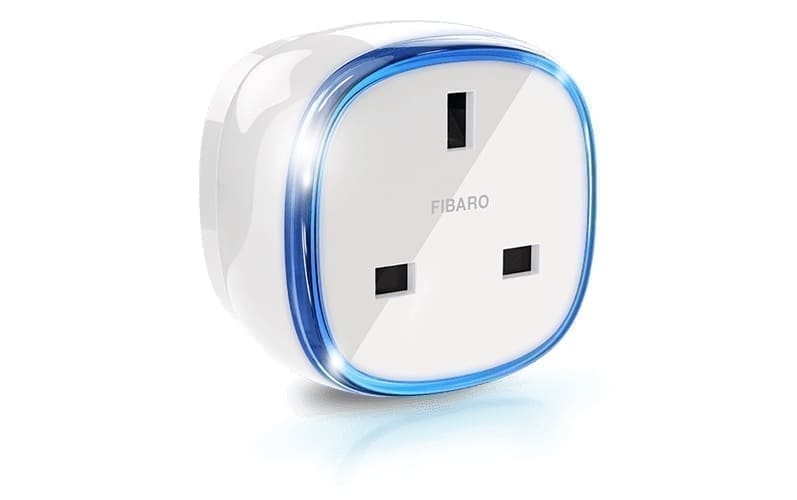
The Fibaro Wall Plug (FGWPG-111) is a UK three-pin smart plug with genuine Z-Wave Plus certification and per-socket power and energy metering, so it feeds straight into Home Assistant's Energy dashboard once paired through Z-Wave JS. As a mains-powered device it also acts as a mesh repeater, which is the main reason to pick it over a Zigbee or Wi-Fi plug if you're already invested in a Z-Wave network — it strengthens range for the battery sensors and locks elsewhere in the house rather than adding to a separate mesh. It's listed at £48.75 on Amazon UK and around £55 direct from Vesternet (prices vary by retailer). More options, including Zigbee and Matter plugs, are in our smart plugs & energy finder.
5. Best Z-Wave dimmer module: Fibaro Dimmer 2 (FGD-212)
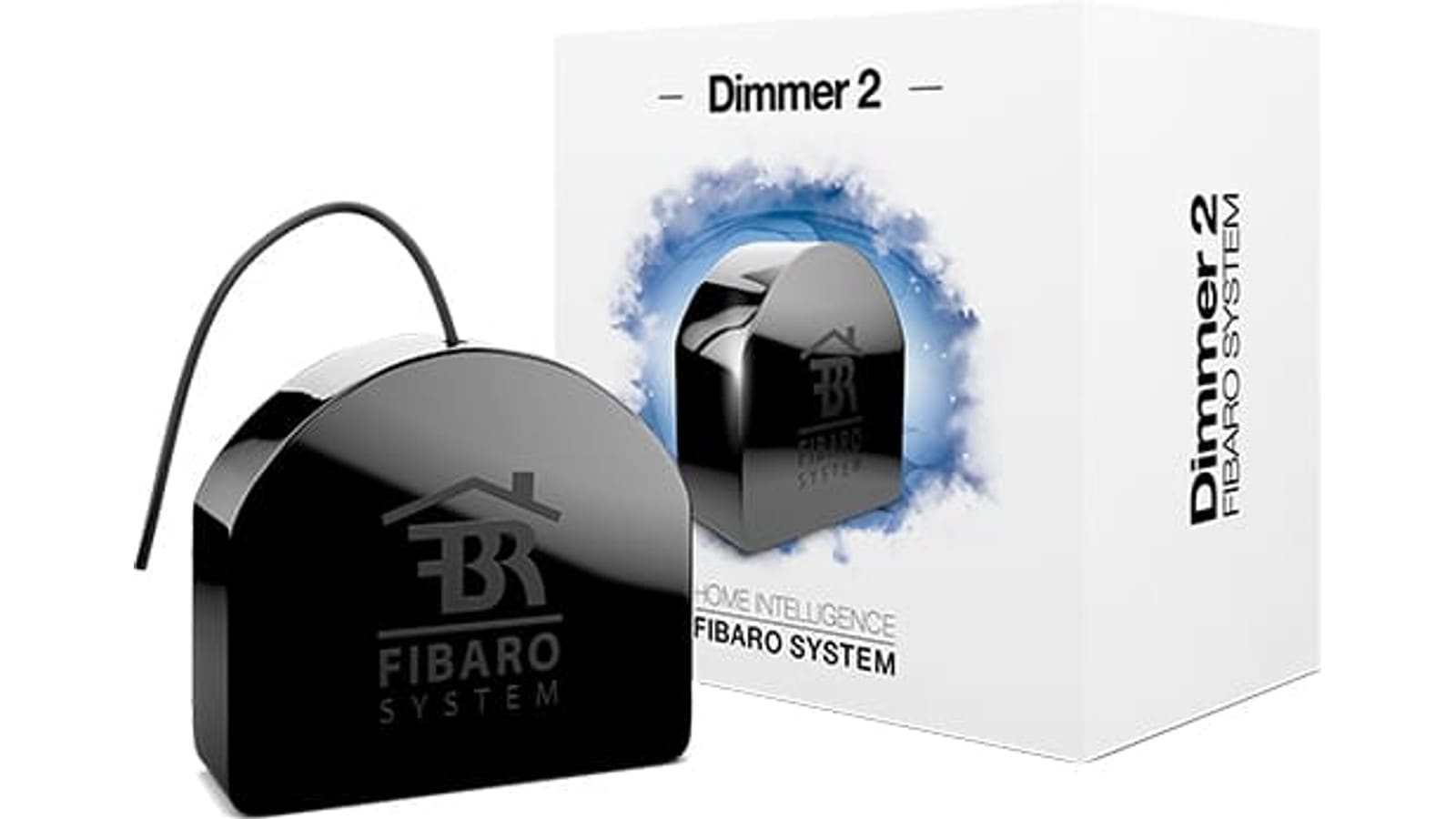
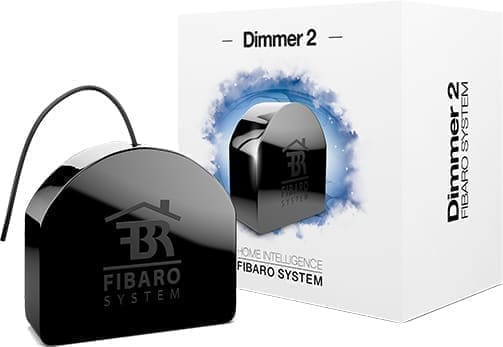
This is an in-wall module rather than a bulb or smart switch — it sits in the back box behind your existing light switch and takes over dimming for whatever's wired to that circuit, from LED downlights to a traditional pendant. According to Fibaro's product page, it handles loads up to 250W (LED) and reports power and energy through the same Z-Wave Plus radio used across Fibaro's range, with configurable minimum/maximum dim levels to stop LED bulbs flickering at the low end — a common complaint with cheaper dimmer modules. Home Assistant exposes it as a standard light entity through Z-Wave JS. It requires a neutral at the switch, so check your wiring before buying. Price is around £53–£55 from Vesternet or Amazon UK.
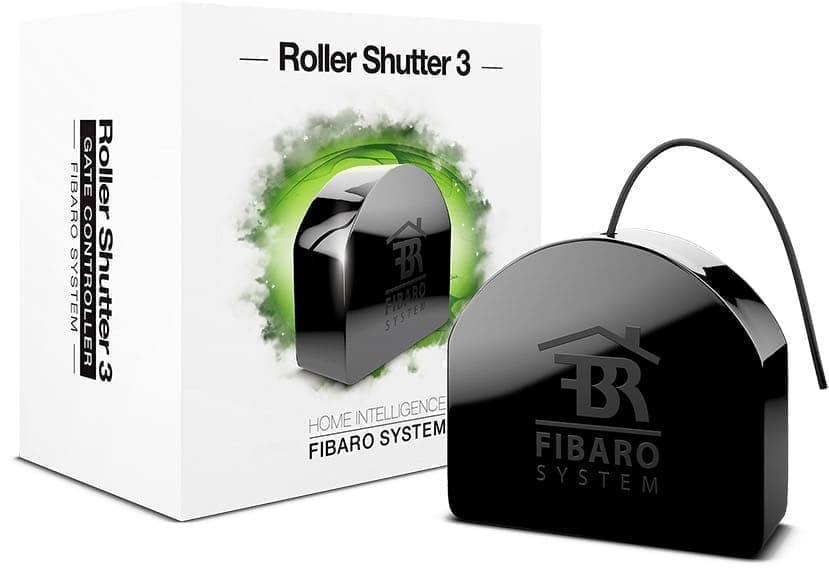
6. Best Z-Wave shutter/blind module: Fibaro Roller Shutter 3 (FGR-223)
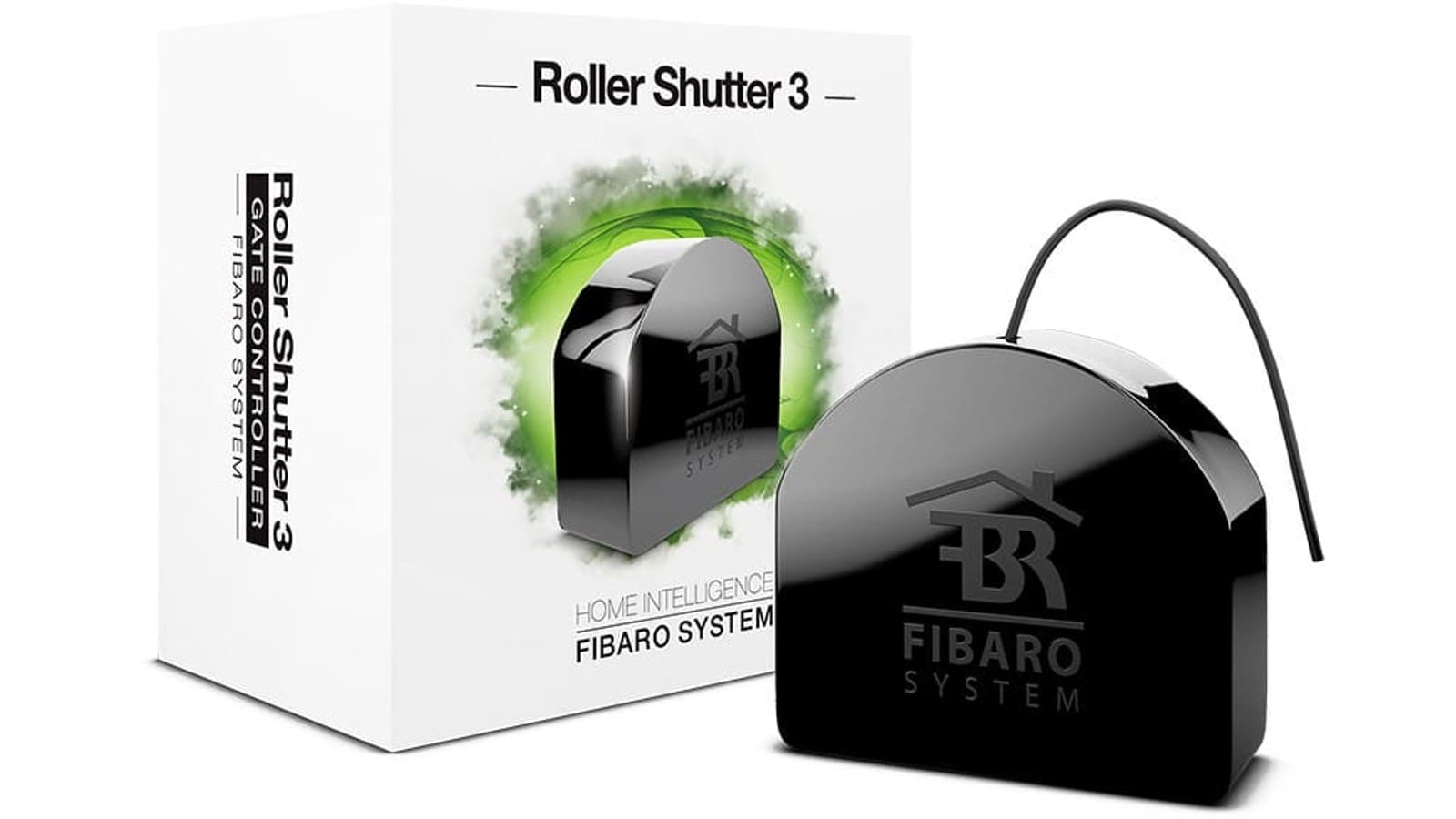
If you already have a mains-powered roller blind, awning or gate motor with standard up/down/stop wiring, the Roller Shutter 3 module gives it precise position control and power metering under Z-Wave JS rather than just blunt open/close relay switching. It needs a neutral and, per Fibaro's spec sheet, fits best in a 65mm-deep back box (45mm is workable but tight). Once wired in, Home Assistant treats it as a cover entity with position and tilt support if your motor reports it. It costs £69.99 on Amazon UK. See our relays & dimmer modules finder for the rest of Fibaro's Z-Wave range, including single- and double-switch versions of this same form factor.
Z-Wave or Zigbee for These Device Types?
None of this is an argument for abandoning Zigbee — most UK smart homes run both. Z-Wave's sub-GHz band and certified interoperability make it the stronger choice specifically for door locks, water and smoke sensors, and anything mounted somewhere thick brick or a stud wall would otherwise weaken a 2.4 GHz signal. Zigbee still wins on price and product range for bulbs and small sensors. Our Matter vs Zigbee vs Z-Wave comparison goes through the full trade-offs if you're deciding which protocol to standardise on for a new room or device category.