
What do you need before you start?
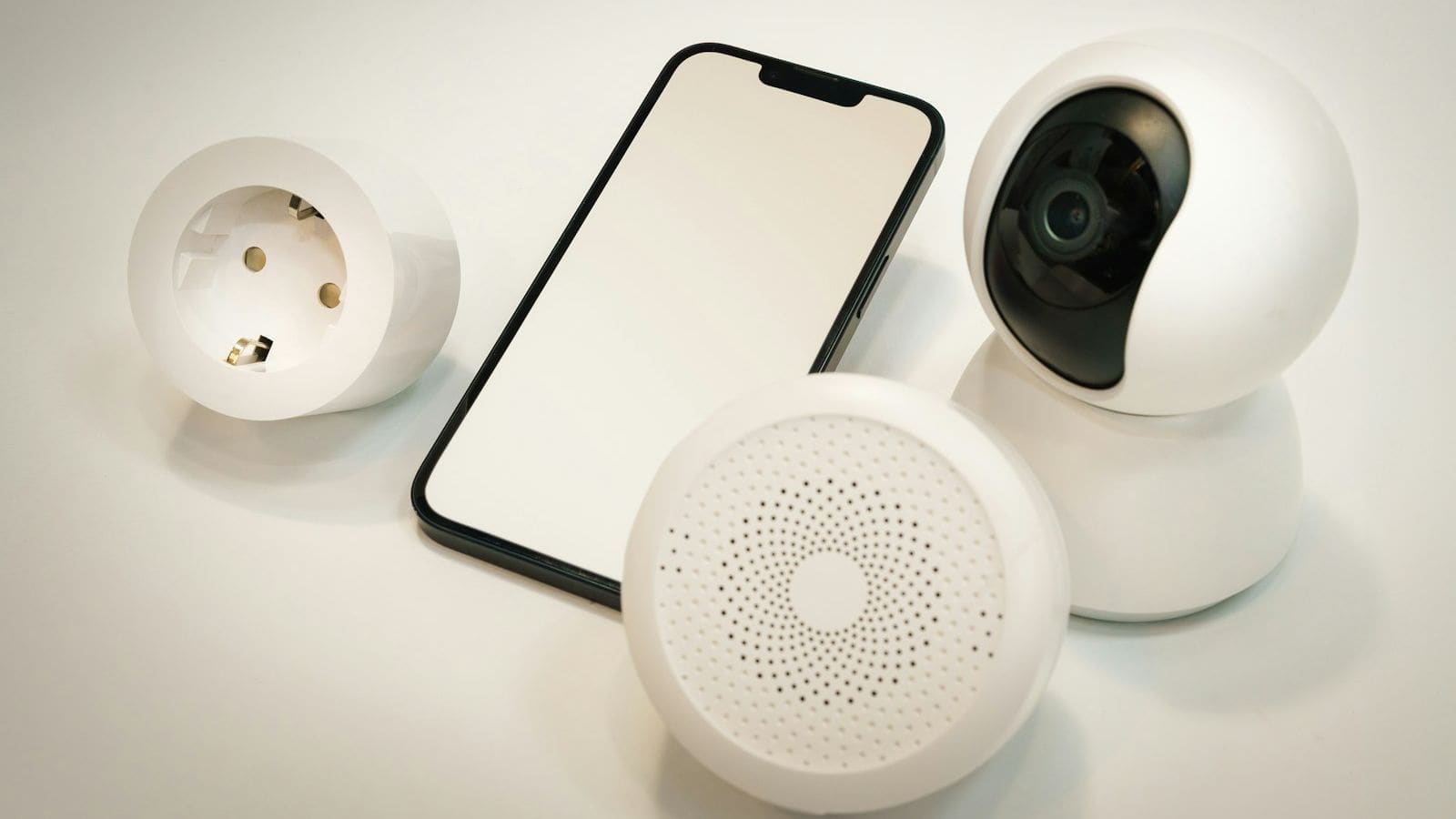
- A humidity sensor in the bathroom. Any sensor that reports relative humidity to Home Assistant works. The SONOFF SNZB-02P is a Zigbee temperature and humidity sensor on a CR2477 coin cell and is documented on Zigbee2MQTT. Our temperature and humidity sensor roundup compares alternatives.
- A way to switch the fan. Either a smart relay on the fan's supply or a fan that already has a smart controller. Options are covered in Step 1.
- A working Zigbee setup, if you choose Zigbee parts. See our Zigbee2MQTT guide and the Zigbee2MQTT vs ZHA comparison.
- Home Assistant with helpers enabled. Both the Derivative and Threshold helpers can be created from the UI under Settings, Devices & services, Helpers.
Does a bathroom extractor fan have to keep a manual switch?
Yes, if you want to stay in line with the guidance. Approved Document F (2021 edition, Volume 1) says any automatic control, such as humidity control, on an intermittent extract fan should have a manual override so the occupant can turn it on or off. It also says a room with no openable window should have controls that keep the fan running for at least 15 minutes after the room is vacated, and lists 15 litres per second as the minimum intermittent extract rate for a bathroom.
Practically, that means two things for this project. Keep (or add) a wall switch or button that can start and stop the fan independently of Home Assistant, and set the run-on timer to at least 15 minutes if the room has no window. Part F is guidance for new work and major changes, but it is a sensible design target for a retrofit too.
| Way to switch the fan | Needs neutral? | Protocol | Good to know |
|---|---|---|---|
| SONOFF BASICZBR3 relay | Yes (mains-powered module) | Zigbee | Zigbee2MQTT supports a timed on command (on_time, firmware dependent); no maximum load is listed on its Zigbee2MQTT page, so check the maker's rating |
| SONOFF ZBMINIL2 | No | Zigbee | Zigbee2MQTT lists it as a no-neutral switch; confirm its minimum load against your fan |
| Shelly 1 Mini Gen3 | Yes | Wi-Fi and Bluetooth | 8 A at 240 V (2,000 W max), 29 x 34 x 16 mm so it fits behind a switch or in a fan housing |
Step 1: Choose how the fan will be switched
Pick a module that suits the fan you already have. Fans come in three broad types: a simple fan on a switched live (it runs whenever the switch is on), a fan with a permanent live and a separate trigger wire for its own timer or humidistat, and a smart-ready fan. The first type is the easy one. A relay in the switched live feed simply turns it on and off.
The second type needs more care. If the fan has its own overrun timer driven by a trigger wire, switching its permanent supply would defeat that timer, so check the manufacturer's wiring diagram before you buy anything. If the fan already has a built-in humidistat, you may not need this project at all, although it will not report to Home Assistant.
Safety: bathroom fans sit in a regulated electrical zone and the wiring is mains voltage. In England, electrical work in dwellings is covered by Approved Document P, which explains when work must be notified. If you are not confident, have a qualified electrician fit the module.
For a Zigbee build, a mains-powered relay such as the BASICZBR3 also acts as a router and strengthens the mesh around the bathroom. If you prefer Wi-Fi, the Shelly 1 Mini Gen3 is rated for 8 A at 240 V, which is far above what a typical extractor draws, and is small enough to tuck behind a wall switch.
Step 2: Place the humidity sensor and add it to Home Assistant
Pair the sensor with your coordinator and rename the entity to something clear, for example sensor.bathroom_humidity. Placement matters more than model. The author of a widely read Home Assistant cookbook entry first measured against an adjacent room, then moved the sensor to sit above the shower head, and found that a direct rate-of-rise reading was both faster and more reliable.
Avoid putting it directly in the fan's airflow or against an external wall where condensation will form. Keep it clear of the shower spray itself. High on a side wall, a metre or so from the shower, is a reasonable compromise: close enough to see steam quickly, far enough to stay dry.
Zigbee sensors report only when the value changes by a set amount, so readings are irregular. That is fine for the derivative helper in the next step, which smooths them over a time window.
Step 3: Create the humidity change-per-minute helper
Go to Settings, Devices & services, Helpers, then Create helper and choose Derivative. Set the input to your bathroom humidity sensor, the time unit to minutes, and a time window of five minutes. Name it something like Bathroom humidity change per minute.
Home Assistant's documentation explains that the Derivative integration estimates the rate of change of another sensor and that the time window averages values with a time-weighted simple moving average, which helps with noisy or discrete readings. Rounding to two decimal places keeps the entity readable. The cookbook author uses the same combination of a five-minute window and per-minute units.
Step 4: Turn the rate of change into an on/off signal
Create a second helper, this time a Threshold. Choose your new derivative sensor as the input and set the upper limit to 1.5, matching the 1.5% per minute trigger point used in the cookbook example. Add a small hysteresis value so the signal does not flicker when humidity is hovering near the limit.
The Threshold documentation defines hysteresis as the distance the value must move from the limit before the state changes. With an upper limit of 1.5 and a hysteresis of 0.2, for example, the binary sensor turns on above 1.7 and off below 1.3. Name the result binary_sensor.bathroom_humidity_rising. Start with 1.5 and tune it later: a small bathroom with a powerful shower may need a higher figure, and a large room a lower one.
Step 5: Build the automation
Create a new automation in YAML mode and paste the following, swapping in your own entity names. It switches the fan on when humidity starts rising, waits for the rising signal to clear, then keeps the fan running for a further 20 minutes before switching it off. A 45-minute ceiling stops the fan running forever if the sensor drops out.
alias: Bathroom extractor on humidity rise
mode: restart
triggers:
  - trigger: state
    entity_id: binary_sensor.bathroom_humidity_rising
    to: "on"
actions:
  - action: switch.turn_on
    target:
      entity_id: switch.bathroom_extractor
  - wait_for_trigger:
      - trigger: state
        entity_id: binary_sensor.bathroom_humidity_rising
        to: "off"
    timeout: "00:45:00"
    continue_on_timeout: true
  - delay: "00:20:00"
  - action: switch.turn_off
    target:
      entity_id: switch.bathroom_extractor
Using mode: restart means a second shower that starts during the run-on period restarts the timer instead of being ignored. If you use Zigbee2MQTT and your module and firmware support it, the timed on command (on_time, in seconds) is a useful belt-and-braces option, because the module itself switches off even if Home Assistant restarts mid-run.
Step 6: Keep a manual override and test it
Add a button or the existing wall switch as a manual trigger. A simple version is a second automation that toggles the fan from a smart button by the door. Remember the Part F point about manual control: a human should always be able to run or stop the fan without waiting on automation logic.
To test, run a hot shower with the door shut and watch the history graph for the derivative helper. You should see the rate climb above 1.5 within a few minutes, the binary sensor go on, and the fan start. After the shower ends the rate falls, the binary sensor goes off, and the 20-minute run-on begins. If the fan does not start, jump to the fixes below.
Why use rate of rise instead of a fixed humidity level?
A rate-of-rise trigger responds to a change, so it works in any season. A fixed threshold, say 70%, may never fire in a dry bathroom and may fire constantly in a damp one. The cookbook author also tried comparing the bathroom against an adjacent room, and ran into sensor dropouts, humidity leaking between rooms and a threshold loose enough to make the response slow. Using one sensor and its derivative removed all three problems.
A fixed level is still useful as a backstop. Add a second trigger for humidity staying above a high ceiling you choose for a sustained period, which catches a bathroom that is slowly steaming up without any sharp rise, for example a bath left to sit. If persistent damp is your real problem rather than shower steam, a smart dehumidifier addresses the cause rather than the symptom.
Why isn't the fan switching on?
The binary sensor never turns on: open the derivative helper's history. If the value never reaches 1.5, lower the upper limit to 1.0 or shorten the time window. If the line is flat, the sensor may only report on large changes; check its reporting settings in Zigbee2MQTT or ZHA.
It turns on but the fan does not start: check the entity name in the automation, then test the switch entity from the dashboard. If the switch toggles but the fan does not, the problem is wiring, not Home Assistant. Recheck the fan type from Step 1.
The fan runs but cuts off early: the automation was probably restarted or the timeout elapsed. Confirm the 45-minute ceiling and 20-minute delay are what you intended.
The relay will not stay paired or drops offline: a Zigbee device in a metal-clad or tiled bathroom can be a long way from a router. Moving the coordinator or adding a mains-powered repeater nearby usually fixes it.
What to do next
Once the fan reacts to humidity, extend the idea: a notification if humidity stays high for hours, or a second rule that raises fan speed on a multi-speed controller. You can also log bathroom humidity for a week and use the graph to tune the 1.5% trigger rather than guessing.