The Risk: Why Smart Homes Get Compromised
Three factors explain the vast majority of smart home security incidents:
- Default passwords. Many devices ship with known credentials — sometimes the same password printed on every unit of that model. Attackers scan for these automatically.
- Unpatched firmware. Manufacturers release security fixes, but devices on auto-update are the minority. An unpatched device may carry a vulnerability for years.
- Cloud dependency. Devices that route all traffic through a vendor's servers give that vendor — and anyone who compromises those servers — access to your home data. When those cloud services are discontinued, the devices can stop working entirely.
The good news: the mitigations are straightforward. You don't need to be a network engineer to follow them.
10 Smart Home Security Tips for UK Households
1. Change Default Passwords Immediately
The single most effective step you can take. The NCSC recommends creating a strong password when you first set up any smart device — if the device doesn't prompt you to change the default, do it manually via the app or admin panel. A good password combines three random words (for example, coffee-shelf-marathon) and is unique to that device.
Since April 2024, UK law prohibits manufacturers from shipping new smart devices with easily guessable default passwords. If your older devices still use defaults, change them now.
2. Enable Two-Factor Authentication (2FA)
Where available, always turn on 2FA. The NCSC calls this two-step verification (2SV) and recommends enabling it on every device and app that supports it. Even if an attacker obtains your password, 2FA blocks access without the second factor — typically a code from an authenticator app.
3. Keep Firmware Updated
Enable automatic updates wherever possible. Firmware updates patch known security vulnerabilities. Without them, a device that was secure when you bought it gradually becomes easier to compromise as new exploits are discovered and published. Check each device's app for an auto-update setting; if none exists, set a reminder to check manually every quarter.
Before buying a new device, check the manufacturer's stated support period — treat the support end date as the device's effective use-by date.
4. Use a Separate IoT VLAN
Network segmentation is the most powerful structural protection you can apply. A VLAN (Virtual Local Area Network) isolates your smart devices onto their own subnet, so a compromised bulb or camera cannot reach your laptop, NAS, or phone on the main network.
Our full walkthrough covers how to configure this: see setting up an IoT VLAN with Home Assistant for step-by-step router and switch configuration, including which firewall rules to apply. You'll need a managed switch — the TP-Link TL-SG108E is a capable, budget-friendly option.
5. Disable UPnP on Your Router
Universal Plug and Play (UPnP) lets devices automatically open ports on your router — without asking you. It was designed for convenience, but it means a compromised device can punch holes in your firewall without your knowledge. Disable UPnP in your router's admin settings; any devices that genuinely need external access can have specific port-forwarding rules created manually.
6. Use WPA3 Wi-Fi Encryption
If your router supports WPA3, enable it. WPA3 is the current Wi-Fi security standard and is significantly more resistant to brute-force password attacks than the older WPA2. Most routers sold since 2020 support it. Check your router's wireless settings and switch to WPA3 or WPA2/WPA3 transition mode to maintain compatibility with older devices.
7. Review App Permissions Regularly
Smart home apps frequently request more permissions than they need. Audit each app on your phone: does your smart bulb app really need access to your contacts or microphone? On iOS and Android, you can review and revoke permissions per app in the system settings. Revoke anything that isn't obviously necessary.
8. Check GDPR Data Storage Location for UK Users
Under UK GDPR, you have rights over how and where your personal data is stored and processed. Many smart home devices are manufactured outside the UK and process data on overseas servers. Before buying a device, check the manufacturer's privacy policy: where is data stored? Is it transferred outside the UK? Are you able to request deletion?
The Information Commissioner's Office (ICO) published final guidance on consumer IoT products in 2026, reinforcing that manufacturers must collect only the minimum data necessary, obtain valid consent, and provide clear information about data use. If a manufacturer's privacy policy doesn't answer these questions clearly, treat that as a red flag.
9. Use Home Assistant for Local-Only Control
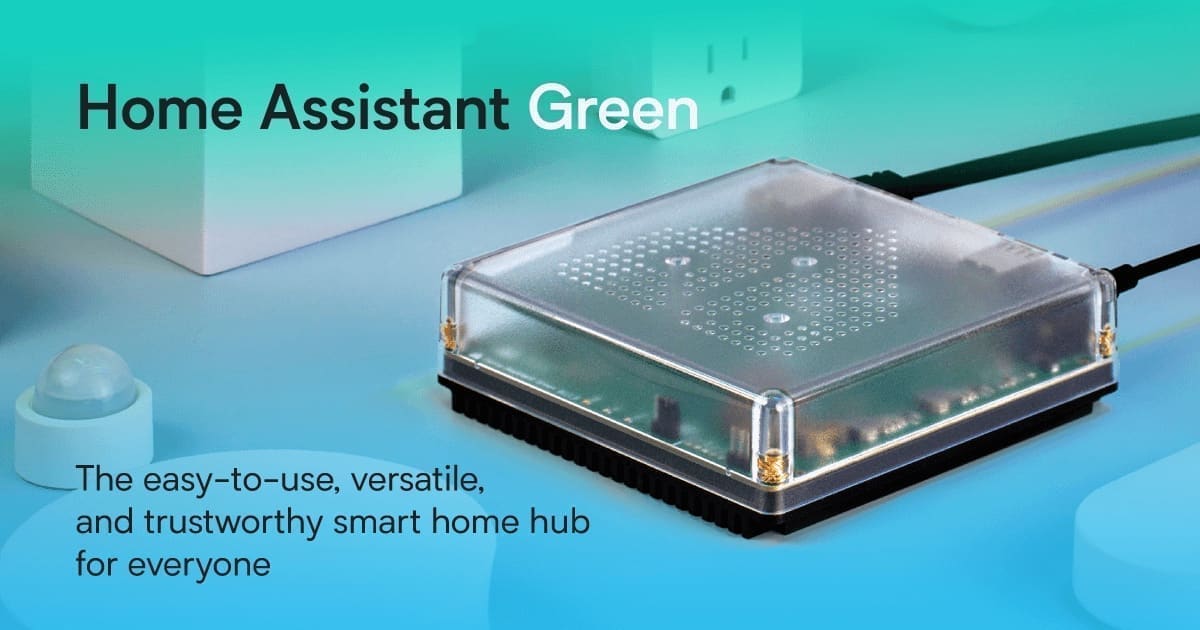
The most private smart home is one where your data never leaves your house. Home Assistant runs on your own hardware — a Raspberry Pi, an Intel NUC, or a dedicated appliance — and does not require cloud services to operate. Devices that support local protocols (Zigbee, Z-Wave, Matter, local LAN APIs) can be controlled entirely without sending data to a vendor's servers.
Getting your network right first makes Home Assistant significantly more secure. Read our Home Assistant network setup guide to understand how to structure your home network before deploying a local smart home hub. The Home Assistant documentation also has an excellent securing guide covering strong passwords, MFA, and secrets management.
10. Set Up a VPN for Remote Access
If you need to control your home remotely, a VPN is far safer than exposing ports directly to the internet. A VPN creates an encrypted tunnel between your phone and your home network, so you access your devices as if you were sitting at home. This is especially important for Home Assistant users who want remote access without relying on cloud services.
Purpose-built VPN routers simplify setup considerably. The GL.iNet Beryl supports WireGuard and OpenVPN out of the box and is widely used in home lab setups — prices vary by retailer. Alternatively, Home Assistant Cloud (Nabu Casa) provides a managed, secure remote connection without any VPN configuration.
The UK's Smart Device Security Law
The Product Security and Telecommunications Infrastructure (PSTI) Act 2022 came into force in April 2024. It requires UK-sold consumer connectable products to meet three baseline requirements: no universal default passwords, a published vulnerability disclosure policy, and a stated minimum security update period. These requirements apply to new products — but they set a useful benchmark for evaluating any device you're considering buying.
Summary
Securing a smart home doesn't require advanced technical knowledge — most of these steps take minutes. Prioritise changing default passwords and enabling 2FA first, then work through network segmentation and firmware hygiene. If you're committed to keeping data in your own hands, Home Assistant on a local network is the most robust approach available to UK consumers today.
Related: best home security systems UK, IoT VLAN setup for smart homes, and best video doorbells UK.