What's in the box, and how do you install it?
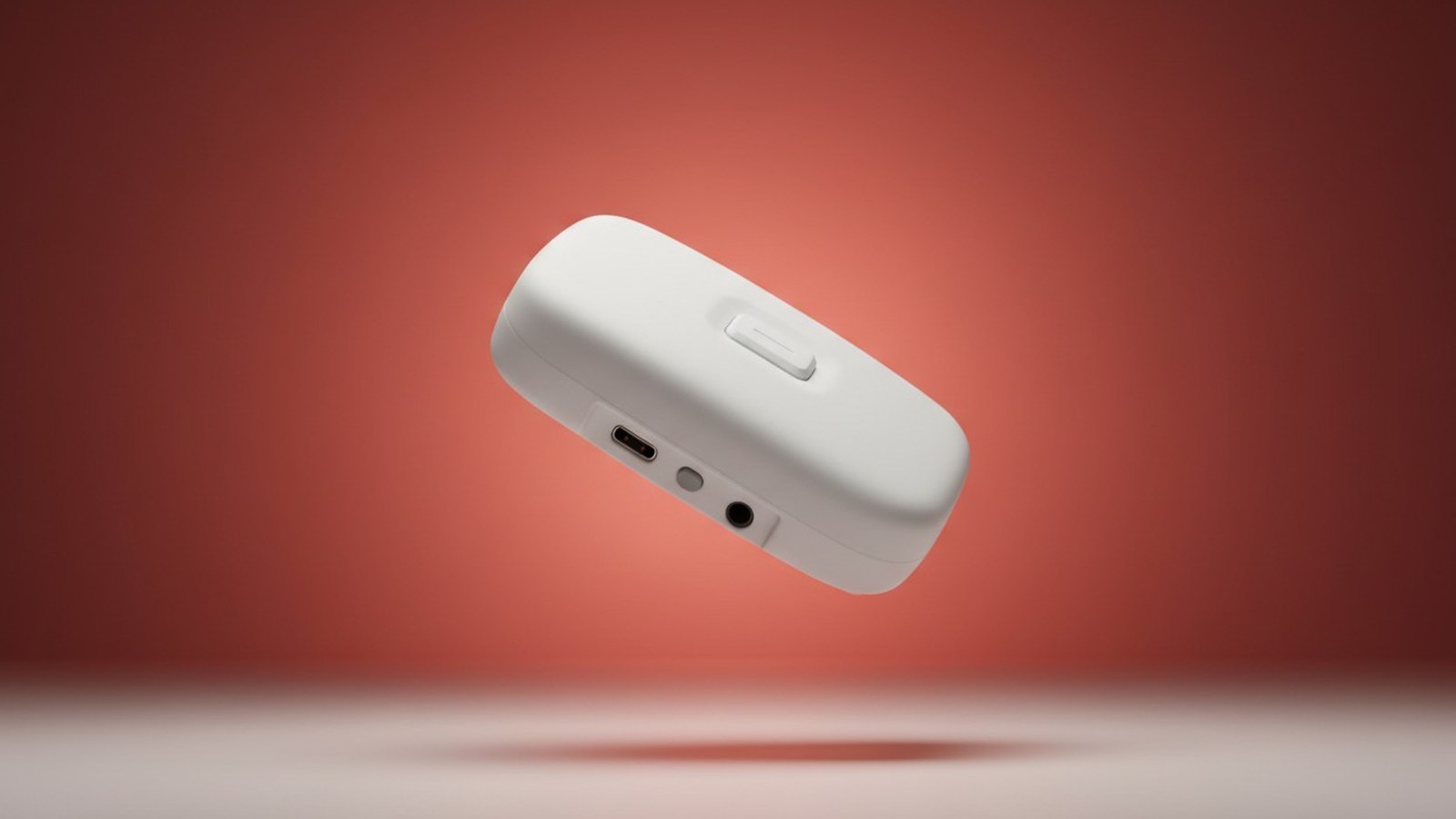
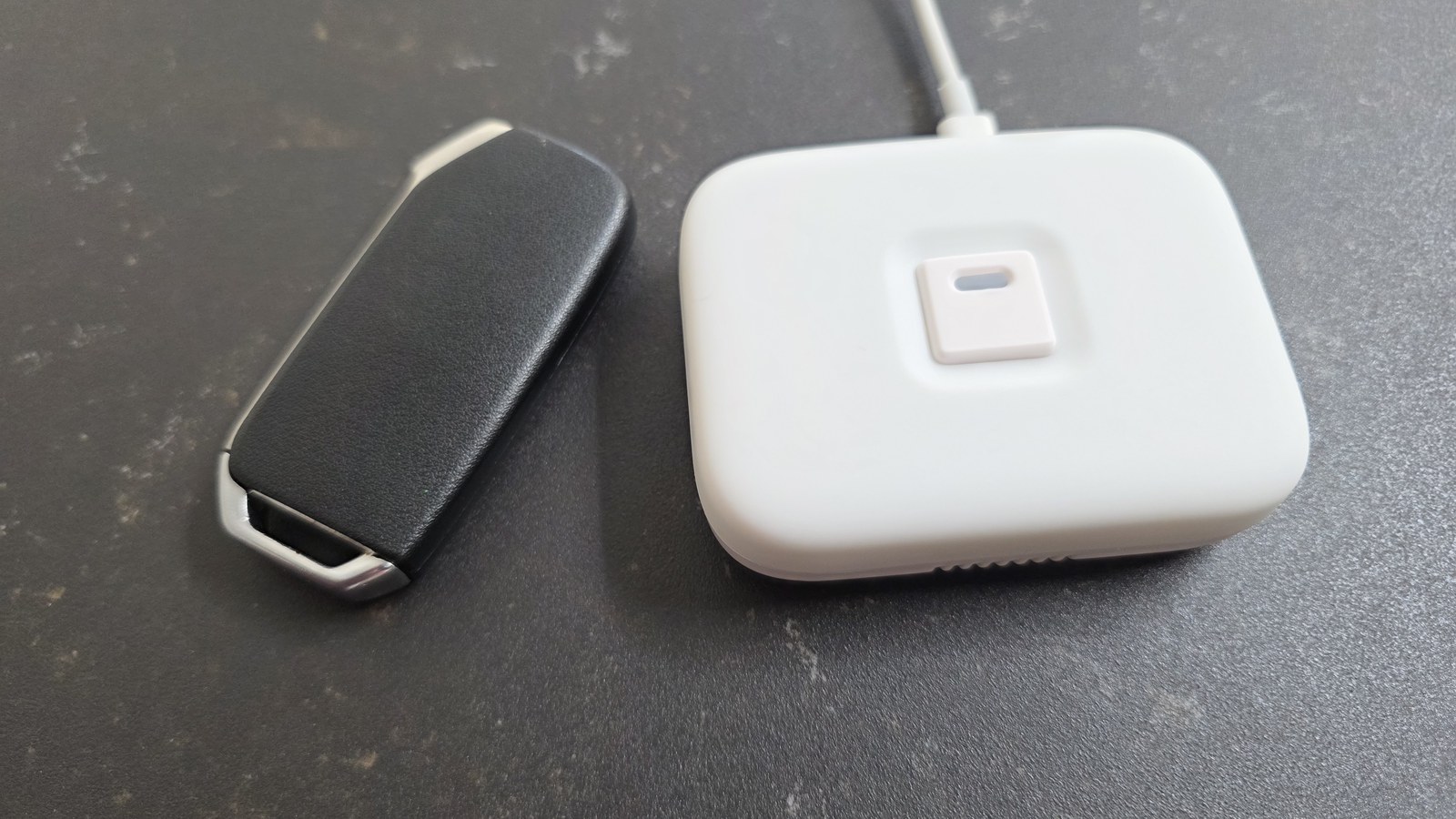
Physical installation is about as close to zero-effort as a smart heating product gets: there's no valve to swap, no relay to wire into the AC's control board, and no plumber or electrician required. You get two ways to power it — a USB-C cable and adapter (not included) for a plug-in setup, or NodOn's separate IBH-4-1-00 kit that wires the controller directly into a Split's mains terminal block for a hidden install. NodOn's instructions are explicit that you should only ever connect one of the two at a time, never both. We used USB-C, and the convenience is the whole point: there's no battery to plan around or swap out in eighteen months, unlike almost every other Zigbee device in a typical Home Assistant setup — you plug it in once and it's powered for good.
Where you put it matters more than the plug-and-play framing suggests, because the controller has its own temperature sensor built into the back — that's the reading Home Assistant surfaces as the current temperature. NodOn's guidance is to wall-mount it about 1.5m from the floor, somewhere with good air circulation that's representative of the room's actual temperature, and to keep it clear of direct sunlight, draughts, cupboards and other enclosed spaces. It also needs to stay within 5m of the air conditioner with a clear path to the unit's IR receiver, since that's the controller's maximum infrared range. In practice that rules out the obvious hiding places: a sunny windowsill or the AC's own casing will both skew the temperature reading, and a cupboard puts you out of infrared range.
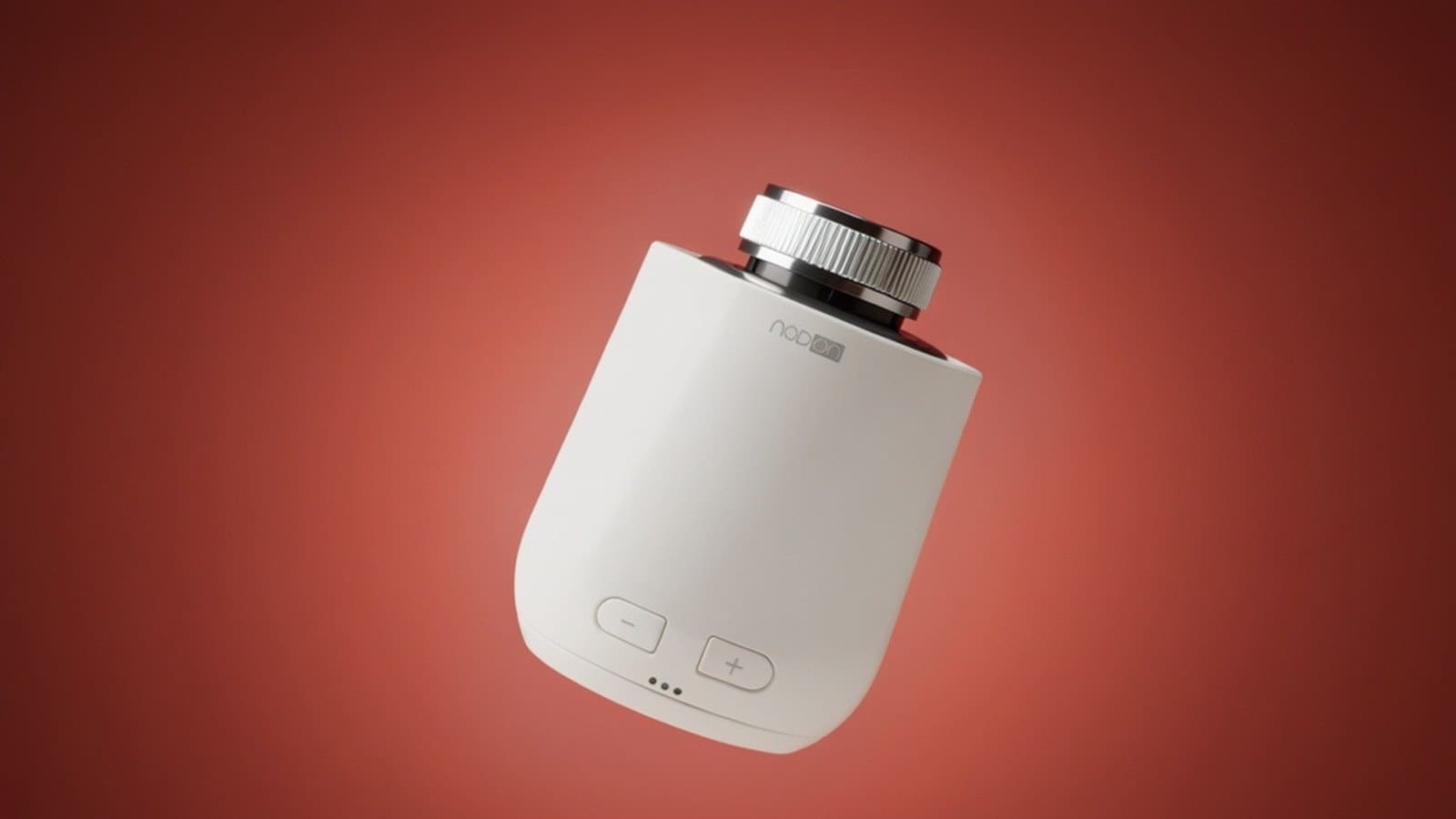
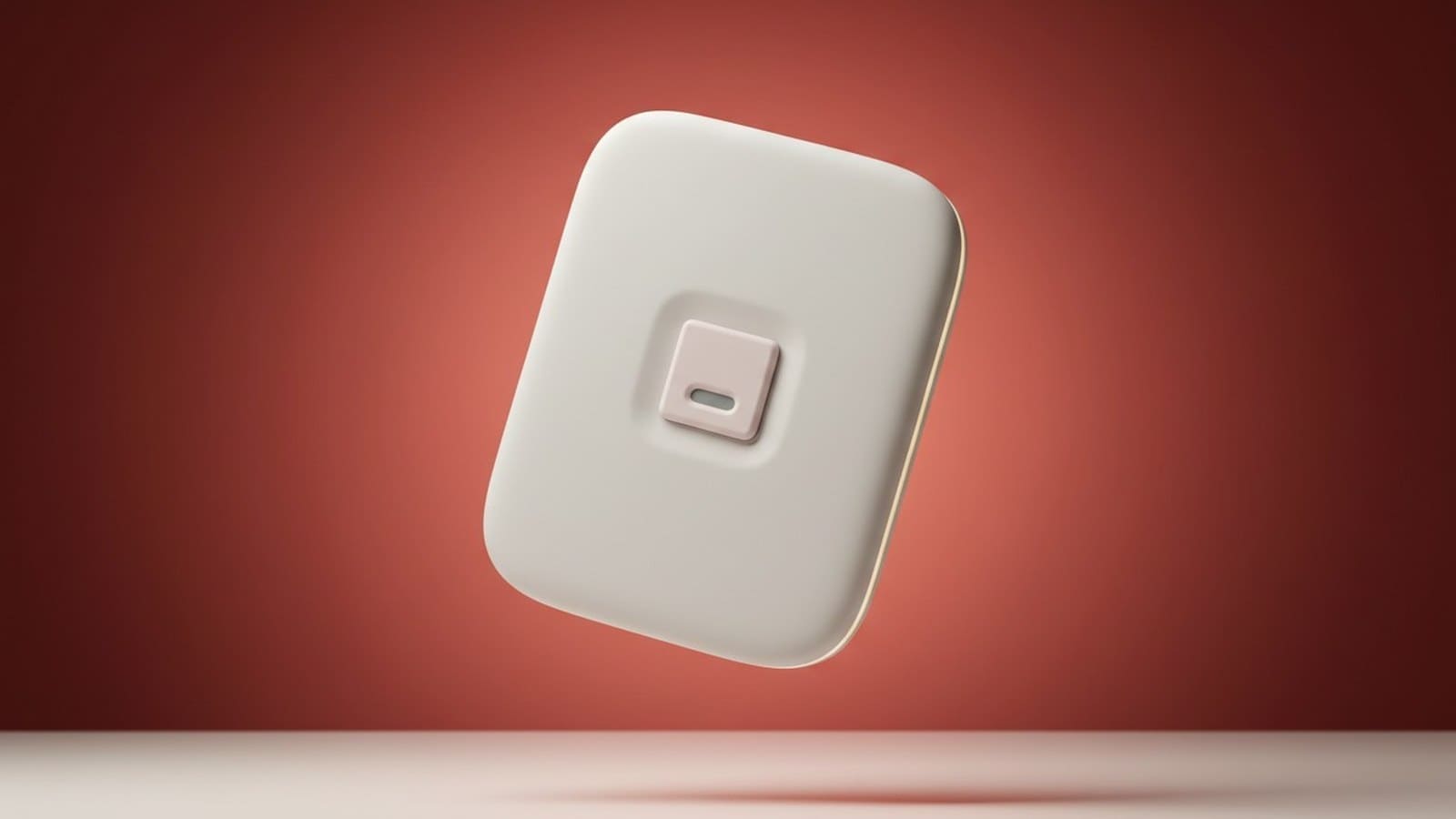
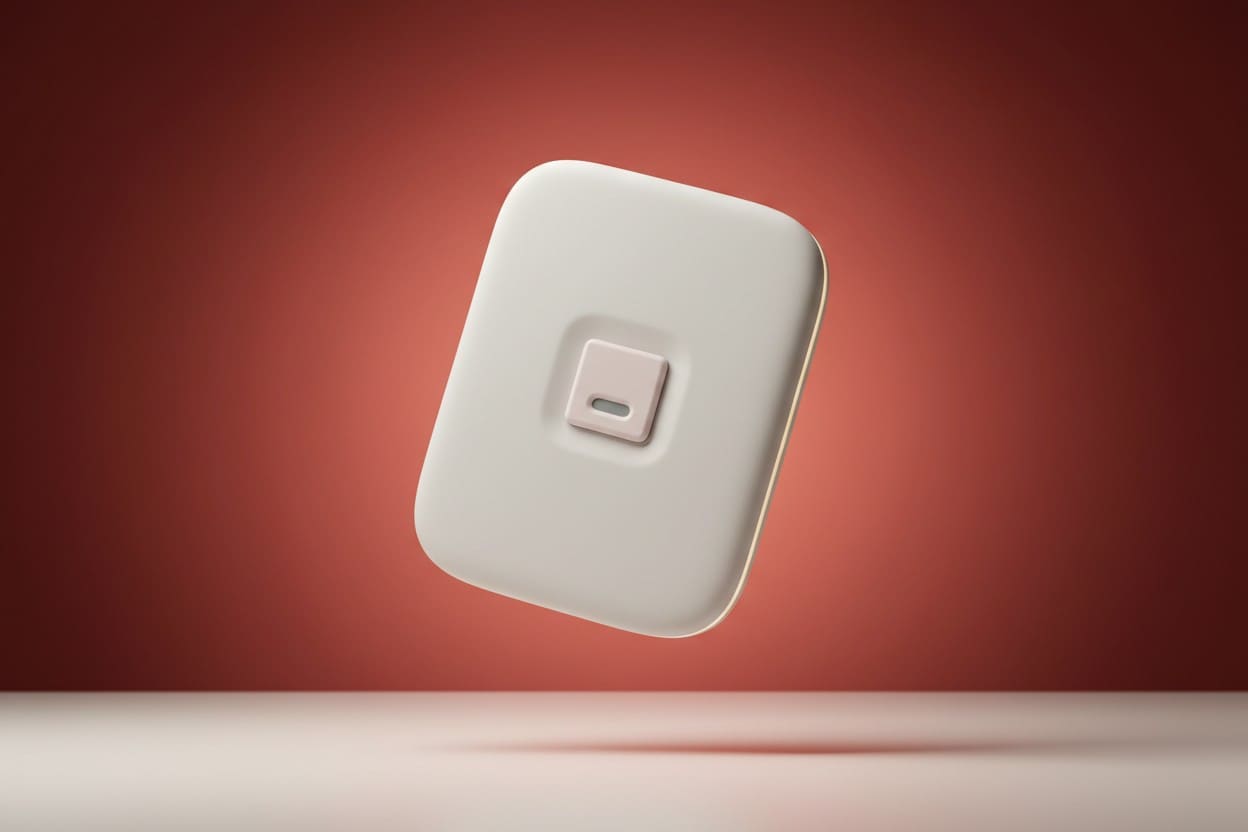
At 90 x 70 x 25.5mm it's genuinely small — about the footprint of a large light switch — so it isn't an intrusive fixture even mounted in plain sight. For anyone who's looked at retrofitting an existing AC with a smart relay and been put off by the idea of getting into its wiring, this is the appeal: you're adding a self-contained box near the unit, not modifying the appliance itself.
Does the NodOn IRB-4-1-00 work with Home Assistant?
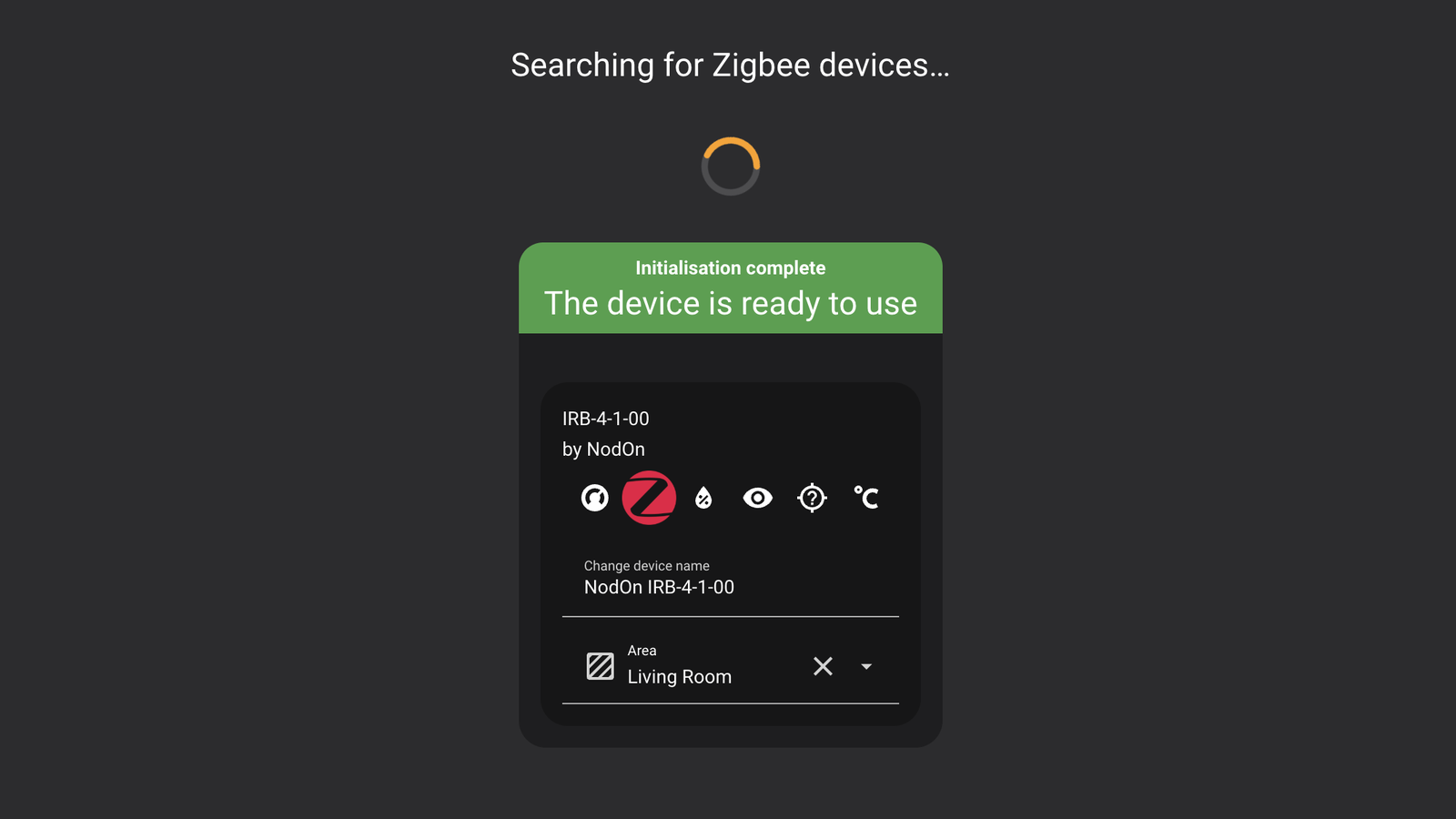
Yes — the IRB-4-1-00 is a native Zigbee 3.0 device with no custom integration, quirk file, or third-party component required. We paired it to a Home Assistant instance running ZHA: with ZHA's "Add device" search already running, a single press of the controller's configuration button was enough for it to join. A small status LED on the button blinks green to show it's searching for the network — easy to miss if you're not looking at exactly the right moment, but it's there and confirms the join is happening. The whole process, from pressing the button to ZHA reporting "Initialisation complete — the device is ready to use", took under a minute, and the device showed up correctly identified as "IRB-4-1-00 by NodOn" with no manual renaming needed. If you haven't set up a Zigbee coordinator yet, our Home Assistant ZHA guide covers getting one running before you get to this step.
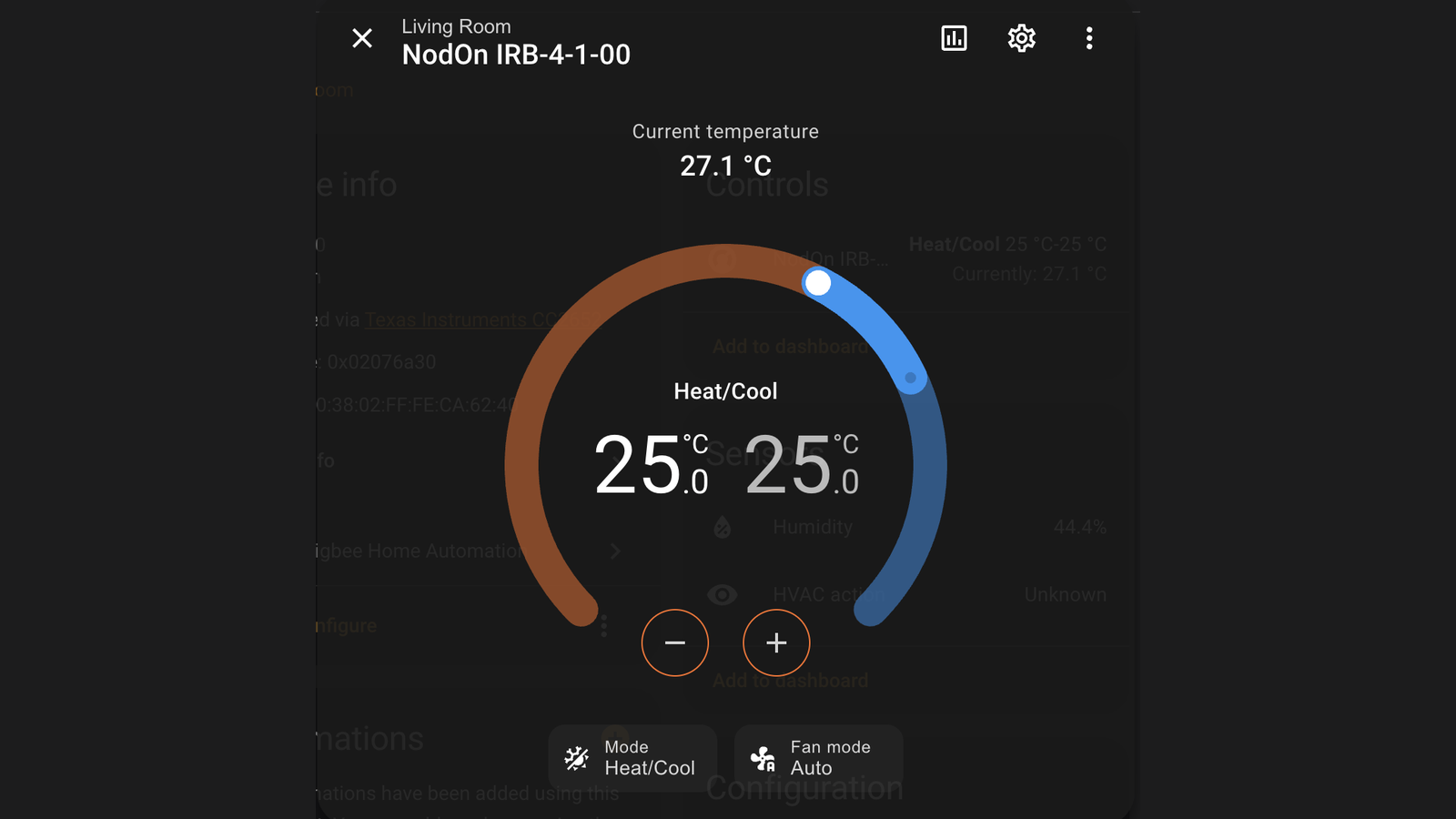
Once paired, the IRB-4-1-00 exposes itself in Home Assistant as a climate entity — NodOn's own device profile identifies it as Zigbee device type 0x0301 (Thermostat) — giving a Heat/Cool card with a target temperature range, mode selection, and fan mode control that operates over infrared exactly as the AC's own remote would. On our test setup it reported a current temperature reading alongside the Heat/Cool setpoint, with humidity and HVAC action shown as separate attributes on the same card. Because the controller is bidirectional, the AC's original remote keeps working normally alongside Home Assistant rather than being replaced by it, and the controller reports the setpoint back so a change made on the remote shows up in Home Assistant. That status sync comes with conditions, though: NodOn notes it works only once you've downloaded your AC's IR code from the Climate app, only with remotes that display the temperature on screen, and not at all with codes captured in manual learning mode.
How does IR code learning work?
Configuration runs through the free NodOn Climate app over Bluetooth, and the app offers two separate sources for your AC's infrared codes. The first is the cloud library: you select your air conditioner's brand and run a search that fires known codes at the unit one at a time, then press confirm to save the one that works. Usefully, this route doesn't need the original remote at all — you're testing against the air conditioner itself, so a lost or broken remote isn't a blocker. The second is learning from the remote, for air conditioners with no matching preset or commands a preset doesn't cover: you point the original remote at the controller's IR reception area from a centimetre or two away and press the button you want captured, and the status LED flashes to confirm the code landed. Either way the codes live on the controller afterwards, so nothing extra is needed for day-to-day control. The one thing worth deciding up front is which route you use, because bidirectional status sync only works with cloud-library codes — go the manual learning route and you lose the feature that keeps Home Assistant in step with changes made on the physical remote.
How does it compare to other ways of adding a smart AC to Home Assistant?
Against a universal Zigbee or Wi-Fi IR blaster from a brand like Tuya or Broadlink, the IRB-4-1-00's advantage is native ZHA/Zigbee2MQTT recognition with a proper climate entity straight out of the box, rather than a generic IR-blast device that needs manual code mapping and scripting in Home Assistant to behave like a thermostat. Against replacing the AC's controller electronics entirely — the approach covered in our best air conditioning units UK guide for anyone shopping for a new unit outright — the IRB-4-1-00 is the non-invasive option: it adds smart control to an AC you already own rather than requiring a new appliance or professional installation. If you're building out Zigbee heating control more broadly, our NodOn TRV-4-1-00 review covers the same manufacturer's take on smart radiator valves for the rest of the house.
Who should buy the NodOn IRB-4-1-00?
It's a strong pick for anyone with an existing infrared-controlled split AC or heat pump who wants it in Home Assistant without an electrician, a relay, or rewiring the unit's control board — which, realistically, covers most infrared split ACs already installed in UK homes. It particularly suits anyone already running a Zigbee coordinator for other devices, since there's no separate hub, app account, or subscription to add. It's a less obvious fit if there's nowhere sensible to mount it within 5m of the AC that isn't in direct sunlight or a draught, or if your AC is already Wi-Fi/app-controlled by its manufacturer, in which case a native integration for that brand may already exist.
Verdict
The NodOn IRB-4-1-00 does exactly what it promises: it brought our test AC into Home Assistant with a plug-in USB-C connection, a one-button ZHA pairing, and IR code setup that took a few minutes in the Climate app. There's no wiring, no relay, and no ongoing subscription — genuinely the kind of setup that avoids the DIY rewiring projects an AC retrofit usually implies. The only real friction is placement: because the controller doubles as the room's temperature sensor and only reaches 5m over infrared, you can't simply tuck it out of sight once it's configured. For anyone with a Zigbee coordinator already running and an infrared-only AC they want smart control over, this is a straightforward buy.