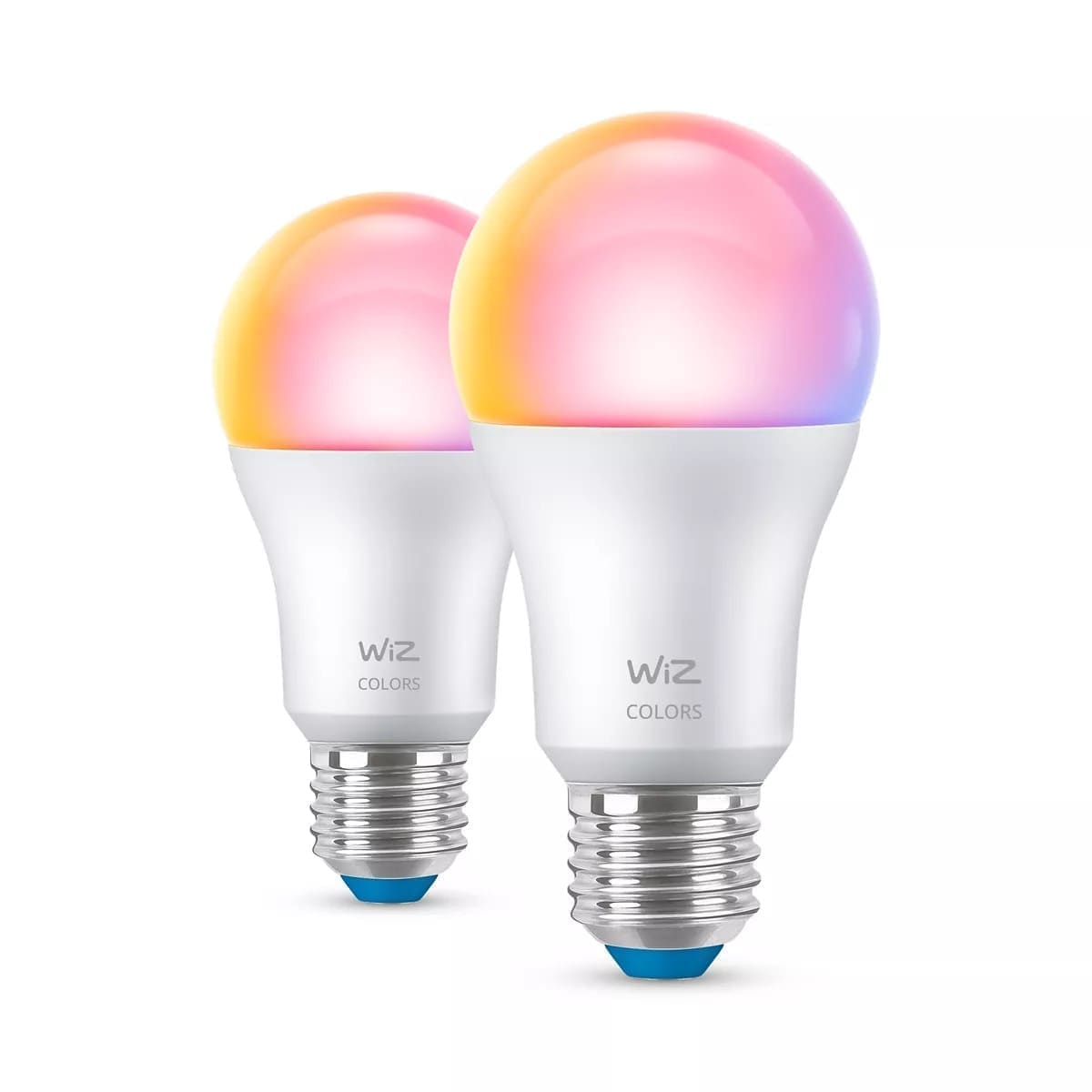
LIFX has opened a public beta that lets owners of its Matter-enabled bulbs move those devices from Wi-Fi onto a Thread mesh network, without buying new hardware. The switch is opt-in through the LIFX app and only applies to bulbs that shipped with Matter support built in, not older models that gained Matter through a later firmware update. For Home Assistant users, the appeal is a lighter Wi-Fi network and typically more reliable response times, since Thread devices talk to each other over a dedicated low-power mesh rather than competing with laptops and streaming boxes for airtime. The catch is that migrating means re-pairing each bulb from scratch, and any existing Home Assistant integration for that device needs to be removed and re-added afterwards.
Which LIFX products qualify for the Thread beta?
Only LIFX products that shipped with Matter support out of the box are eligible — bulbs that received Matter later via a firmware update are excluded. That currently covers the Everyday Lightstrip, the 800lm Smart Light, the SuperColor range (including the Luna Lamp and the 1100lm and 1600lm bulbs), and the LIFX Smart Mirror. Anyone unsure whether a specific bulb qualifies can check the LIFX app, where the beta option only appears against eligible devices.
How does the migration to Thread actually work?
Enrolled users get a "Switch to Thread" option inside the LIFX app for each eligible bulb. Selecting it triggers a full recommissioning using the bulb's Matter QR code or 11-digit setup code — effectively the same process as adding the device to a Matter ecosystem for the first time. A bulb can run on Wi-Fi or Thread, not both simultaneously, so once the switch is made the device drops off Wi-Fi entirely. Firmware updates delivered over Thread reportedly take around 5 to 20 minutes per bulb, longer than a typical Wi-Fi update, which is worth factoring in before migrating a large batch of lights in one sitting.
Do you need a Thread border router?
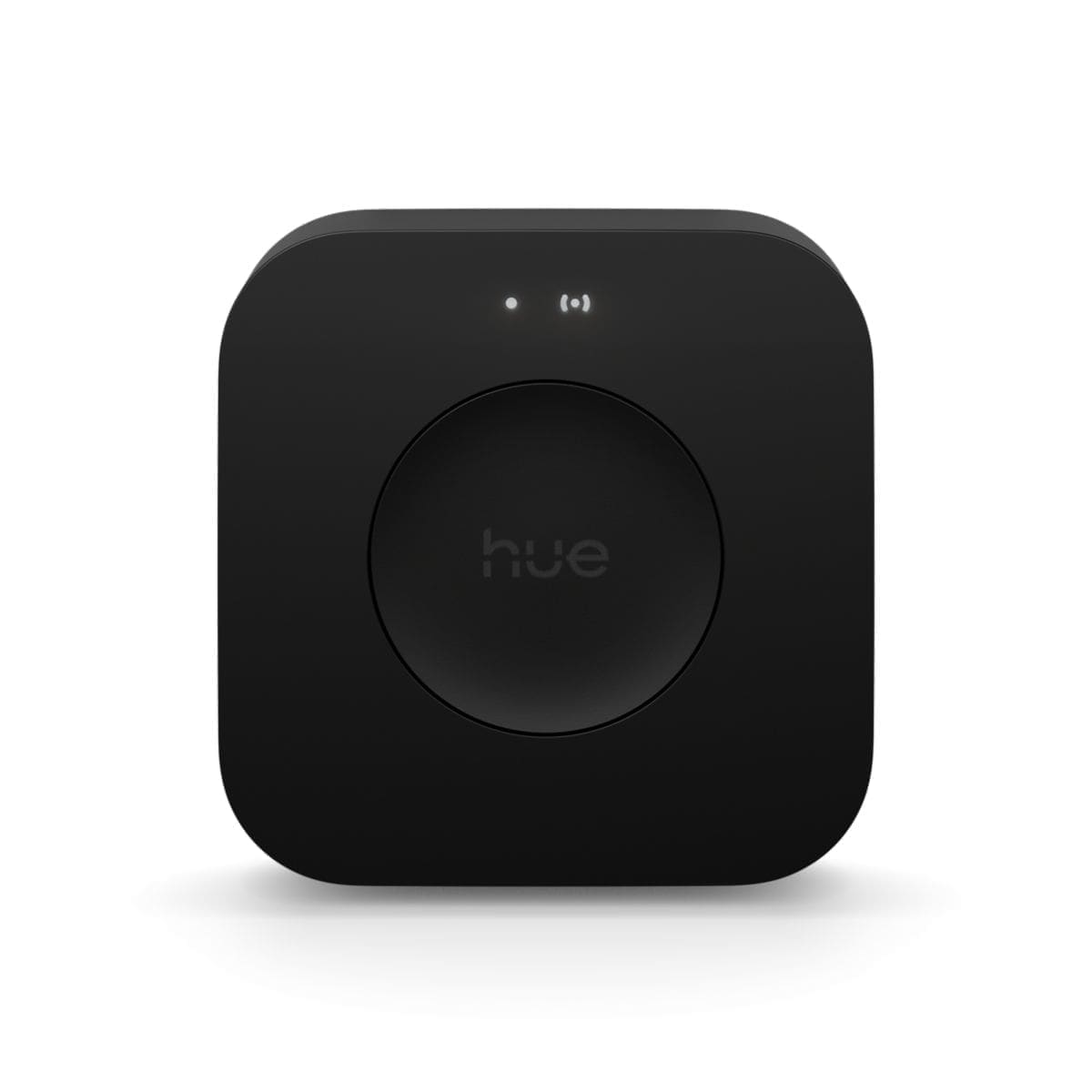
Yes — Thread devices cannot operate without one. A border router is what bridges the low-power Thread mesh to the rest of your home network, and LIFX's rollout assumes an Apple one (HomePod mini, HomePod 2nd generation, or Apple TV 4K). Home Assistant users aren't limited to Apple hardware, though: Home Assistant can act as its own Thread border router using a Home Assistant Yellow, Connect ZBT-1, Connect ZBT-2, or a compatible third-party Thread radio, and multiple border routers can coexist on the same network. That native support is part of why Home Assistant added a dedicated Thread network map to visualise mesh topology and troubleshoot dropped devices.
What changes for existing Home Assistant integrations?
Because migrating a bulb to Thread means recommissioning it as a fresh Matter device, any automations, areas, or dashboard cards built around the old Wi-Fi entity will need to be reconnected once the bulb reappears under its new Thread-based entity ID. This is the main practical cost of the beta: it isn't a background upgrade, it's a re-pairing exercise per bulb, so it's worth migrating a room at a time rather than an entire house of lights in one go, and checking automations afterwards rather than assuming they'll simply follow the device across.
Is switching to Thread worth it right now?
For most households, it's a reasonable but optional upgrade rather than an urgent one. Thread's main practical benefit is taking mesh lighting traffic off a Wi-Fi network that's often already stretched by phones, laptops, and streaming devices, and Home Assistant's native Thread support means the payoff isn't tied to owning Apple hardware. The trade-offs are real, though: every bulb has to be recommissioned, existing Home Assistant automations tied to those devices will need reconnecting, and firmware updates over Thread run noticeably slower than over Wi-Fi. Anyone with just a handful of LIFX bulbs and no existing Wi-Fi congestion issues won't see a dramatic difference. Households already running a Thread mesh for other Thread and Matter devices, or those with a large LIFX install that's been dropping out on a busy Wi-Fi network, stand to gain the most, and can treat the beta as a low-risk trial since it can be reversed by switching a bulb back to Wi-Fi.
Frequently asked questions
- Which LIFX bulbs are eligible for the Thread beta?
- Only LIFX products that shipped with Matter support built in from the factory qualify — the Everyday Lightstrip, the 800lm Smart Light, the SuperColor range (Luna Lamp, 1100lm and 1600lm bulbs), and the LIFX Smart Mirror. Bulbs that gained Matter compatibility later through a firmware update are not eligible for the beta, since the underlying radio hardware differs. The eligible-device list is enforced inside the LIFX app itself: the "Switch to Thread" option only appears against bulbs that qualify, so there's no need to guess based on model name or purchase date. LIFX hasn't given a timeline for extending the beta to a wider device range, and there's no confirmed general-availability date yet, so treat the current list as the definitive one for now rather than assuming older or newer models will be added automatically.
- Do I need Apple hardware to use LIFX's Thread beta with Home Assistant?
- Not if you're running Home Assistant. LIFX's own rollout assumes an Apple Thread border router — a HomePod mini, HomePod 2nd generation, or Apple TV 4K — because that's the common setup for its non-Home Assistant users. But Thread border routers aren't Apple-exclusive: Home Assistant can act as its own border router via a Home Assistant Yellow, Connect ZBT-1, Connect ZBT-2, or a compatible third-party Thread radio, and several border routers can run on the same Thread network at once. If Home Assistant is already managing a Thread mesh for other Matter devices, migrated LIFX bulbs can join that same network without any Apple hardware in the loop.
- Will my Home Assistant automations still work after switching a bulb to Thread?
- Not automatically — migrating a bulb to Thread means recommissioning it as a new Matter device using its QR code or setup code, which creates a new entity in Home Assistant. Any automations, scenes, or dashboard cards referencing the old Wi-Fi-based entity will need to be pointed at the new one, and the integration effectively has to be re-added for that device. It's not a seamless background swap, so migrating one room's worth of bulbs at a time, then checking and fixing automations before moving on, is safer than switching an entire house of lights over in one session.
›How we researched this
Claims in this article are checked against primary sources — manufacturer specifications, official documentation, Which? research, Ofgem guidance, or gov.uk — rather than forum threads or video reviews. Where the author has direct hands-on experience with a product (most Home Assistant, Zigbee, and home-networking gear is running in his own homelab), that is stated explicitly in the text.
For categories outside that personal setup — such as boilers, heat pumps, and other areas that are traditionally a heating engineer's domain — verdicts are built from cross-referenced manufacturer data, published lab results, and vetted expert and owner reviews rather than a claim of personal hands-on testing. See the editorial policy for the full methodology.
Citing this page? Please use a dofollow link back to the original article — it helps us keep the data on this page accurate and up to date.