How we chose these wire-free cameras
We compared the cameras on manufacturer specifications, published Home Assistant integration documentation and the subscription terms each company states. We have not lab-tested picture quality or battery life, so we do not rank image sharpness beyond what the sensor specifications imply, and battery claims are the manufacturers' own.
Where the footage is stored. A camera that writes to a microSD card or a local hub keeps working when a cloud service is down and costs nothing per month. Cloud-only cameras score lower however good the app is.
Power strategy. A wire-free camera is only wire-free if you rarely have to touch it. Solar panels, replaceable cells and plug-in top-ups all change how often you are up a ladder. UK winters matter here: a small panel on a north-facing wall will not keep up.
Home Assistant support. Native integrations beat community add-ons, and local beats cloud. Battery cameras sleep between events, so none of them behaves like a mains camera streaming 24/7, and our security camera guide explains why that matters for automations.
Running cost. We counted the subscription you would realistically need, plus any hub or storage you have to buy. We left out mains-powered models, which are covered in our best wired security cameras roundup, and wire-free cameras rated for indoor use only.
The best wire-free battery security cameras for UK homes
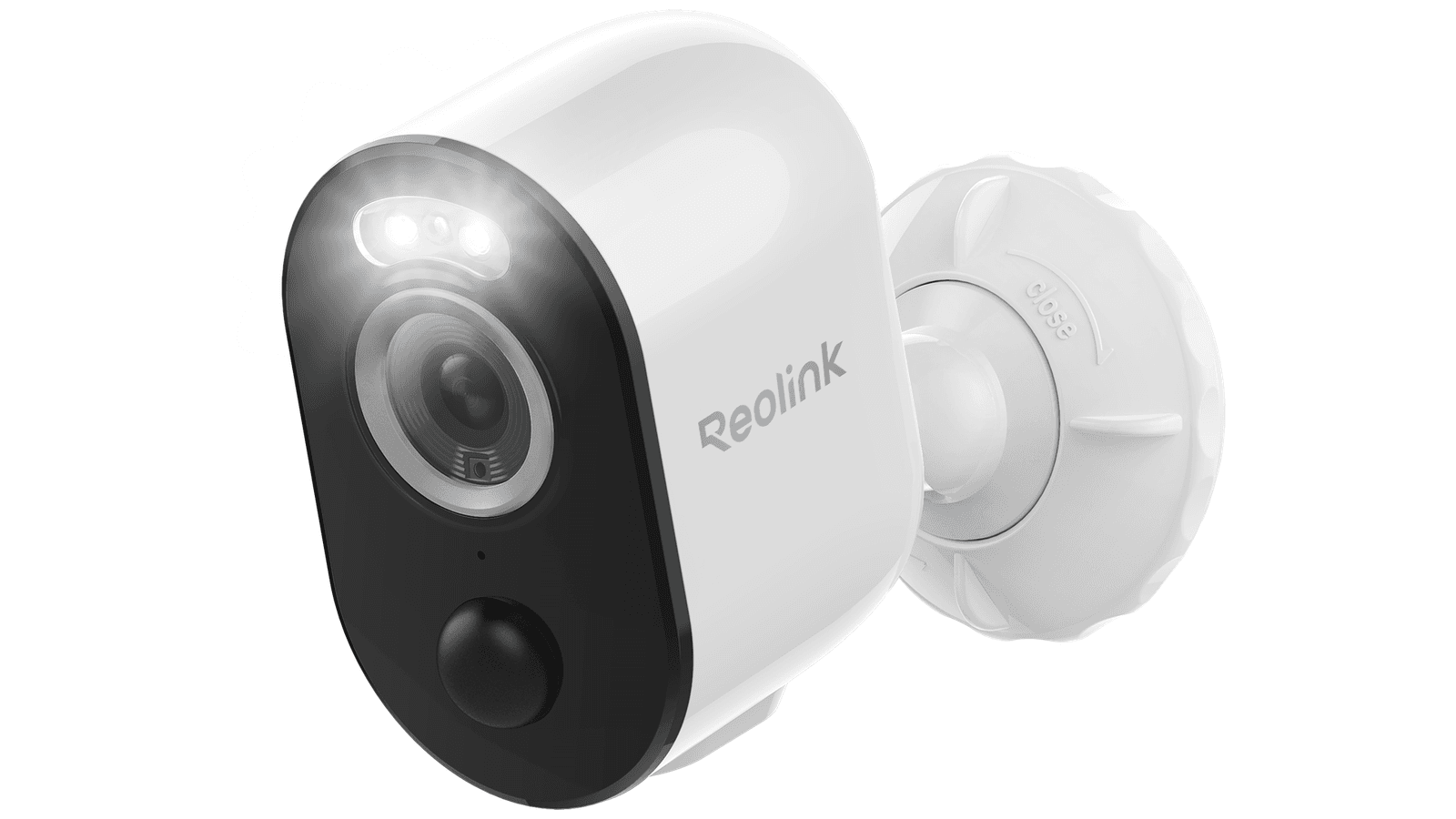
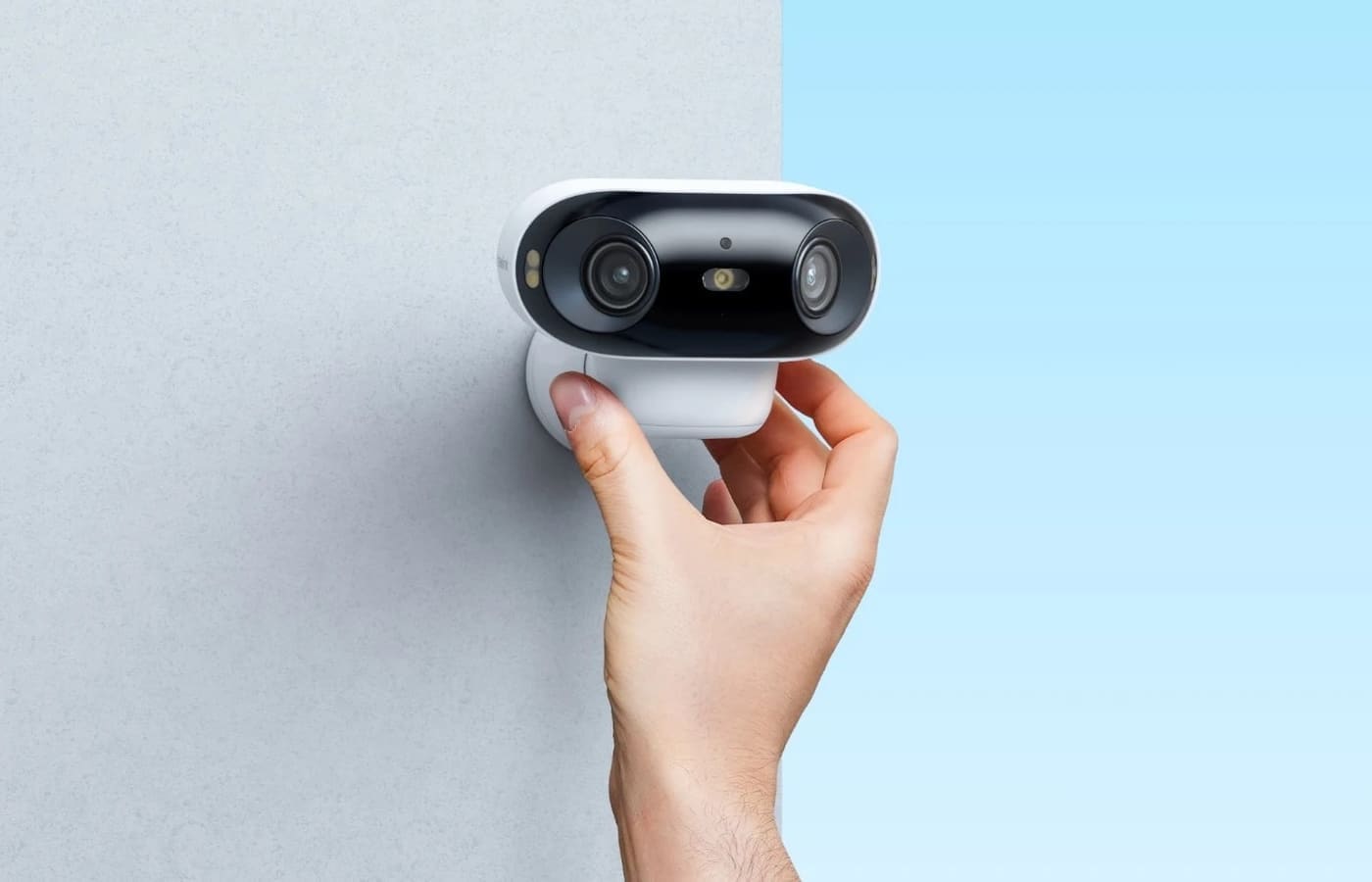
1. Reolink Argus 4 Pro — best overall
Who it is for: anyone who wants an outdoor camera that needs no cable, no monthly fee and no cloud account to record. The Argus 4 Pro combines two lenses into a wide panoramic picture (Reolink lists 5120 x 1440 at up to 15 frames per second), has a 5,000mAh battery, an IP66 weather rating and records to a microSD card.
The bundled 6W solar panel is what makes it work as a set-and-forget camera. Reolink says ten minutes of sun is roughly a day of runtime and that its colour night mode draws less power than infrared, though those are manufacturer claims and a shaded UK wall will do worse than the marketing suggests. Mount it where the panel gets daylight, and check the battery state in Home Assistant after a dull week.
The catch: battery Reolinks need a Reolink Home Hub or NVR to appear properly in Home Assistant and to expose RTSP and NAS storage, which adds roughly £90 to the bill. There is no built-in siren either, so scare-off automations have to run from the hub. Once hubbed, everything stays on your network, which is why it leads this list. Our Reolink Home Hub 2 article covers what the hub gives you.
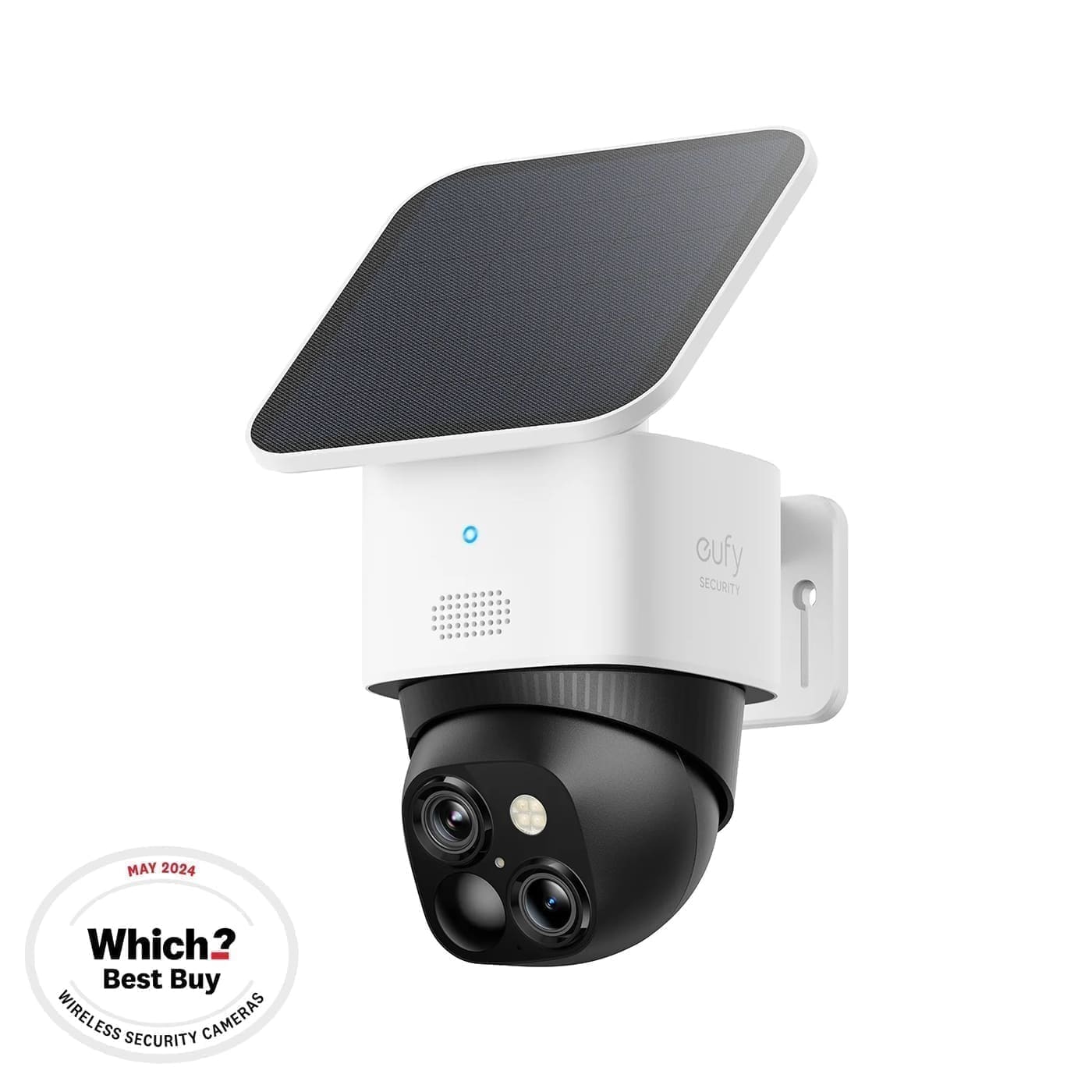
2. eufy SoloCam S340 — best solar camera with a moving lens
Who it is for: a garden, drive or side gate where one fixed view cannot cover the ground. The S340 pairs a fixed wide lens with a second lens on a motorised pan-and-tilt mount, powered by a battery and a small built-in solar panel, so it can slew toward a specific gap instead of just widening the frame.
Recording is local to the camera, which keeps the monthly cost down. The compromise is Home Assistant: support comes from the community eufy_security HACS project rather than an official integration, and community projects can break when the manufacturer changes its cloud API. Because the camera sleeps between events, battery and signal sensors can also go stale between motion triggers.
The catch: if you rely on Home Assistant automations, the Reolink above is the safer bet. If you live in the eufy app and want a camera that can follow a person across a yard, the S340 is the more capable gadget. Our best eufy security cameras guide compares it with the rest of the range.
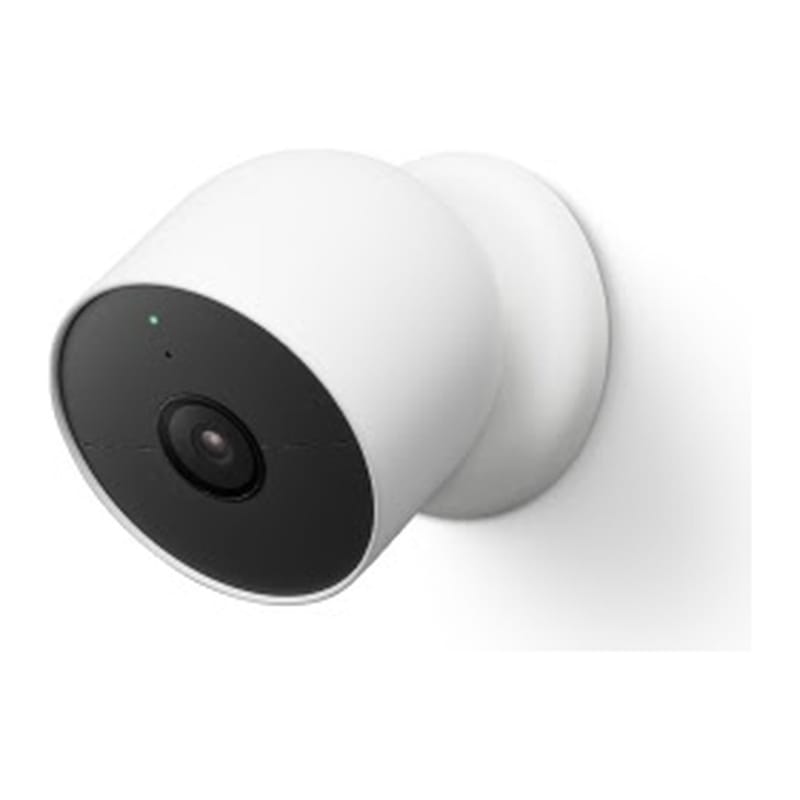
3. Google Nest Cam (battery) — best for Google Home
Who it is for: households that already run Google Home speakers and displays. The Nest Cam (battery) is weather resistant to IP54, mounts magnetically and works indoors or out. Google says it keeps up to three hours of event-based video history at no extra cost, and records up to an hour of events locally if the Wi-Fi drops.
Anything longer than three hours of history needs a Nest Aware subscription, and continuous 24/7 recording needs a higher Nest Aware tier plus the optional weatherproof power cable, so at that point it stops being a battery camera. Check Google’s current UK pricing before you commit, because plans have changed more than once.
The catch: Home Assistant reaches the Nest Cam through Google’s Device Access programme, which needs a Google Cloud project, OAuth credentials and a Pub/Sub topic. It works, but it is the most fiddly setup of the five and it is cloud-based. Buy it for Google Home, not for Home Assistant.
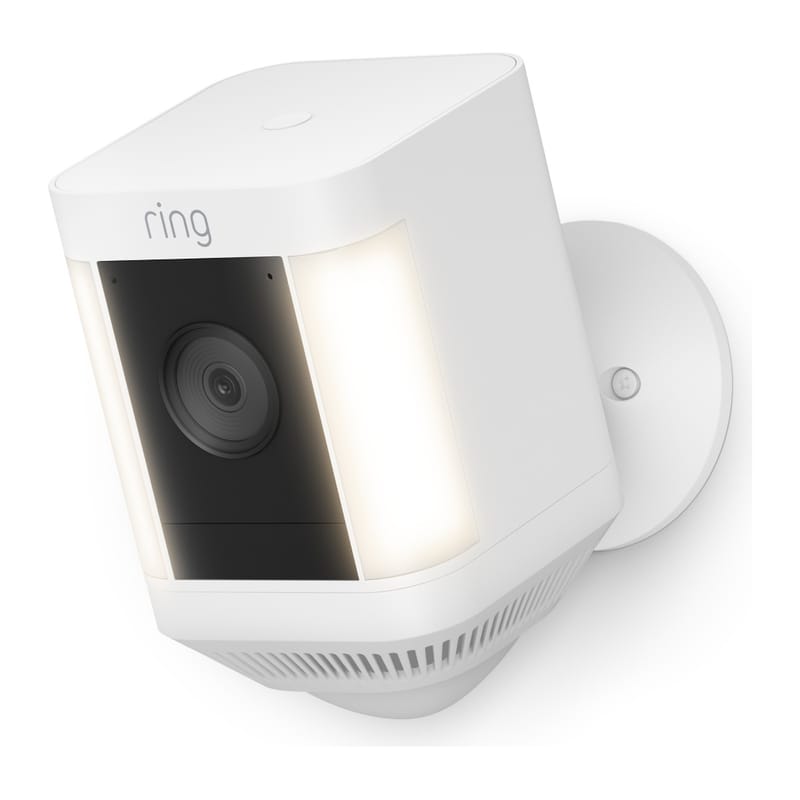
4. Ring Spotlight Cam Plus Battery — best for Ring and Alexa homes
Who it is for: people who already have Ring doorbells and want a camera round the back with the same app. It is a 1080p camera with motion-activated spotlights, colour night vision, a siren and two-way talk, running from a Quick-Release battery pack. Ring also sells it with a solar panel, and a plug-in adaptor can keep the pack topped up.
The Ring app is polished and the cameras are easy to live with. Saved video and most useful features sit behind Ring Protect, so the true price includes the subscription. Our Arlo vs Ring cameras comparison goes through what each plan includes.
The catch: Home Assistant gets Ring through a cloud integration with events and snapshots, and no local RTSP stream. Battery wake behaviour means updates are not instant. Pick Ring for the ecosystem and the siren, not for local control.
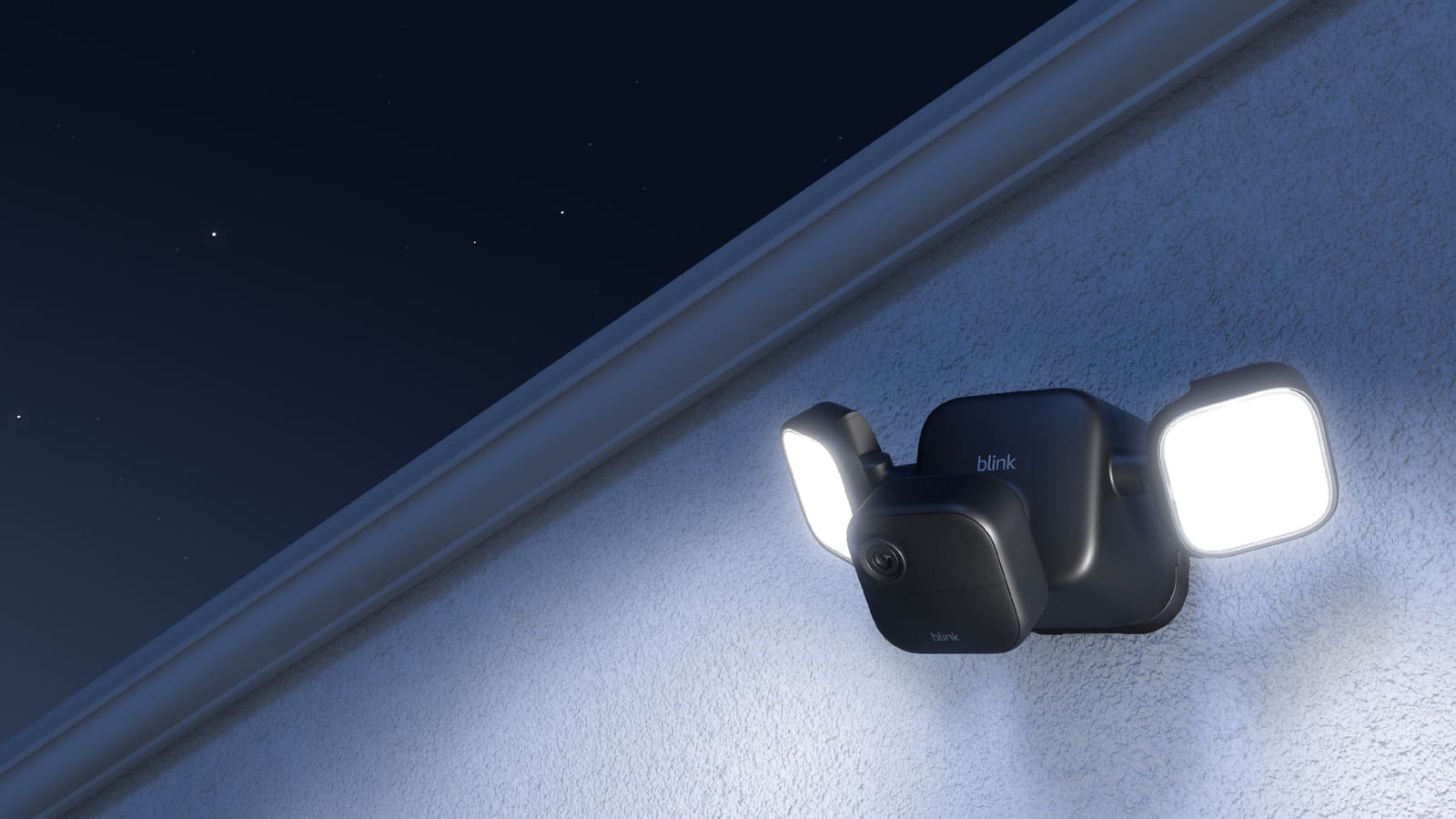
5. Blink Outdoor 4 — best budget
Who it is for: a first outdoor camera on a tight budget. The Outdoor 4 is a 1080p battery camera that runs on AA lithium cells, with Blink claiming a battery life of up to two years, usually around £65 for a single add-on camera. Our Blink Outdoor review has the detail.
Clip storage is the catch. Cloud clips need a Blink subscription, and local storage needs a separate Sync Module 2 (around £40 at the time of one UK review) plus a USB drive of your own. Newer bundles ship with the Sync Module Core, which has no USB port, so check which module is in the box before assuming you can record locally.
The catch: the Home Assistant integration is cloud-polled with snapshots on request and no live view, so do not buy it as a Home Assistant camera. It is a decent deterrent for the price, nothing more.
Do wire-free cameras need a subscription?
Not always, but most of the popular ones nudge you towards one. Reolink and eufy record to local storage with no monthly fee. Google gives three hours of event history free and charges for more. Ring and Blink lean on a subscription for saved clips, and Blink needs extra hardware for local recording.
Add the cost up over three years before you buy. A £65 Blink with a paid plan can cost more than a £170 Reolink with none. If you do not want to rent your own footage, buy a camera with a microSD slot or local hub and put a note in the calendar to check the card now and then.
How long does a battery security camera last?
It depends on how busy the view is, not on the date on the box. Every trigger wakes the camera, records, and uploads, so a driveway on a main road drains a battery far faster than a quiet back garden. Manufacturer figures such as Blink's two years assume a modest number of events a day.
Solar panels change the maths, but only if they get daylight. Angle the panel south where you can, keep it clear of ivy, and think of it as a trickle charger rather than a mains replacement in a December week. If you would rather never think about it, the wired option in our best outdoor security camera roundup avoids the problem entirely.
Who should skip a battery camera?
Anyone who needs continuous recording, instant Home Assistant triggers or a guaranteed 4K stream at 3am should skip battery cameras and run a PoE or mains camera instead. Battery models sleep between events, so the first second of an event can be missed, and the extra power-saving tricks limit what they expose to automations.
Battery cameras also make poor choices where the battery is hard to reach, such as a second-floor gable, or in homes with lots of foot traffic past the lens. If you can run a cable, a wired camera is cheaper over its life and more reliable. For an indoor view, see our best indoor security cameras instead.