How we chose these indoor cameras
We compared the cameras on the specifications the manufacturers publish, on how each one connects to Home Assistant, and on what the cloud costs. We have not lab-tested picture quality, so we do not claim to rank image sharpness beyond what the sensor specs imply. Four things decided the order, in this priority.
Where the video goes. A camera that records to a microSD card or streams over RTSP keeps working when a company changes its subscription rules or its servers go down. Cloud-only models score lower, however polished the app. The government's NCSC advises checking what a smart device does when the internet or the manufacturer's service is unavailable, and local storage is the simplest answer.
Night vision and field of view. Most indoor footage that matters is at night. Colour night vision from a starlight sensor is a real step up from monochrome infrared, and a pan-and-tilt body covers a living room that a fixed lens cannot.
Home Assistant support. Native integrations beat community add-ons, and RTSP or ONVIF beats a cloud poll. If you run Frigate or any local NVR, RTSP is the feature that matters. Our security camera guide explains the options if you are new to this.
Price and running cost. A £20 camera with no subscription can beat a £40 one that nags you to subscribe. We excluded outdoor-rated cameras (see our best outdoor security cameras), and mains-wired doorbells and floodlights, which are different products.
The best indoor security cameras for UK homes
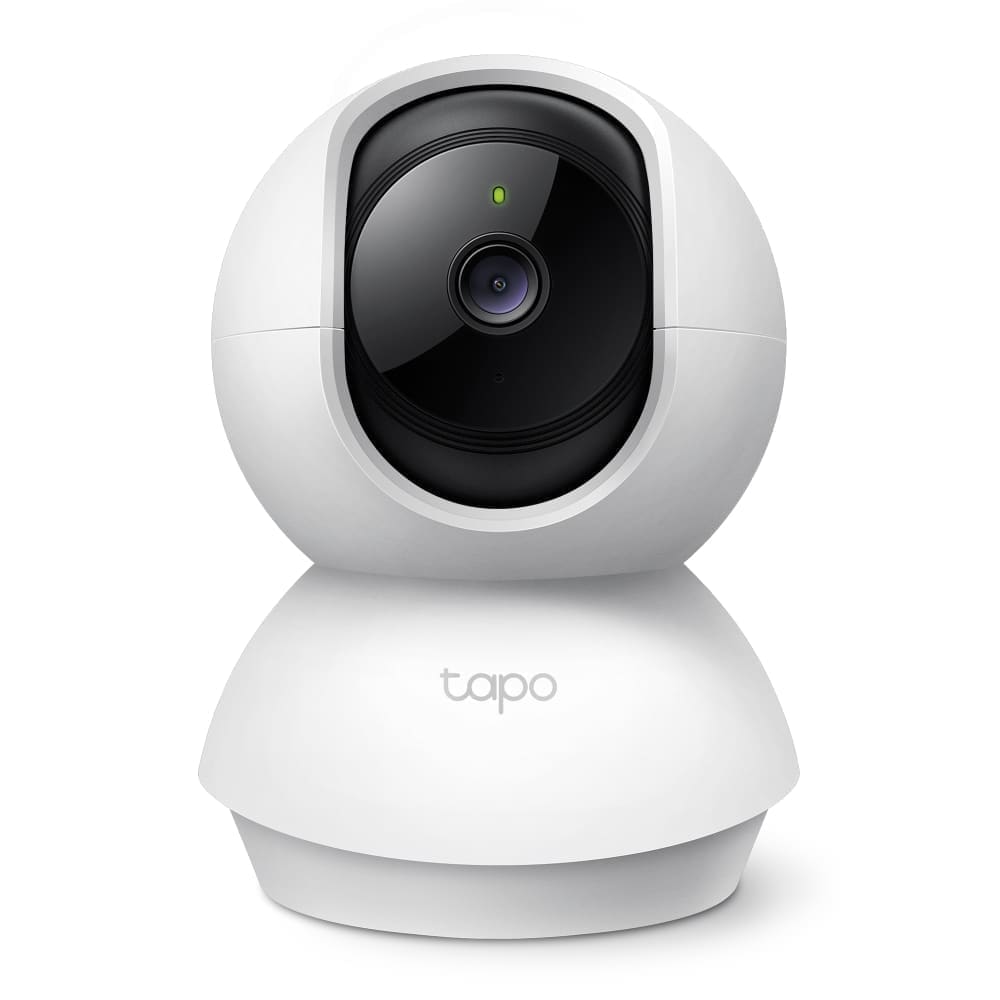
1. TP-Link Tapo C225 — best overall
Who it is for: anyone who wants one camera to cover a living room, hallway or nursery without paying monthly. The C225 records 2K 4MP video, pans 360° and tilts 149°, and tracks moving people automatically. Its starlight sensor gives colour night vision, where the cheaper C210 drops to black and white.
It streams over RTSP and ONVIF once you create a camera account in the Tapo app, so Frigate, Synology Surveillance Station and Home Assistant can all pull the feed locally. Recording goes to a microSD card of up to 512GB, and the optional Tapo Care cloud plan is just that: optional. The catch for Home Assistant users is that the official tplink integration exposes the camera stream but not pan and tilt. For those controls you need the community Tapo Control component installed through HACS. It is mains-powered with a fixed lead, so you need a socket nearby.
2. TP-Link Tapo C210 — best budget
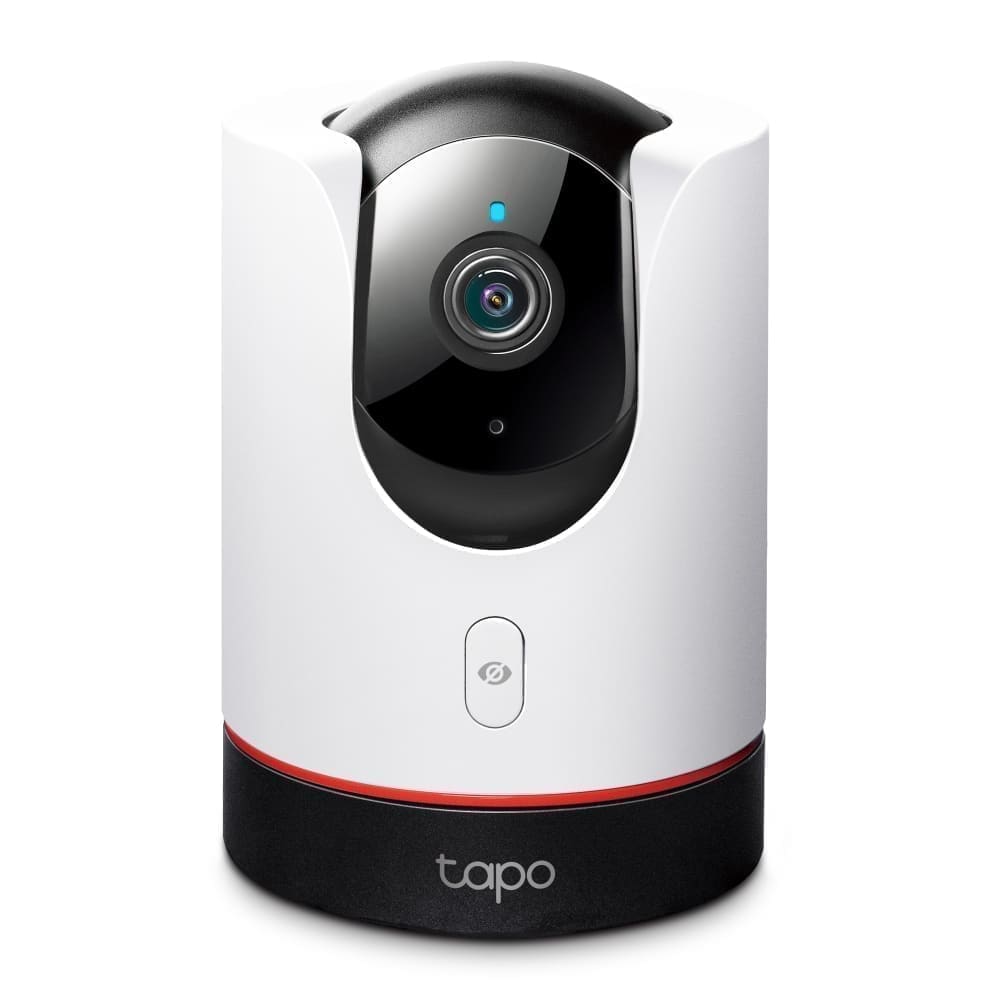
Who it is for: a single room, a pet or a nursery on a tight budget. At around £20-25 it keeps the useful parts of the C225: 2K 3MP video, 360° pan, 114° tilt, RTSP and ONVIF, and microSD recording up to 256GB. What you give up is the starlight sensor, so night vision is monochrome infrared reaching about 9 metres.
It is the camera we would buy first for a rental flat, because it is cheap enough to move from room to room. For a large open-plan space, the C225's better low-light picture and motion tracking earn the extra £15-20. Our Tapo camera review covers the range in more detail, and the camera also features in our best pet camera list.
3. Reolink E1 Pro — best for Home Assistant
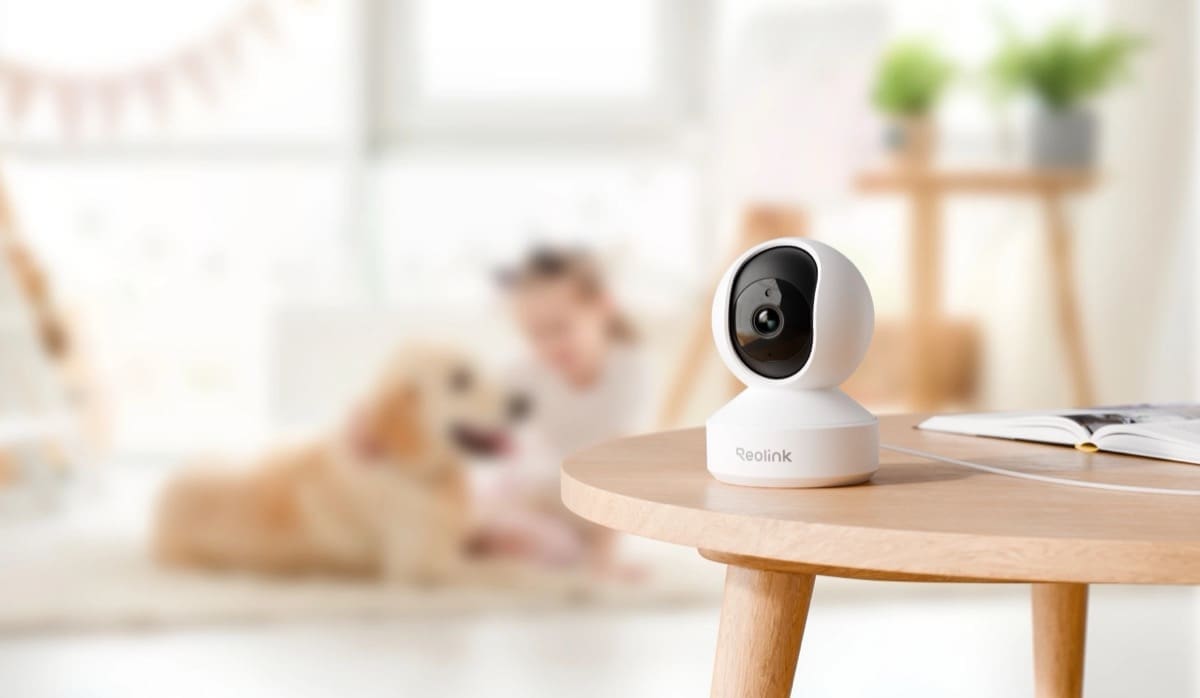
Who it is for: Home Assistant users who want pan and tilt control without HACS. Reolink's native integration exposes a PTZ preset selector and a patrol switch, and the camera supports RTSP, ONVIF and Reolink's own local API. It records 5MP (2880x1616) video, pans 355° and tilts 50°, stores up to 64 presets, and has two-way audio built in.
Two things set it apart from the Tapos: dual-band Wi-Fi (2.4 and 5GHz) and a 10/100Mbps Ethernet port, so you can wire it for a stable stream. Night vision reaches about 12 metres. The tilt range is narrower than the C225's 149°, so it suits a camera on a shelf looking across a room better than one on the ceiling looking down. Presets need an integration restart the first time you add them.
4. eufy Indoor Cam C120 — best fixed-lens camera for NAS recording
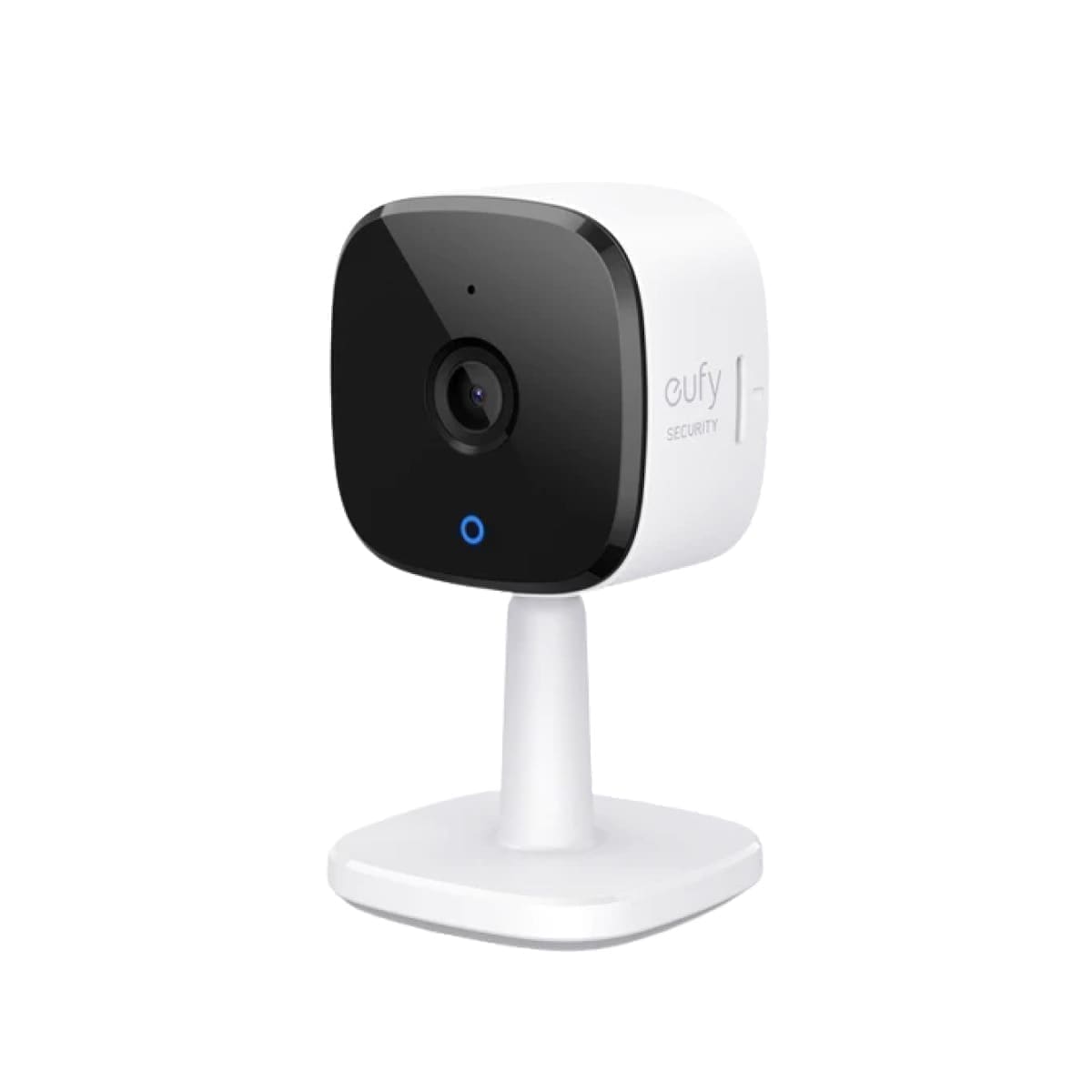
Who it is for: people who do not want a moving camera and do want RTSP and on-device human and pet detection at about £35-40. The C120 records 2K 3MP at a 125° diagonal field of view, saves to microSD up to 128GB, and can stream to a NAS over RTSP. Eufy also sells an optional cloud plan, but nothing in normal use requires it.
Be honest about the catches. It only joins 2.4GHz Wi-Fi, and its night vision is monochrome. Home Assistant support comes from the community eufy_security integration with a companion add-on, which has broken in the past when Anker changed its cloud API. If you already own eufy cameras, see our best eufy security camera guide for how the range fits together.
5. Ring Indoor Camera (2nd Gen) — best for Ring and Alexa homes
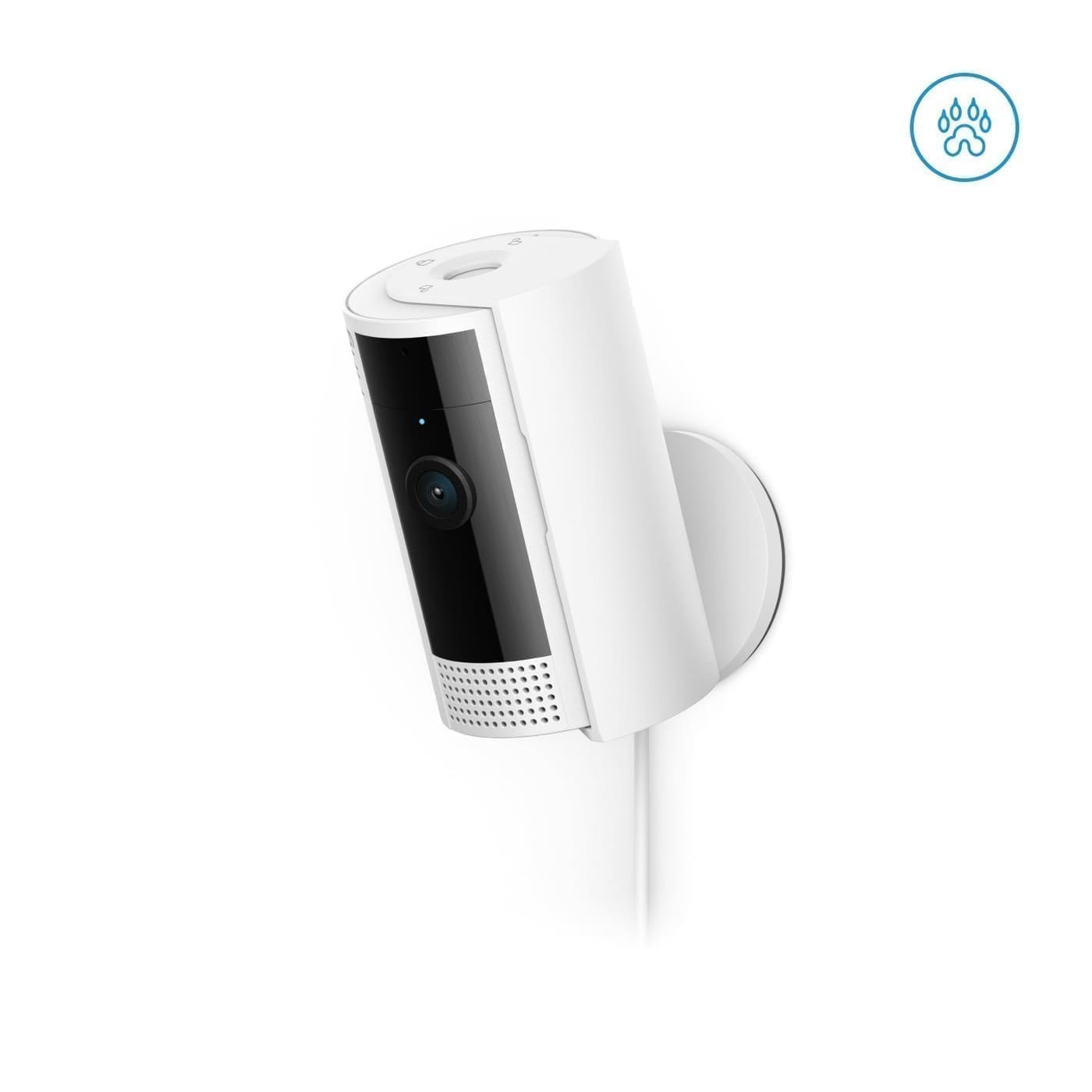
Who it is for: households already using Ring doorbells or Alexa displays. It records 1080p with colour night vision and a 143° diagonal view, has two-way talk, and includes a physical swivel privacy cover that blocks the lens. That cover is a genuine privacy feature that most rivals lack.
The trade-off is the cloud. There is no RTSP or ONVIF stream, Home Assistant's ring integration only exposes snapshots, motion and the last recording, and you need a paid Ring plan to review past events. Resolution is also lower than the 2K cameras above. Our full Ring Indoor Camera review has the detail. If you are not already in the Ring ecosystem, the Tapo C210 is cheaper and more flexible.
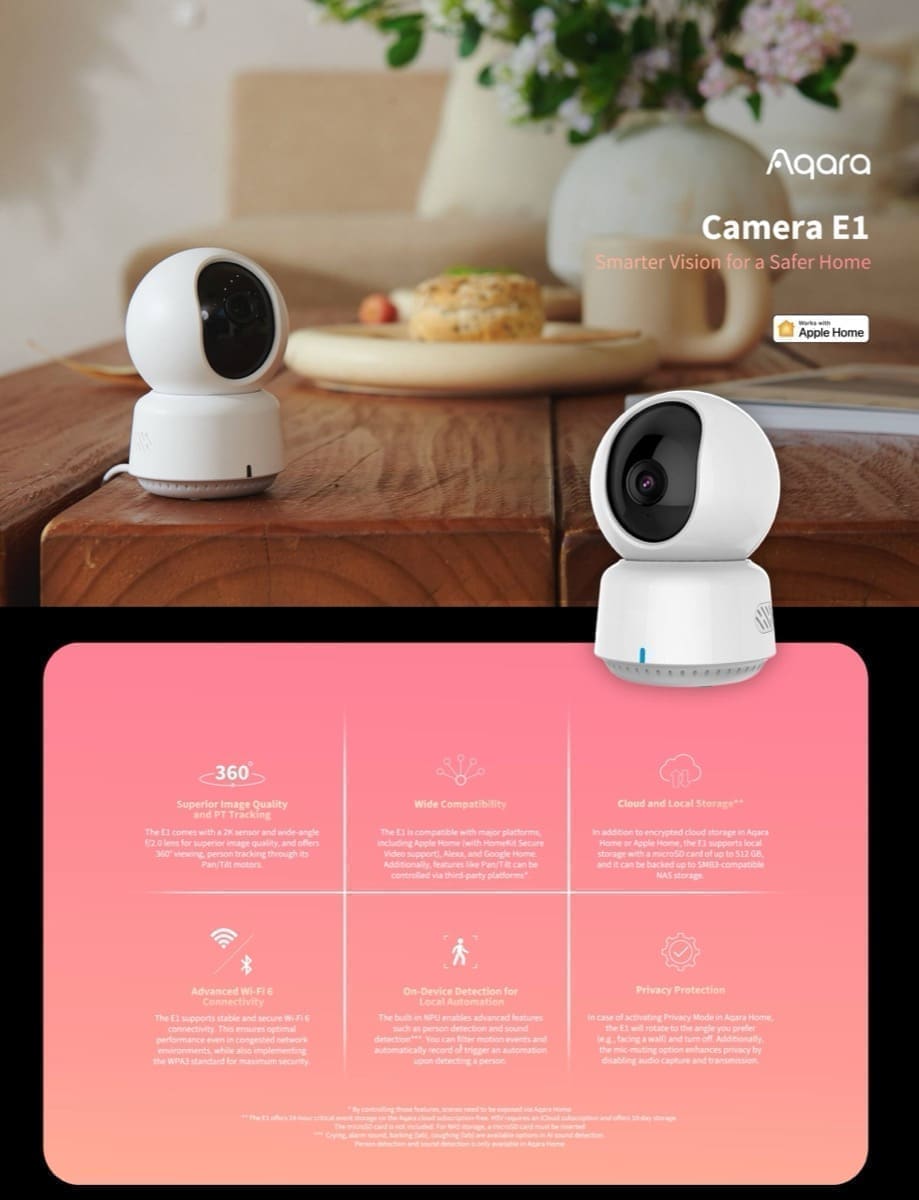
6. Aqara Camera E1 — best for Apple Home
Who it is for: Apple Home users who want a local-first pan-and-tilt camera. The E1 records 2K video, pans 350° with person tracking, and pairs over HomeKit, with optional HomeKit Secure Video if you have an iCloud plan and a home hub. Recording goes to microSD up to 512GB.
There is no RTSP or ONVIF at all, so it is a poor fit for Frigate. In Home Assistant it connects through the HomeKit Controller integration, which exposes the live view and a generic motion sensor but not the camera's person detection. Night vision is monochrome infrared and joins 2.4GHz Wi-Fi only. For anyone outside the Apple ecosystem, the Tapo C225 is better value.
Is an indoor security camera legal in the UK?
Yes, a camera inside your own home is legal, and data protection rules generally do not apply to purely personal or household use. That stops being true if the camera captures people outside the household in a way that goes beyond personal use, or if you point it at a shared space. The Information Commissioner's Office publishes guidance on domestic CCTV, and the sensible rules are simple: tell visitors, nannies and cleaners that a camera is in use, never put cameras in bathrooms or bedrooms used by others, and do not record audio covertly. Our camera placement guide covers where to put them.
Does an indoor camera need a subscription?
Not if you pick one that records locally. All of the Tapo, Reolink, eufy and Aqara cameras above save to microSD without a plan, and the first four also stream over RTSP or work with a NAS. Cloud-first cameras work differently. Ring's recordings need a paid plan, and the Nest Cam needs Nest Aware for longer event history. A subscription buys cloud backup, which matters if a burglar takes the camera, because the footage on its own microSD card goes with it. If that worries you, add a NAS or an off-site backup rather than a monthly plan.
Who should skip an indoor camera?
Skip a camera if a simple sensor does the job. If you only want to know whether the door opened, a contact sensor costs less and raises no privacy issues, and if you only need to know whether a room is occupied, a presence sensor is a better fit. Skip the cloud-only models if you want local control. Google's wired Nest Cam is polished, but it is cloud-based and costs far more than the Tapos; our Nest Cam Indoor review explains who it suits. If you want a wired camera that never needs charging, see the best wired security camera list.