


Is a mini PC better than a Raspberry Pi for Home Assistant?
For most growing setups, yes. A mini PC gives you more RAM, a real SSD and room to run other services next to Home Assistant, while a Pi 5 is cheaper to start with only if you already own the board and the extras. Our Raspberry Pi 5 setup guide covers the Pi route in detail.
Home Assistant's own installation page lists three starting points: Home Assistant Green, a Raspberry Pi 4 or 5 with at least 2GB of RAM, or a generic x86-64 machine. The Pi path also needs a decent supply and a good card: the docs ask for at least 32GB and an A2-rated microSD. A mini PC skips that weak point because it boots from an SSD by default. Component prices have also climbed through 2026, which has narrowed the gap, so compare complete kit prices rather than board prices.
How we chose these picks
We started with what Home Assistant officially supports, then weighed headroom for add-ons, storage that survives constant database writes, idle power draw, and how easily each option adds a Zigbee or Thread radio. Every pick runs Home Assistant OS or Supervised-style add-ons without a workaround. We left out gaming mini PCs, which cost more and idle higher than a 24/7 automation box needs, and anything we could not tie to a manufacturer or Home Assistant page.
Power draw and prices move, so figures below come from manufacturers or named reviewers and are marked as such. Check the current UK listing before you buy.
The best mini PCs and hardware for Home Assistant in 2026
1. Beelink EQ14 — best overall
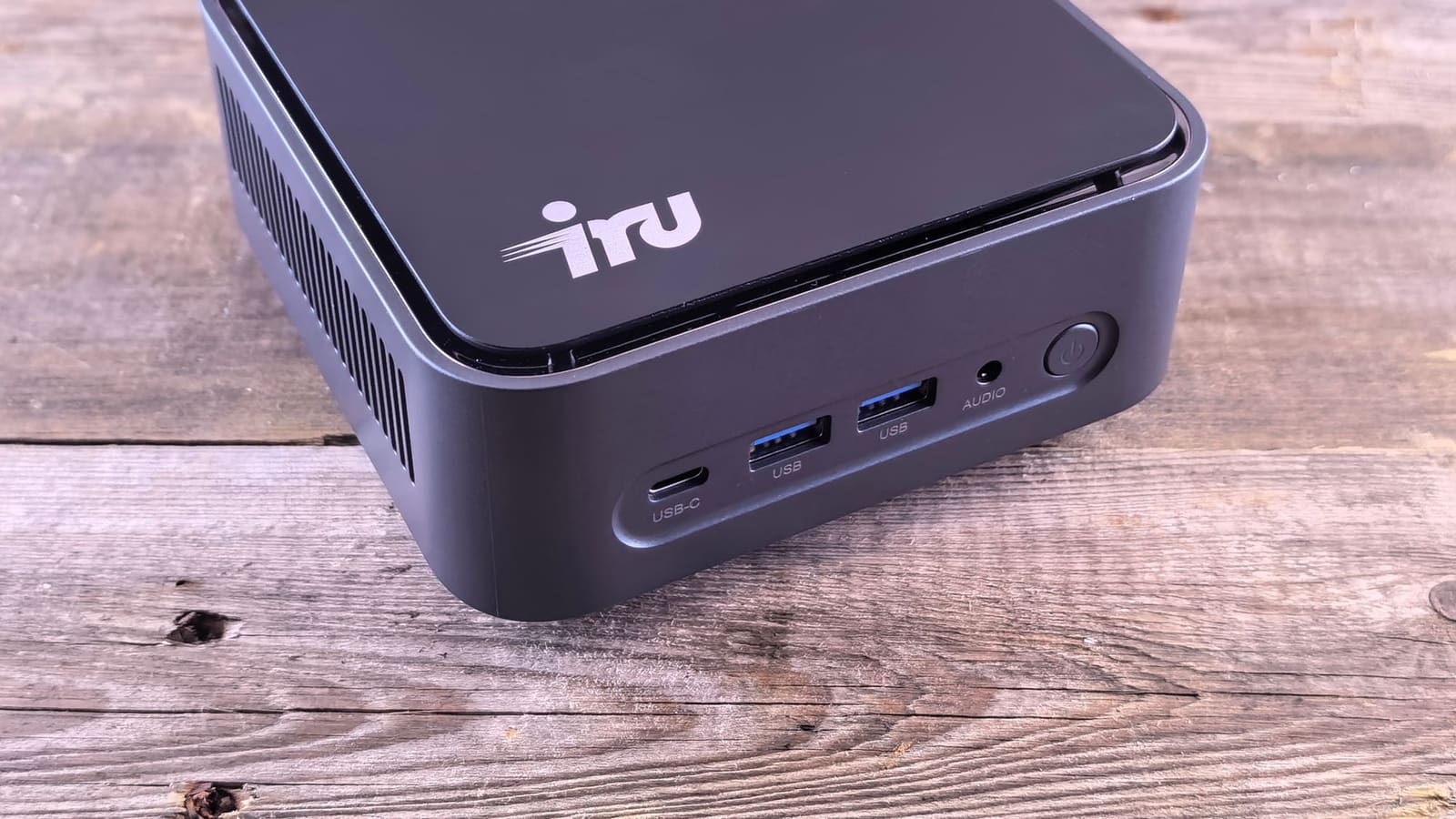
Who it's for: anyone who wants Home Assistant plus room to grow. Beelink lists an Intel N150 quad-core chip, 16GB of DDR4 in a single SO-DIMM, a 500GB SATA SSD, dual M.2 slots, two HDMI ports, Wi-Fi 6, Bluetooth 5.2 and a three-year warranty. Ethernet is dual gigabit, with a 2.5Gbps variant listed as an option.
The deciding factor is efficiency for the performance. A homelab reviewer measured about 6W at the wall at idle and rarely more than 15W under normal loads, with a fan that is effectively silent when idle. That is enough to run Home Assistant alongside Frigate, Mosquitto, Zigbee2MQTT and more. The second Ethernet port is handy for putting cameras on a separate network.
The catch: it ships with Windows 11 Home, so you will wipe it, and Beelink's single-channel memory design caps it at 16GB. Prices have been moving with memory costs, and listings vary by configuration and region.
2. Home Assistant Green — best for an easy start
Who it's for: beginners and anyone who wants a quiet, appliance-style box. Home Assistant lists a Rockchip RK3566 quad-core Cortex-A55, 4GB of LPDDR4X, 32GB of eMMC, gigabit Ethernet, two USB 2.0 ports, and idle draw of about 1.7W. It comes with Home Assistant OS installed: plug in Ethernet and power, then open the onboarding page.
It is the lowest-effort route, and it is the official hardware, so support questions are simple. UK retailers such as The Pi Hut have listed it at around £159. Our Home Assistant Green review covers how it behaves with a busy home.
The catch: Nabu Casa raised the price to $199 / €179 in 2026 because component costs have kept rising, and the storage is fixed at 32GB. There is no Zigbee or Thread radio inside, so budget for the optional Home Assistant Connect ZBT-2 stick if you want one. Heavy camera or database workloads outgrow it first.
3. Raspberry Pi 5 — best if you already have one
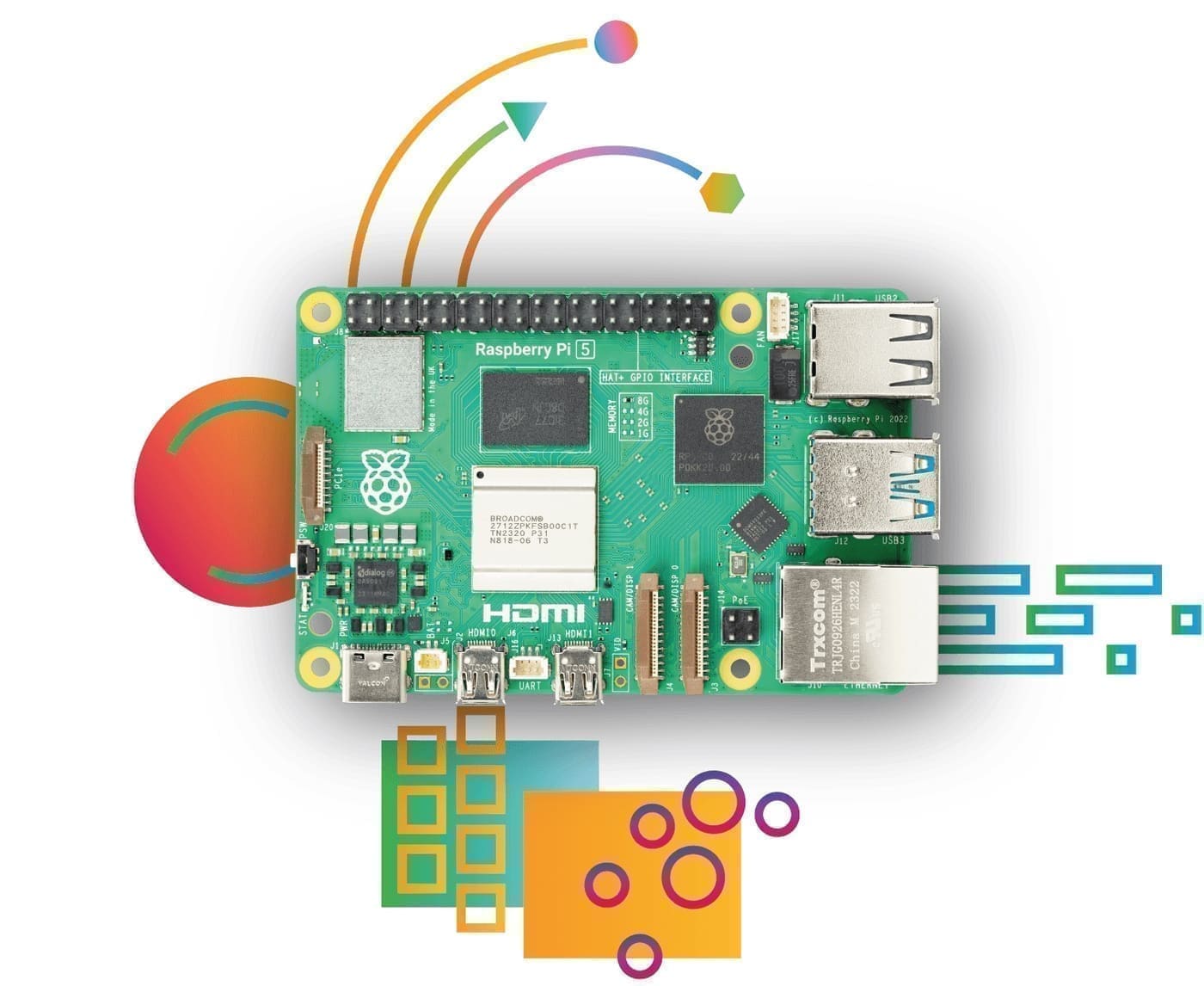
Who it's for: tinkerers, and anyone with a Pi 5 in a drawer. Raspberry Pi lists a 2.4GHz quad-core Cortex-A76 and RAM options from 1GB to 16GB, with a PCIe interface for an M.2 SSD. Home Assistant's docs set a minimum of 2GB of RAM for Pi installs.
The Pi is a great fit for a small, low-power setup and has the biggest community behind it. Plan on the full kit: Raspberry Pi recommends its 27W USB-C supply (5V/5A), and active cooling is advised. Home Assistant's guide recommends at least a 32GB A2 microSD card, though an SSD over PCIe is the better long-term choice if the database grows. Our Home Assistant Yellow review is worth a look if you want a Pi-style board with a built-in radio.
The catch: once you add the supply, case, cooling and storage, the cost gets close to a mini PC, and 2026 memory prices have pushed Pi pricing up. Buy it only if you value the form factor or already own the board.
4. Refurbished business mini PC — best budget
Who it's for: anyone happy to buy second-hand for the most headroom per pound. Tiny office machines such as the Lenovo ThinkCentre Tiny, Dell OptiPlex Micro and HP EliteDesk Mini are sold refurbished across the UK, usually with an SSD, upgradeable RAM and a Windows licence you will not need.
Home Assistant's x86-64 guide says the machine must be 64-bit and boot via UEFI, and notes that systems made in the last ten years generally support it. That puts a huge range of cheap refurbs in play. Check the specific model's Home Assistant community thread before buying, and test it for a week if the seller offers returns.
The catch: older chips idle higher than an N150, so the electricity cost over a year can erase some of the saving. Warranties are shorter, too, and condition varies by seller.
Read Home Assistant's x86-64 requirements
What should you check before buying a mini PC for Home Assistant?
Check four things: UEFI boot with Secure Boot switchable off, a boot drive with 512-byte logical sectors, wired Ethernet and a way to add a radio. Home Assistant's x86-64 page requires UEFI mode with Secure Boot disabled and warns that Home Assistant OS cannot boot from NVMe drives or hard drives that use only native 4K sectors.
Use Ethernet rather than Wi-Fi for reliability, and plan the radio separately. Most mini PCs have no Zigbee, Thread or Z-Wave chip, so a USB stick such as the one in our Zigbee stick guide is the usual answer. A UPS is cheap insurance for a machine that writes to disk all day; see our best UPS for Home Assistant roundup.
How much power does a Home Assistant mini PC use?
A modern N150 mini PC idles around 6W according to one reviewer, which works out at roughly 53kWh a year if left on around the clock (6W × 24 hours × 365 days). Home Assistant Green is lower still at about 1.7W idle and 3W under load, or roughly 15kWh a year at idle.
Multiply either figure by your unit rate for a real cost. Power use rises with add-ons that keep the CPU busy, such as camera object detection. If the box will also act as a general home server, expect the higher end of the range.
Who should skip a mini PC?
Skip it if your setup is small and you want zero fuss: Home Assistant Green does the job with no installation step. Also skip it if you already own a working Pi 5 and are not hitting limits. You can move to an x86 box later by restoring a backup, which our backup and restore guide walks through, so there is no penalty for starting small.