

What Is the Home Assistant Green?
A dedicated, pre-installed appliance. Unlike a Raspberry Pi or mini-PC build, the Green arrives with Home Assistant OS already flashed to its 32 GB eMMC storage. You plug it into your router, power it on, and the web interface is ready in under a minute. There is nothing to flash, no SD card to corrupt, and no choice of operating system to agonise over. If you are new to self-hosted automation, that frictionless first boot is genuinely valuable. For a full walkthrough of the first-run wizard, see our Home Assistant UK setup guide.
Hardware Specifications
More capable than it looks. The Green's translucent enclosure — small enough to sit behind a router — conceals a Rockchip RK3566 system-on-chip with a quad-core Arm Cortex-A55 CPU running at 1.8 GHz, 4 GB of LPDDR4X RAM, and 32 GB of eMMC flash storage. That combination handles several hundred entities, dozens of automations, and add-ons such as Mosquitto MQTT and Z-Wave JS without breaking a sweat.
Connectivity is wired-first: a Gigabit Ethernet port is the intended primary connection (no built-in Wi-Fi), with two USB 2.0 Type-A ports for radios or peripherals. An HDMI port is present for diagnostic use only — it does not output a desktop. Power draw is impressively low at around 1.7 W at idle and roughly 3 W under sustained load, so running it continuously costs only pennies per month at UK electricity rates.
| Spec | Detail |
|---|---|
| SoC | Rockchip RK3566 (quad-core Arm Cortex-A55, 1.8 GHz) |
| RAM | 4 GB LPDDR4X |
| Storage | 32 GB eMMC (non-replaceable) |
| Network | Gigabit Ethernet (no built-in Wi-Fi) |
| USB | 2× USB 2.0 Type-A (5 V, 2 A combined) |
| Power | 12 V DC, ~1.7 W idle / ~3 W max |
| Dimensions | 112 × 112 × 32 mm |
| Weight | 340 g |
Why Does the Home Assistant Green Have No Built-in Radio?
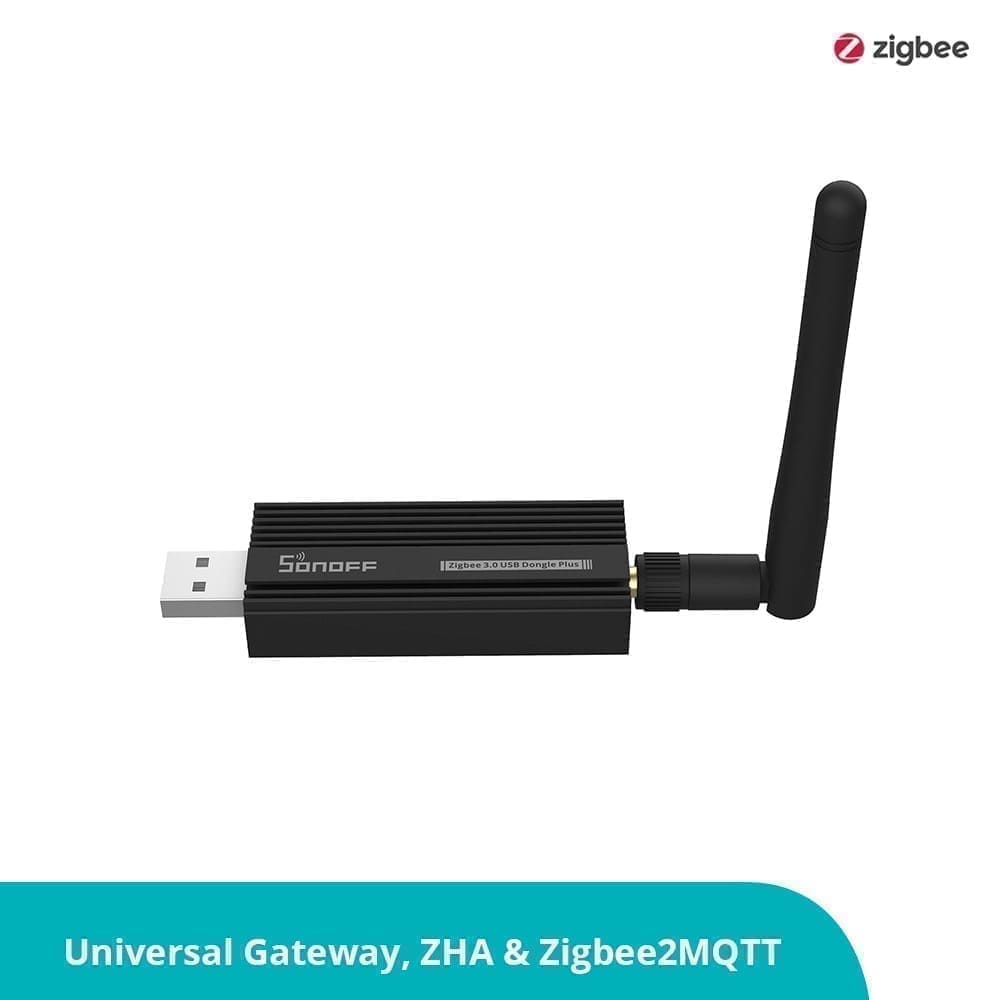
The Green has no Zigbee, Z-Wave, Thread, or Wi-Fi radio of its own. This is the single most important thing to understand before buying. To connect Zigbee or Thread devices, you need a USB dongle plugged into one of the two USB-A ports. Nabu Casa sells the Home Assistant Connect ZBT-2 — the successor to the original SkyConnect — which adds Zigbee 3.0, Thread/Matter, and Bluetooth LE support. At around £38 from The Pi Hut, it is the obvious pairing. If you run Z-Wave devices, a separate Z-Wave USB adapter occupies the second port. That leaves zero free USB ports on a dual-protocol setup, so budget for a USB hub if you anticipate adding more dongles. For a deeper look at your Zigbee options, our best Zigbee hubs for UK buyers guide covers the landscape.
UK Pricing and Where to Buy
Expect to pay in the £150–170 range for the Green alone from UK retailers such as The Pi Hut, which lists it at £159 including VAT. Add the Connect ZBT-2 dongle at around £38 and the all-in cost for a Zigbee-ready setup sits in the £190–200 bracket. That is broadly in line with the US MSRP of $199 once currency and VAT are factored in.
The box includes the hub, a universal power supply with UK plug adapter, a Gigabit Ethernet cable, and a quick-start guide. You do not need to purchase anything else to run Home Assistant — the dongle is optional unless you have Zigbee or Thread devices.
UK stockists as of mid-2026:
- The Pi Hut — thepihut.com (reliable, ships from UK)
- Pimoroni — pimoroni.com (UK-based, good stock levels)
- Everything Smart — shop.everythingsmart.io
- eBay UK — occasional second-hand units at lower prices
Day-to-Day Performance
Quietly capable. In testing with a realistic UK smart home setup — around 120 Zigbee entities (bulbs, plugs, door sensors), ten Z-Wave devices, Octopus Energy integration, and several automations running on a schedule — the Green handled the workload without hesitation. Dashboard load times are fast, automations fire reliably, and the unit runs cool and silent. The aluminium underside doubles as a passive heat sink; the device never becomes more than warm to the touch.
The eMMC storage is notably more reliable than an SD card. Many Raspberry Pi owners have experienced corrupted SD cards after power cuts; the Green's eMMC largely eliminates that failure mode. That said, regular backups are still essential — see our Home Assistant backup and restore guide for the recommended setup using a USB drive or network share.
One genuine limitation: the eMMC is soldered to the board and cannot be upgraded. 32 GB is adequate for most Home Assistant workloads, but if you plan to store weeks of camera footage or large media files locally, you will outgrow it. A USB-attached drive can extend storage for add-ons that support it, but this adds clutter.
Home Assistant Green vs Yellow vs Raspberry Pi 5
Three valid approaches, three different use cases.
The Home Assistant Yellow is the step-up official hardware. It includes a built-in Zigbee/Thread radio (no dongle required), an M.2 NVMe slot for fast SSD storage, and a Raspberry Pi Compute Module 4 socket for raw processing power. The Yellow's NVMe SSD delivers read speeds over 400 MB/s versus the Green's ~80 MB/s eMMC — relevant if you process camera streams locally. The trade-off is price: a ready-to-run Yellow bundle is roughly double the Green's cost, and it requires more assembly.
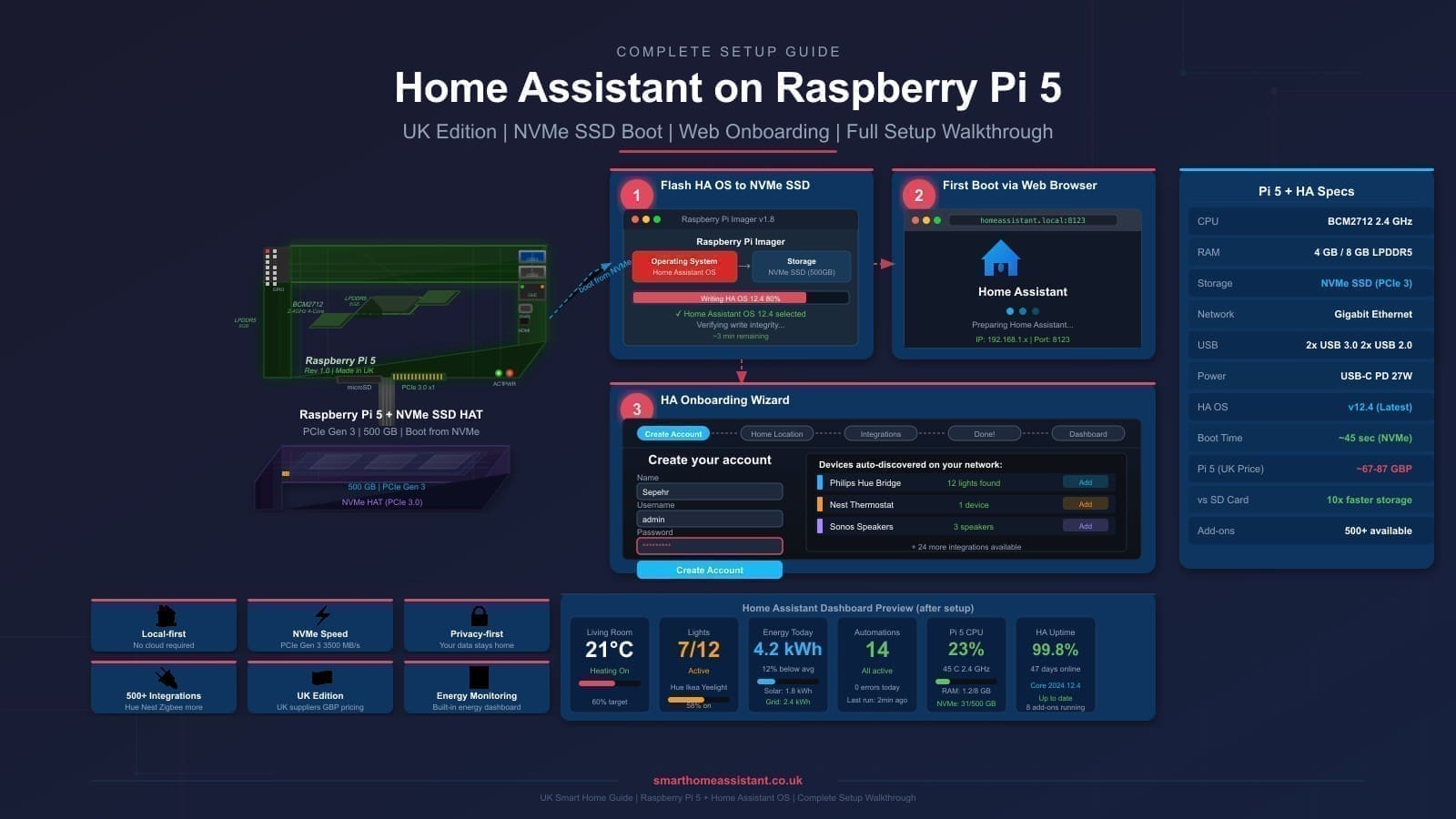
A Raspberry Pi 5 running Home Assistant OS offers the most flexibility. The Cortex-A76 cores run significantly faster than the Green's Cortex-A55, USB 3.0 ports offer more bandwidth, and you can repurpose the Pi for other projects if you ever move away from Home Assistant. The downside is complexity: you buy the Pi, a case, a power supply, an SD card or SSD HAT, and then flash the OS yourself. Total cost is comparable to the Green but setup takes longer and the SD-card failure risk returns unless you invest in an SSD solution. For the full setup path, see our Raspberry Pi 5 Home Assistant guide.
| HA Green | HA Yellow (CM4 bundle) | Raspberry Pi 5 (4 GB) | |
|---|---|---|---|
| Approx. UK price | £155–170 | £300–350 | £160–200 (inc. extras) |
| Setup time | ~2 min | ~30 min | 30–60 min |
| Built-in radio | None | Zigbee/Thread | None |
| Storage | 32 GB eMMC | NVMe SSD (upgradeable) | SD card or SSD HAT |
| RAM | 4 GB | Up to 8 GB (CM4) | 4 or 8 GB |
| Target user | Beginners | Enthusiasts | Tinkerers |
What Does the Home Assistant Green Not Do?
Manage expectations before you buy. The Green cannot replace a router or act as a network hub — it needs to connect to an existing network. It has no Wi-Fi radio, so a long Ethernet run or a powerline adapter may be needed if your router is far from where you want to place it. The two USB ports fill up quickly in a multi-protocol setup. And the closed hardware means there is no path to add RAM or swap the storage — what you buy is what you get for the life of the device.
If you run Home Assistant in a Docker container on an existing server and want to keep that setup, the Docker approach remains valid and costs nothing in additional hardware.
Verdict
The Green is the right choice for most UK newcomers to Home Assistant. It is competitively priced for what you get, arrives ready to run, avoids the SD-card reliability headache, and has enough power to handle a realistic smart home with room to grow. The lack of a built-in radio is a minor inconvenience easily solved with the ZBT-2 dongle. The non-expandable storage is the only meaningful long-term limitation.
If you already know you want local camera processing, an NVMe SSD, or a built-in Zigbee radio, step up to the Yellow. If you enjoy building things and want flexibility, the Pi 5 path is rewarding. But if you want to stop shopping and start automating, the Green gets you there faster than any alternative.
Pros
- Plug-and-play: Home Assistant OS pre-installed, boots in under a minute
- Reliable eMMC storage — no SD card corruption risk
- Very low power consumption (~1.7 W idle)
- Compact, quiet, passively cooled
- Officially supported by Nabu Casa with long-term software support
- Gigabit Ethernet as standard
Cons
- No built-in radio — Zigbee/Thread requires a separate USB dongle
- Only two USB ports, which fill quickly in a multi-protocol setup
- 32 GB eMMC is non-replaceable — limited local storage ceiling
- No Wi-Fi — must use wired Ethernet
- CPU slower than Raspberry Pi 5 or Yellow with CM4