What do you need before you start?
- Something that reports open or closed: either a garage opener that appears in Home Assistant as a cover entity (see our best smart garage door opener roundup), or a battery contact sensor stuck to the door (see the best smart door sensors). A cover reports
open,opening,closingorclosed; a contact sensor is a binary sensor that readsonwhen the door is open. - The Companion app on your phone: it creates the
notify.mobile_app_<your_phone>action the automations below send to. If you have not set it up, follow the Home Assistant mobile app guide. - Your entity ID: find it under Settings → Devices & services → Entities. The examples use
cover.garage_doorandbinary_sensor.garage_door_contact; swap in your own.
Step 1: Check what state your garage door reports
Open Developer tools → States, search for your garage entity, then open and close the door while watching the state. A cover entity passes through opening and closing on the way, which matters later because those transitions are not the same as open. The cover integration also lets you set the device class to garage, so the dashboard shows it correctly as a garage door.
If the door gets stuck on unknown or unavailable after a restart, fix that first, because an alert built on a flaky entity will either never fire or fire for the wrong reason. Contact sensors are simpler: they are only ever on or off (plus unavailable if the battery dies).
Step 2: Create the basic alert with a "stays open" timer
Go to Settings → Automations & scenes → Create automation, switch to YAML with the three-dot menu, and paste this. The for option means the door must remain open for the whole period before the trigger fires; if it closes sooner, nothing happens.
alias: Garage door left open
mode: single
triggers:
  - trigger: state
    entity_id: cover.garage_door
    to: "open"
    for: "00:10:00"
actions:
  - action: notify.mobile_app_your_phone
    data:
      title: "Garage door open"
      message: "The garage door has been open for 10 minutes."
      data:
        tag: garage-open
For a contact sensor, use binary_sensor.garage_door_contact and to: "on" instead. Ten minutes is a sensible starting point: long enough to unload the car, short enough to catch a forgotten door. Tune it after a week of real use.
One caution from the Home Assistant docs: the for timer resets if Home Assistant restarts or automations reload. If the door is already open when you restart, the countdown starts again from zero rather than carrying on, so a restart can delay an alert by up to the full period.
Step 3: Only alert when it matters
A door open at 2pm on a Saturday while you wash the car is not a problem. A door open at 11pm, or with the whole household out, is. Add a conditions block between the triggers and actions to filter this. The version below alerts if it is evening or night, or if nobody is home.
conditions:
  - condition: or
    conditions:
      - condition: time
        after: "21:00:00"
        before: "06:00:00"
      - condition: state
        entity_id: zone.home
        state: "0"
The zone.home state is the number of people currently in the home zone, so "0" means everyone has left. This relies on each person having a working phone tracker; if you have not set that up, our presence detection guide covers it. You can delete either half of the or if you only want one rule.
Step 4: Add a "Close door" button to the notification
Actionable notifications let you act from the lock screen. Extend the data block of the notify action with an actions list:
      data:
        tag: garage-open
        actions:
          - action: "CLOSE_GARAGE"
            title: "Close door"
          - action: "IGNORE_GARAGE"
            title: "Ignore"
Each button sends a mobile_app_notification_action event with the action name you chose. Nothing happens on a tap until a second automation listens for it, which is the next step. Keep the action names unique to this alert so they cannot clash with other notifications.
Step 5: Make the button close the door
Create a second automation that listens for the button tap and calls the cover close action:
alias: Garage door close from notification
mode: single
triggers:
  - trigger: event
    event_type: mobile_app_notification_action
    event_data:
      action: CLOSE_GARAGE
actions:
  - action: cover.close_cover
    target:
      entity_id: cover.garage_door
Think about safety before enabling this. Remote closing is only sensible if your opener has working safety reversing and you can see the doorway is clear; a closing door you cannot see is a hazard for children and pets. If you are not certain, leave the button out and keep the alert as a plain reminder. If you use a contact sensor rather than a cover entity, you cannot close the door from Home Assistant at all, so skip this step.
Step 6: Repeat the reminder until the door is closed
A single alert is easy to swipe away and forget. To keep nudging, replace the single notify action with a repeat loop that stops when the door closes. This version sends up to four reminders, 15 minutes apart:
actions:
  - repeat:
      count: 4
      sequence:
        - condition: state
          entity_id: cover.garage_door
          state: "open"
        - action: notify.mobile_app_your_phone
          data:
            title: "Garage door still open"
            message: "Open for {{ repeat.index * 15 - 5 }} minutes."
            data:
              tag: garage-open
        - delay: "00:15:00"
Because the tag is the same each time, newer notifications replace the previous one on the phone rather than stacking up. The automation runs in single mode, the default, which means a new trigger during the loop is ignored with a warning logged, so you will not get overlapping loops. The condition inside the loop makes a run stop early if the door has already closed. If you want a different mode, the docs list restart, queued and parallel as the alternatives.
Step 7: Test it properly
Do not trust it until you have watched it fire. Temporarily set for to "00:00:30", open the door, and wait. Check each branch: the alert fires, the evening or away condition behaves as intended (test by changing the time window or leaving the house), the Close door button works with the door clear, and the repeat stops once the door is closed. Then set the timer back to ten minutes. The automation's Traces tab shows exactly which condition stopped a run, which is the quickest way to debug a silent failure.
Common problems and fixes: why did my garage door alert not fire?
The most common cause is that the door did not stay open for the full timer. Any change of state during the for period cancels it, including the entity flicking to unavailable for a moment when Wi-Fi drops. If your opener is flaky, add unavailable handling or move to a reliable Zigbee or Thread contact sensor.
It fires every time I park: your timer is too short or the condition is missing. Raise for to 15 minutes, or only alert when everyone is out.
No notification arrives at all: run the notify action on its own from Developer tools → Actions. If that fails, the notify.mobile_app_ name is wrong, so check the exact name in the same list.
The button does nothing: the action name in the event trigger must match the notification's action string exactly, including capital letters.
It stopped working after an update: check Settings → Repairs and the automation's trace. Entity renames can leave an automation pointing at an entity that no longer exists; our notifications guide and the automations guide cover the basics.
What should you build next?
The same pattern works for any "left open" problem. Swap the entity for a front door, a window or a shed, and copy the structure. Pair it with the low battery alerts guide so a dying door sensor does not silently stop protecting you, and read the home security guide for the wider picture.
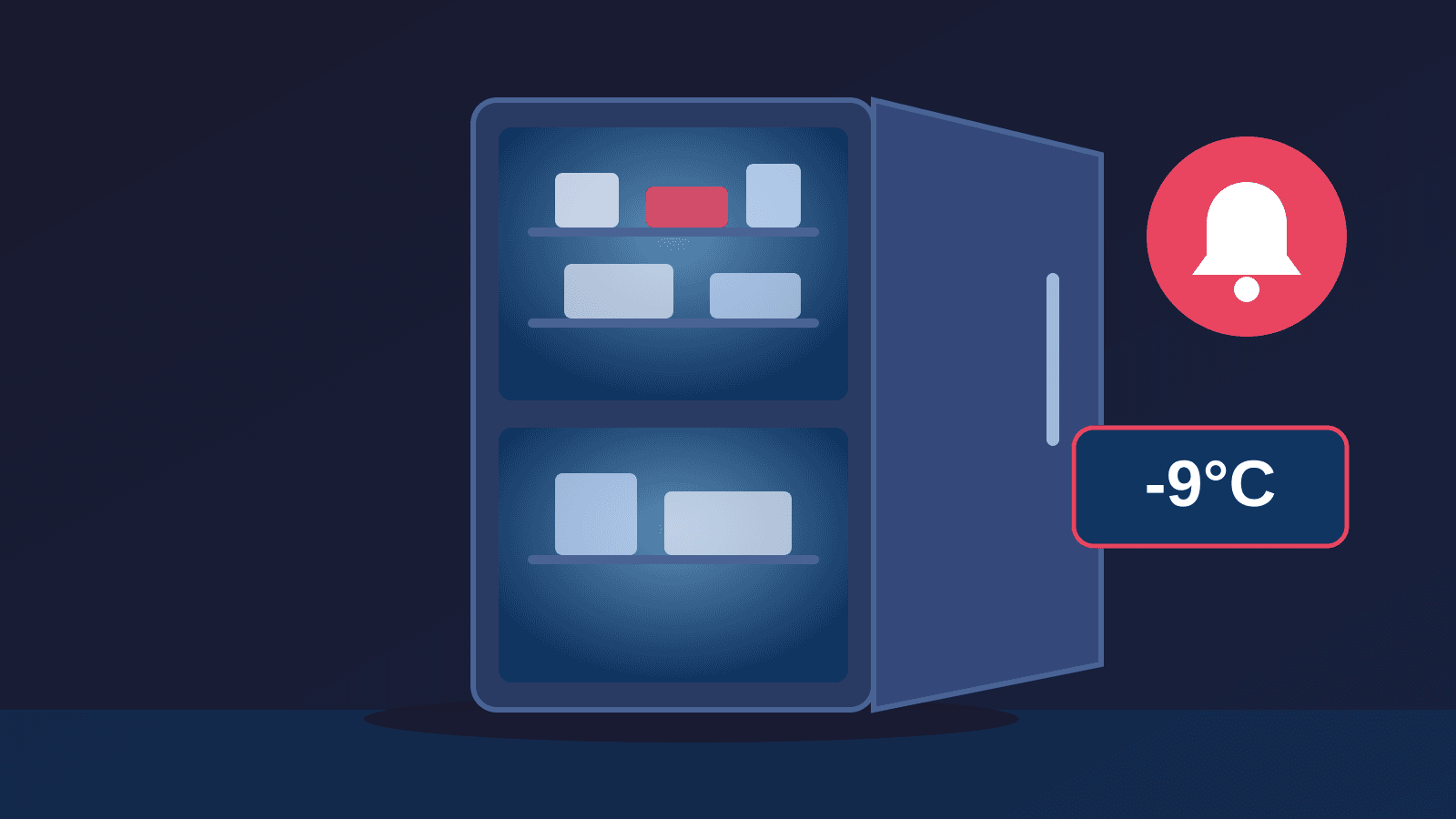
The same timer pattern protects the kitchen too: see the fridge and freezer door left open alert.
The open/closed pattern also works on a letterbox flap: our letterbox notification guide sends one alert per delivery and clears it when you collect the post.
The same delayed-alert pattern works for your front door: see our door left unlocked reminder guide.