What Is Home Assistant?
Home Assistant is a free, open-source home automation platform that you self-host on your own hardware — most commonly a Raspberry Pi, an Intel NUC, or a dedicated Home Assistant Yellow or Green device. Because it runs locally on your network, it does not depend on any manufacturer's cloud server to stay operational. With more than 3,000 official integrations covering everything from Zigbee bulbs to energy monitors, it is widely regarded as the most capable home automation platform available. The trade-off is a steeper learning curve: you are responsible for installation, updates, and configuration.
Community size: Home Assistant has over 500,000 active users worldwide, backed by a large open-source contributor base and an extensive forum community.
What Is SmartThings?
SmartThings is Samsung's cloud-based smart home platform. The SmartThings Hub v3 (currently around £79.99 from retailers, though prices vary) connects your devices to Samsung's cloud, where routines and automations are processed. The app-driven setup is intuitive and works well for users who want a working smart home without diving into configuration files. SmartThings supports over 100 officially certified device categories, with particularly strong compatibility with Samsung appliances and a broad range of Z-Wave and Zigbee devices.
Samsung acquired SmartThings in 2014 and has since integrated it across its broader ecosystem including TVs, Family Hub fridges, and Galaxy phones. A SmartThings account is free; the only hardware cost is the hub itself.
Privacy and Local Control
Home Assistant wins decisively here. All processing happens on your local network by default. Your device states, automation triggers, and usage patterns never leave your home unless you explicitly enable remote access. This is particularly important for security cameras, presence detection, and voice assistant integrations where data sensitivity is high.
SmartThings is cloud-dependent for the vast majority of its operations. Automations and device commands are routed through Samsung's servers, which means your smart home activity is logged in the cloud. Samsung does offer limited local processing for some Z-Wave and Zigbee devices connected directly to the hub, but this is narrow in scope compared to Home Assistant's fully local architecture. If Samsung discontinues the SmartThings service — as happened with the V1 hub in 2018 — your hub becomes a paperweight.
Cost
Home Assistant software is free. Hardware costs depend on your choice of host:
- Raspberry Pi 4 or 5 (around £45–£80) — a popular starting point; see our Raspberry Pi setup guide
- Home Assistant Green (~£89) — plug-and-play appliance, officially supported
- Home Assistant Yellow (~£130) — adds a built-in Zigbee radio and M.2 slot for NVMe storage
- Intel NUC or mini-PC (£150–£300+) — best performance for large installations
Once you have the hardware, there are no subscription fees. Home Assistant Cloud (Nabu Casa) is an optional paid add-on at around £6.50/month that provides easy remote access and voice assistant integration without port forwarding — but it is entirely optional.
SmartThings charges nothing for the app or cloud service. The SmartThings Hub v3 costs around £79.99 (prices vary by retailer). There is no subscription fee for standard use, making the entry price broadly similar to a Raspberry Pi build of Home Assistant.
Setup Complexity
SmartThings is significantly easier to get started with. Download the SmartThings app, plug in the hub, and follow the guided setup. Most certified devices pair in minutes. Automations are created through a visual drag-and-drop routine editor that requires no technical knowledge.
Home Assistant has a more involved setup process. You will need to flash an SD card or configure a drive, connect the hardware to your network, run through the onboarding wizard, and then progressively add integrations. The web-based UI (Lovelace) is highly customisable — our dashboard guide covers the essentials — but building a polished interface takes time. The payoff is a system that can do far more than any commercial hub, but plan for a few evenings of learning before it feels comfortable.
Integrations and UK Device Compatibility
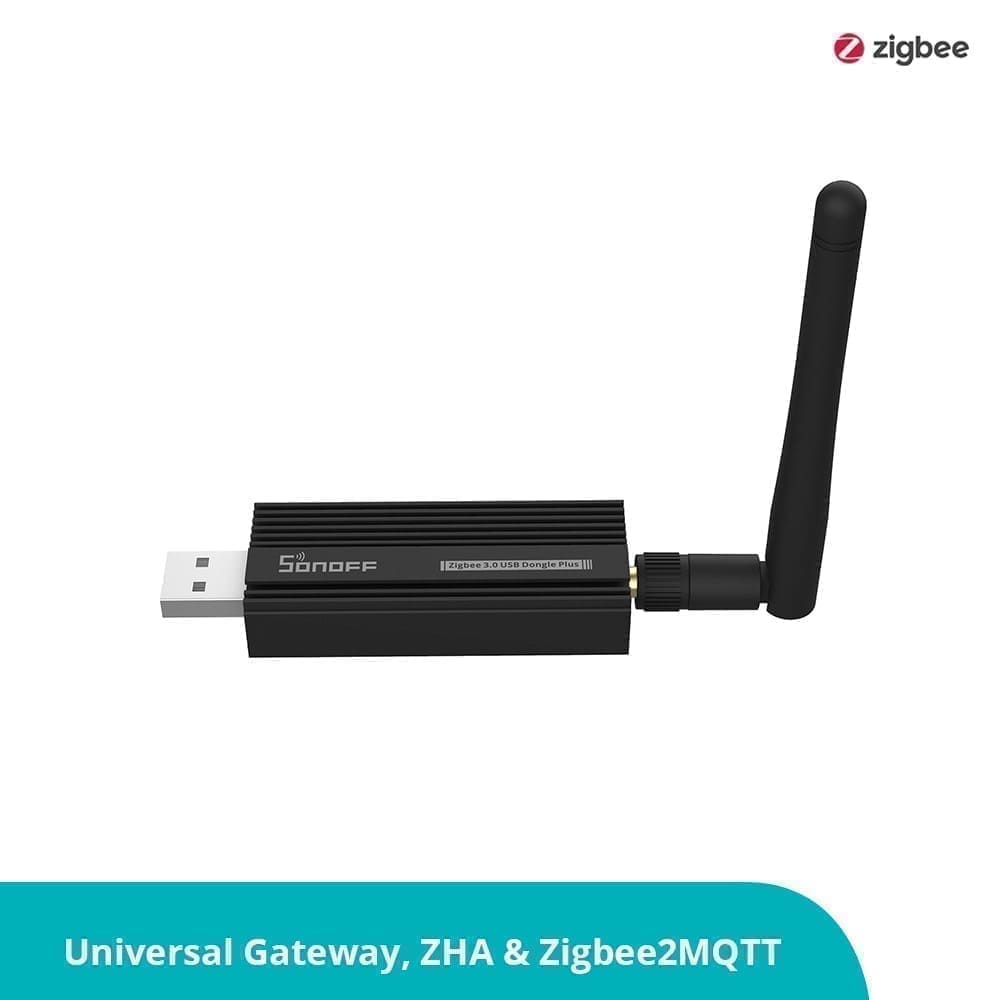
Home Assistant supports over 3,000 integrations. This includes every major UK smart home brand — Philips Hue, LIFX, Tado, Hive, Nest, Ring, Arlo, Sonos, and hundreds more — as well as niche devices that no commercial hub supports. Zigbee devices work natively with a USB Zigbee stick (see our best Zigbee sticks for the UK guide), and Z-Wave is equally well supported. Home Assistant also has first-class support for Matter and Thread, giving it strong future-proofing.
SmartThings supports over 100 device categories and has good compatibility with popular UK brands. Its Zigbee and Z-Wave support is solid for certified devices. However, it lacks the long tail of community integrations that Home Assistant offers. If you use any less-common brand or want to integrate a local API or custom sensor, Home Assistant is the only viable choice.
Automations
Home Assistant's automation engine is its greatest strength. Automations can trigger on any combination of states, time patterns, sun position, presence, weather, energy data, or custom sensors. Conditions and actions can be deeply nested. For users comfortable with YAML, the possibilities are effectively unlimited. For those who prefer a visual approach, the graphical automation editor handles most common use cases without touching code. Our automations guide walks through the key concepts.
SmartThings Routines cover the basics well: turn lights on at sunset, adjust the thermostat when you leave home, send a notification when a door opens. For most households, this is sufficient. However, SmartThings lacks the conditional logic depth and sensor breadth of Home Assistant. Complex multi-step automations with fallback conditions are difficult or impossible to build in the SmartThings UI.
Reliability
Home Assistant's local processing model means it keeps working during internet outages. As long as your local network is up, lights switch, locks respond, and automations fire. This is a material advantage in the UK where broadband outages, however rare, do happen.
SmartThings relies on cloud connectivity for most operations. During a broadband outage or a Samsung server incident, remotely controlled devices stop responding. Samsung has a published uptime record for the SmartThings cloud, and outages — while infrequent — have occurred and left users without control of their homes for hours at a time.
Voice Assistants
Both platforms work with Amazon Alexa and Google Assistant. SmartThings has native integration with Samsung Bixby and tight links to Samsung devices. Home Assistant supports Alexa and Google Assistant via the Nabu Casa cloud subscription or via manual configuration; it also supports local voice processing through Wyoming and Whisper, giving fully offline voice control that no commercial hub can match.
Who Should Choose Home Assistant?
- Privacy-conscious users who want local processing
- Tech-savvy hobbyists willing to invest time in configuration
- Users with niche or legacy devices that no commercial hub supports
- Anyone who wants deep automation logic and energy monitoring
- Long-term thinkers who want a platform that won't be shut down
Who Should Choose SmartThings?
- Smart home beginners who want something working in an afternoon
- Samsung device owners who benefit from the ecosystem integration
- Households with mainstream device brands (Hue, Ring, LIFX, etc.)
- Users who don't want to maintain their own server hardware
- Renters or those who prefer a simpler, app-driven experience
Verdict
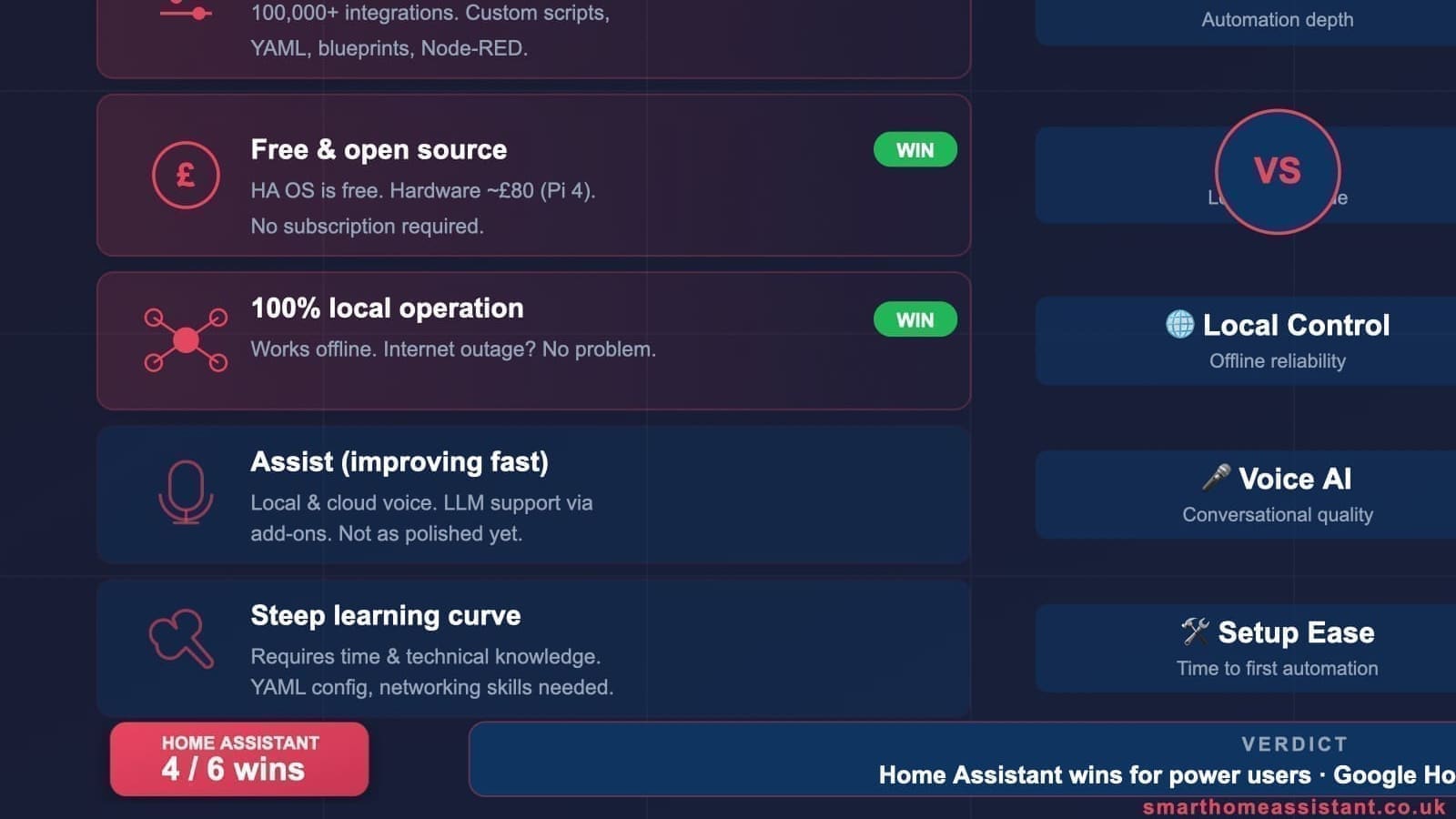
For most technically minded UK users, Home Assistant is the stronger long-term choice. Its local processing, 3,000+ integrations, and unlimited automation depth put it in a different league from any commercial hub. The learning curve is real, but the community, documentation, and modern onboarding experience make it more accessible than ever.
SmartThings is a solid choice if you want a polished, maintained product that just works — particularly if you already own Samsung appliances. It is not as capable, but for a household with mainstream devices and modest automation needs, it will serve well.
If you are on the fence, consider starting with SmartThings to learn the concepts, then migrating to Home Assistant once you know what you want to automate. Many UK enthusiasts have followed exactly that path.
It is also worth watching the commercial hub market shift toward this philosophy: Anker's newly announced MindBase hub, unveiled at IFA Berlin 2026, pairs on-device AI with local NAS storage and lists Home Assistant compatibility — a sign mainstream brands are starting to compete on the local-first ground Home Assistant already occupies.
Related: Home Assistant vs Google Home UK, Samsung SmartThings review UK, and best smart home hub UK.
SmartThings-connected appliances got new entries at IFA 2026 too — see the Samsung Bespoke AI Washer announcement.