What Is Home Assistant?
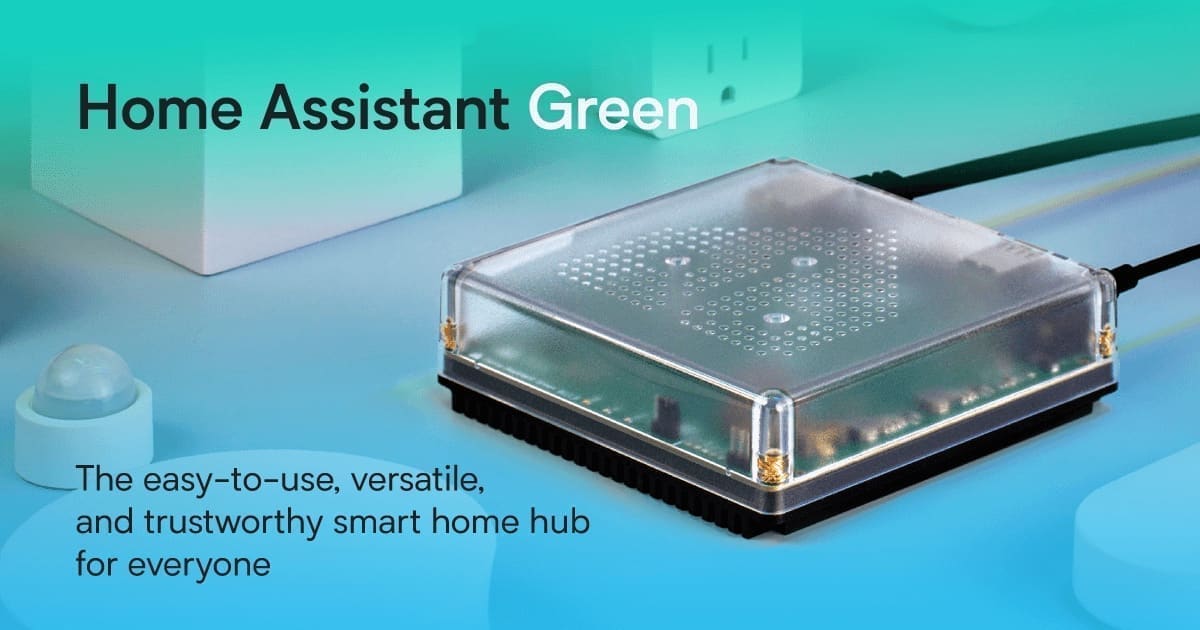
Home Assistant is a free, open-source smart home platform that you self-host on your own hardware — a Raspberry Pi, a refurbished mini PC, or a dedicated Home Assistant Green or Yellow device. Because it runs locally, your automations and device data never leave your home network unless you choose to expose them. The platform connects to over 3,000 integrations, covering everything from smart bulbs and thermostats to energy monitors and security cameras.
The community behind Home Assistant is enormous — more than 500,000 active users contribute integrations, dashboards, and blueprints. That community strength means almost any device you buy in the UK will have some level of Home Assistant support, even if it is not officially listed.
What Is Google Home?
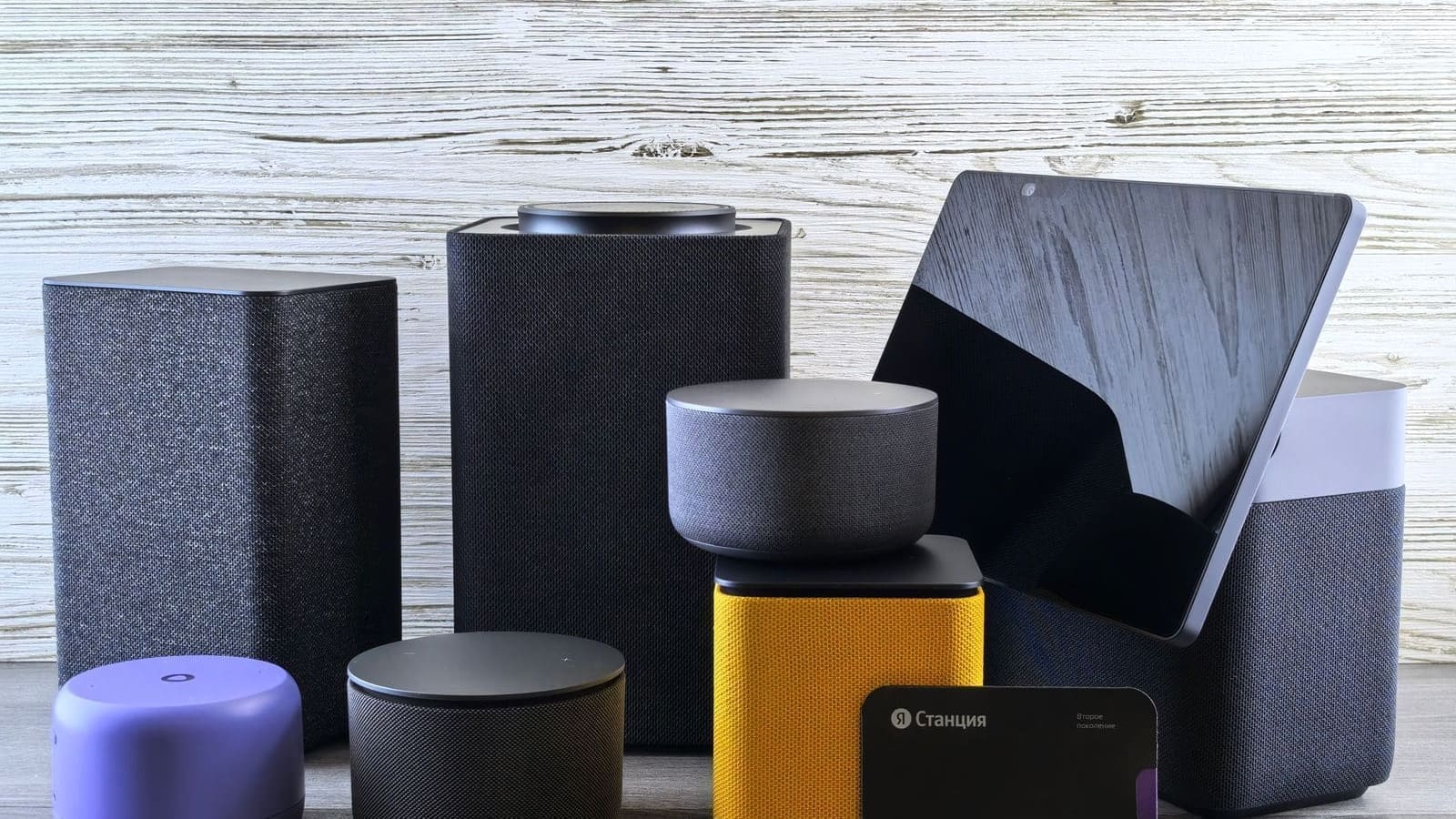
Google Home is Google's cloud-based smart home ecosystem, tied together by the Google Home app and controlled primarily through voice commands via Nest speakers and displays. It is free to use and requires no server — you simply install the app on your phone, link your devices, and start speaking. Google claims compatibility with more than 50,000 devices through the Works with Google Home programme.
Google Home's biggest draw is its voice experience. Google Assistant remains one of the most capable voice assistants for natural language understanding, and Nest Hub displays (starting from around £49.99) make attractive kitchen hubs. However, Google Home's automation engine — called Routines — is significantly more limited than what Home Assistant offers.
Privacy: Local vs Cloud
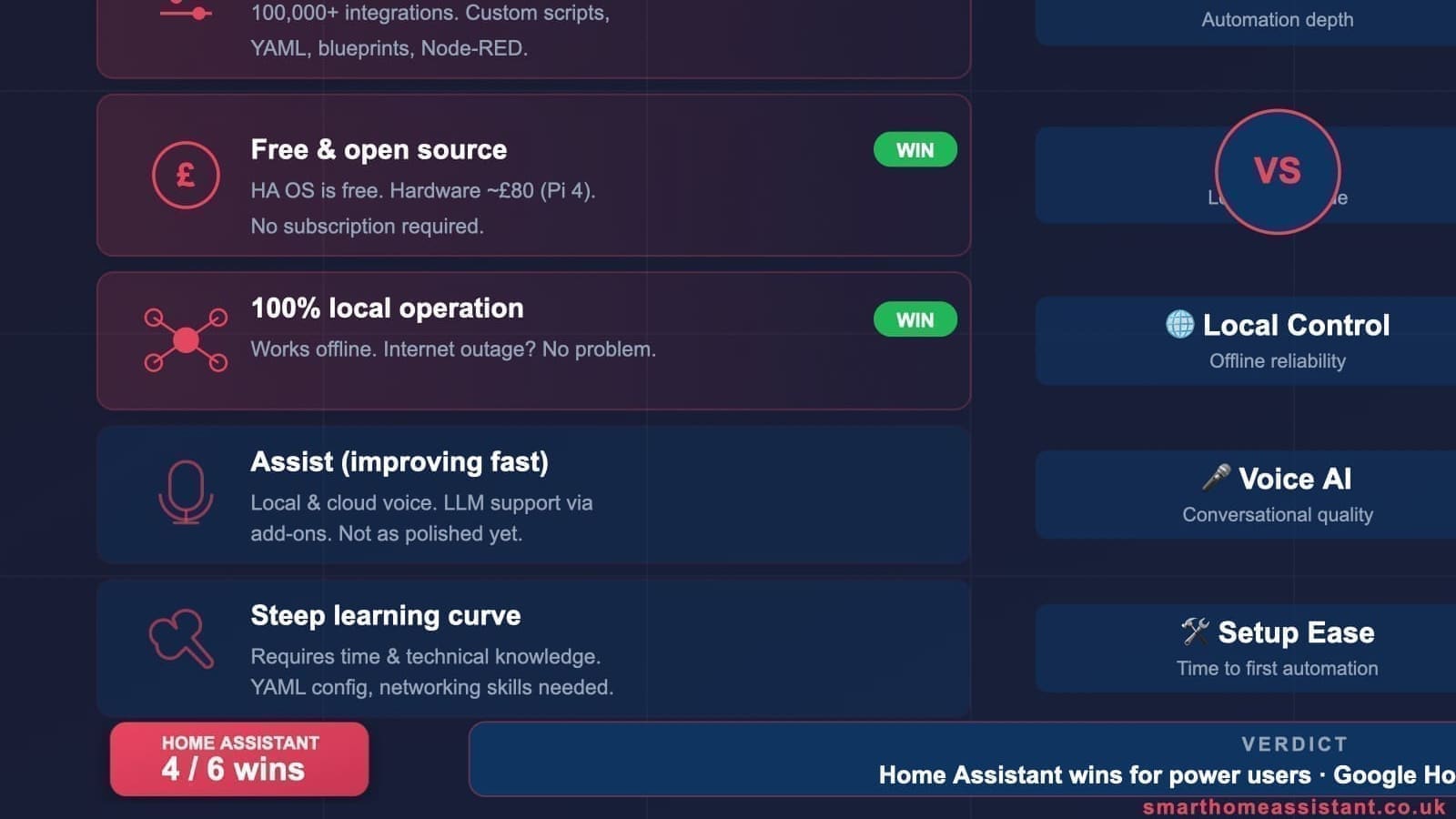
This is the starkest difference between the two platforms. Home Assistant processes everything locally by default. Your device states, sensor readings, and automation triggers are computed on your own hardware and never sent to a third-party server. If your internet goes down, your lights still turn on, your heating still runs, and your door sensors still trigger. You own the data completely.
Google Home is cloud-only. Every command, every automation trigger, and every device state change is routed through Google's servers. When Google Cloud experiences an outage — as it has done multiple times historically — your smart home stops responding until connectivity is restored. If privacy is a priority, or if you have unreliable broadband, this is a significant drawback.
For households with children or those concerned about smart speakers always listening, Home Assistant with a local voice assistant (see our guide to Home Assistant voice assistants in the UK) can offer a genuinely private alternative.
Cost Comparison
Home Assistant software is free. The main cost is hardware: a Raspberry Pi 5 with case and storage runs around £80–£100 (see our Raspberry Pi 5 Home Assistant guide), while the purpose-built Home Assistant Green costs around £99. After that, there are no subscription fees — you can add hundreds of devices without paying a penny more to the platform itself.
The optional Nabu Casa cloud subscription (£6.50/month or £65/year as of 2026) adds remote access and voice assistant integrations, but it is entirely optional. Many users run Home Assistant indefinitely without it.
Google Home is also free at the app level. The cost comes from Nest hardware: a Nest Hub 2nd Gen retails around £89.99, a Nest Mini around £49.99, and a Nest Thermostat around £119.99. There are no mandatory subscription fees, though some Nest Cam features require a Google Home Aware subscription (from £6/month). For many UK households, a basic Google Home setup using existing Android phones or a single Nest Mini is genuinely low-cost to start.
Over five years, Home Assistant typically wins on total cost of ownership, especially for larger homes with many devices.
Setup Complexity
Google Home wins decisively on ease of setup. Download the app, scan a QR code, done. Most mainstream UK smart home devices — Philips Hue, TP-Link Kasa, Nest, Ring, LIFX — connect in minutes. There is no server to configure, no YAML to write, and no terminal to open. For someone who wants a smart home without a learning curve, Google Home is the obvious starting point.
Home Assistant has a steeper learning curve. You need to install the OS on hardware, navigate the web interface, and configure integrations — some of which require editing YAML files. The first weekend can feel overwhelming. However, the community is genuinely helpful: forums, YouTube tutorials, and the official Home Assistant documentation are excellent. Once you are past the initial setup, the platform rewards the investment with capabilities that Google Home simply cannot match.
If you want a middle path, consider starting with Google Home for basic control, then adding Home Assistant later to layer on advanced automations and integrating Google Assistant into Home Assistant for voice control.
Automations: Where Home Assistant Dominates
Home Assistant's automation engine is in a different league to Google Home Routines. In Home Assistant, you can build automations triggered by virtually any combination of sensor states, time, location, weather data, energy prices, or even custom scripts. You can control dozens of devices in a single automation, add conditions, delays, loops, and template logic. The Home Assistant automations guide shows just how far this can go.
Google Home Routines support basic if-this-then-that logic: say a phrase, or set a schedule, and trigger a small set of actions. You cannot chain conditions, reference sensor data from third-party devices, or build multi-step flows. For simple households — turn the lights on at sunset, play music when I wake up — Routines are fine. For anything more sophisticated, they fall short.
UK-specific use cases that Home Assistant handles well but Google Home cannot:
- Adjusting heating based on Octopus Energy Agile tariff prices
- Triggering automations when the energy grid carbon intensity is low
- Combining presence detection, door sensors, and heating for precise away/home logic
- Monitoring and logging home energy use across all circuits
See our guides on Home Assistant energy monitoring and heating control for concrete examples.
Voice Control
Google Home leads on voice control quality. Google Assistant's natural language understanding is excellent — it handles follow-up questions, contextual commands, and UK accents well. The Nest hub range provides a polished, always-ready voice interface that most households find intuitive.
Home Assistant supports voice control through several routes. You can integrate Google Assistant via Nabu Casa or the manual cloud setup, meaning your Nest devices can control Home Assistant entities. Alternatively, you can run a fully local voice assistant using Wyoming and a USB microphone — private, fast, and functional even without internet. Neither local option yet matches Google Assistant's conversational fluency, but for straightforward device commands ("turn off the kitchen lights", "set heating to 20 degrees"), they work reliably.
Device Compatibility in the UK
Both platforms support the most popular UK smart home brands, but in different ways. Google Home uses the Works with Google programme plus the newer Matter standard for device discovery. Home Assistant uses direct local integrations — often communicating with devices without any cloud dependency at all.
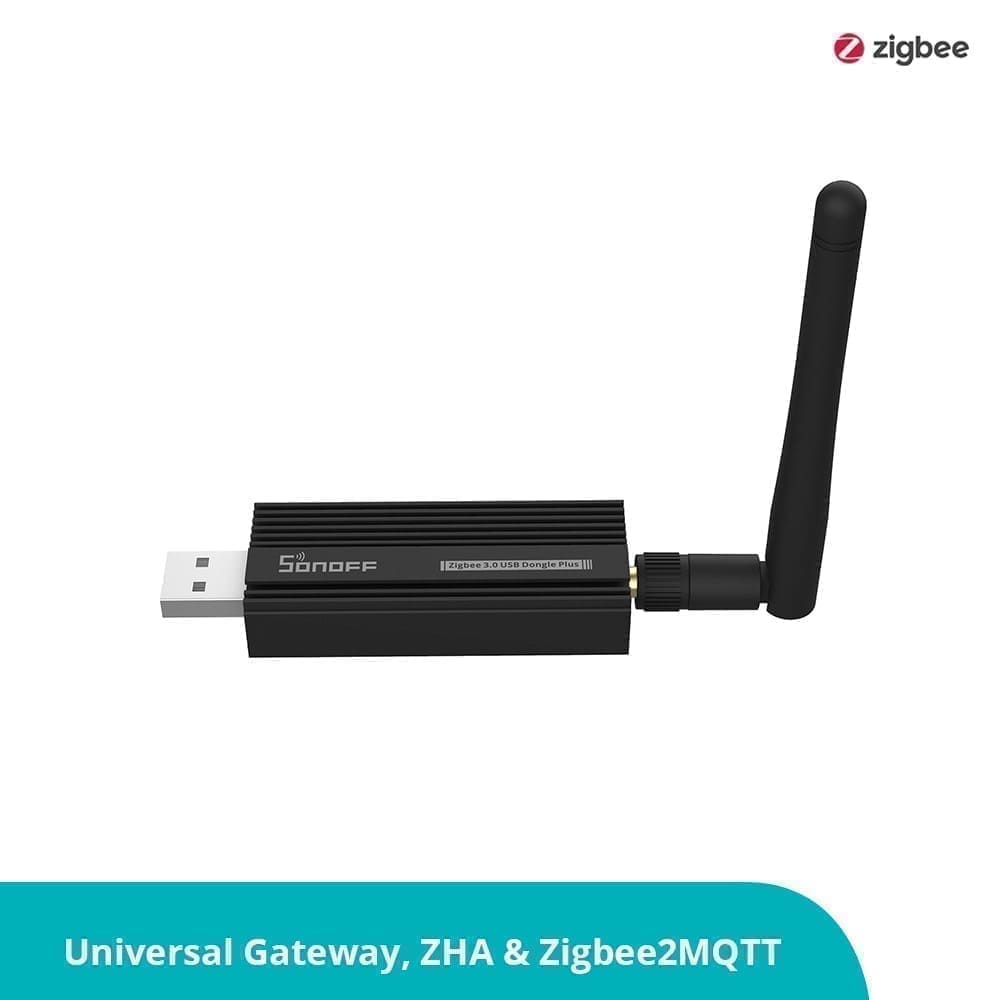
Where Home Assistant pulls ahead is with devices that have been abandoned by manufacturers, budget Zigbee devices without a cloud backend, or local-only protocols. If you want to buy a cheap Sonoff or Tuya device and keep it off the internet entirely, Home Assistant with a Zigbee USB stick or Z-Wave controller makes this possible. Google Home has no path to local Zigbee or Z-Wave devices without an intermediate hub.
The new Matter standard (supported by both platforms) is narrowing the gap. Matter devices work locally with both ecosystems, and Home Assistant's Matter integration means you can use Matter devices in sophisticated automations that Google Home Routines cannot replicate.
Can You Use Both Together?
Yes — and many UK users do. A common setup is to run Home Assistant as the automation brain while using Google Nest speakers for voice control. Home Assistant exposes its devices to Google Assistant, so you can say "Hey Google, turn on movie mode" and trigger a complex Home Assistant scene that dims the lights, closes the blinds, and sets the heating. This hybrid approach gives you Google's polished voice experience without sacrificing Home Assistant's automation depth.
The integration is set up either through Nabu Casa (the simplest route) or manually via the Google Assistant integration in Home Assistant. Our full Home Assistant Google Assistant guide walks through both options.
Which Should You Choose?
Choose Google Home if:
- You want plug-and-play simplicity with no server or configuration
- Voice control is your primary interaction method
- You use mainly mainstream brands (Nest, Philips Hue, TP-Link, Ring)
- You are not concerned about cloud dependency or data privacy
Choose Home Assistant if:
- You want powerful automations that go beyond simple schedules
- Privacy and local processing matter to you
- You want to integrate devices from many different ecosystems
- You are comfortable spending a weekend getting set up
- You want to monitor and optimise your home energy use
For many UK households, the ideal answer is both: Google Home for effortless day-to-day voice control, and Home Assistant running quietly in the background handling the logic that makes your home genuinely smart.
That cloud dependency isn't theoretical — see our report on the 12-hour Google Home and Nest outage in August 2026 for what happened when Google's servers went down.