What Is Homebridge?
Homebridge is a lightweight, open-source server that acts as a bridge between non-HomeKit devices and Apple's HomeKit ecosystem. It was created because Apple's HomeKit certification process is expensive and slow, meaning thousands of smart home products never receive official HomeKit support. Homebridge plugs that gap by emulating a HomeKit hub and translating device protocols so that Apple's Home app believes it is talking to certified hardware.
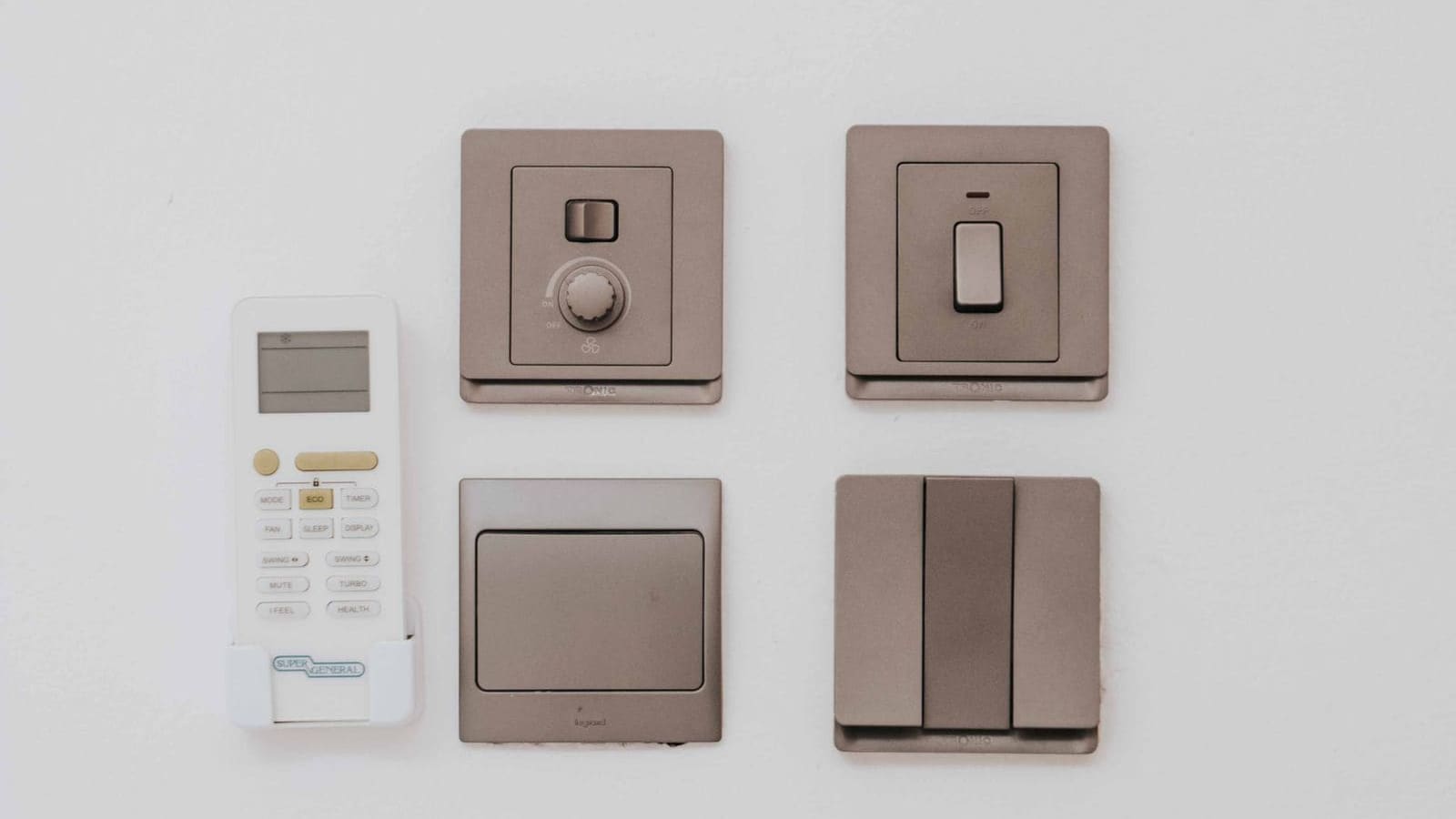
In practical terms, Homebridge means you can control a Sonoff switch, a Xiaomi air purifier, or an Eufy camera through Siri and the Apple Home app — even though those products were never designed for HomeKit. The project has a library of over 2,000 community plugins on npm, covering an enormous range of devices and services.
Homebridge has no app of its own. Your entire experience happens inside the Apple Home app, which Apple continuously improves. Setup is done through a clean web UI, and the plugin ecosystem is mature enough that most popular devices are already covered.
What Is Home Assistant?
Home Assistant (often abbreviated as HA) is a full smart home platform — not just a bridge. It provides its own dashboard, its own mobile app, its own automation engine, and over 3,000 official integrations spanning virtually every smart home protocol and brand. Everything runs locally on your hardware, so there is no cloud dependency and no subscription fee.
Home Assistant is the de facto standard for enthusiast smart home users. Its community numbers over 500,000 active users, and the project is maintained by Nabu Casa, a company that offers an optional cloud subscription (Home Assistant Cloud, from around £5/month) for remote access and voice assistant integration — though local operation is entirely free.
Where Homebridge is a bridge, Home Assistant is the destination. It can control lights, locks, thermostats, cameras, media players, and energy monitors — all from one place, with automations that rival commercial platforms in sophistication. Read our Home Assistant UK setup guide for a complete walkthrough of getting started.
Key Differences at a Glance
Scope
Homebridge is a HomeKit bridge; Home Assistant is a complete smart home platform. This is the single most important distinction. Homebridge extends what Apple HomeKit can do; Home Assistant replaces the need for any single vendor's ecosystem.
Ecosystem Lock-In
Homebridge is built around Apple. If you do not use iPhones, iPads, or a Mac, Homebridge offers you very little — Android users cannot use the Apple Home app at all. Home Assistant, by contrast, works equally well on iOS, Android, and the web. It can talk to HomeKit, Google Home, Amazon Alexa, and Matter simultaneously.
Automations
Apple's automation engine in the Home app has improved markedly, but it remains relatively simple compared to Home Assistant's. Home Assistant supports complex multi-condition automations, scripts, scenes, and even a full visual flow editor. If you want to create automations that respond to energy prices, weather forecasts, presence detection, or data from multiple device types at once, Home Assistant is the only realistic choice. See our Home Assistant automations guide for what the platform is capable of.
Dashboard
Homebridge has no dashboard for controlling your home — you use the Apple Home app. Home Assistant has a fully customisable dashboard (Lovelace) that you can tailor to show exactly the cards, graphs, and controls you need.
Hardware Requirements
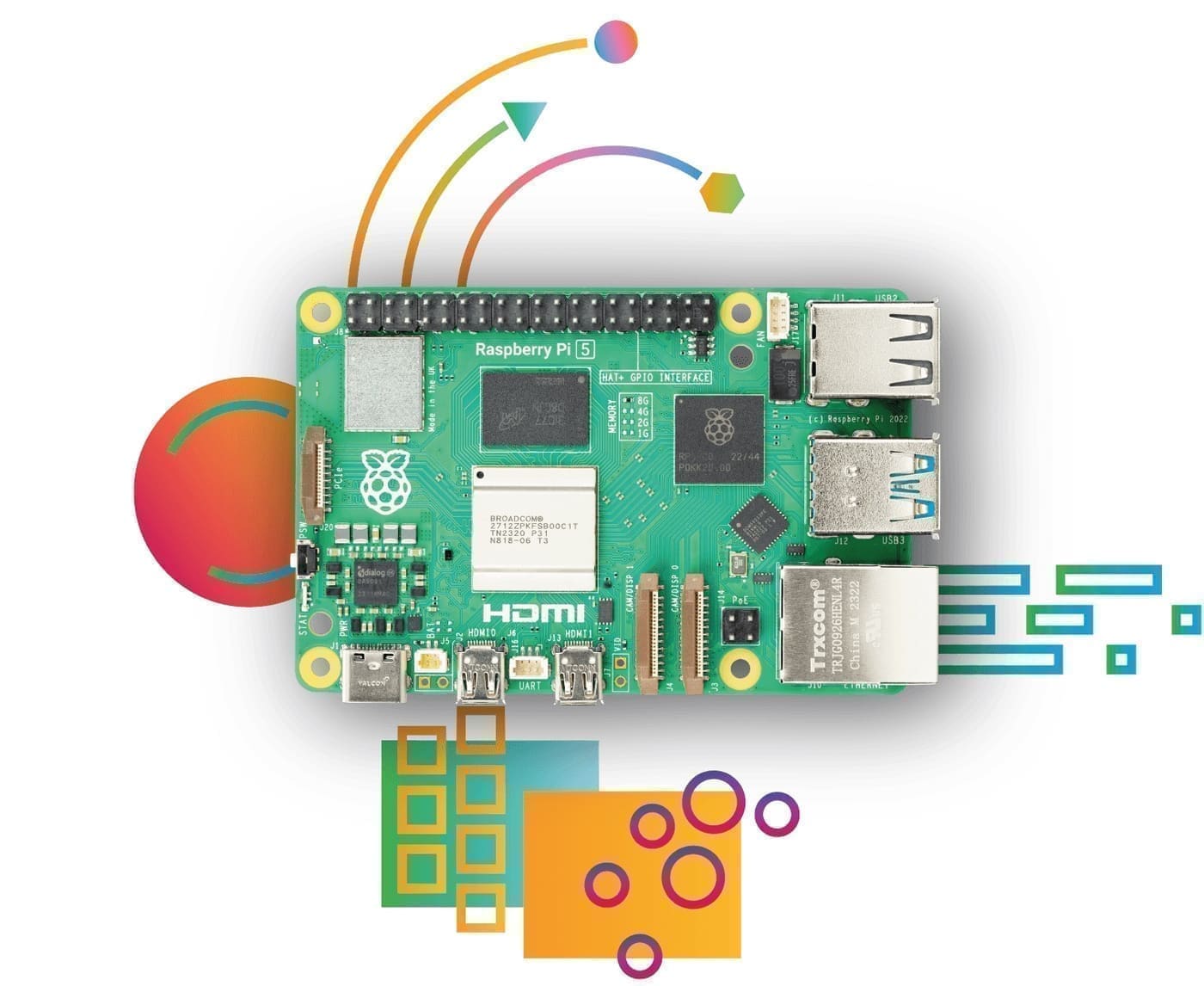
Both platforms run well on a Raspberry Pi 4 or Pi 5. Homebridge is lightweight enough to run on a Pi Zero 2 W. Home Assistant OS is the recommended installation method for HA and runs best on a Pi 4 (4 GB RAM) or Pi 5. A dedicated SSD is strongly recommended for Home Assistant to protect against SD card wear. See our guide to running Home Assistant on a Raspberry Pi 5.
Apple HomeKit Hub Requirement
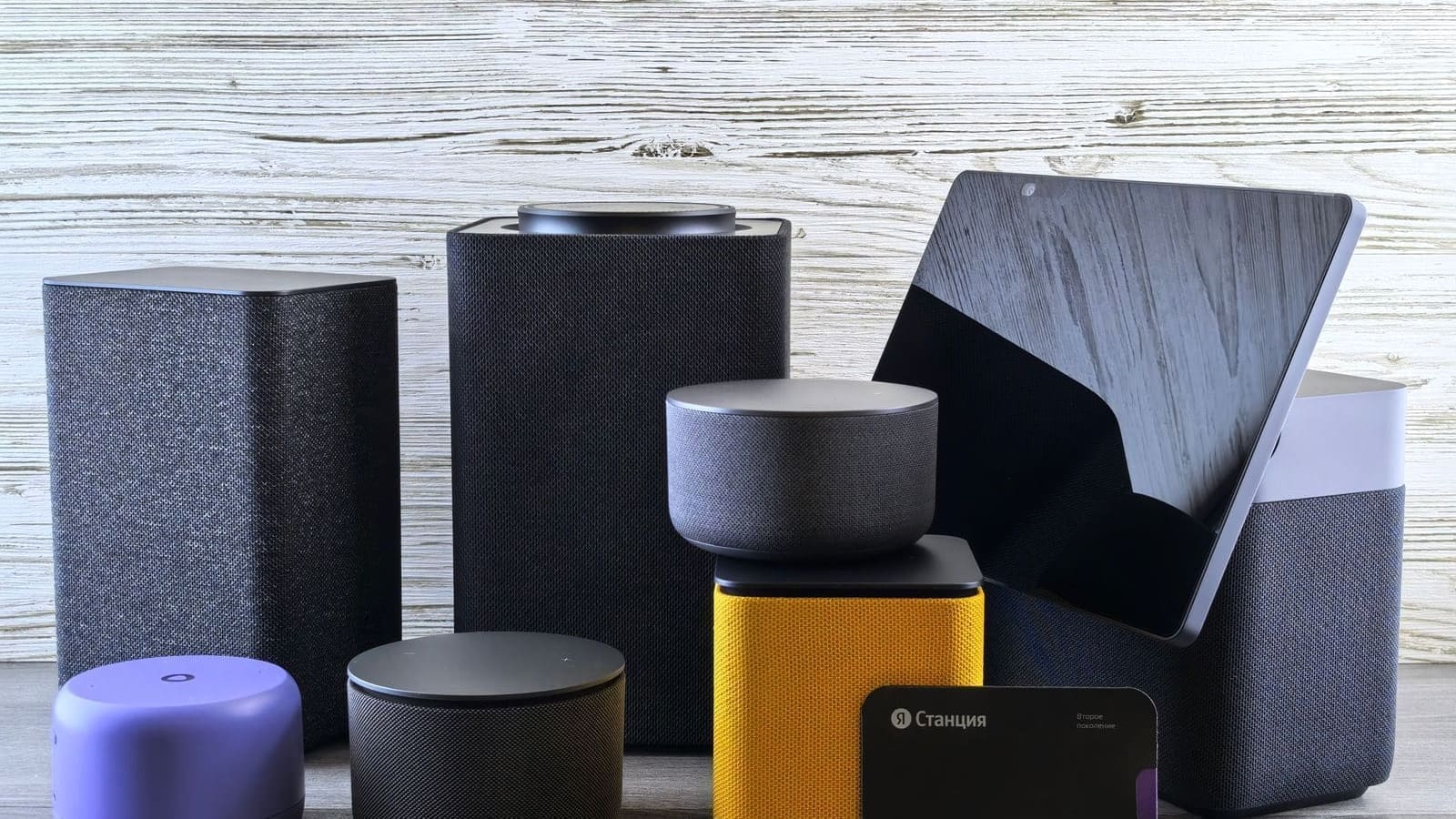
A critical consideration for Homebridge users: Apple HomeKit requires a home hub to enable remote access, automations, and device sharing. The only supported hubs are a HomePod (from around £299), a HomePod mini (from around £99), or an Apple TV 4K (from around £149). If you do not already own one of these devices, the total cost of entry is significantly higher than it might first appear. Home Assistant requires no such hub — your Pi is the hub.
Integration Counts
Homebridge lists over 2,000 plugins on npm, though quality varies and some are unmaintained. Home Assistant ships with over 3,000 official integrations, each maintained to a defined standard, plus an active custom component library (HACS) with thousands more. For most devices, you are more likely to find a well-maintained integration in Home Assistant than in Homebridge.
The Best of Both Worlds: Homebridge as a Home Assistant Add-on
If you are an Apple household that also wants the power of Home Assistant, you do not have to choose. Home Assistant supports a Homebridge add-on that runs the Homebridge server alongside HA. This means you get Home Assistant's full automation and integration capabilities, while still exposing everything to Apple HomeKit via the Homebridge bridge. It is the setup many Apple-focused HA users land on, and it genuinely delivers the best of both worlds.
You can also use Home Assistant's native HomeKit bridge integration, which is built in and does not require a separate Homebridge installation. Either way, your Apple devices see a polished HomeKit experience while your automations run locally in Home Assistant.
Who Should Use Homebridge?
Homebridge is the right choice if:
- Everyone in your household uses Apple devices exclusively (iPhones, iPads, HomePods, Apple TV)
- You want a simple, low-maintenance setup that leverages the familiar Apple Home app
- You already own a HomePod or Apple TV to serve as a hub
- You have one or two specific non-HomeKit devices you want to bring into the Apple ecosystem
- You prefer Apple's curated, polished UI over a DIY dashboard
Who Should Use Home Assistant?
Home Assistant is the right choice if:
- Your household uses a mix of iOS and Android devices
- You want powerful, multi-condition automations beyond what Apple's Home app offers
- You have devices from many different brands and protocols (Zigbee, Z-Wave, Matter, Wi-Fi)
- You want local processing with no dependency on any cloud service
- You want a customisable dashboard tailored to your specific devices
- You want to monitor energy use, integrate solar data, or track home presence
Protocol and Device Support
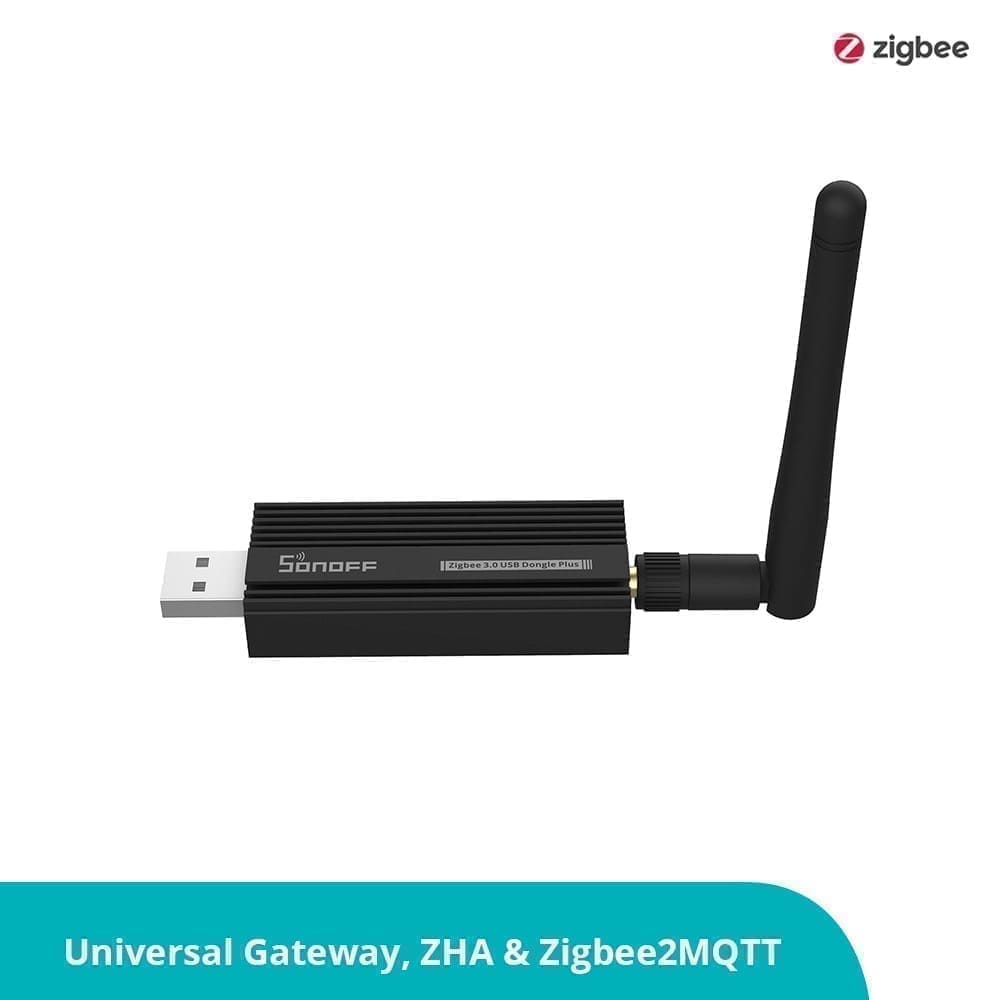
Home Assistant's protocol support is considerably broader. It handles Zigbee natively (with a Zigbee USB stick), Z-Wave, Matter, Thread, Bluetooth, and Wi-Fi devices all simultaneously. Homebridge supports Zigbee and other protocols only if a compatible plugin exists — and even then, the integration is typically less deep than HA's native support.
For anyone building a serious smart home with multiple protocols, Home Assistant is the only realistic long-term foundation.
Cost
Both platforms are free and open-source. The hardware cost is similar — a Raspberry Pi 4 costs around £55–£75 depending on RAM, plus a case, power supply, and storage. Home Assistant OS is the recommended installation for most users.
The hidden cost for Homebridge users is the Apple hub requirement: a HomePod mini (around £99) or Apple TV 4K (around £149) if you do not own one already. Home Assistant has no such requirement. Nabu Casa's optional cloud subscription adds around £5/month if you want easy remote access, but it is not required.
Verdict
For most UK households, Home Assistant is the stronger long-term choice. It is more powerful, more flexible, works across all devices and ecosystems, and has a larger, more active community. The learning curve is steeper, but the platform rewards the investment.
Homebridge shines in one specific scenario: an Apple-only household that wants to add a handful of non-HomeKit devices to the Apple Home app with minimal fuss. If that describes you, Homebridge is quick to set up and does its job well.
If you are unsure, start with Home Assistant. It can run the Homebridge add-on alongside it, so you do not have to sacrifice HomeKit compatibility. You get the full power of HA's automation engine, plus a polished Apple Home experience — without choosing one over the other.
Related: Apple HomeKit vs Google Home UK, Home Assistant vs Google Home, and Matter devices UK guide.