Why Smart Homes Save Energy
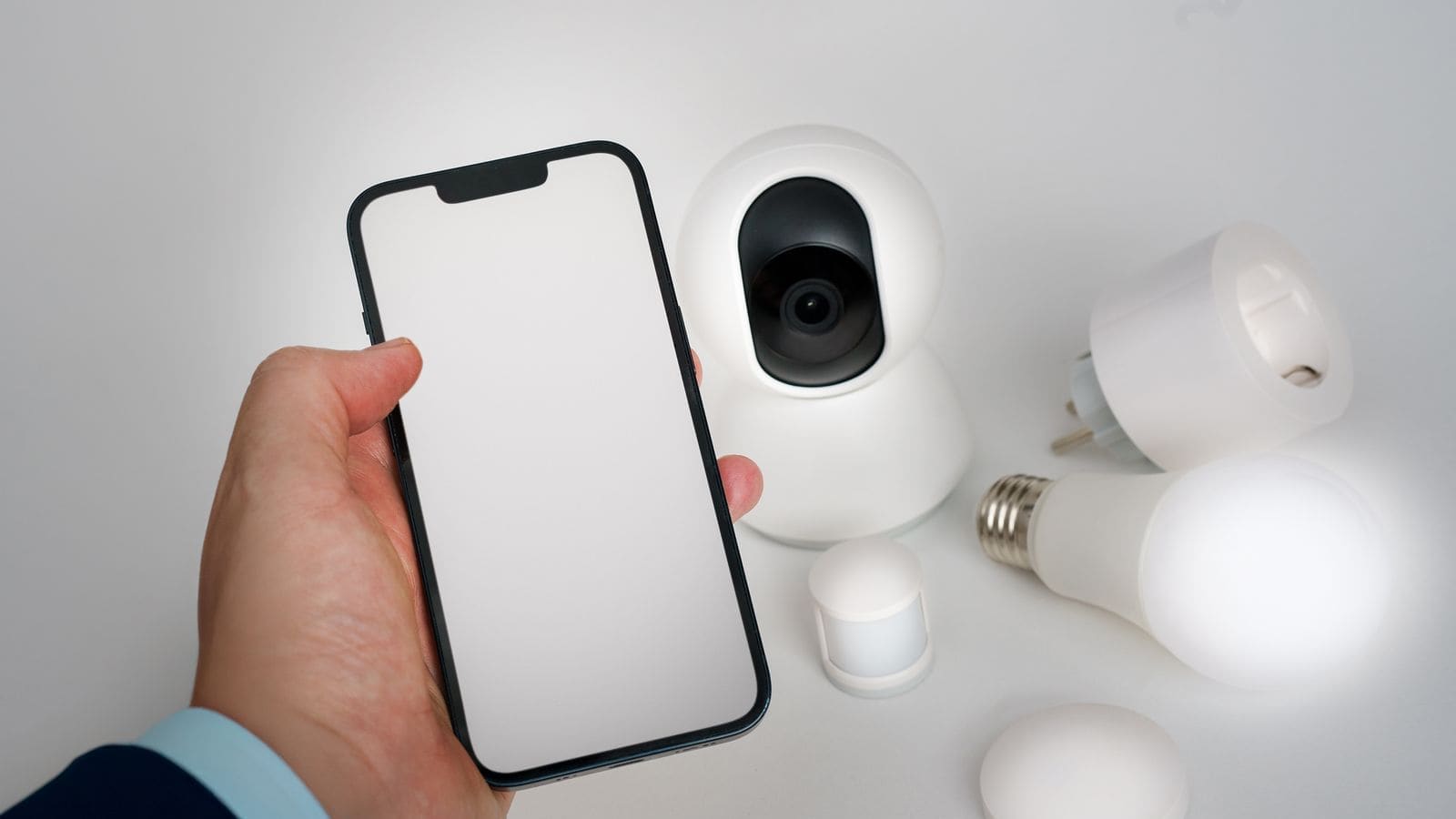
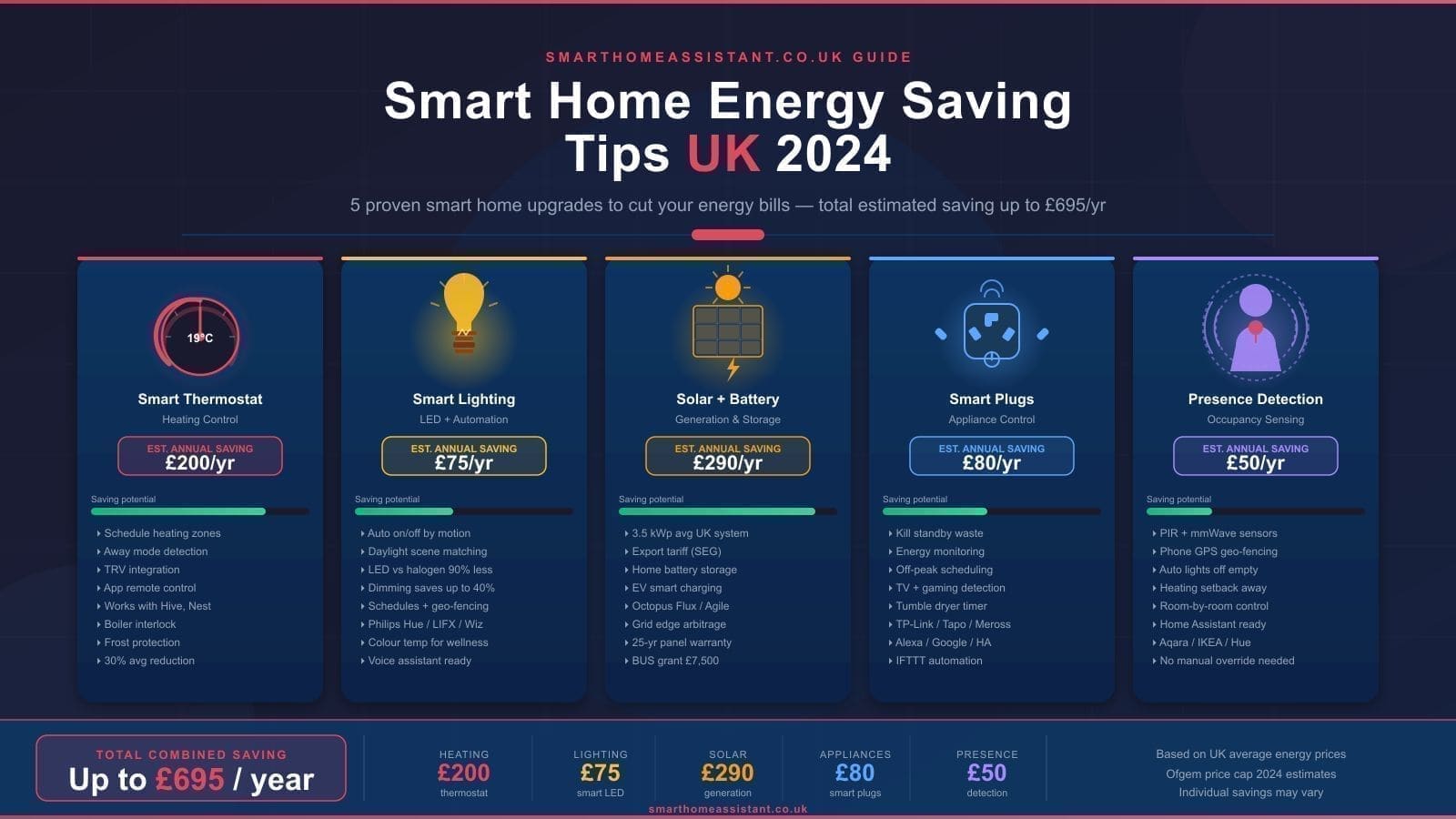
Most household energy waste comes from heating spaces that are already warm enough, leaving devices on standby, and lighting rooms that nobody is in. Smart home devices tackle each of these problems directly: a thermostat that knows when you leave the house stops heating an empty home; a smart plug that monitors power can cut standby load automatically; a presence-sensing light switch turns off lighting the moment a room empties. The savings are not theoretical — they compound across every room and every hour of the day.
Smart Thermostats: The Biggest Single Win
Cut heating bills by 10–20%. Heating typically accounts for around 55% of a UK household's energy bill, which makes the thermostat the highest-leverage device you can install. Smart thermostats from tado°, Google Nest, and Hive can reduce heating energy use by 10–20% compared with a standard programmable thermostat, according to manufacturer studies backed by independent testing.
tado° works particularly well in UK homes because it integrates with door and window sensors. When a window is opened — say, to air out a room — the tado° app detects the signal from the sensor and automatically pauses heating for that zone. Without this feature, a conventional thermostat would keep firing the boiler to compensate for the cold air pouring in. The tado° Starter Kit (typically around £149.99, though prices vary by retailer) includes the thermostat and the bridge; window and door sensors are available separately.
Geofencing is another key feature: all three platforms can detect when the last household member leaves home and switch to an energy-saving setback temperature automatically, then begin warming the home before you arrive back. Over a year, this passive saving alone can offset the cost of the device.
If you already use Home Assistant, both tado° and Nest integrate natively, giving you full local control and the ability to write automations that go beyond the manufacturer's own app.
Smart Plugs: Eliminating Standby Waste
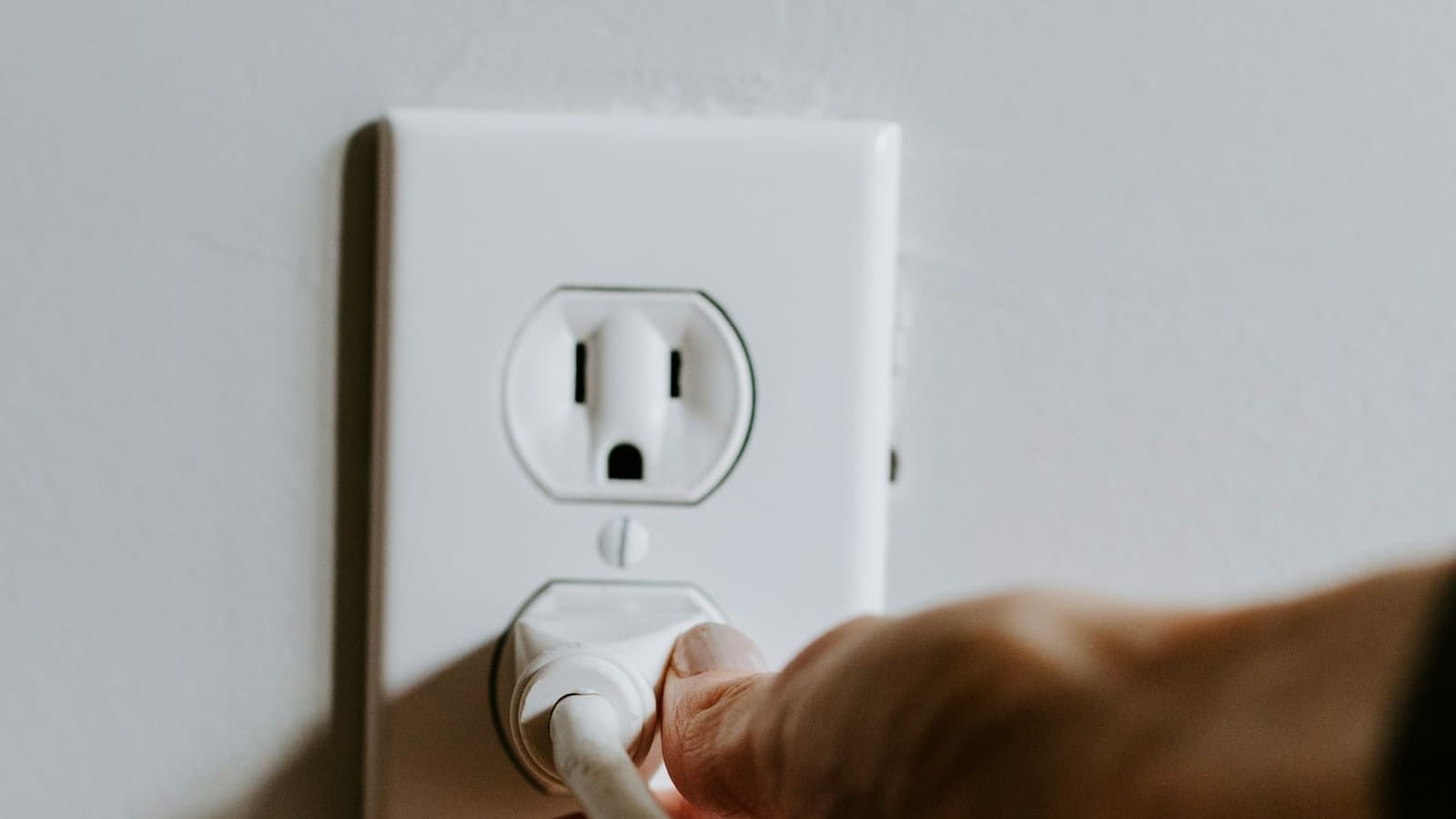
The average UK home wastes around £35 per year on standby power, according to the Energy Saving Trust. Televisions, games consoles, phone chargers left plugged in, and kitchen appliances with always-on displays all contribute. Smart plugs with energy monitoring — such as the TP-Link Kasa EP235 or the Shelly Plug S — let you see exactly which devices are drawing power in standby and schedule them to cut out overnight or when you leave the house.
The most effective approach is to group related devices behind a single smart power strip. A TV, soundbar, streaming box, and games console can all be switched off with one automation when you press a virtual “leaving home” button or when your phone's geofence triggers. This single automation can eliminate the entire standby load from your living room entertainment system with no manual effort.
For devices that must remain on — broadband routers, NAS drives, smart home hubs — simply exclude them from the schedule. Everything else is fair game.
Learn how to set up power-monitoring automations in the Home Assistant automations guide.
Smart Lighting with Presence Detection
Lights left on in empty rooms are pure waste. Smart lighting systems such as Philips Hue, IKEA DIRIGERA, and Nanoleaf all support occupancy-based control: a PIR motion sensor or millimetre-wave presence sensor detects whether someone is actually in the room and turns the lights off after a configurable timeout if not.
Presence detection in Home Assistant goes further. Using Bluetooth, Wi-Fi device tracking, or dedicated presence sensors, you can distinguish between “no motion detected” and “room is genuinely empty”. A PIR sensor will trigger a false empty reading if you sit still watching television; a millimetre-wave sensor will not. Pairing the right sensor type to each room's use case makes automation reliable enough to trust day-to-day.
LED smart bulbs also consume far less energy than halogen equivalents even when left on — typically 8–9W versus 50W per bulb. But combining lower base consumption with presence-based switching produces the largest combined saving.
For a deep dive into setting this up, see the guide to Home Assistant presence detection.
Octopus Agile and Smart Tariffs: Shift Loads to Cheap Periods
Time-of-use tariffs can dramatically reduce the cost of high-draw appliances. Octopus Agile is a variable-rate electricity tariff where the unit price changes every 30 minutes, tracking wholesale market prices. Overnight and during periods of high renewable generation, rates can drop to near zero — or even go negative, meaning Octopus pays you to use electricity. During peak demand (typically 4–7 pm on weekdays), prices are highest.
With a smart home, you can schedule dishwashers, washing machines, EV chargers, and immersion heaters to run automatically during the cheapest windows. Home Assistant has a community integration for Octopus Agile that fetches tomorrow's prices each evening and can trigger automations based on price thresholds. A household that shifts just its dishwasher and washing machine to off-peak hours can save tens of pounds per year at no change to lifestyle — and far more if they have an EV or a battery storage system.
Ofgem provides guidance on smart tariffs and consumer rights for households on variable-rate contracts.
Home Assistant Energy Dashboard
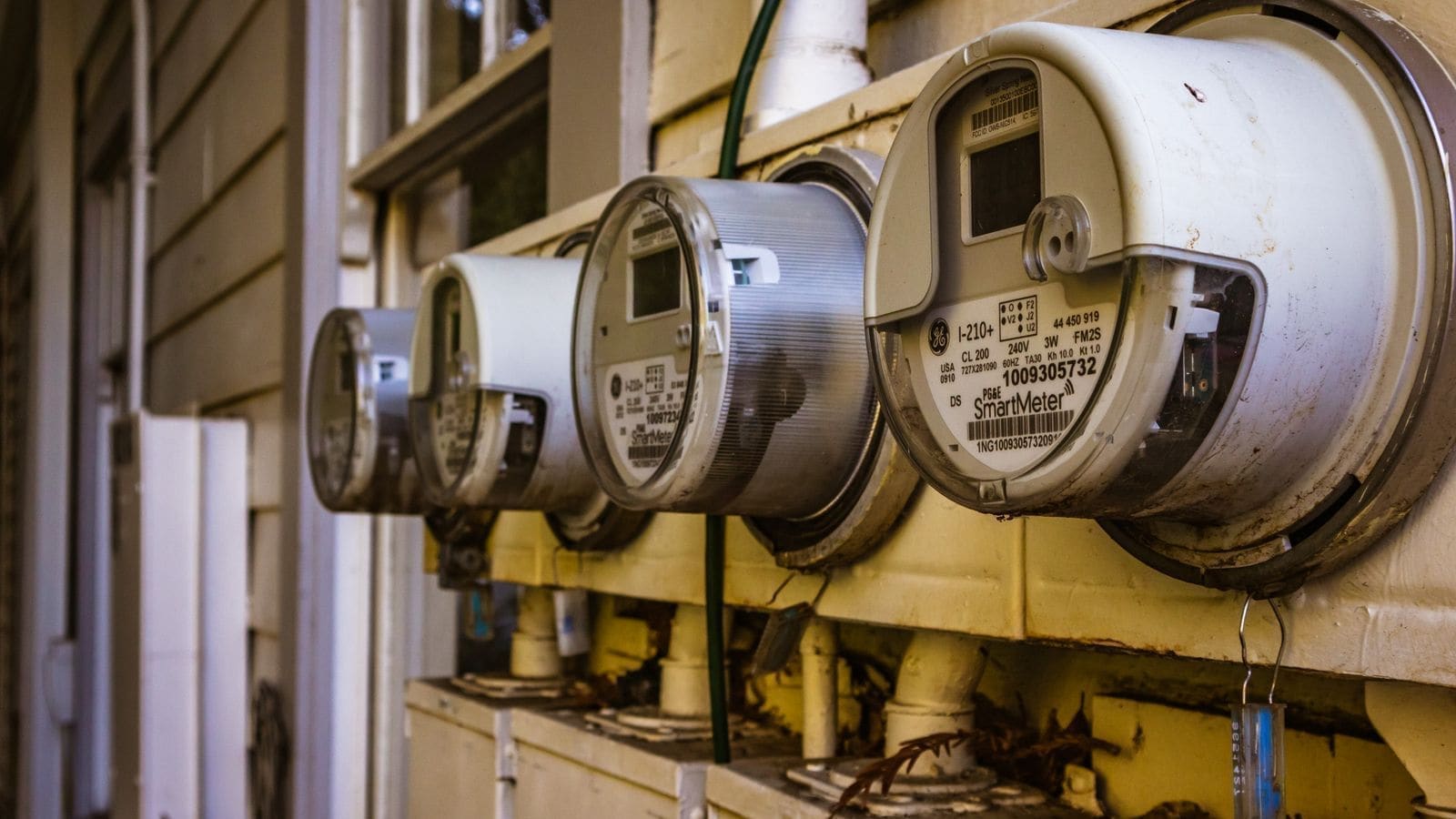
You cannot reduce what you cannot measure. Home Assistant's built-in Energy dashboard aggregates consumption data from smart plugs, smart meters (via the Home Assistant Energy integration or a Hildebrand Glow IHD), solar panels, and battery storage into a single view. You can see total daily consumption, cost, which devices are the biggest users, and — if you have solar — how much self-consumption versus export you achieved. If you don't have solar yet, our best solar panels UK guide covers current panel prices and payback times.
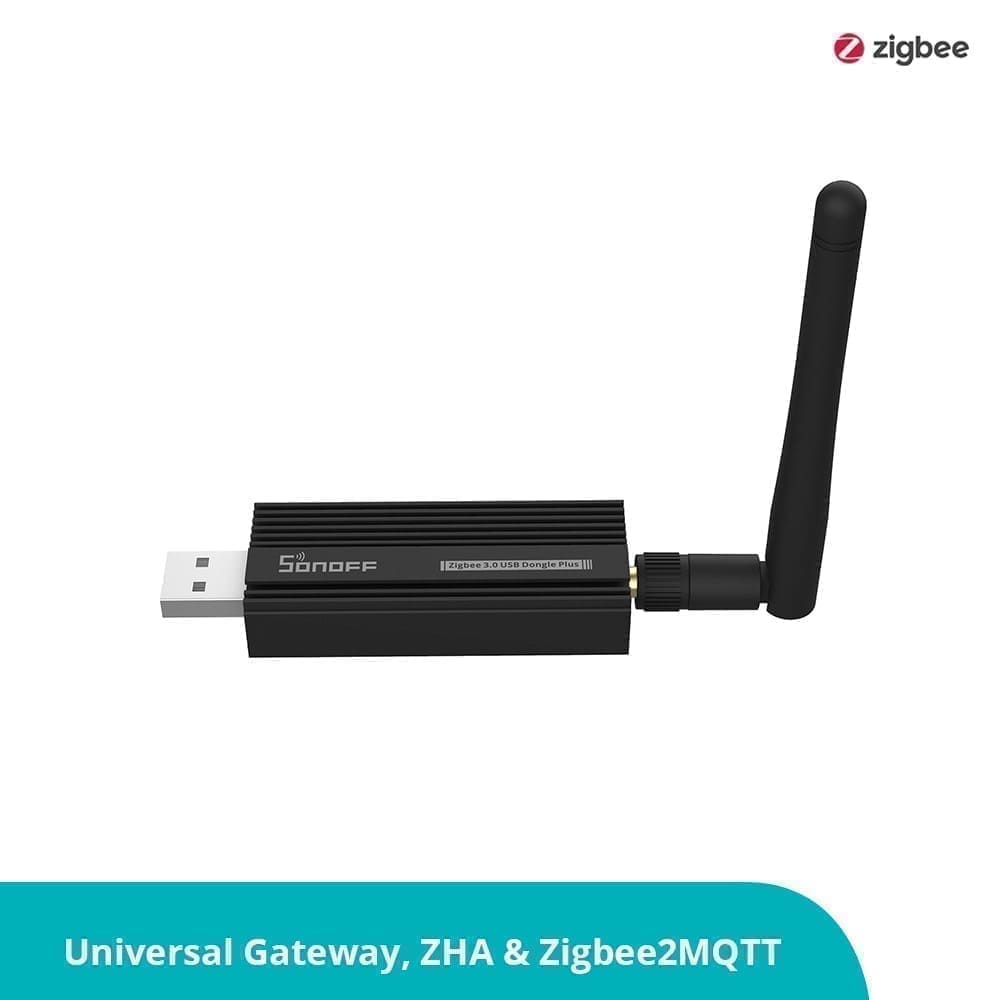
Connecting a smart meter to Home Assistant typically takes under an hour using a SMETS2-compatible Hildebrand Glow dongle, which reads your meter's Zigbee signal and pushes data to the cloud and locally via MQTT. Once connected, Home Assistant's energy dashboard updates every 30 minutes and provides a real-time view of your import and export rates alongside the granular device-level data from your smart plugs.
Full setup instructions are in the Home Assistant energy monitoring guide.
Combining Door and Window Sensors with Heating Control
One of the most overlooked energy-saving features is integrating door and window sensors with your heating system. When a window is opened in a room, the boiler should stop heating that zone — otherwise it simply warms the outside air. tado° does this natively if you have their sensors; in Home Assistant, you can achieve the same effect with any Zigbee or Z-Wave door sensor and a thermostat integration.
A simple automation: if any window in the living room has been open for more than three minutes, set the living room thermostat to frost protection mode (typically 5°C). When the window closes, restore the previous target temperature. This single automation can prevent significant wasted heat during the shoulder seasons when windows are opened to ventilate rather than cool.
Tips to Maximise Your Savings
Start with heating and work outward. A smart thermostat delivers the highest return on investment in the UK climate. Once heating is optimised, add energy-monitoring smart plugs to identify your biggest standby loads, then tackle lighting. Only then does it make sense to invest in more advanced integrations like Octopus Agile or a full Home Assistant energy dashboard.
Use schedules as a backstop, not the primary control. Presence-based and sensor-driven automations are more accurate than time schedules because they respond to real behaviour rather than assumed behaviour. Schedules are useful as a safety net — for example, forcing heating off at midnight regardless of occupancy state.
Monitor for regression. After each change, check the energy dashboard a week later to confirm the saving is real. Smart home configurations drift over time as household routines change; a quarterly review of your automations keeps savings on track.
Check for device compatibility before buying. Matter-certified devices work across platforms and will remain supported long-term. See the Matter devices UK guide for a current list of compatible hardware available in the UK.
Conclusion
Saving energy with a smart home is less about buying expensive kit and more about using what you have intelligently. A smart thermostat, a handful of energy-monitoring plugs, and presence-based lighting controls can together cut a typical UK household's energy spend by a meaningful amount — with no reduction in comfort. Add Home Assistant for unified visibility and Octopus Agile for load-shifting, and you have a genuinely optimised energy setup that pays for itself over time.
Related: best smart thermostats UK, Octopus Energy smart tariffs, and best smart plugs with energy monitoring.