Why Zigbee specifically for motion sensing
Zigbee sensors mesh through your mains-powered Zigbee devices (smart plugs, bulbs, in-wall switches), so coverage in a UK home with a handful of Zigbee lights already tends to be solid without extra repeaters. Unlike Wi-Fi sensors, a Zigbee motion sensor talking to Home Assistant through a local coordinator has no cloud dependency at all — no app server outage can stop your hallway light turning on. And because Zigbee is a mature, well-documented protocol, the community-maintained Zigbee2MQTT project has reverse-engineered exactly what each popular sensor model exposes, which is not always the same as what the manufacturer's own app shows you.
What actually matters for Home Assistant integration
Entities exposed. Every Zigbee PIR exposes at minimum a binary_sensor for occupancy and a battery percentage sensor. The better ones add a numeric illuminance (lux) sensor on the same endpoint, which lets you gate a lighting automation on "motion AND dark" without buying a separate light sensor. Cheaper sensors either omit illuminance entirely or expose it as a coarse two-state enum rather than a real number — worth checking before you build an automation around it.
Detection timeout. This is the cooldown between the sensor clearing and being able to re-trigger. A short, adjustable timeout (down to a few seconds) makes lighting automations feel instant; a long fixed one means lights switch off while you are still sat in the room, or take too long to come back on when you re-enter.
Battery reporting quirks. Zigbee battery percentage readings are notoriously coarse and sometimes stall at a fixed value for months before dropping sharply — treat the raw percentage as a rough indicator and pay more attention to the battery_low flag where a device exposes one, or track raw millivolts if you want an early warning.
Zigbee2MQTT vs ZHA. Both integrations support the sensors below, but device support timing differs: Zigbee2MQTT's community-maintained device database (via herdsman-converters) tends to add support for new sensor models faster, while ZHA relies on quirks bundled with Home Assistant core releases. If you are buying a brand-new sensor model the week it launches, check Zigbee2MQTT's supported-devices list first.
Best Zigbee Motion Sensors for Home Assistant (2026)
1. Aqara Motion Sensor P1 — Best overall
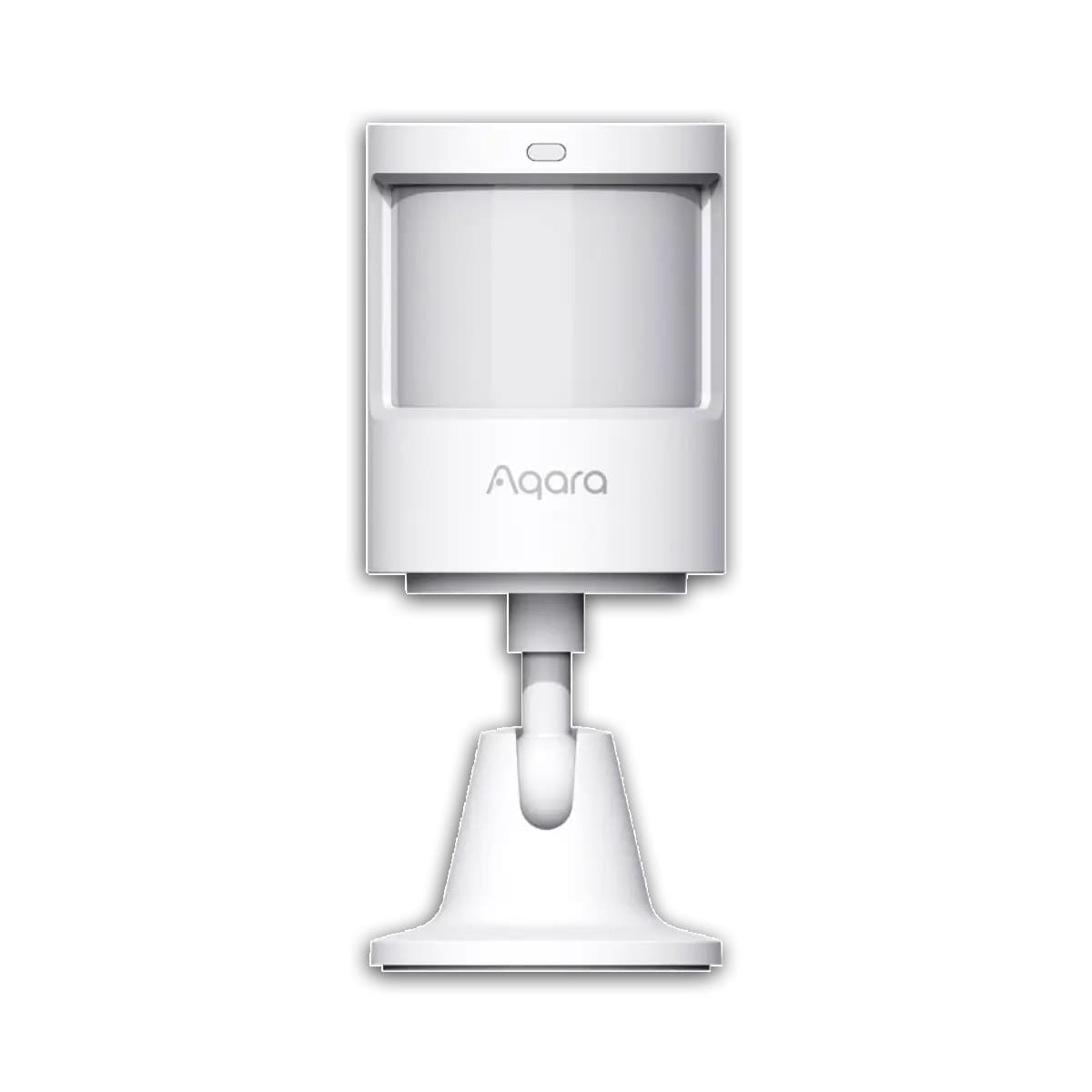
Price: around £20–£26 (prices vary by retailer). The Aqara P1 is the most configurable Zigbee PIR available in the UK. Its detection angle runs 170° out to 2 m, narrowing to 150° out to 7 m depending on mounting position, and the detection timeout is adjustable from 1 to 200 seconds — far more granular than most rivals' fixed presets. Battery life is rated at up to 5 years on 2× CR2450 cells. In Zigbee2MQTT or ZHA it exposes occupancy, a genuine numeric illuminance reading, a configurable detection-timeout number entity, and battery percentage — the illuminance sensor means a "motion and dark" automation needs no separate light sensor at all.
Two pairing gotchas worth knowing before you buy: settings writes (sensitivity, timeout, LED indicator) only take effect if you press the physical button on the sensor right before sending them from Home Assistant, and its short Zigbee join-announcement window means an already-open permit-join period or standing too far from the coordinator can cause the initial pairing packet to silently drop. Retry closer to the coordinator if the first join attempt fails. It requires an Aqara hub, or any generic Zigbee 3.0 coordinator — the retail packaging's insistence on an Aqara hub does not reflect how Zigbee2MQTT/ZHA users actually pair it.
2. Sonoff SNZB-03P — Best budget pick
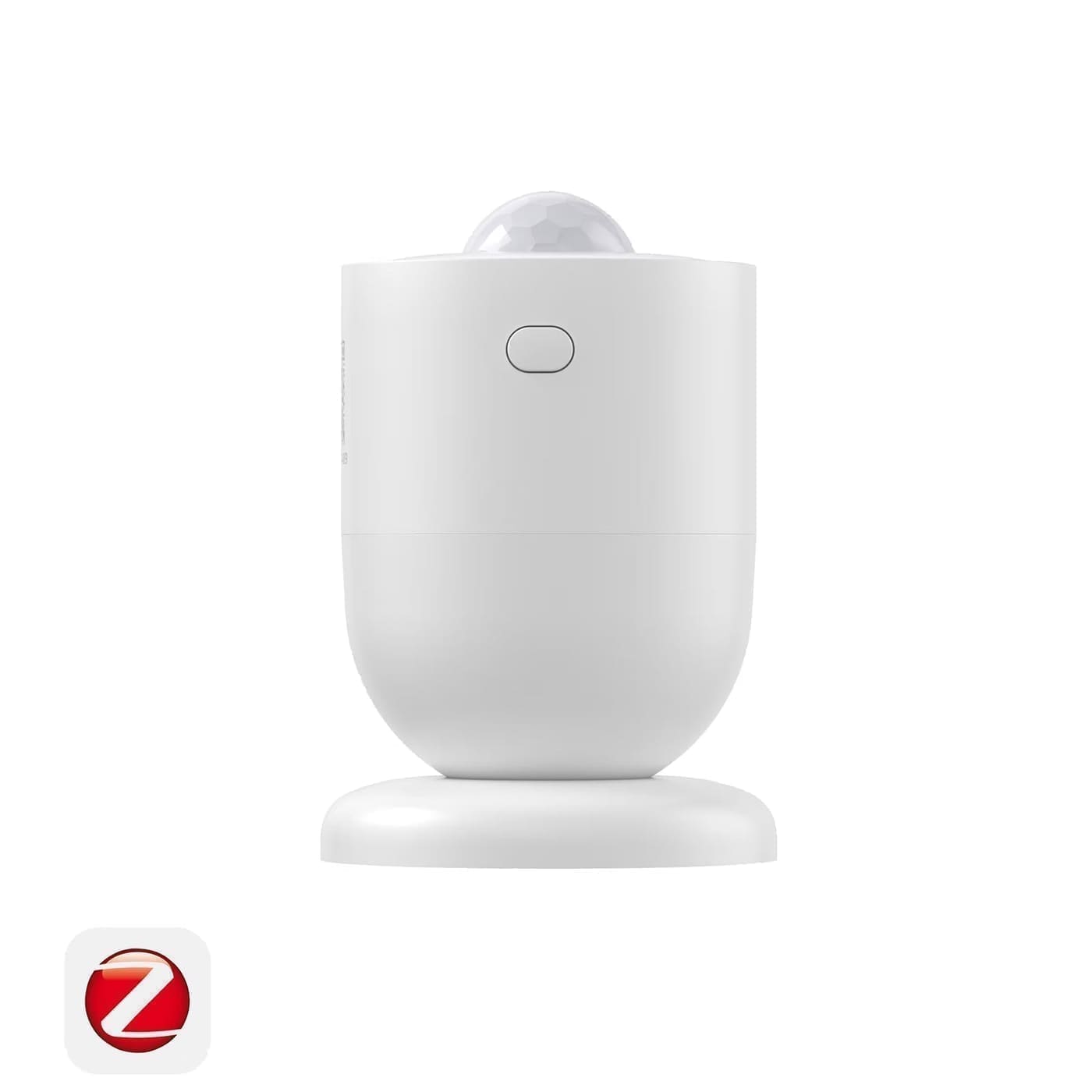
Price: around £11–£15 (prices vary by retailer). At under £15, the SNZB-03P is the easiest budget recommendation. It covers a 6 m range at 110° with a 5-second detection cooldown — one of the fastest re-trigger times on the market, which suits hallways and entrances where you want lights responding instantly rather than a room you sit still in. Battery life is rated at roughly 3 years on a CR2477.
The catch is its illuminance sensor: unlike the Aqara P1's numeric lux value, the SNZB-03P exposes only a coarse two-state "dim"/"bright" enum, and it only updates when motion fires rather than continuously. That combination can defeat a naive "turn on light if dark" automation — the light turning on gets read back as "bright" on the very next motion event, which can block the automation from re-triggering for several cycles. Use illuminance as a gate condition on the automation (only run it when the reading is "dim") rather than as a live threshold check, and the feedback loop disappears. It pairs to any Zigbee 3.0 coordinator, including Home Assistant's built-in ZHA integration or Zigbee2MQTT, with no bridge required despite the marketing.
3. ThirdReality Zigbee Motion Sensor — Simplest entity set, pet-friendly
Price: around £17–£18 (prices vary by retailer). The ThirdReality sensor (model 3RMS16BZ) is a straightforward alternative for anyone who wants the smallest possible footprint in their entity list: Zigbee2MQTT exposes just occupancy, battery percentage, a low-battery flag and raw voltage — no illuminance sensor at all, so there is nothing to misconfigure in a lux-gated automation. It runs on 2× AAA batteries rated at roughly 2 years and detects movement up to around 9 m (30 ft), with a sensitivity dial that helps filter out smaller pets. If you only need a clean occupancy trigger and do not want to think about lux quirks, this is the least fussy option on this list, though the trade-off is no built-in ambient-light gating.
4. Aqara Presence Sensor FP1E — Best upgrade pick (mmWave, not PIR)
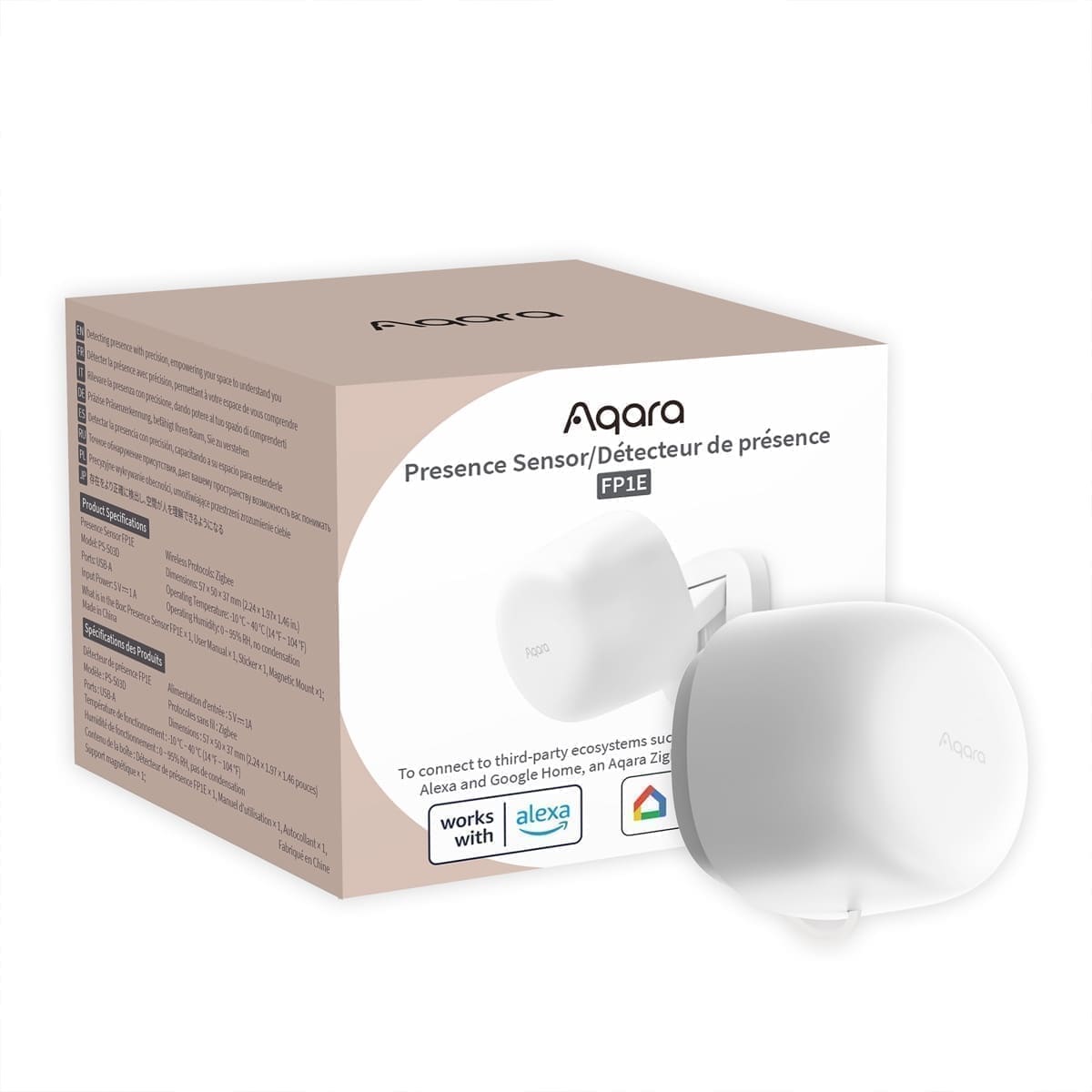
Price: around £49–£50 (prices vary by retailer). Every sensor above uses a passive infrared element, which only detects movement — sit still in a room and a PIR sensor will eventually time out and mark it clear. The FP1E uses 60–61 GHz mmWave radar instead, so it detects stillness as well as motion across a single 6 m, 120° zone (adjustable sensitivity), and won't switch your lights off while you are sat reading. It reports a unified presence binary_sensor across the whole cone (no per-region split, unlike the pricier FP2) plus a target-distance sensor, and pairs to Zigbee2MQTT or ZHA without the Aqara hub the box suggests you need.
The trade-offs: it is mains-powered via a fixed 2 m cable rather than battery, so you need a socket nearby, and there is an unconfigurable roughly 30-second hold-off after someone leaves before presence clears — build a buffer into any automation rather than expecting an instant off. For a single living room or home office where PIR's constant re-triggering gets annoying, it is worth the roughly £25 premium over the Aqara P1.
Honourable mention: Philips Hue Motion Sensor
If you already run a Philips Hue Bridge, the official Hue Motion Sensor (around £39.99, 2× AAA batteries, minimum 2-year battery life, IP42) is a Zigbee device that pairs straight into the Hue ecosystem and, through the core Hue integration, into Home Assistant too. It supports up to 10 time-of-day scenes natively in the Hue app and includes its own ambient light sensor to stop lights firing in a bright room. It costs roughly double the Aqara P1 for broadly similar core functionality, so it only makes sense if you are already invested in Hue lighting — our best PIR motion sensors UK guide covers it in more depth alongside non-Zigbee alternatives.
Zigbee2MQTT vs ZHA: does it matter which you pick?
For every sensor on this list, both integrations work. The practical differences show up at the edges: Zigbee2MQTT typically exposes a slightly richer set of configuration entities (like the Aqara P1's detection-timeout number) because its community device database is updated independently of Home Assistant's release cycle, while ZHA's device-specific "quirks" ship inside Home Assistant core itself, so a brand-new sensor model can lag behind by a release or two. If you already run Zigbee2MQTT for other devices, add these sensors there for consistency; if you are starting fresh and want one fewer moving part (no separate MQTT broker to run), ZHA is the simpler starting point. Our Zigbee2MQTT setup guide walks through getting a coordinator running either way.
Installation tips
Mount PIR-based sensors (the Aqara P1, Sonoff SNZB-03P and ThirdReality) in a top corner, roughly 2–2.4 m up, angled to cover the room's main entry path rather than a side wall — this maximises the field of view and avoids missing someone who walks straight toward the sensor, where PIR technology is least sensitive. Avoid pointing any of them at a window, since direct sunlight and passing headlights are a common source of false triggers. The mmWave-based FP1E is less fussy about mounting angle since it detects presence rather than a body-heat gradient, but keep it away from large moving objects like ceiling fans, which mmWave radar can occasionally misread as a person.
Once a sensor is mounted and paired, the next step is building automations around it — our smart lighting automation tips guide covers motion cooldowns, sun elevation triggers, and avoiding flickery re-triggers.
For rooms where people sit still, a radar sensor is a better fit than PIR: see our mmWave presence sensor roundup.