


How we chose these presence sensors
We looked at four things in priority order: whether the sensor reaches Home Assistant without a cloud account, how it is powered, whether it can tell you where in a room someone is, and how much it costs in the UK. We left out camera-based and Bluetooth-tracking approaches, which solve a different problem, and left out sensors that are not sold to UK buyers. Prices are single-retailer figures seen in September 2026 and move often, so treat them as bands.
Everything below comes from the makers' pages, the Home Assistant and Zigbee2MQTT docs and independent reviews listed in the sources, not from our own lab testing. One caution on labels: mmWave is used loosely. The FP1E and FP300 use 60 GHz radar, the Everything Presence Lite uses 24 GHz, and the SONOFF SNZB-06P is a 5.8 GHz radar that reviewers and retailers describe inconsistently, so treat it as a microwave radar sensor rather than a true mmWave one.
Why choose mmWave presence over a PIR motion sensor?
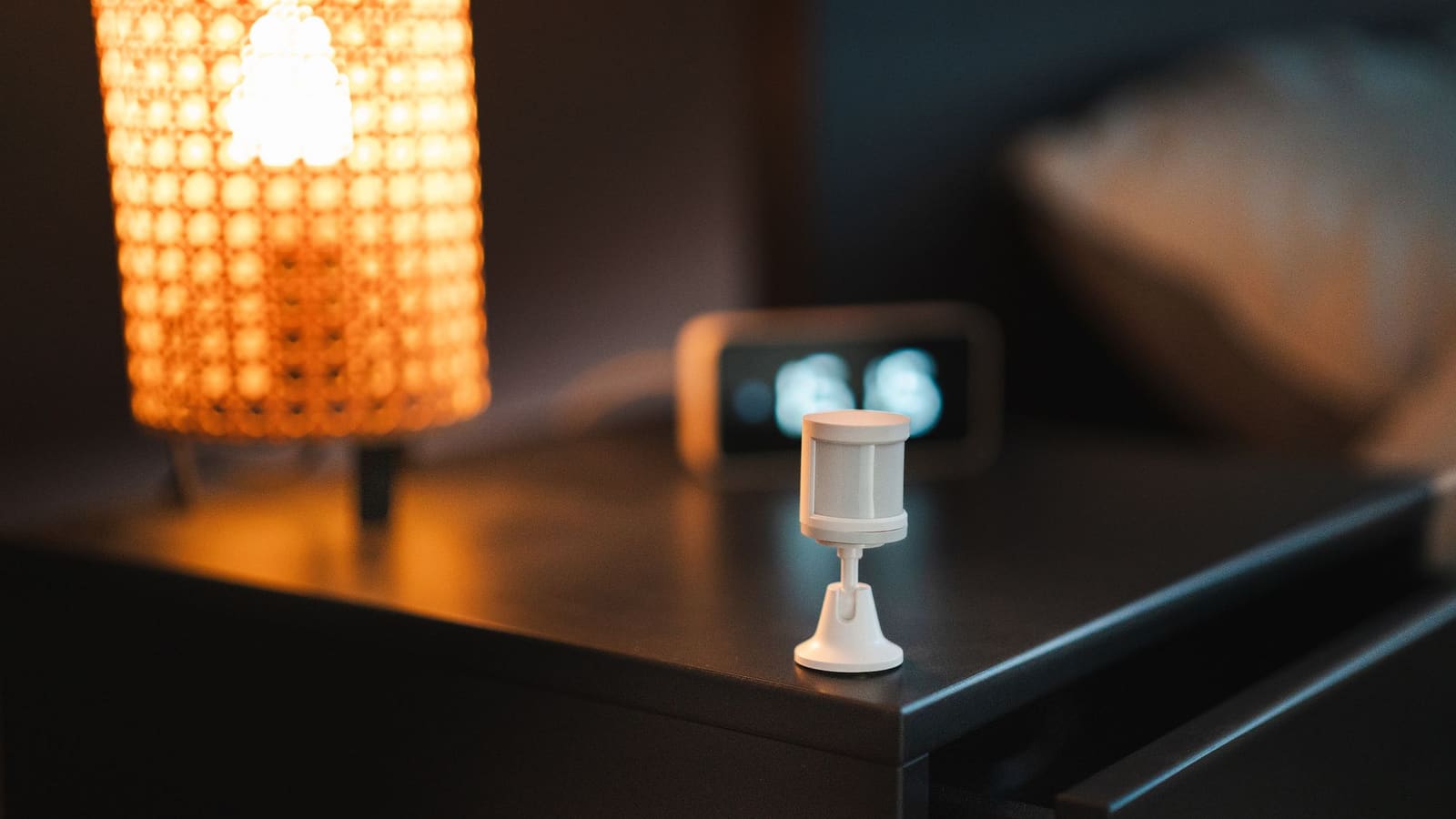
Choose mmWave when people sit still, because a PIR sensor only sees movement while a radar sensor can keep reporting occupancy for someone reading or watching TV. A PIR sensor reacts to changes in infrared heat as a warm body crosses its view, so it goes quiet the moment you stop waving. Radar keeps detecting small movements such as breathing, which is what lets a room stay "occupied".
The trade-off is cost and power. Most radar sensors here need a USB supply, and they can pick up fans, curtains and pets if left at maximum sensitivity. If you only need a light in a hallway, a PIR motion sensor or a Zigbee motion sensor is cheaper and battery-friendly. Our Home Assistant presence detection guide covers the other approaches, from phones to routers.
The best mmWave presence sensors for UK homes
1. Aqara Presence Multi-Sensor FP300 — best overall
Who it's for: anyone who wants a presence sensor for a bedroom, office or bathroom without running a USB cable. Aqara lists the FP300 as combining PIR with 60 GHz mmWave radar, a 120° field of view and up to 6 m range, plus light, temperature and humidity sensors. It runs on two CR2450 batteries, with claimed life of up to 3 years in Zigbee mode and up to 2 years in Thread mode.
It can be paired over Thread or Zigbee and is Matter-compatible. Home Assistant's Aqara integration page lists it as a Matter device, and Zigbee2MQTT has a device page for the PS-S04D model. The catch: over Matter you get the basics (occupancy, temperature, humidity, light, hold time, sensitivity), and SmartHomeScene reports that ZHA lacks occupancy without a custom quirk. Switching a device between Thread and Zigbee may need a factory reset, so decide the protocol before you mount it.
2. Aqara Presence Sensor FP2 — best for zones
Who it's for: living rooms and open-plan spaces where you want "sofa" and "dining table" to be separate presence sensors. Aqara's spec page lists radar tracking of up to 5 people with 30 configurable zones, an 8 m range wall-mounted or a 2 m radius from the ceiling, and a built-in light sensor. The Aqara UK Shop says it can be added to Home Assistant with the HomeKit Controller integration, and the zones show up as separate sensors.
The catch: it is 2.4 GHz Wi-Fi only, needs USB-C power, and the zones are drawn in the Aqara app. Aqara also says the ceiling-only fall-detection mode disables most other features, including zone positioning and presence detection, so leave it off if presence is what you want.
3. SONOFF SNZB-06P — best budget
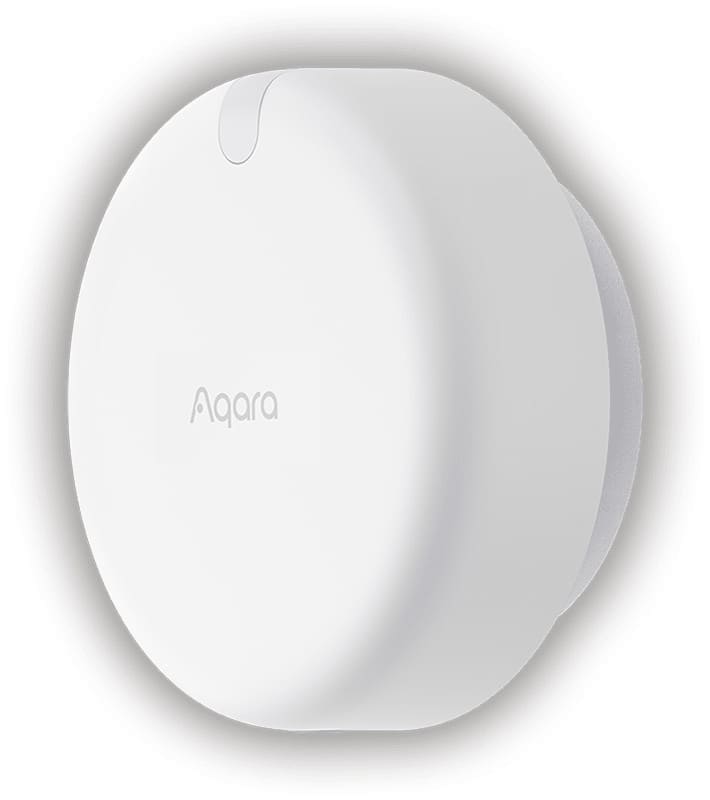
Who it's for: anyone already running Zigbee2MQTT or ZHA who wants a cheap occupancy signal for a small room. It is a USB-C powered Zigbee 3.0 device that also acts as a router, so it strengthens the mesh. Zigbee2MQTT's device page lists occupancy, an occupancy timeout of 15 to 65,535 seconds and a sensitivity setting; SmartHomeScene's review puts the maximum range at about 4 m.
The catch: there are no zones and no distance reporting, and it struggles in rooms much larger than about 4 m. Reviewers advise running firmware 1.0.5 or later, as 1.0.3 was unreliable. If you want zones on the same platform, look at SONOFF's newer 24 GHz SNZB-06P24, which SmartHomeScene lists with seven zones, though ZHA needs a custom quirk for it.
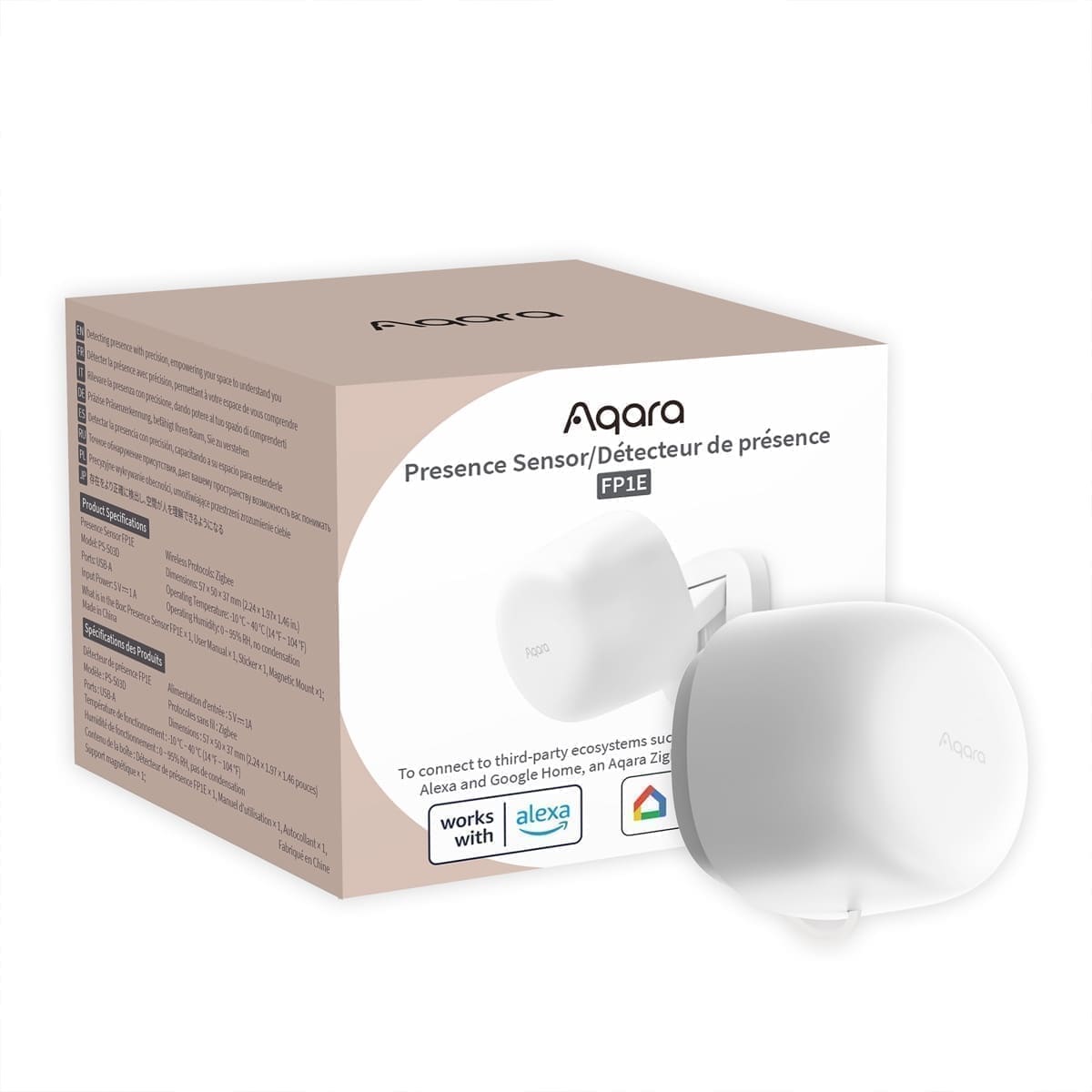
4. Aqara Presence Sensor FP1E — best cheap 60 GHz Zigbee
Who it's for: Aqara-hub owners who want moving and still presence detection for less than the FP2. Aqara lists it as 60 GHz mmWave with a 6 m range and a 120° field of view, with maximum distance adjustable from 0 to 6 m in the app. It is Zigbee 3.0, powered by a USB-A cable.
The catch: we found no zone or distance-reporting feature on Aqara's page, and it is mains-powered like the SONOFF, so the FP300 is the better buy unless you have a spare USB port and want to save a few pounds. Home Assistant reaches it either through an Aqara hub's Matter bridge or through Zigbee2MQTT.
5. Everything Presence Lite — best for ESPHome tinkerers
Who it's for: Home Assistant users who like open firmware. The Everything Smart Technology shop lists it at £28, as a 24 GHz mmWave sensor with about 5 to 6 m range, up to three tracked targets, up to four zones, a light sensor and Bluetooth proxy capability. It is "Made for ESPHome", so Home Assistant discovers it natively, and zones are drawn in a Home Assistant add-on rather than a vendor app.
The catch: it is Wi-Fi only and mains-powered, and the shop showed conflicting stock information when we checked, so confirm availability before ordering. It also assumes you are comfortable with ESPHome; if not, our ESPHome guide is a good primer.
Where should you put a presence sensor?
Mount it so it looks across the space people occupy, not at a doorway, fan or radiator. Radar can read a swaying curtain or an extractor fan as presence, so point it away from them and lower the sensitivity until the false triggers stop. Wall-mounted sensors on the FP1E, FP2 and FP300 all quote roughly 6 to 8 m of range, but real rooms with furniture and thin walls will behave differently, so test in place before you commit to drilling.
Pair the sensor with an automation that uses a delay rather than acting on every change: switch lights on at occupancy, and switch them off only after a few minutes of no presence. That covers the small gaps radar sometimes leaves when someone is very still.
Who should skip a presence sensor?
Skip it if a plain motion light does the job. Hallways, landings and outdoor lights are used briefly, so a battery PIR sensor costs less and needs no cable. Also skip radar in bedrooms where you do not want a sensor picking up a partner or pet through a thin wall. For those rooms, a smart motion sensor light is the simpler answer.