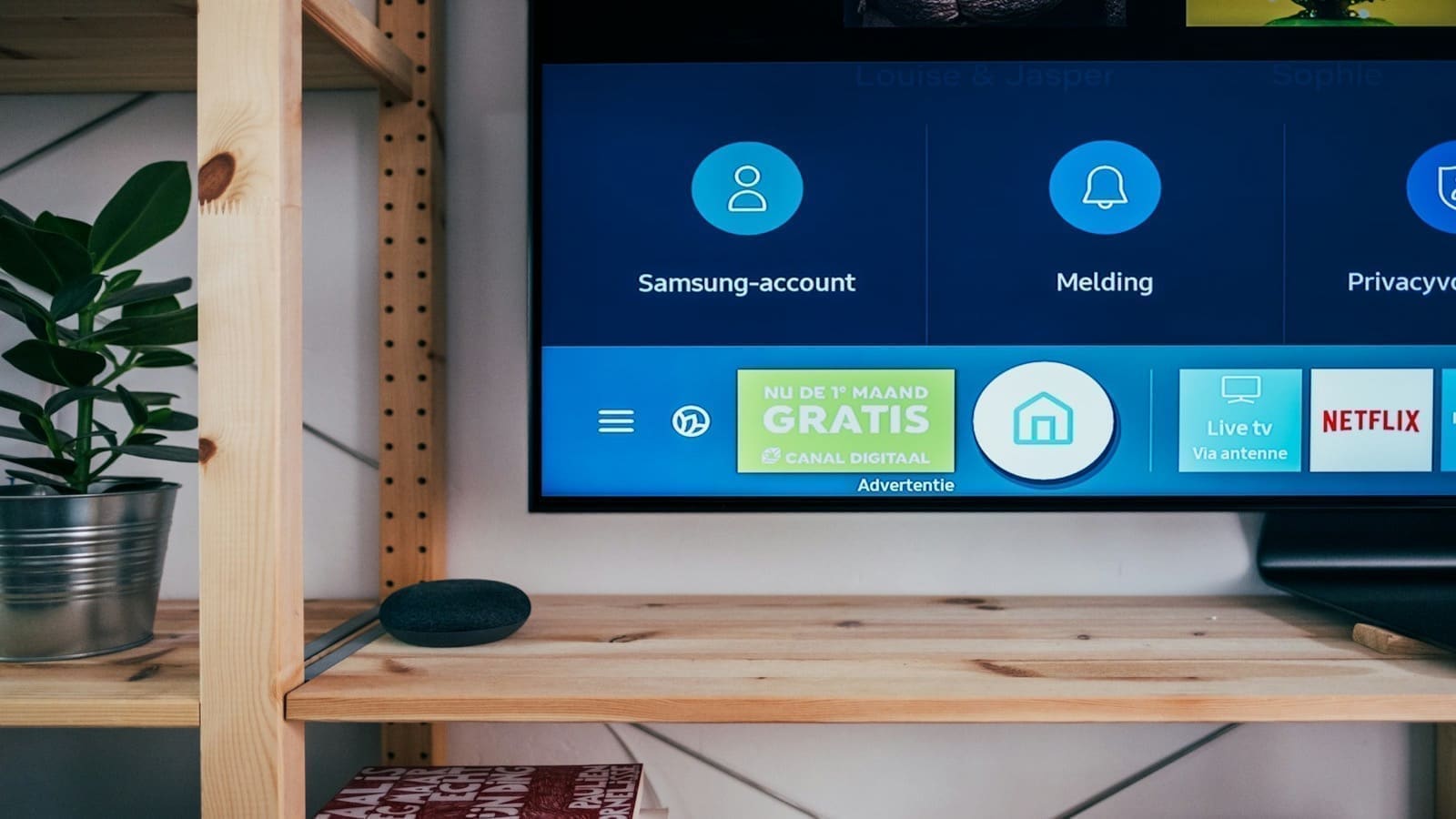
At IFA Berlin 2026, Philips Hue announced its biggest lineup update in years: the Play Screen Sync camera, which reads on-screen colour to sync Hue lights without an HDMI box, priced at £109.99/$119.99, alongside a new Play HDMI Sync Box 4K, expanded decorative lighting, and Nanoleaf integration. Both sync devices can now pair directly with a single Hue light strip over Bluetooth, skipping the Hue Bridge entirely for a one-light setup. The decorative range adds the Liane 360° rope light, new Signe and Festavia variants, and cuttable Play gradient strips, while a Wall Light Module brings compatible Nanoleaf Shapes panels into the Hue app — a rare bit of cross-brand cooperation between two normally separate ecosystems. The caveat: camera-based sync trades some accuracy and privacy for convenience, so it won't suit every setup.
How does the Play Screen Sync camera compare to an HDMI sync box?
The core trade-off is convenience versus precision. The Play Screen Sync's fisheye camera captures whatever is actually displayed on screen, so it works with any source — a smart TV's native streaming apps, a games console, or live broadcast — without routing HDMI through a separate box first (Android Authority). That solves a real limitation of the existing HDMI sync boxes, which can only react to whatever passes through their HDMI ports, missing built-in smart TV apps entirely unless every source is looped through the box. The trade-off is that a camera reading a screen from a distance is inherently less precise than a box reading the raw video signal directly, and 9to5google's coverage of the launch confirms setup is plug-and-play with automatic calibration rather than a manual colour-matching step (9to5Google). Worth flagging for privacy-conscious buyers: this is a camera pointed at your TV and, depending on placement, potentially the room around it, which is a meaningfully different privacy posture to a box that only ever sees an HDMI signal. Neither source we checked addresses what (if anything) the camera stream sends to Signify's cloud versus processing locally, so treat that as an open question rather than a confirmed local-only feature.
Do you still need a Hue Bridge to use the new sync devices?
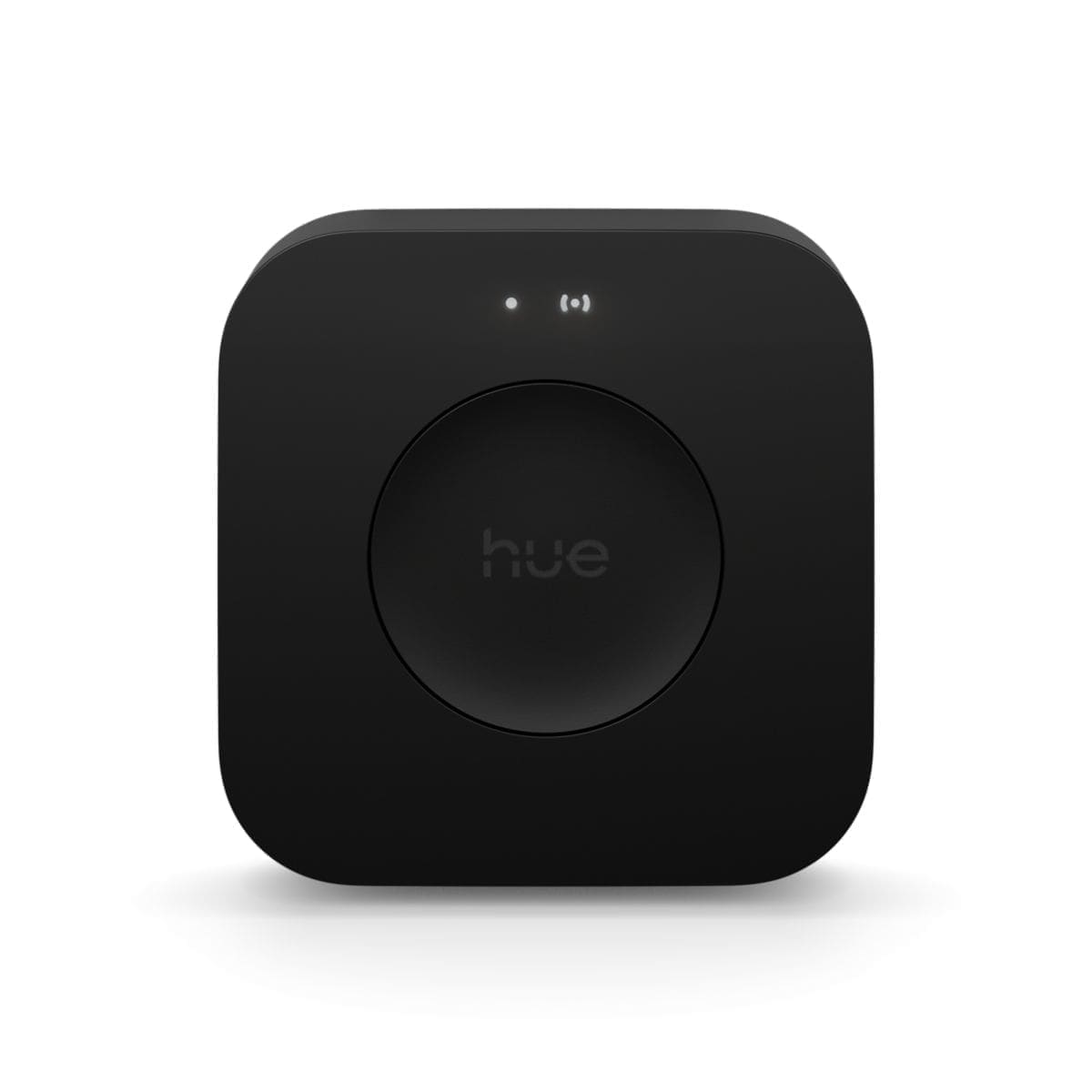
Not for a single light strip. Both the Play Screen Sync and the Play HDMI Sync Box 4K can pair over Bluetooth directly to one Play gradient lightstrip, cutting the Hue Bridge out of the setup entirely for that scenario (9to5Google). That's a genuine change from Hue's usual pitch, where a Bridge has been effectively mandatory for entertainment sync since the feature launched. The catch is scale: a Hue Bridge or Bridge Pro (whose UK price has just risen to £129.99) is still required as soon as you want to sync more than one light — the Bridge supports up to ten lights in an entertainment area, and Bluetooth-only setups are capped at the single strip. For anyone weighing up whether to buy a Bridge at all, our Zigbee hub comparison and Hue Entertainment Areas setup guide cover what a Bridge unlocks beyond sync.
What's new in Hue's decorative lighting range?
Alongside the sync hardware, Philips Hue expanded several existing product lines. The Liane is a new 360° rope light using what Hue calls OmniGlow technology for even light output around its full circumference, available in 3m and 5m lengths from €399.99, designed to wrap around furniture and architectural features rather than run in a straight line (Hueblog). The Signe family gains pendant, pendulum and pole variants from €299.99, and Festavia — Hue's outdoor string-light range — adds a light curtain, a light net for hedges, and an icicle variant, all at €229.99 (Hueblog). The Play gradient lightstrip range is now cuttable to fit any screen up to 100 inches, starting at €99.99, with a higher-spec Pro version using RGBWW LEDs from €159.99 (Hueblog). None of these four product lines has confirmed UK pricing yet; the figures above are Hue's European list prices at launch.
How does the Nanoleaf integration actually work?
Nanoleaf and Hue are normally separate, competing ecosystems, which makes this integration notable rather than routine. It's enabled by a small $40 Hue x Nanoleaf Wall Light Module — a connector that clips onto the edge of a compatible Nanoleaf panel the same way the panels clip to each other — that bridges compatible Nanoleaf Shapes panels (Hexagons, Triangles and Mini Triangles) into the Hue app (Android Authority). Once connected, the Nanoleaf panels can join Hue scenes and automations and be controlled from Hue switches, rather than needing the separate Nanoleaf app. It's a hardware bridge rather than a native software integration, so it only covers the specific Shapes panels the module supports — existing Nanoleaf strip lights, bulbs or the Canvas/Lines ranges aren't part of this integration. Anyone already invested in Nanoleaf's panel lineup can compare the two brands directly in our Nanoleaf review.
Frequently asked questions
- What is the Philips Hue Play Screen Sync and how much does it cost?
- The Play Screen Sync is a clip-on camera, announced at IFA Berlin 2026, that sits above a TV or monitor and uses a fisheye lens to read on-screen colour in real time, syncing it to Hue lights without an HDMI box in between. It costs £109.99/$119.99, making it Hue's cheapest way into TV-sync lighting to date, and it can pair with a single Play gradient lightstrip over Bluetooth without needing a Hue Bridge. The advantage over Hue's existing HDMI sync boxes is that it works with any on-screen source, including built-in smart TV apps and broadcast content, not just devices routed through an HDMI port. The caveat is that a camera reading a screen is inherently less precise than a box reading the raw signal, and it's a camera pointed at your TV — a different privacy trade-off worth weighing against the convenience.
- Can you use the new Hue sync devices without a Hue Bridge?
- Yes, but only for a single light. Both the Play Screen Sync camera and the new Play HDMI Sync Box 4K can pair directly over Bluetooth with one Play gradient lightstrip, so a Hue Bridge isn't required to get basic TV-sync lighting working. This lowers the entry barrier for buyers who previously needed a Bridge just to try entertainment sync. The limitation is scale: as soon as you want to sync more than one light or lightstrip together, a Hue Bridge or Bridge Pro becomes necessary again, since Bluetooth-only Hue setups are capped at a single connected light. Anyone planning a multi-light entertainment area, rather than a single strip behind one screen, should still budget for a Bridge alongside either sync device.
- Do Nanoleaf lights now work with the Philips Hue app?
- Compatible Nanoleaf Shapes panels — Hexagons, Triangles and Mini Triangles — can now join the Hue app, but only via a new $40 Hue x Nanoleaf Wall Light Module, a small hardware connector that clips onto the panel edge like Nanoleaf's own linkers. Once fitted, those panels can be added to Hue scenes and automations and controlled from physical Hue switches instead of the separate Nanoleaf app. It's a notable move since Hue and Nanoleaf are usually competing, closed ecosystems. The caveat is scope: this only covers the specific Shapes panel types the module supports, not Nanoleaf's strip lights, bulbs, or the Canvas and Lines ranges, so most Nanoleaf owners outside the Shapes line won't be able to use it yet.
›How we researched this
Claims in this article are checked against primary sources — manufacturer specifications, official documentation, Which? research, Ofgem guidance, or gov.uk — rather than forum threads or video reviews. Where the author has direct hands-on experience with a product (most Home Assistant, Zigbee, and home-networking gear is running in his own homelab), that is stated explicitly in the text.
For categories outside that personal setup — such as boilers, heat pumps, and other areas that are traditionally a heating engineer's domain — verdicts are built from cross-referenced manufacturer data, published lab results, and vetted expert and owner reviews rather than a claim of personal hands-on testing. See the editorial policy for the full methodology.
Citing this page? Please use a dofollow link back to the original article — it helps us keep the data on this page accurate and up to date.