How much does a Philips Hue bulb cost to run per year?
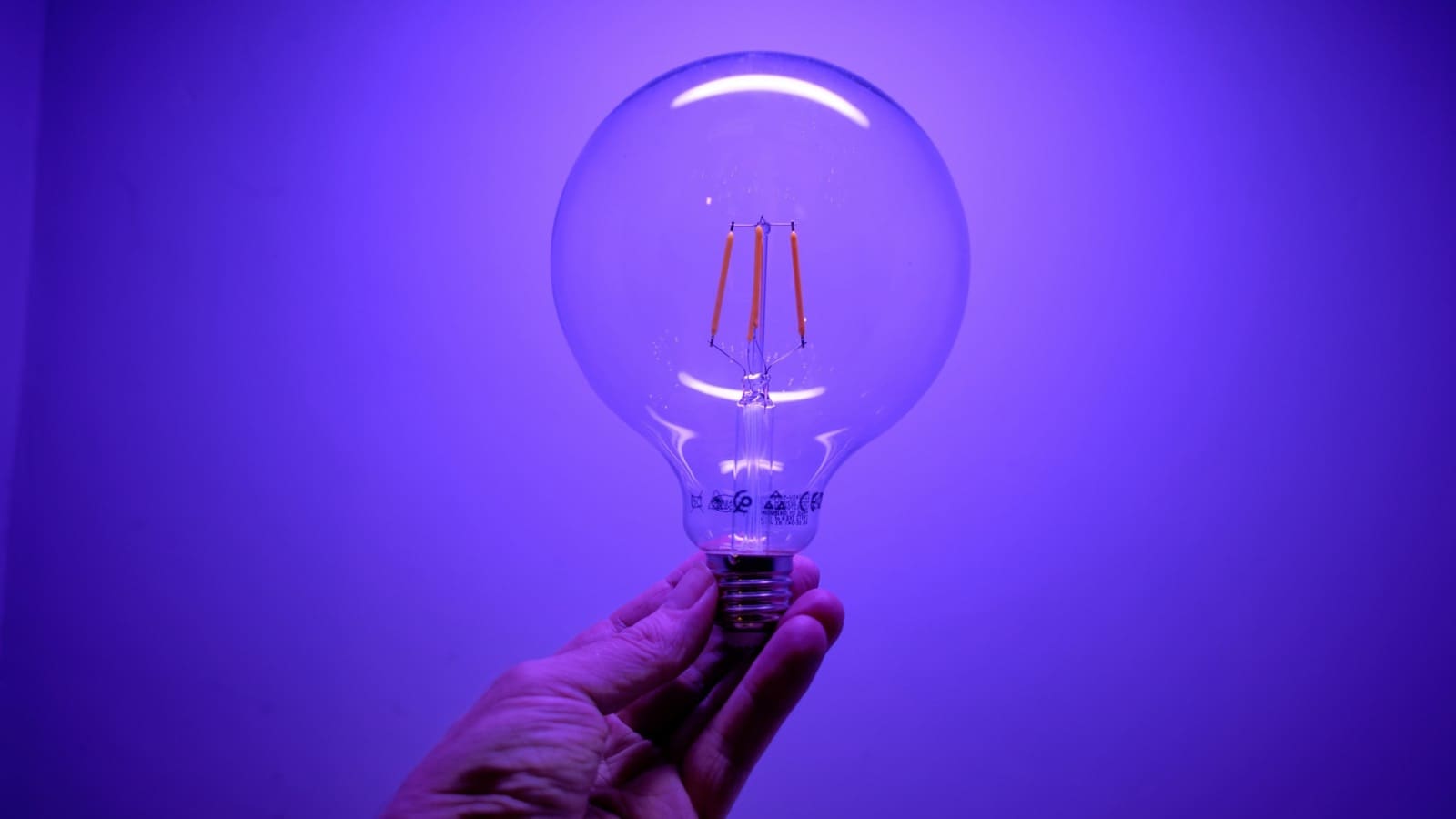
At the current Ofgem price cap unit rate of 26.11p per kWh (1 July–30 September 2026, typical Direct Debit customer), a Philips Hue White and Colour Ambiance Essential A60 bulb — rated at 8W and 806 lumens — costs around £3.80 a year run for 5 hours a day, a reasonable estimate for a living room or hallway light used mainly in the evenings.
| Product | Typical power draw | Est. annual cost (5h/day, 26.11p/kWh) |
|---|---|---|
| Hue White & Colour Ambiance Essential A60 (806lm) | 8W | ~£3.80 |
| Hue White/White & Colour, 75W-equivalent A19/A60 | ~10.5W | ~£5.00 |
| Hue Lightstrip Plus (2m base, brightness-dependent) | up to 20W max | ~£4.75–£9.50 |
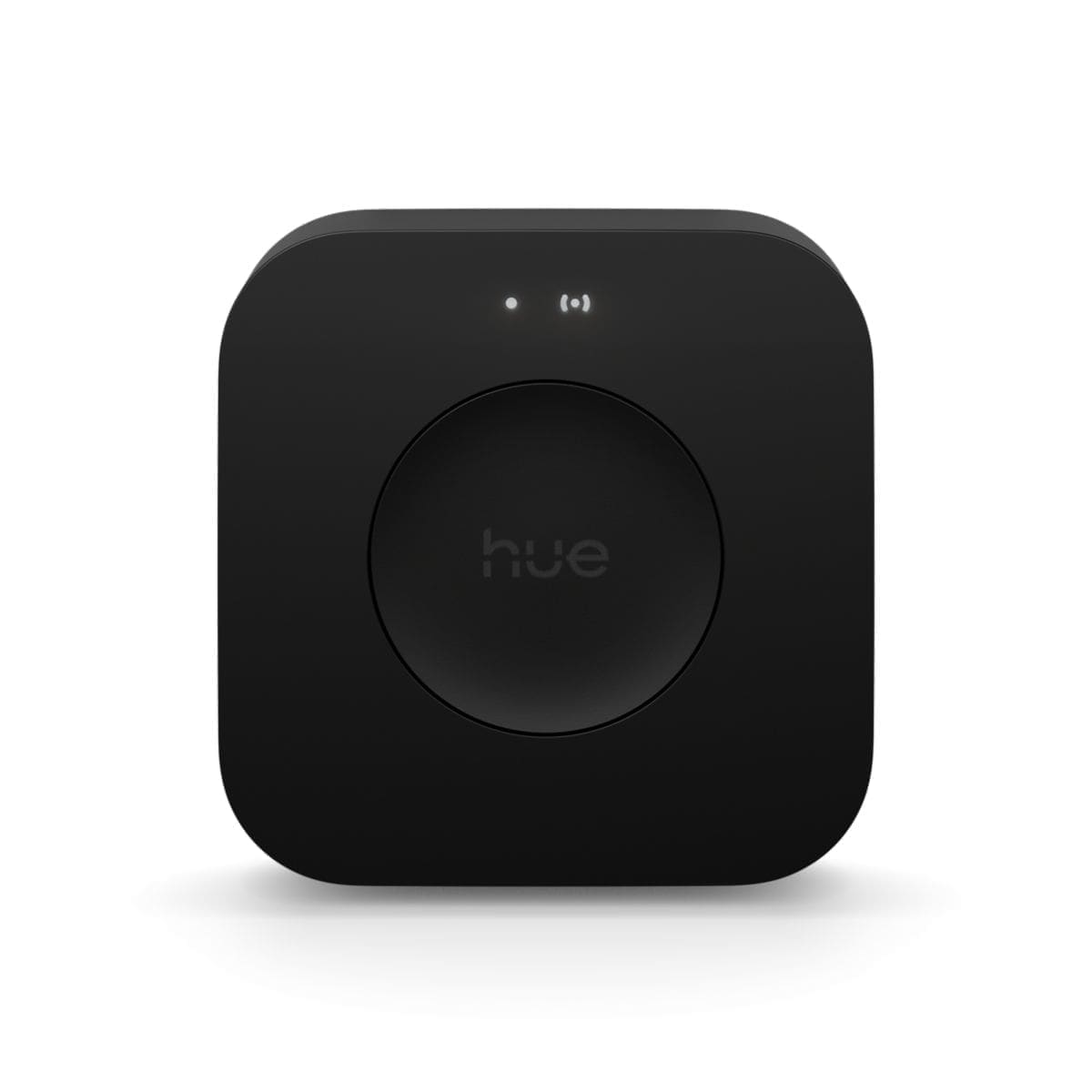
| Hue Bridge (always-on, 24/7) | ~2–3W typical | ~£4.60–£6.90 |
| 10-bulb whole-home setup + Bridge | ~80W total when all on | ~£43 combined |
Scale that up: a home running ten Essential A60 bulbs for 5 hours a day, plus one always-on Bridge, comes to roughly £43 a year in total — less than £4 a month for a full house of colour-changing smart lighting. Run the lights for longer, such as an outdoor security light left on overnight, and the cost rises proportionally; a bulb left on 12 hours a day rather than 5 costs more than double.
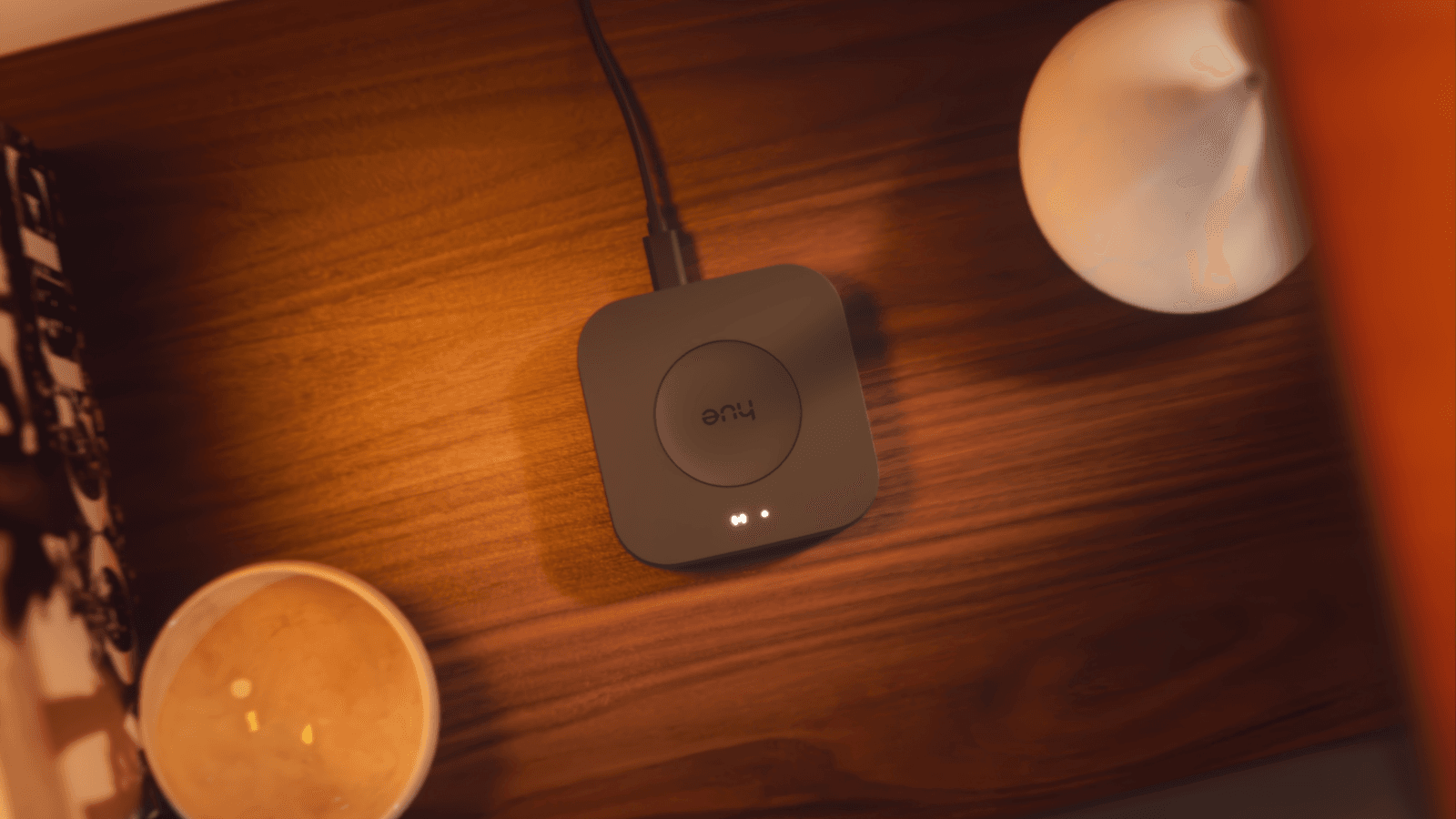
Does the Hue Bridge use much electricity?
No — the Hue Bridge is one of the cheapest things to run in a smart home. Signify's own specification sheet lists a standby draw of a fraction of a watt, but because the Bridge is never fully idle — it's constantly managing the Zigbee mesh and syncing with the Hue app and Home Assistant — independent measurements of always-on smart home hubs put its real continuous draw closer to 2–3W. Left running 24 hours a day, that works out to somewhere between roughly £4.60 and £6.90 a year at the current price cap rate, regardless of how many bulbs are connected to it or how often they're switched on. There's no way to meaningfully reduce this, since the Bridge needs to stay powered to keep your lights, schedules, and any Hue Wall Switch Module pairings working.
Is Philips Hue more expensive to run than a standard LED bulb?
No — a Hue bulb and a non-smart LED bulb of the same brightness draw almost identical wattage, because both use the same core LED technology. An 8–10W Hue bulb costs roughly the same few pounds a year to run as any other 800–1,000 lumen LED bulb from a supermarket or DIY shop. The cost difference between Hue and a basic LED is almost entirely in the purchase price (Hue bulbs typically cost £15–£25 each versus £2–£5 for a non-smart LED), not the electricity bill. Where Hue genuinely saves money is against the incandescent and halogen bulbs it usually replaces: the Energy Saving Trust estimates that switching a single 100W incandescent bulb for an LED equivalent can save up to £15 a year, and swapping every bulb in an average home for LEDs can cut £40–£60 a year off the electricity bill. If your Hue bulbs replaced old incandescent fittings, the running-cost saving alone can pay back a meaningful chunk of the purchase price within a couple of years.
How can I reduce my Philips Hue running costs?
Since the wattage per bulb is fixed, the only real lever is how many hours the lights spend switched on and how bright they run. A few settings inside the Hue app and Home Assistant make a measurable difference over a year:
- Use schedules and routines — set lights to turn off automatically at a fixed time (e.g. bedtime) instead of relying on someone remembering to switch them off. This is one of the simplest changes covered in our smart heating schedule guide's scheduling principles, which apply just as well to lighting.
- Add motion sensors in low-traffic areas like hallways, landings, and cupboards so lights only run while someone is actually there, rather than being left on out of habit.
- Dim rather than run at full brightness — a Hue bulb dimmed to 50% draws meaningfully less power than one at full output, and most ambient lighting doesn't need maximum brightness anyway.
- Group bulbs sensibly so you're not lighting an entire room for a single task — Hue's room and zone grouping in the app makes it easy to switch off unused zones without hunting for individual bulbs.
- Use the Lightstrip's dimming rather than max output — since the Lightstrip Plus can draw up to 20W at full brightness, running it at a lower ambient setting rather than full white can roughly halve its running cost.
None of these changes affect how the Hue Bridge itself is set up — see our Philips Hue Bridge v2 review for a full breakdown of what the Bridge does and whether you need one at all.
How does Hue compare with WiZ and LIFX on running cost?
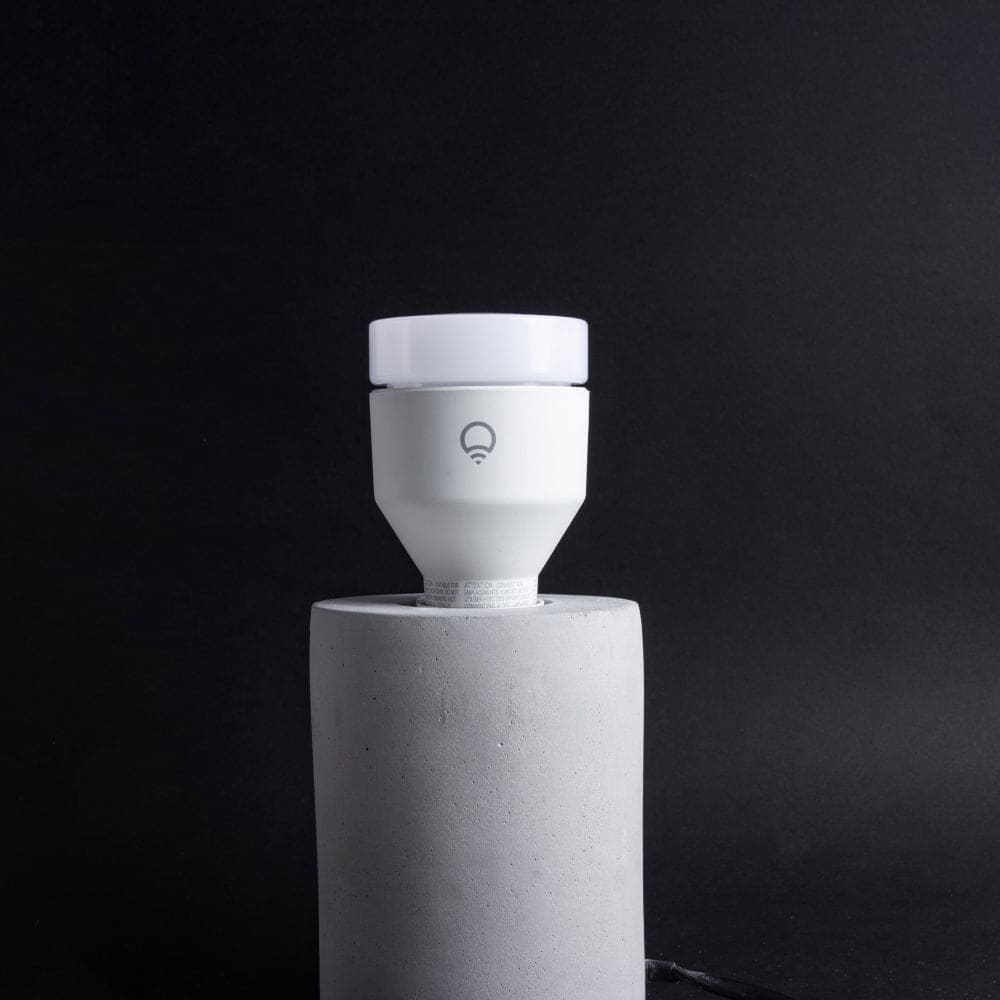
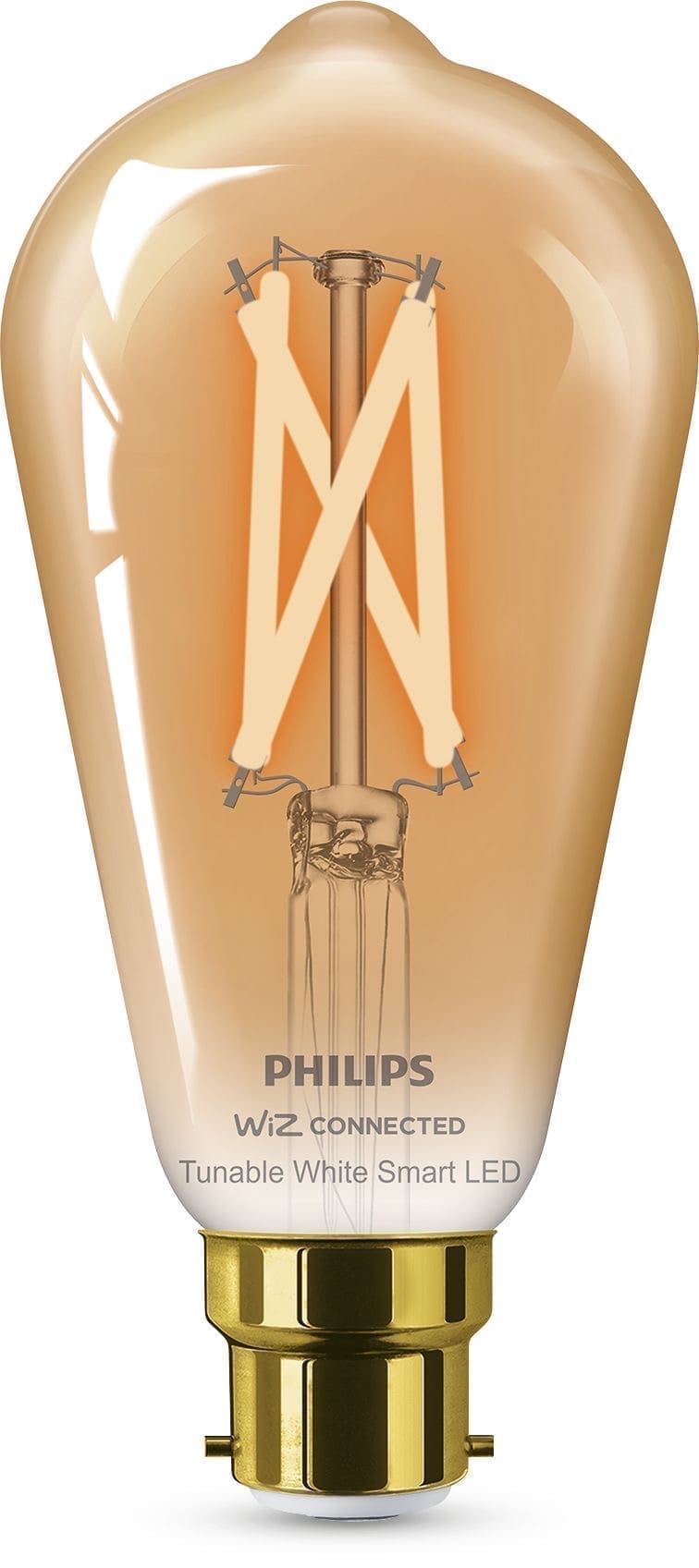
Running costs across Hue, WiZ, and LIFX are broadly similar for equivalent brightness, since all three use comparable LED hardware in the 7–11W range for a standard A60 bulb. The bigger cost difference between the three ecosystems is upfront: WiZ bulbs are typically a quarter of Hue's price with no hub required, while Hue's Bridge is an additional one-off cost (and a small ongoing electricity cost, as above) that buys a more capable Zigbee mesh. See our full Philips Hue vs WiZ vs LIFX comparison for the complete picture beyond running costs.